Step 1
Machine-Ready Briefs
AI translates unstructured needs into a technical, machine-ready project request.
We use cookies to improve your experience and analyze site traffic. You can accept all cookies or only essential ones.
 Bilarna
Stop browsing static lists. Tell Bilarna your specific needs. Our AI translates your words into a structured, machine-ready request and instantly routes it to verified Workflow and CRM Solutions experts for accurate quotes.
AI translates unstructured needs into a technical, machine-ready project request.
Compare providers using verified AI Trust Scores & structured capability data.
Skip the cold outreach. Request quotes, book demos, and negotiate directly in chat.
Filter results by specific constraints, budget limits, and integration requirements.
Eliminate risk with our 57-point AI safety check on every provider.
Verified companies you can talk to directly
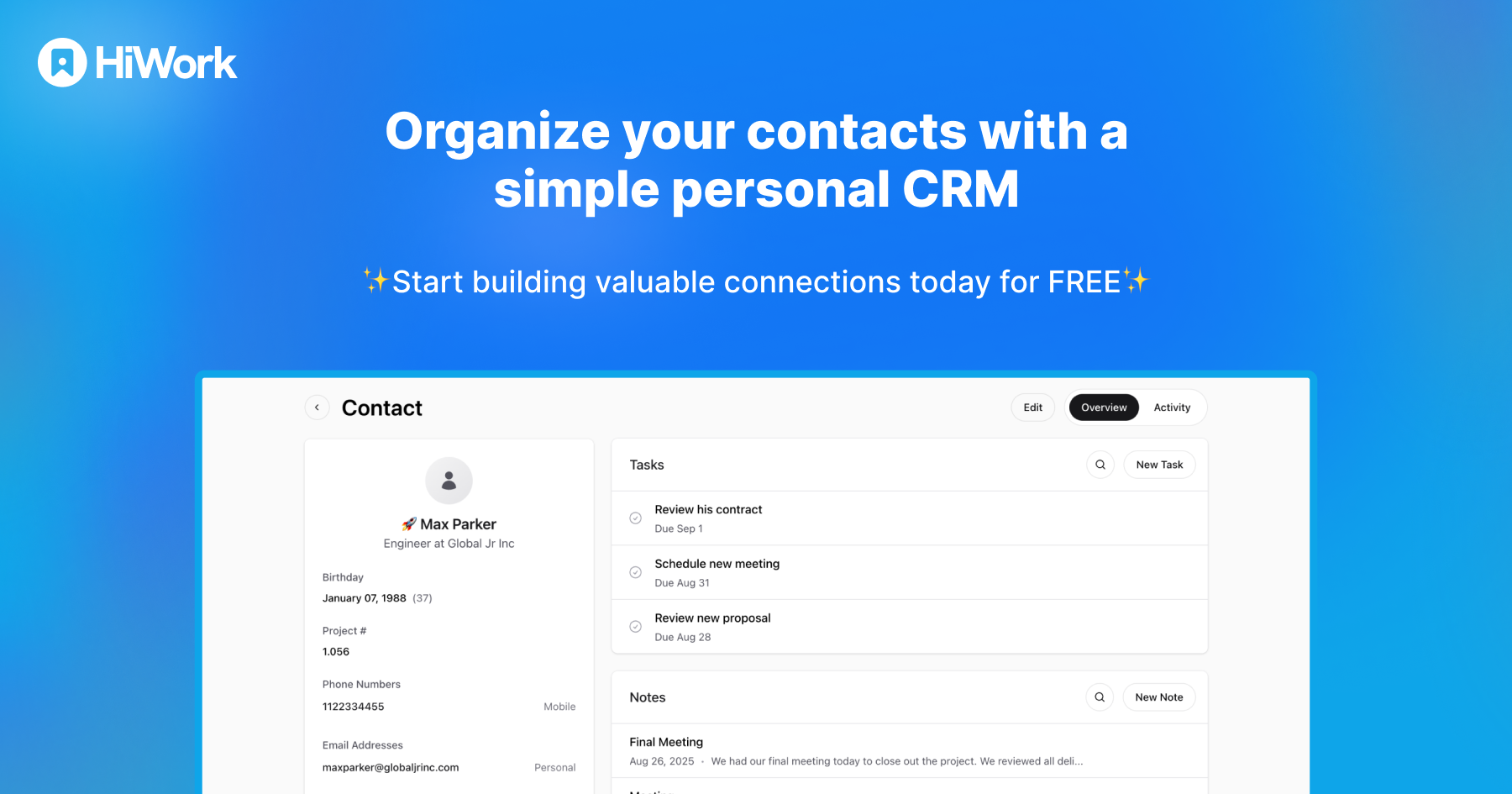
Create visual workflows, collect forms and files, manage approvals, and give clients a better experience. Simple workflow software built for small and growing teams.
Run a free AEO + signal audit for your domain.
AI Answer Engine Optimization (AEO)
List once. Convert intent from live AI conversations without heavy integration.
A CRM integrated with Gmail enhances team collaboration by allowing users to share contacts, emails, files, and other essential information directly within their inbox. This seamless integration eliminates the need to switch between multiple platforms, keeping all communication and data centralized. Teams can manage deals, support queues, and tasks without leaving Gmail, which increases adoption and reduces the friction of logging data. Automated email logging and pipeline management within the inbox help maintain up-to-date information, enabling teams to prioritize work and stay aligned on next steps. Overall, this integration streamlines workflows, improves efficiency, and fosters better communication among team members.
A CRM integrated directly with email platforms allows teams to manage contacts, deals, and communications without switching between multiple applications. This seamless integration helps keep all relevant information in one place, making it easier to share contacts, emails, files, and notes with team members. Automated email logging and pipeline management within the inbox reduce manual data entry, ensuring that data is accurate and up to date. As a result, teams can collaborate more efficiently, maintain better communication, and stay aligned on next steps, ultimately improving productivity and workflow.
Integrate pharma intelligence platforms with CRM and BI tools to improve workflow efficiency by eliminating manual data handling and platform switching. Follow these steps: 1. Connect the intelligence platform directly to your CRM and BI systems to enable seamless data flow. 2. Automate data updates and alerts within your existing tools to reduce manual export, copy, and paste errors. 3. Use unified dashboards to access real-time insights without switching platforms. 4. Streamline decision-making processes with instant answers and predictive intelligence integrated into your workflows. 5. Train teams on the integrated system to maximize adoption and productivity gains, resulting in faster insights and reduced operational costs.
Integrated CRM and marketing solutions provide destination organizations with a unified system that enhances efficiency, personalization, and data-driven decision-making. By combining customer relationship management with marketing automation, these solutions eliminate data silos and streamline workflows, allowing for centralized management of visitor data, sales pipelines, and campaign execution. Key advantages include improved targeting through detailed visitor profiles, which enable personalized marketing campaigns that boost engagement and conversion rates. They also facilitate better tracking of marketing ROI and visitor behavior, supporting strategic adjustments and resource allocation. Additionally, integrated systems promote seamless communication across sales, marketing, and operations teams, ensuring consistent messaging and coordinated efforts. This leads to cost savings, increased visitor satisfaction, and stronger community relationships through efficient service delivery and targeted outreach, ultimately driving sustainable destination growth.
Microsoft Dynamics 365 is a suite of intelligent business applications that combine Enterprise Resource Planning (ERP) and Customer Relationship Management (CRM) capabilities. The ERP component, such as Dynamics 365 Business Central, manages core back-office operations including finance, supply chain, manufacturing, and inventory. The CRM component focuses on sales, marketing, and customer service automation. Together, these integrated cloud-based applications provide a unified view of business data to streamline processes, enhance customer engagement, and drive data-driven decision-making. Key benefits include improved operational efficiency, real-time analytics, scalability for small to midsize businesses, and seamless integration with other Microsoft Cloud services like Office 365 and Power BI. Organizations across sectors like distribution, manufacturing, nonprofits, and healthcare use these solutions to modernize operations and support growth.
Businesses typically implement and customize Microsoft Dynamics 365 CRM through a structured process that includes planning, development, integration, and ongoing support. The process begins with a thorough needs assessment to define scope, requirements, and objectives for the CRM deployment. Customization is achieved by configuring existing modules or developing tailored add-ons to fit specific industry needs, such as for retail inventory management or healthcare patient tracking. Integration with other systems, like ERP software or legacy applications, ensures seamless data flow and process automation across the organization. Post-implementation, support services such as bug fixes, performance tuning, and user training are essential for maintaining system efficiency and user adoption. Flexible pricing models, including fixed-cost packages for defined projects or time-and-material arrangements for evolving needs, allow businesses to align implementation with their budget and strategic goals.
Integrating insurance workflow solutions into existing healthcare software allows providers to seamlessly manage insurance-related tasks without disrupting their current processes. This integration enables immediate processing of patient information, reduces reliance on multiple portals and phone calls, and eliminates the need for manual spreadsheets. It also provides real-time observability into insurance benefits, limitations, and authorizations, improving decision-making and reducing administrative delays. By embedding these solutions directly into provider workflows or through APIs, healthcare organizations can enhance staff productivity, improve patient experience, and streamline insurance operations efficiently.
AI integration with CRM systems improves sales workflow by automating data entry and ensuring that all relevant information from sales calls is accurately captured and updated in real time. This includes syncing notes, next steps, and deal stages immediately after calls, which reduces manual administrative tasks for sales representatives. By keeping CRM data current and comprehensive, AI enables better tracking of opportunities and more informed decision-making. It also facilitates the generation of follow-up materials such as emails and calendar invites directly from the call insights. Overall, this integration streamlines the sales process, allowing sales teams to focus more on engaging with prospects and closing deals rather than on paperwork.
AI workflow automation improves CRM data quality by automatically capturing and syncing customer interactions from multiple sources without manual intervention. The system records every call, meeting, and email exchange, then extracts relevant information to update CRM fields in real-time. This eliminates the common problem of sales representatives neglecting data entry after customer interactions, which leads to incomplete or outdated records. Specific improvements include automatic population of deal stages, contact information updates, activity logging, and pain point documentation based on conversation analysis. By removing human error and inconsistency from the data entry process, organizations maintain accurate, up-to-date customer information that supports better forecasting, personalized follow-ups, and data-driven decision making across revenue teams.
To compare different CRM software solutions, you should systematically evaluate them across five key criteria: functionality, scalability, integration capabilities, user experience, and total cost of ownership. First, define your specific business requirements, such as sales pipeline management, marketing automation, or customer service ticketing. Next, assess the software's ability to scale with your company's growth and its ease of integration with your existing tech stack, like email platforms, accounting software, or e-commerce systems. The user interface should be intuitive to ensure high adoption rates among your team. Finally, calculate the total cost, including subscription fees, implementation costs, and any required training, to determine the long-term return on investment. A thorough comparison often involves testing demos or free trials.