Step 1
Machine-Ready Briefs
AI translates unstructured needs into a technical, machine-ready project request.
We use cookies to improve your experience and analyze site traffic. You can accept all cookies or only essential ones.
 Bilarna
Stop browsing static lists. Tell Bilarna your specific needs. Our AI translates your words into a structured, machine-ready request and instantly routes it to verified Music Video Creation experts for accurate quotes.
AI translates unstructured needs into a technical, machine-ready project request.
Compare providers using verified AI Trust Scores & structured capability data.
Skip the cold outreach. Request quotes, book demos, and negotiate directly in chat.
Filter results by specific constraints, budget limits, and integration requirements.
Eliminate risk with our 57-point AI safety check on every provider.
Verified companies you can talk to directly

Create engaging audio & music visualizers in seconds with Beatwave. Turn your tracks, beats, audio and podcasts into engaging videos easily.

Create your music video with AI!
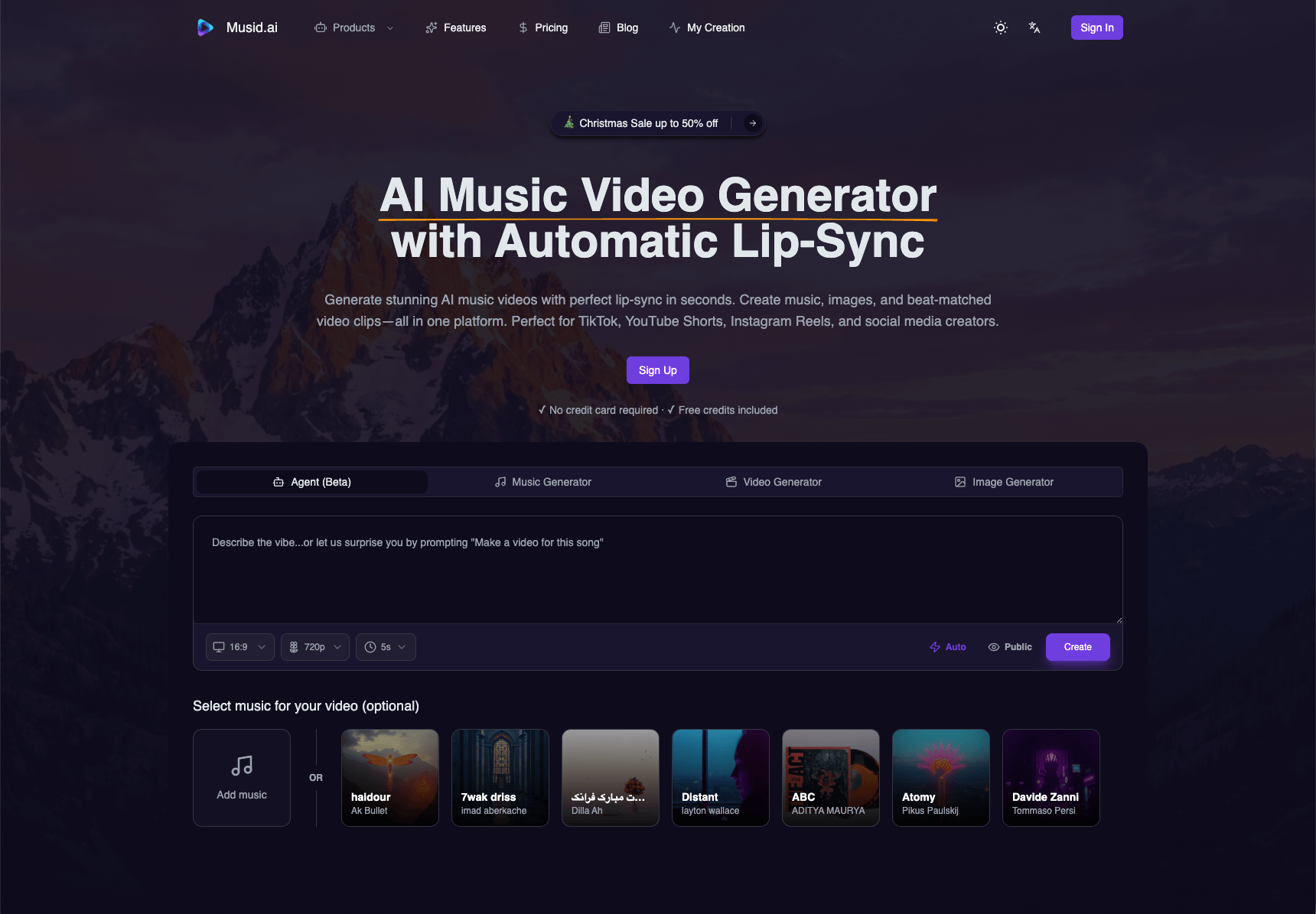
Generate music, images, and lip-synced video clips with Musid.ai. Create music video shorts, covers, and stitch to publish without juggling tools.
Create lyric videos for your song with LyricEdits' AI-powered video generator. Create videos in minutes, no editing skills required.
Run a free AEO + signal audit for your domain.
AI Answer Engine Optimization (AEO)
List once. Convert intent from live AI conversations without heavy integration.
Music video creation is the professional production of audiovisual works to visually accompany and market a musical track. The process encompasses concept development, shooting schedule planning, filming with professional equipment, and post-production with editing, color grading, and visual effects. For music labels and artists, a high-quality video increases streams, strengthens brand identity, and delivers higher marketing ROI.
Creative teams and artists collaboratively define the visual narrative, style direction, and artistic goals of the video in a detailed storyboard.
Experienced crews execute the concept using professional camera, lighting, and sound equipment at selected locations or in-studio.
Editors and VFX specialists edit the raw footage, add effects, synchronize audio, and finalize the video in the desired resolution for distribution.
Labels produce high-budget videos for chart campaigns, maximizing reach on streaming platforms and social media while supporting PR initiatives.
Emerging musicians create cost-effective, creative videos for YouTube and Instagram to build a fanbase and gain algorithmic discovery.
Bands and promoters produce dynamic live recordings or aftermovies for ticketing campaigns and to extend the reach of an event.
Brands and businesses visualize their corporate sound or advertising jingles with engaging videos for digital ad campaigns and trade shows.
Music schools and online course providers create instructional videos for learning instruments or music theory with clear visual explanations.
Bilarna evaluates music video creation providers using a proprietary 57-point AI Trust Score measuring expertise, reliability, and client satisfaction. The vetting includes a detailed portfolio analysis of previous music video projects and verification of client references from the music industry. Bilarna continuously monitors performance metrics like adherence to timelines and budgets to list only trustworthy partners.
Music video costs vary significantly based on concept, length, shooting days, crew size, and post-production complexity. Simple studio productions start in the low thousands, while high-end narrative videos with actors and extensive effects can reach six-figure budgets. Final pricing depends on the detailed creative brief.
Check the pricing details before using any AI video optimization tool. Follow these steps: 1. Visit the official website or platform offering the tool. 2. Review the pricing plans and terms of service carefully. 3. Look for any mention of additional costs such as subscription fees, usage limits, or premium features. 4. Contact customer support for clarification if needed to avoid unexpected charges.
There are no limits on the number of searches you can perform once your video is processed. 1. Upload your video content, either as files or via links. 2. The AI processes the video to make it searchable. 3. After processing, you can perform unlimited searches within that video. 4. The only limitation is the total minutes of video you can upload per month based on your account plan.
Yes, many video production companies routinely work outside their local area and can service clients nationwide or even internationally. While some firms are based in specific cities or regions, it is common for them to travel for shoots, utilizing remote pre-production planning and flexible workflows. The feasibility depends on the project's budget, as travel and accommodation costs for the crew and equipment must be factored in. Many companies highlight this service, often noting that a significant portion of their business comes from non-local clients. This model allows businesses anywhere to access specialized production talent, often at more competitive rates than local providers in high-cost metropolitan areas.
Use AI to create professional band visuals and music videos by following these steps: 1. After selecting your band name, explore AI tools designed for musicians, such as AI Cartoon Generators for unique band member portraits. 2. Use AI Album Cover Generators to design stunning artwork for your releases. 3. Utilize AI Music Video Generators to transform your audio into captivating visual experiences with audioreactive animations. 4. Experiment with AI Music Visualizers for quick visual content. 5. Create promotional materials like tour posters using AI Movie Poster Generators to build a complete visual identity.
Yes, AI music generators are highly useful for content creators looking to produce royalty-free background music quickly and easily. These tools allow users to generate custom background tracks by inputting text prompts, uploading images, or providing reference audio. The AI then composes music tailored to the desired mood and style, covering a wide range of genres. The generated music is 100% royalty-free, enabling creators to use it in videos, podcasts, games, and other media without licensing concerns. Additionally, AI music generators often provide options to customize the sound and export high-quality audio files, streamlining the content creation process.
Yes, AI song generators provide digital licenses for commercial use with each generated song or track. After creating your music, you can download a digital license certificate in PDF format. This license allows you to use the music on platforms like YouTube, TikTok, and Instagram, provided you comply with their policies and avoid copyright infringements such as unauthorized voice imitations or protected covers.
Yes, AI video analytics solutions are designed to integrate seamlessly with existing security systems without the need for hardware modifications. This means organizations can enhance their video surveillance capabilities by adding AI-driven analytics without replacing cameras, servers, or other infrastructure components. The software typically connects to current video feeds and security platforms, allowing users to apply customized rules, attach images for improved detection, and receive detailed reports. This flexibility reduces implementation costs and downtime, enabling businesses to upgrade their security operations efficiently while maintaining their current hardware investments.
Yes, batch processing is supported. Follow these steps: 1. Select the module you need such as Video AI, Image AI, or Audio AI. 2. Import multiple video, audio, or image files into the software. 3. Choose your preferred enhancement feature or AI model for all files. 4. Click the RUN button to start processing all files simultaneously, saving time and effort.
Yes, AI video creation platforms can generate multilingual voiceovers and avatars. 1. Choose avatars from a diverse library representing various nationalities and styles. 2. Select from multiple languages and natural-sounding AI voices. 3. Customize voice tone and style to match your brand. 4. Produce videos with synchronized multilingual voiceovers and avatars. 5. Use these videos for global marketing without hiring translators or voice talents.
Customize AI-generated portraits after creation by following these steps: 1. Use a platform or tool that supports post-generation editing. 2. After the AI generates the portrait, access the editing features provided. 3. Adjust elements such as color, style, background, or facial details as allowed. 4. Preview the changes to ensure satisfaction. 5. Save or download the customized portrait once editing is complete.