Step 1
Machine-Ready Briefs
AI translates unstructured needs into a technical, machine-ready project request.
We use cookies to improve your experience and analyze site traffic. You can accept all cookies or only essential ones.
 Bilarna
Stop browsing static lists. Tell Bilarna your specific needs. Our AI translates your words into a structured, machine-ready request and instantly routes it to verified Release Notes Generator experts for accurate quotes.
AI translates unstructured needs into a technical, machine-ready project request.
Compare providers using verified AI Trust Scores & structured capability data.
Skip the cold outreach. Request quotes, book demos, and negotiate directly in chat.
Filter results by specific constraints, budget limits, and integration requirements.
Eliminate risk with our 57-point AI safety check on every provider.
Verified companies you can talk to directly
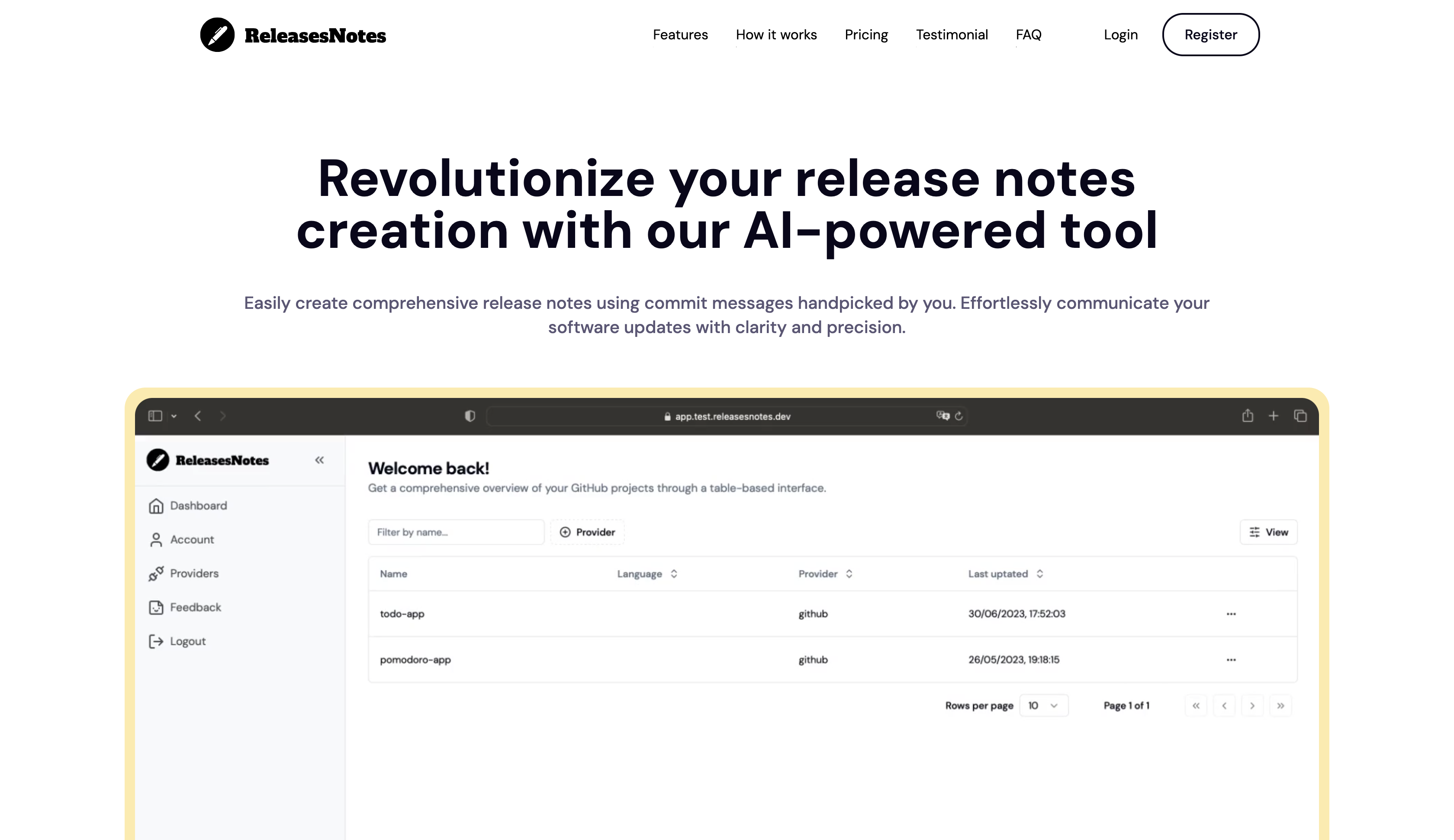
Generate clear and concise release notes automatically with our AI-powered release notes generator. Save time and effort, and communicate effectively with your users.
Run a free AEO + signal audit for your domain.
AI Answer Engine Optimization (AEO)
List once. Convert intent from live AI conversations without heavy integration.
A Release Notes Generator is a specialized tool that automatically creates documentation detailing new features, improvements, and bug fixes for a software update. It typically analyzes code commits, issue trackers, and pull requests to generate clear, consistent, and audience-appropriate release notes. This process saves development teams significant time, reduces human error, and ensures stakeholders and end-users are reliably informed.
The generator integrates with your version control system and project management platforms to access commit history and resolved tickets.
Users define templates, tone, categorization rules, and target audiences to structure the final release notes document.
The tool automatically compiles the data into a polished document ready for publication to changelogs, emails, or internal wikis.
Ensures consistent, timely communication for frequent updates across large, diverse customer bases, enhancing transparency.
Automates precise documentation of compliance-related changes and security patches for audit trails and regulatory clarity.
Streamlines creating app store update descriptions and internal build notes for agile development cycles.
Maintains clear records of infrastructure and internal tooling updates for cross-team alignment and operational awareness.
Professionalizes client-facing update communications, helping to highlight value and reduce support inquiries.
Bilarna evaluates every Release Notes Generator provider through its proprietary 57-point AI Trust Score. This assessment rigorously reviews technical capabilities, portfolio quality, and verified client satisfaction. Continuous monitoring ensures listed providers maintain high standards for reliability and delivery performance.
Pricing varies widely based on features, integration depth, and deployment model. Entry-level SaaS tools may start at $20/month, while enterprise-grade solutions with advanced AI and custom workflows can cost thousands annually. Implementation and training may incur additional costs.
Essential features include integration with Git and Jira, customizable templates, multi-channel publishing, audience segmentation, and changelog hosting. Advanced tools offer AI for summarization, sentiment analysis, and automatic translation for global teams.
It eliminates the manual, repetitive task of drafting release notes, freeing developers to focus on coding. Automated data aggregation ensures accuracy and consistency, while scheduled generation and publishing further reduce operational overhead.
Yes, leading tools allow you to create multiple versions from the same data set. You can produce detailed technical notes for engineers and high-level, benefit-focused summaries for customers or executives from a single workflow.
A basic changelog is a raw list of commits. An AI-powered release notes generator categorizes changes, writes descriptive summaries in natural language, highlights breaking changes, and can adapt the tone for different readers, transforming data into actionable communication.
Yes, commercial rights are included with all images generated by the bulk image generator. 1. Use the generated images freely for commercial projects, client work, and advertising. 2. There are no additional licensing fees or restrictions on usage. 3. Download the images via the one-click bulk export and integrate them into your marketing or branding materials. 4. This ensures you have full ownership and legal clearance to use the images in any commercial context.
Yes, an AI business plan generator can be used for any industry. To tailor your plan: 1. Provide specific information about your business and industry when answering the initial questions. 2. The AI uses this data to generate industry-specific advice and structure your plan accordingly. 3. Review the plan to ensure it fits your unique business needs before finalizing.
Anyone can use a free AI story generator, not just writers. Follow these steps to get started: 1. Access the AI story generator platform. 2. Choose to create a new world or fanfiction or upload an image to inspire a story. 3. Use the AI tools to generate ideas and develop narratives regardless of your background. 4. Share or save your creations as desired. This tool supports students, hobbyists, and anyone interested in storytelling.
Yes, you can access your saved bookmarks and notes from multiple devices. 1. Use a bookmark manager that supports synchronization across devices. 2. Install the app or browser extension on all your devices such as phone, tablet, and desktop. 3. Log in with the same account on each device to sync your saved content. 4. Access, edit, and organize your bookmarks and notes seamlessly from anywhere.
Yes, you can create your own characters using the AI generator by following these steps: 1. Open the AI generator tool on the platform. 2. Upload a base image or start from scratch if the option is available. 3. Customize features or select styles such as Disney Pixar or Ghibli. 4. Generate the character and save or download the final creation for personal use.
Yes, you can customize memes after generation. Follow these steps: 1. Generate memes by entering your text and letting the AI create options. 2. Select a meme you want to personalize. 3. Edit text elements including font style, size, and color. 4. Upload your own images if desired to enhance the meme. 5. Download the customized meme in high quality and share it on your preferred platforms.
Yes, you can customize voice and language settings in an AI voice generator by following these steps: 1. Access the AI voice generator interface. 2. Locate the voice selection menu and choose from available voice options. 3. Select the preferred language for the speech output. 4. Adjust additional settings such as speech speed, pitch, and tone if available. 5. Preview the voice to ensure it meets your requirements before generating the final audio.
Yes, you can easily edit and share your transcribed notes. Follow these steps: 1. After transcription, review and edit the text within the app to ensure accuracy. 2. Choose to share your notes via URL, email, or message directly from the app. 3. Export your notes in formats such as PDF, text, or markdown for use in other tools. 4. Optionally, make your notes public by generating a shareable link for quick distribution.
You can publish unlimited notes per month with the appropriate plan. Slots determine how many notes you can schedule at once, not monthly limits. Follow these steps: 1. Choose a plan that supports unlimited monthly publishing. 2. Understand your slot count (e.g., 20 slots means you can have 20 notes scheduled simultaneously). 3. Schedule notes up to your slot limit. 4. When a note publishes, its slot frees up, allowing you to schedule another note. 5. Repeat scheduling as slots become available to maintain continuous posting.
Yes, you can specify cultural or linguistic preferences in the baby name generator to get meaningful and appropriate name suggestions. Follow these steps: 1. Enter your desired cultural origin or language in the attributes section of the form. 2. Include other criteria such as starting letter, name length, or meaning if desired. 3. Click generate to receive names that reflect your cultural or linguistic preferences. 4. Adjust the criteria as needed to refine the suggestions further.