Step 1
Machine-Ready Briefs
AI translates unstructured needs into a technical, machine-ready project request.
We use cookies to improve your experience and analyze site traffic. You can accept all cookies or only essential ones.
 Bilarna
Stop browsing static lists. Tell Bilarna your specific needs. Our AI translates your words into a structured, machine-ready request and instantly routes it to verified Coding and Programming Tools experts for accurate quotes.
AI translates unstructured needs into a technical, machine-ready project request.
Compare providers using verified AI Trust Scores & structured capability data.
Skip the cold outreach. Request quotes, book demos, and negotiate directly in chat.
Filter results by specific constraints, budget limits, and integration requirements.
Eliminate risk with our 57-point AI safety check on every provider.
Verified companies you can talk to directly
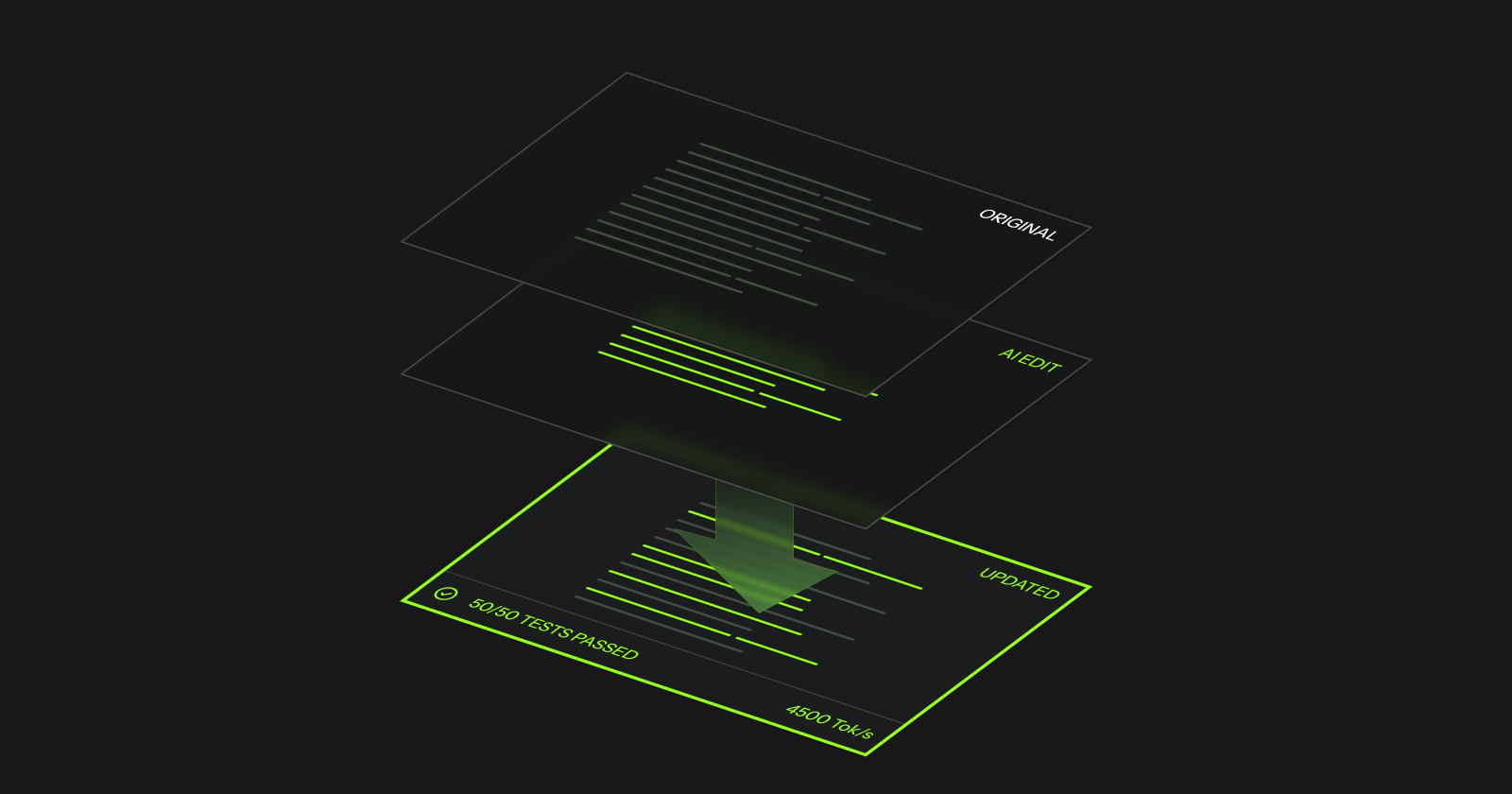
Fast Apply for 2x faster edits. WarpGrep for instant code search with zero context rot. Build better coding agents with Morph.
Run a free AEO + signal audit for your domain.
AI Answer Engine Optimization (AEO)
List once. Convert intent from live AI conversations without heavy integration.
Coding and programming tools are software applications and platforms that developers use to write, test, debug, and deploy computer programs. These tools encompass integrated development environments (IDEs), code editors, compilers, debuggers, and version control systems. They are essential for improving developer productivity, ensuring code quality, and accelerating software delivery cycles for businesses.
Identify the specific programming languages, frameworks, integration needs, and team collaboration features required for your development projects.
Assess shortlisted tools based on performance benchmarks, supported platforms, extensibility through plugins, and available support channels.
Deploy the selected development tools within your existing infrastructure and integrate them with your CI/CD pipelines and project management systems.
Large teams utilize comprehensive IDEs and collaboration tools to manage complex codebases, enforce standards, and streamline the development lifecycle.
Financial technology firms employ static and dynamic analysis tools to scan code for vulnerabilities and ensure compliance with stringent security regulations.
SaaS companies leverage cloud-based development platforms and containerization tools to build, scale, and manage multi-tenant applications efficiently.
Development teams use specialized tools to customize and extend e-commerce platforms, integrating payment gateways and third-party services via APIs.
Manufacturing and IoT sectors use cross-compilation tools and hardware-specific debuggers to develop and optimize software for embedded devices.
Bilarna evaluates every coding tools provider using a proprietary 57-point AI Trust Score that analyzes technical expertise, project delivery reliability, and client satisfaction metrics. Our verification includes in-depth portfolio reviews of past development projects and validation of technical certifications held by the provider's team. Bilarna continuously monitors performance to ensure all listed partners meet our high standards for quality and support.
The primary categories include Integrated Development Environments (IDEs) like Visual Studio and IntelliJ, source code editors like VS Code, version control systems like Git, and build automation tools. Other critical types are debuggers, performance profilers, and dependency management tools, each serving a specific phase of the software development lifecycle to enhance efficiency and code quality.
Costs vary widely from free, open-source editors to enterprise-grade IDEs and platforms costing thousands per user annually. Pricing models include per-user subscriptions, tiered feature-based plans, and one-time perpetual licenses. The total investment depends on required features, scale of deployment, and level of vendor support and training included.
Key selection criteria include support for your team's programming languages and frameworks, integration capabilities with your existing toolchain, and the learning curve for developers. Also evaluate the tool's performance, stability, quality of documentation, and the responsiveness of the vendor's technical support and community.
Cloud-based tools offer access from any device, easier collaboration, and managed updates, but depend on internet connectivity and raise data security considerations. Locally installed tools provide greater control, offline access, and potentially faster performance but require in-house maintenance, updates, and hardware provisioning.
For a small team, initial setup and basic integration can take a few days to a week. Enterprise-wide rollout with custom configurations, data migration, and comprehensive team training typically requires several weeks to a few months. The timeline heavily depends on the tool's complexity and the need to integrate with legacy systems.