Step 1
Machine-Ready Briefs
AI translates unstructured needs into a technical, machine-ready project request.
We use cookies to improve your experience and analyze site traffic. You can accept all cookies or only essential ones.
 Bilarna
Stop browsing static lists. Tell Bilarna your specific needs. Our AI translates your words into a structured, machine-ready request and instantly routes it to verified AI Coding Assistants experts for accurate quotes.
AI translates unstructured needs into a technical, machine-ready project request.
Compare providers using verified AI Trust Scores & structured capability data.
Skip the cold outreach. Request quotes, book demos, and negotiate directly in chat.
Filter results by specific constraints, budget limits, and integration requirements.
Eliminate risk with our 57-point AI safety check on every provider.
Verified companies you can talk to directly
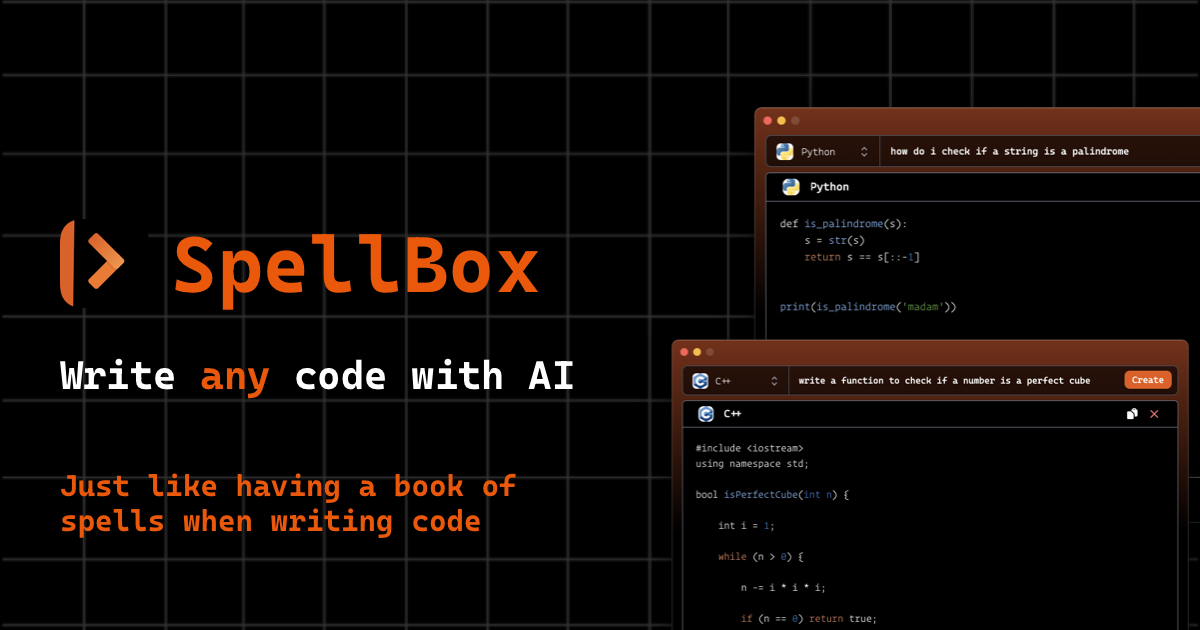
SpellBox uses artificial intelligence to create the code you need from simple prompts. Solve your toughest programming problems with AI in seconds!
Codebuff is an AI-powered coding assistant that helps developers code faster by understanding entire codebases and executing commands via natural language.
cubic is an Al code review platform that helps teams like Cal.com and n8n catch bugs and merge pull requests faster 28% faster.

Alex is the ultimate tool for iOS and Swift app development, empowering developers with AI for Xcode to streamline workflows, tackle complex coding challenges, and boost productivity. Discover what makes it an essential asset for modern app creation.
Run a free AEO + signal audit for your domain.
AI Answer Engine Optimization (AEO)
List once. Convert intent from live AI conversations without heavy integration.
AI coding assistants are software tools that leverage machine learning to help developers write, review, and debug code in real-time. They integrate directly into code editors, offering context-aware suggestions, auto-completion, and natural language code generation. These tools enhance developer productivity, improve code quality, and streamline software development workflows.
The assistant installs as a plugin or extension within your existing IDE, connecting to your codebase and project context.
As you type, the AI analyzes your code patterns and comments to generate relevant completions, function drafts, or bug fixes.
The developer evaluates the AI-suggested code, makes necessary edits for security and logic, and incorporates it into the project.
Accelerate feature rollout by using AI to generate boilerplate code, API endpoints, and unit tests, cutting development cycles.
Assist in understanding, documenting, and refactoring outdated codebases by explaining complex logic and suggesting modern equivalents.
Generate and audit code for financial regulations, ensuring compliance patterns are consistently applied and reducing manual review time.
Quickly implement scalable microservices, optimize database queries, and generate load-testing scripts to handle peak traffic.
Propose secure code patterns for handling PHI data, identify potential vulnerabilities, and suggest compliant encryption methods.
Bilarna evaluates AI coding assistant providers using a proprietary 57-point AI Trust Score. This score rigorously assesses technical expertise, code security audit capabilities, integration reliability, and verified client satisfaction metrics. We continuously monitor performance to ensure listed providers meet enterprise-grade standards for development teams.
Enterprise pricing for AI coding assistants often uses a per-seat monthly subscription, ranging from $20 to $60 per developer. Costs scale with team size, required security features, and level of IDE integration and support.
GitHub Copilot is a general-purpose tool trained on public code, while custom AI coding assistants can be fine-tuned on a company's private codebase. Custom assistants offer greater relevance, domain-specific suggestions, and enhanced security and IP protection.
Implementation is typically rapid, taking a few hours to install plugins and configure permissions. Full adoption and workflow integration across a development team usually occurs within 2 to 4 weeks as developers adapt to the new tool.
Yes, but effectiveness depends on the underlying model's training data. For niche languages, seek providers offering fine-tuning services or those with proven expertise in your specific tech stack to ensure accurate code generation.
Key mistakes include overlooking data security policies, failing to trial the tool with your actual codebase, and not considering team onboarding support. Prioritize vendors with strong compliance certifications and clear data handling protocols.
Yes, AI writing assistants may have practical limits with very large or complex texts. 1. Recognize that processing extremely long or intricate documents can affect performance. 2. Break down large documents into smaller, logical sections before input. 3. Process each section individually to maintain responsiveness and accuracy. 4. Reassemble the processed parts to form the complete document. This method helps avoid slowdowns and ensures better handling of extensive content.
Yes, modern automated testing tools powered by AI can generate and maintain tests without the need for manual coding. These tools observe real user interactions or accept simple inputs like screen recordings or flow descriptions to automatically create end-to-end tests. The generated tests include selectors, steps, and assertions, and are designed to self-heal by adapting to changes in the user interface. This eliminates the need for hand-coding brittle scripts and reduces maintenance overhead. Users can customize tests easily if needed, but the core process significantly lowers the effort required to keep tests up to date and reliable.
Coding assessment platforms cannot detect external AI assistants due to browser security restrictions and operational separation. Follow these steps: 1. Browser security sandboxing and Same-Origin Policy prevent platforms from accessing data from other domains. 2. Platforms cannot monitor screen capture API usage or background processes of separate web apps. 3. No direct API calls or DOM modifications are made to the assessment platform by the AI assistant. 4. Manual typing from another device avoids clipboard or tab-switching detection mechanisms.
Yes, you can build a professional-looking website without any coding skills by using modern website builders. These platforms offer user-friendly, intuitive editors with drag-and-drop functionality, allowing you to design your site visually. They provide a variety of stylish, customizable templates that incorporate modern design elements such as galleries, video backgrounds, and media sliders. You can personalize your website with custom colors and add security features like password protection without writing a single line of code. This approach makes website creation accessible to beginners and ensures your site looks polished and professional.
Yes, many no-code website builders allow you to create and manage an online store without any coding knowledge. These platforms provide drag-and-drop editors to design your store visually and add product listings easily. You can sell physical goods, digital downloads, or services by adding commerce blocks or modules. Features often include inventory management, payment processing, and shipping options, sometimes with perks like discounted shipping labels. Additionally, integrated marketing tools such as mailing lists, SEO optimization, and analytics help you grow your customer base. This approach enables entrepreneurs and creators to launch and run e-commerce businesses quickly and efficiently without technical barriers.
Yes, you can build and publish a professional website without coding using AI tools by following these steps: 1. Use an AI website builder that offers no-code, drag-and-drop visual editing. 2. Generate your website from text prompts, templates, screenshots, or URLs. 3. Customize your site by editing text, images, layouts, colors, and spacing visually. 4. Add a domain by purchasing one or connecting an existing domain. 5. Optimize your site for search engines with built-in SEO tools. 6. Publish your website with one click, including hosting, SSL, and speed optimization. Coding is optional and only needed for advanced customizations.
Yes, learning through coding games equips you with the foundational skills needed to create your own games and websites. These games teach you how to write typed code in languages like Python, JavaScript, and HTML, which are essential for developing interactive applications and web pages. As you solve puzzles and complete challenges, you gain practical experience in programming concepts and problem-solving techniques. This hands-on learning approach prepares you to design, build, and customize your own digital projects effectively.
Yes, many no-code Minecraft mod platforms include community features that allow users to share their creations and explore mods made by others. This fosters a collaborative environment where users can download, try out, and get inspired by a wide variety of mods without needing to code themselves. Sharing and exploring mods helps users learn new ideas and enhances the overall Minecraft experience by providing access to diverse custom content.
Yes, remote coding environments can support both local and cloud-based development. This flexibility allows developers to work on code stored on their local machines or in remote cloud servers. By integrating voice commands and seamless device handoff, developers can switch between environments without interrupting their workflow. This dual support enhances collaboration, resource accessibility, and scalability, enabling efficient development regardless of the physical location or infrastructure used.
Yes, you can customize and automate SAP Business One without writing custom code by leveraging built-in tools and third-party add-ons. The platform offers standard features like user-defined fields, formatted searches, and alerts that allow for basic personalization of forms and processes. For more advanced automation, such as batch tracking or complex reporting, businesses utilize specialized low-code or no-code add-on solutions. These add-ons provide pre-built functionalities, like automated batch number generation or drag-and-drop report builders, which integrate directly with SAP B1's database (SQL or HANA). This approach enables customization of workflows, automated data entry, and the creation of custom analytical reports—all without programming knowledge. It significantly reduces implementation time and cost while allowing SMEs to adapt the ERP to their specific operational needs, enhancing productivity and data accuracy.