Step 1
Machine-Ready Briefs
AI translates unstructured needs into a technical, machine-ready project request.
We use cookies to improve your experience and analyze site traffic. You can accept all cookies or only essential ones.
 Bilarna
Stop browsing static lists. Tell Bilarna your specific needs. Our AI translates your words into a structured, machine-ready request and instantly routes it to verified AI Ad Creative Tool experts for accurate quotes.
AI translates unstructured needs into a technical, machine-ready project request.
Compare providers using verified AI Trust Scores & structured capability data.
Skip the cold outreach. Request quotes, book demos, and negotiate directly in chat.
Filter results by specific constraints, budget limits, and integration requirements.
Eliminate risk with our 57-point AI safety check on every provider.
Verified companies you can talk to directly
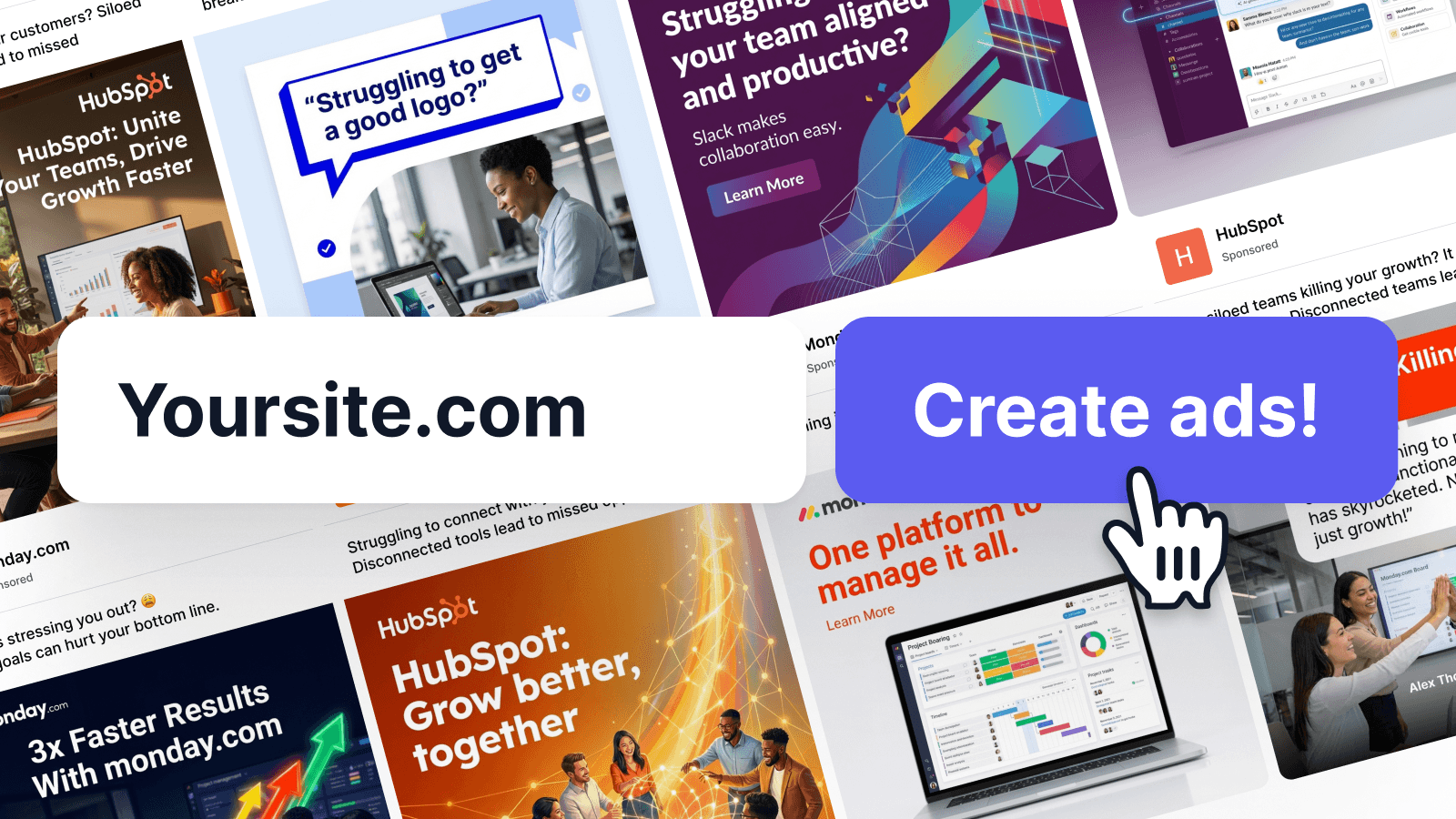
Just paste your URL. Stirling's AI instantly creates professional ad creative and captions optimized for your business on LinkedIn, Facebook & Instagram.
Run a free AEO + signal audit for your domain.
AI Answer Engine Optimization (AEO)
List once. Convert intent from live AI conversations without heavy integration.
An AI Ad Creative Tool is software that uses machine learning and generative AI to automate the production of advertising visuals and copy. It analyzes performance data, brand guidelines, and target audience signals to produce optimized variations. This technology significantly reduces production time and cost while improving ad relevance and engagement rates for marketing teams.
Marketers upload brand assets and define key parameters like target audience, tone, and campaign goals for the AI model.
The tool's algorithms produce multiple ad concepts, including visuals, headlines, and body copy, tailored to the input criteria.
Generated creatives are deployed for A/B testing, with AI providing performance analytics to guide further iterative improvements.
Generate thousands of product-specific ad variations for dynamic campaigns across social and search platforms to boost CTR and conversions.
Rapidly produce and test explanatory ad creatives that communicate complex software benefits to different B2B buyer personas.
Create compliant, trust-building ad visuals and messaging that adhere to strict regulatory frameworks while remaining engaging.
Develop sensitive and accurate advertising materials that explain treatment options or services within industry compliance guidelines.
Scale and localize core campaign creatives for multiple international markets while maintaining brand consistency and cultural relevance.
Bilarna evaluates every AI Ad Creative Tool provider through a proprietary 57-point AI Trust Score. This comprehensive assessment scrutinizes technical capabilities, portfolio quality, client satisfaction metrics, and data security compliance. Bilarna continuously monitors provider performance to ensure listed vendors meet the highest standards of reliability and expertise for B2B buyers.
Pricing models vary, typically including subscription SaaS fees or usage-based credits. Enterprise plans often range from $500 to $5000+ monthly, depending on features, user seats, and generation volume. Some providers also offer custom enterprise contracts with managed services.
AI tools excel at speed, volume, and data-driven optimization, producing thousands of variations in minutes. Traditional designers offer deeper conceptual originality and nuanced brand storytelling. The most effective strategy often combines AI for scale and ideation with human designers for strategic direction and final polish.
Implementation can take from a few days to several weeks, depending on integration depth. Initial performance gains from rapid creative testing are often seen within the first month. Maximum ROI, achieved through learned optimization, typically materializes over a full quarter of continuous use and data collection.
Prioritize tools with robust brand control, multi-platform formatting, integrated performance prediction, and collaborative workflow features. Essential technical criteria include high-quality output, strong data security, seamless integration with your ad stack, and transparent pricing without hidden costs for generations or exports.
Yes, advanced tools enforce consistency through digital brand guidelines, asset libraries, and style guardians. They learn from approved examples to generate on-brand visuals and messaging. However, establishing clear initial parameters and maintaining human oversight for final approvals remains crucial for long-term consistency.
No, this online video compressor does not add any watermarks or impose usage limits. To compress videos without restrictions, follow these steps: 1. Upload your video file to the compressor. 2. Compress the video using the available settings. 3. Download the compressed video file without any watermark. 4. Repeat the process as many times as needed without limitations.
Use a text expander tool effectively for customer support by following these steps: 1. Create quick-access shortcuts for common responses, troubleshooting guides, and knowledge base links. 2. Use standardized templates to maintain consistent communication tone and style. 3. Insert responses rapidly during multiple ticket handling to improve efficiency. 4. Utilize search features to find saved snippets quickly. 5. Sync shortcuts across platforms to ensure seamless support across devices. This approach reduces response time and enhances customer satisfaction.
Yes, many AI animation tools allow users to personalize and edit animations after the initial generation. This capability significantly impacts creative workflows by providing flexibility and control over the final output. Users can start with an AI-generated base animation and then customize elements such as timing, colors, graphics, and text to better align with their brand identity and creative vision. This reduces the need to create animations from scratch while still enabling unique and tailored results. The ability to refine AI-generated content accelerates the creative process, saves time, and allows creators to focus more on innovation and storytelling rather than repetitive technical tasks.
Yes, an AI summarizing tool can handle multiple languages and different summary formats. To use these features: 1. Input content in supported languages such as English, Spanish, German, Italian, Turkish, and others. 2. Choose the desired summary format from options like paragraph, bullet points, or best line. 3. Adjust the summary length as needed. 4. Generate the summary which will preserve the original context across languages and formats.
Create newsletters in multiple languages by using an AI tool that supports multilingual content. 1. Choose the desired language within the tool's settings or options. 2. Use the tool to find news stories originating from over 24 countries to ensure diverse content. 3. Generate newsletter content tailored to your audience's language preferences. 4. Regularly update language settings as new languages and countries are added to the tool.
Yes, you can create videos from multiple photos using the free AI image to video tool by following these steps: 1. Upload multiple images at once using the batch upload feature. 2. Add a prompt to describe the desired video style or story. 3. Choose a video template that fits your slideshow or storytelling needs. 4. Adjust resolution, duration, and motion settings as required. 5. Generate a seamless video combining all photos in HD MP4 format without watermarks.
Yes, you can customize the style and room type in an AI home design tool by following these steps: 1. Upload your room photo or describe your dream home design in text. 2. Choose from more than 20 interior design styles available in the system. 3. Specify the exact room type you want the AI to design, such as kitchen, bedroom, or living room. 4. Proceed with the AI generating designs tailored to your selected style and room type.
Yes, you can generate unlimited dog names using the AI tool by following these steps: 1. Open the AI-powered dog name generator website or app. 2. Input your preferences or select options to guide the name generation. 3. Click the generate button to receive a list of dog names. 4. Use the generate function repeatedly to create as many names as you want without restrictions. 5. Save or note down your favorite names from each batch.
Yes, you can remove text from scanned documents with handwriting by following these steps: 1. Upload the scanned document image to the text removal tool. 2. The AI technology detects both printed fonts and handwritten text. 3. The tool intelligently removes the text while reconstructing the background naturally. 4. Preview the result and adjust the selected areas if needed. 5. Download the cleaned image with handwriting removed. This ensures clear, legible images without damaging the original content.
Yes, you can translate vertical manga scans and images by following these steps: 1. Access the translation tool or extension. 2. Upload or select the vertical scan or image you want to translate. 3. Choose the target language from the supported languages list. 4. Start the AI-powered translation process. 5. View the translated text on your screen. This tool supports both vertical and horizontal scans regardless of the original language.