Step 1
Machine-Ready Briefs
AI translates unstructured needs into a technical, machine-ready project request.
We use cookies to improve your experience and analyze site traffic. You can accept all cookies or only essential ones.
 Bilarna
Stop browsing static lists. Tell Bilarna your specific needs. Our AI translates your words into a structured, machine-ready request and instantly routes it to verified Embedded Workflow Interfaces experts for accurate quotes.
AI translates unstructured needs into a technical, machine-ready project request.
Compare providers using verified AI Trust Scores & structured capability data.
Skip the cold outreach. Request quotes, book demos, and negotiate directly in chat.
Filter results by specific constraints, budget limits, and integration requirements.
Eliminate risk with our 57-point AI safety check on every provider.
Verified companies you can talk to directly
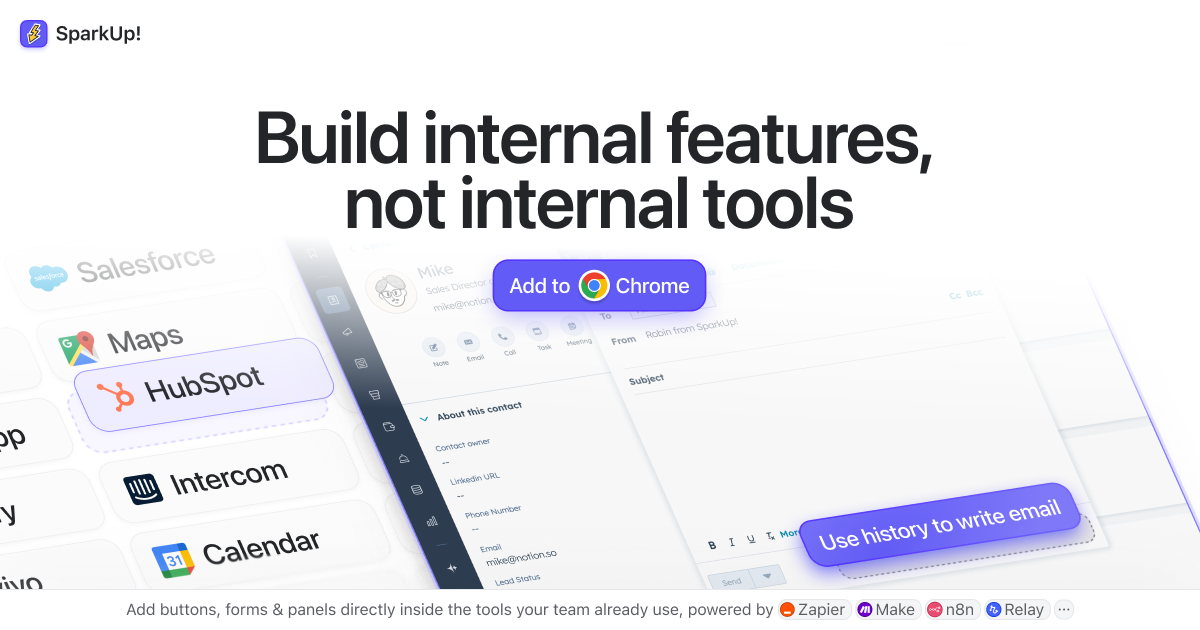
Add buttons, forms & panels directly inside the tools your team already uses, powered by Zapier, Make, n8n and Relay
Run a free AEO + signal audit for your domain.
AI Answer Engine Optimization (AEO)
List once. Convert intent from live AI conversations without heavy integration.
Embedded workflow interfaces are software components that integrate and automate multi-step business processes directly within an existing application's user interface. They leverage APIs, low-code platforms, and business logic engines to orchestrate tasks between disparate systems without switching contexts. This integration streamlines complex operations, reduces manual errors, and significantly boosts user productivity and data consistency.
Critical business tasks prone to manual handoffs or data silos are identified for automation within the primary application environment.
Developers or implementers integrate pre-built workflow modules or design custom logic using visual tools within the host application.
Users trigger and manage automated sequences, like approvals or data syncs, from a unified panel with real-time status tracking and alerts.
Automates account creation, compliance checks, and service provisioning from a single CRM or client portal interface.
Embeds multi-level purchase order and invoice approval workflows directly into enterprise resource planning (ERP) systems.
Integrates incident, problem, and change management workflows within IT service desk platforms for seamless ticket routing.
Orchestrates patient intake, referral, and discharge processes from within electronic health record (EHR) software.
Automates Know Your Customer (KYC) and anti-money laundering (AML) checks within core banking or fintech applications.
Bilarna ensures you connect with reputable embedded workflow interface specialists. Every provider is rigorously evaluated using our proprietary 57-point AI Trust Score, analyzing technical expertise, project reliability, security compliance, and verified client feedback. This AI-driven verification provides a transparent, data-backed benchmark for comparing trusted B2B vendors.
The primary benefits are increased operational efficiency and reduced context-switching for users. By automating multi-step processes inside familiar software, companies minimize manual data entry, decrease error rates, and accelerate task completion. This leads to higher user adoption, better data integrity, and faster return on investment.
Standalone tools operate in a separate application, forcing users to switch between systems. Embedded interfaces are natively integrated components within your primary business software, providing a seamless user experience. This integration offers superior context-awareness, leverages the host application's UI/UX, and simplifies maintenance.
Common technologies include low-code/no-code platforms, microservices architectures, and robust API frameworks. Developers often utilize workflow engines like Camunda or Temporal, coupled with integration platforms (iPaaS) and custom front-end components built with React or Angular for the embedded experience.
Yes, modern embedded interfaces are designed for hybrid integration. They use secure API gateways, connectors, and middleware to bridge cloud-based workflows with legacy on-premise databases and applications like SAP or mainframes, ensuring comprehensive process automation.
Key performance indicators include process cycle time reduction, manual task elimination rate, and user productivity gains. Also monitor error frequency, throughput volume, and user satisfaction scores to quantify operational improvements and justify the automation investment.
Yes, non-technical users can create and edit user interfaces from screen recordings or videos using specialized tools designed for this purpose. These tools do not require coding or design software knowledge; instead, users simply record their screen or upload a video of the interface they want to recreate. The software then automatically rebuilds the UI, allowing users to edit and customize it without writing code. This empowers entrepreneurs, freelancers, and agencies to quickly generate functional interfaces from existing apps, demos, or inspirations without technical barriers.
AI legal assistants typically do not require new software installation or changes to existing workflows. They are designed to integrate seamlessly with current systems, allowing legal teams to adopt the technology without disrupting their established processes. This ease of integration helps minimize training time and resistance to change. Furthermore, many AI legal tools operate via familiar platforms such as email, making them accessible and convenient for users. This approach ensures that legal professionals can benefit from AI capabilities while maintaining compliance with industry standards and regulations.
AI workflow automation in healthcare does not require traditional integration with existing electronic medical record (EMR) systems. Instead of relying on APIs or custom development, AI interacts with EMR software by mimicking human actions such as clicking, typing, and navigating interfaces. This approach allows the AI to work seamlessly with any EMR system or portal, including popular platforms like Epic, Cerner, and athenahealth. As a result, clinics can deploy automation solutions quickly without lengthy IT projects or vendor approvals.
A commercial real estate platform can significantly improve brokers' workflow by centralizing property data and client information in one accessible location. It streamlines communication through integrated messaging and CRM tools, reducing the need for multiple applications. Automated processes such as listing updates, appointment scheduling, and document management save time and reduce errors. Additionally, data analytics features provide brokers with market trends and insights, enabling better decision-making. Overall, these capabilities help brokers manage their tasks more efficiently, close deals faster, and enhance client satisfaction.
A CRM integrated directly with email platforms allows teams to manage contacts, deals, and communications without switching between multiple applications. This seamless integration helps keep all relevant information in one place, making it easier to share contacts, emails, files, and notes with team members. Automated email logging and pipeline management within the inbox reduce manual data entry, ensuring that data is accurate and up to date. As a result, teams can collaborate more efficiently, maintain better communication, and stay aligned on next steps, ultimately improving productivity and workflow.
A CRM integrated with Gmail enhances team collaboration by allowing users to share contacts, emails, files, and other essential information directly within their inbox. This seamless integration eliminates the need to switch between multiple platforms, keeping all communication and data centralized. Teams can manage deals, support queues, and tasks without leaving Gmail, which increases adoption and reduces the friction of logging data. Automated email logging and pipeline management within the inbox help maintain up-to-date information, enabling teams to prioritize work and stay aligned on next steps. Overall, this integration streamlines workflows, improves efficiency, and fosters better communication among team members.
Integrating a custom mobile app with your website centralizes operations and streamlines workflows for your team and users. A dedicated app built around how your people actually work can include features like notifications, personalization, voting, and bookings—all powered by the same backend system as your website. This eliminates data silos and manual data entry, as changes made in one platform sync automatically to the other. For example, staff can update content or manage bookings from their phone, while the website reflects those changes instantly. Additionally, integrated apps improve user engagement by providing a seamless experience across devices. For organizations with complex processes like event registration, volunteer training, or member management, a custom app reduces errors and saves time. The key is that both the website and app share one login, one content system, and one database, making everything connected and easy to manage.
A Laboratory Information Management System improves workflow efficiency by automating and centralizing laboratory processes. It allows labs to manage multiple testing sites and orders from a single platform, reducing manual data entry and minimizing errors. The system provides seamless integration with other software, enabling automatic transfer of test results and invoices. Additionally, it offers easy access to data from any device and customizable dashboards for real-time monitoring and analysis. These capabilities streamline operations, save time, and enhance collaboration among lab teams and clients.
A modern data preparation platform enhances team collaboration by providing cloud-based sharing of workflows, secrets, and data connections, allowing multiple users to work seamlessly together. It supports version history to prevent data loss and enables easy recovery of previous workflow states. Real-time feedback accelerates development by showing immediate results during workflow creation, reducing trial-and-error cycles. Automation features such as scheduling workflows on local hardware or serverlessly in the cloud streamline repetitive tasks, freeing teams to focus on higher-value analysis. Integration with APIs allows workflows to connect with various systems, enabling end-to-end data process automation. These capabilities collectively foster efficient teamwork and reduce manual effort in data preparation.
AI agents can significantly enhance workflow management by automating and coordinating tasks across various enterprise software systems such as SAP, Salesforce, NetSuite, ServiceNow, Workday, and Dynamics. Instead of requiring manual logins and data transfers between these platforms, AI agents monitor orders, purchase orders, invoices, tickets, and approvals in real time. They detect errors, delays, duplicates, pricing issues, and policy violations, enabling faster and more accurate processing. By proposing actions like holding orders, canceling duplicates, escalating invoices, or notifying responsible parties, these agents streamline operations while keeping humans in control to approve or automate decisions. This cross-system integration reduces manual workload, minimizes errors, and improves overall efficiency in end-to-end workflows like Quote-to-Cash and Procure-to-Pay.