Step 1
Comparison Shortlist
Machine-Ready Briefs: AI turns undefined needs into a technical project request.
We use cookies to improve your experience and analyze site traffic. You can accept all cookies or only essential ones.
 Bilarna
Stop browsing static lists. Tell Bilarna your specific needs. Our AI translates your words into a structured, machine-ready request and instantly routes it to verified Technical SEO Optimization experts for accurate quotes.
Machine-Ready Briefs: AI turns undefined needs into a technical project request.
Verified Trust Scores: Compare providers using our 57-point AI safety check.
Direct Access: Skip cold outreach. Request quotes and book demos directly in chat.
Precision Matching: Filter matches by specific constraints, budget, and integrations.
Risk Elimination: Validated capacity signals reduce evaluation drag & risk.
Ranked by AI Trust Score & Capability
Run a free AEO + signal audit for your domain.
AI Answer Engine Optimization (AEO)
List once. Convert intent from live AI conversations without heavy integration.
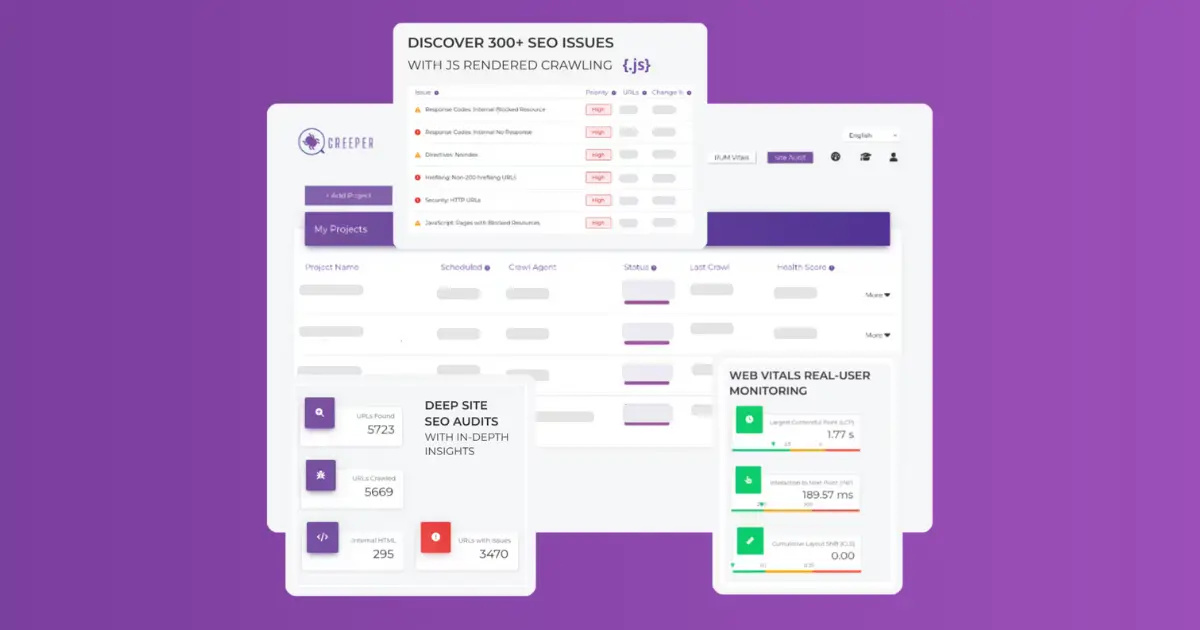
This category encompasses services focused on analyzing and improving the technical aspects of websites. It includes identifying issues related to crawlability, indexability, page speed, core web vitals, and on-page structure. The goal is to enhance website performance, ensure search engines can effectively crawl and index content, and improve overall user experience. These services are essential for businesses aiming to boost their search engine rankings and online visibility by resolving technical barriers that hinder website performance and discoverability.
Providers of this category are typically SEO agencies, digital marketing firms, and web development companies that specialize in technical website analysis and optimization. They employ SEO experts, web developers, and data analysts to conduct comprehensive audits, identify issues, and implement solutions that enhance website performance and search engine rankings. These providers work closely with businesses of all sizes, from small startups to large enterprises, aiming to improve their online presence through technical improvements and strategic SEO practices.
Delivery of technical SEO services typically involves detailed audits, issue resolution, and ongoing monitoring. Pricing models vary from fixed packages to customized plans based on the website size and complexity. Setup may include initial assessments, implementation of fixes, and continuous performance tracking. Many providers offer tiered service levels, allowing businesses to select packages that match their needs and budget. The process often begins with a comprehensive audit, followed by prioritized fixes, and ongoing optimization to ensure sustained search engine performance and improved user experience.
Yes, keywords remain important for SEO in 2025. Follow these steps to effectively use keywords: 1. Research and select keywords that match user intent and your content. 2. Integrate keywords naturally into titles, headings, and body text. 3. Use variations and related terms to cover broader search queries. 4. Avoid keyword stuffing to maintain content quality. 5. Continuously update keyword strategy based on performance data and search trends.
Check the pricing details before using any AI video optimization tool. Follow these steps: 1. Visit the official website or platform offering the tool. 2. Review the pricing plans and terms of service carefully. 3. Look for any mention of additional costs such as subscription fees, usage limits, or premium features. 4. Contact customer support for clarification if needed to avoid unexpected charges.
Yes, a professional website maintenance company can significantly help improve a site's search engine optimization (SEO). Regular maintenance addresses critical technical factors that search engines prioritize, such as website speed, mobile responsiveness, and overall site health. By performing routine software and plugin updates, the company prevents security vulnerabilities and compatibility issues that can slow down a site or cause errors, both of which negatively impact rankings. Furthermore, maintenance services often include ongoing SEO practices like optimizing page titles and meta descriptions, compressing images for faster load times, conducting performance audits, and ensuring clean, efficient code. By resolving technical issues promptly and keeping the site aligned with evolving search engine algorithms, a maintenance partner creates a strong technical foundation that supports long-term SEO success and helps a business maintain or improve its search visibility.
Yes, AI-generated SEO articles can be customized in structure and length by following these steps: 1. Choose from preset article structures designed for various article types. 2. Use the AI outline and title agents to create and adjust article outlines and titles. 3. Manually modify the introduction hook, article length, and section arrangement as needed. 4. Preview the article to ensure it meets your content goals. 5. Finalize and publish the customized article to enhance SEO results.
Yes, non-technical users can create and edit user interfaces from screen recordings or videos using specialized tools designed for this purpose. These tools do not require coding or design software knowledge; instead, users simply record their screen or upload a video of the interface they want to recreate. The software then automatically rebuilds the UI, allowing users to edit and customize it without writing code. This empowers entrepreneurs, freelancers, and agencies to quickly generate functional interfaces from existing apps, demos, or inspirations without technical barriers.
Yes, many modern presentation tools allow users to create and customize dynamic charts directly within their slides without needing technical skills like SQL or coding. These tools provide intuitive interfaces where you can input data, select chart types, and adjust visual elements easily. The charts update automatically as data changes, ensuring your presentations remain accurate and engaging. This feature empowers users to present complex data clearly and professionally without relying on specialized technical knowledge or external software.
Yes, it is built specifically for users with no technical background. A testimonial from a 58-year-old flower shop owner who could barely use her phone describes building the entire site alone after answering questions. The platform requires no design skills or coding knowledge; users only need to describe their business and the AI handles everything else. The process is guided by simple questions. This accessibility means small business owners who are not tech-savvy can compete online without hiring professionals, as demonstrated by the diverse range of users from law firms to barbershops.
No prior design or technical experience is required to start a UX/UI design program. Many foundational courses are created specifically for beginners, teaching the essential principles of design and the necessary tools. These programs often include personalized mentorship to guide you through the learning process. However, you typically need to complete foundational courses before accessing advanced career services. This approach ensures that even those new to design can build a strong skill set and prepare effectively for a career in UX/UI design.
No prior experience or technical knowledge is required to start a virtual internship. Steps: 1. Begin with your current knowledge level, no prerequisites needed. 2. Use the AI learning assistant to acquire any skills needed during the internship. 3. Receive personalized guidance and explanations tailored to your understanding. 4. Learn progressively as you complete projects. 5. Build the skills employers expect from entry-level candidates with continuous support.
No prior SEO experience is needed to use an AI listing builder. 1. Input your product information into the tool. 2. The AI automatically performs keyword research and SEO optimization. 3. It generates optimized titles, bullet points, and descriptions. 4. Review the generated content and publish your listing without needing deep SEO knowledge.