Step 1
Machine-Ready Briefs
AI translates unstructured needs into a technical, machine-ready project request.
We use cookies to improve your experience and analyze site traffic. You can accept all cookies or only essential ones.
 Bilarna
Stop browsing static lists. Tell Bilarna your specific needs. Our AI translates your words into a structured, machine-ready request and instantly routes it to verified E-commerce Image Editing experts for accurate quotes.
AI translates unstructured needs into a technical, machine-ready project request.
Compare providers using verified AI Trust Scores & structured capability data.
Skip the cold outreach. Request quotes, book demos, and negotiate directly in chat.
Filter results by specific constraints, budget limits, and integration requirements.
Eliminate risk with our 57-point AI safety check on every provider.
Verified companies you can talk to directly
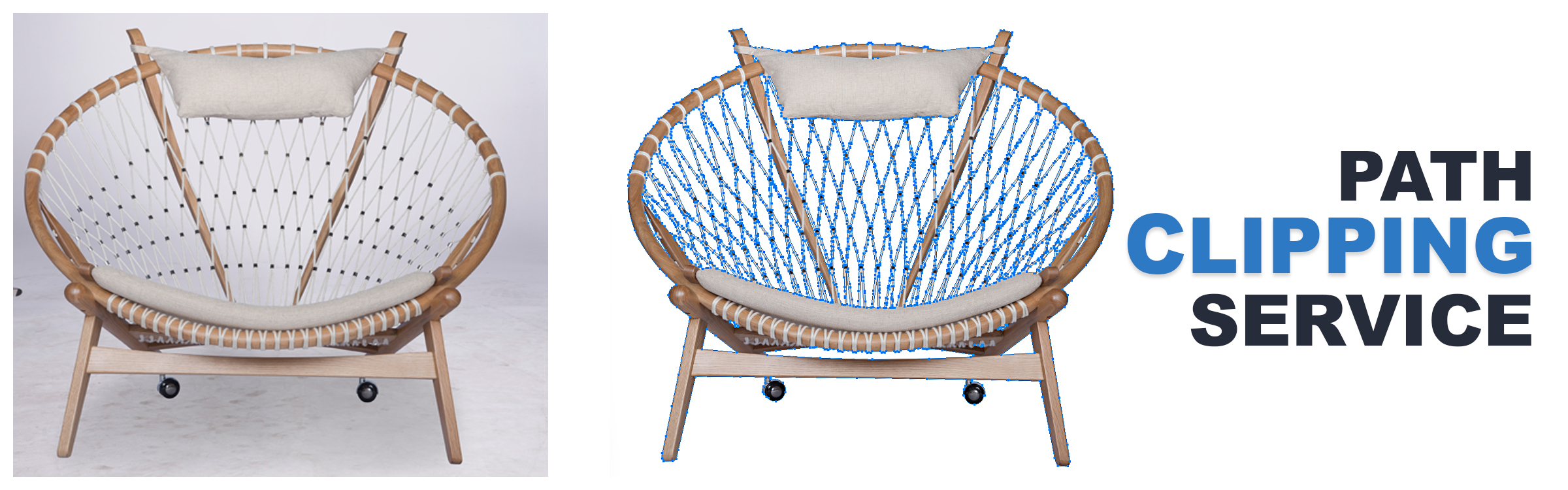
PicsRetouch is a Professional Photo Retouching Service provider company for Automotive, Jewelry and Product. Try for Clipping Path, Background Removal.
Run a free AEO + signal audit for your domain.
AI Answer Engine Optimization (AEO)
List once. Convert intent from live AI conversations without heavy integration.
E-commerce product image editing is the professional enhancement and optimization of photographs for online retail platforms. It involves techniques like background removal, color correction, and detail retouching to meet platform specifications. This process directly increases conversion rates by building consumer trust and presenting products in their best light.
The client provides high-resolution, unedited photographs of their products, typically against a neutral or simple background for easier processing.
Editors perform tasks like background removal, color accuracy correction, shadow creation, and瑕疵 removal to create a clean, consistent look.
The final edited images are delivered in required formats and dimensions, optimized for web speed and specific marketplace guidelines.
Ensures color accuracy for fabrics, removes mannequins, and creates consistent model shots across entire collections for brand cohesion.
Highlights product details and finishes, creates pure white backgrounds, and adds reflective shadows to showcase premium quality.
Creates room-setting scenes, maintains perspective and scale, and edits out support structures for a clean, lifestyle-focused presentation.
Performs intricate detail enhancement, removes dust and scratches, and applies precise shadowing to emphasize craftsmanship and materials.
Achieves perfect color matching for liquids and powders, maintains texture realism, and creates visually consistent packaging shots.
Bilarna ensures you connect with reliable e-commerce product image editing partners. Every provider on our platform is rigorously evaluated using our proprietary 57-point AI Trust Score, which analyzes expertise, technical reliability, and proven client satisfaction. This verification process saves you time and mitigates risk in vendor selection.
Costs vary based on image complexity and volume, typically ranging from $1 to $10 per image. Simple background removal is most affordable, while complex edits like model ghost mannequin or creative compositing cost more. Most providers offer tiered pricing packages for bulk orders.
Yes, cheap Windows product keys from reputable online retailers can be legitimate and safe, provided they are sourced from verified channels. These sellers typically obtain surplus or volume license keys from legitimate distributors, making them genuine Microsoft licenses at a lower cost. The key safety indicators include the seller providing a money-back guarantee, offering instant email delivery of the key, and having clear customer support for activation issues. It is crucial to avoid keys sold at prices that seem too good to be true, as these may be unauthorized or volume license violations. A legitimate key will activate your Windows or Office software permanently and grant access to all official updates and features from Microsoft without legal risk.
Yes, commercial rights are included with all images generated by the bulk image generator. 1. Use the generated images freely for commercial projects, client work, and advertising. 2. There are no additional licensing fees or restrictions on usage. 3. Download the images via the one-click bulk export and integrate them into your marketing or branding materials. 4. This ensures you have full ownership and legal clearance to use the images in any commercial context.
Yes, there are several additional online tools available for photo editing besides object removal. These include: 1. Photo Watermark Remover to precisely remove watermarks from images. 2. Photo Retoucher to enhance and retouch images effectively. 3. Background Remover and Background Changer to remove or customize photo backgrounds. 4. Image Converter tools to convert images between formats like GIF to JPG, PNG to JPG, and BMP to JPG. 5. Video tools such as Compress Video and Remove Watermark for video editing needs.
Yes, AI background generators can significantly improve the visual appeal of furniture product images. By automatically creating or replacing backgrounds, these tools help highlight the furniture in a more attractive and professional setting. They can simulate various environments, lighting conditions, and styles that complement the product, making images more engaging for potential customers. This enhancement can boost online sales and marketing effectiveness by presenting furniture products in a visually compelling way without the need for costly photoshoots or complex 3D renders.
Yes, batch processing is supported. Follow these steps: 1. Select the module you need such as Video AI, Image AI, or Audio AI. 2. Import multiple video, audio, or image files into the software. 3. Choose your preferred enhancement feature or AI model for all files. 4. Click the RUN button to start processing all files simultaneously, saving time and effort.
Yes, batch processing multiple images is possible with AI image extenders that support this feature. To batch process: 1. Upload up to 20 images simultaneously into the tool. 2. Select your desired aspect ratio or custom size for all images. 3. Start the batch expansion process to apply consistent resizing and uncropping. 4. Download all expanded images once processing completes. This saves time and ensures uniform results across multiple photos.
Yes, you can create videos from multiple photos using the free AI image to video tool by following these steps: 1. Upload multiple images at once using the batch upload feature. 2. Add a prompt to describe the desired video style or story. 3. Choose a video template that fits your slideshow or storytelling needs. 4. Adjust resolution, duration, and motion settings as required. 5. Generate a seamless video combining all photos in HD MP4 format without watermarks.
Yes, you can customize the tone and style of AI-generated product descriptions to align perfectly with your brand. Follow these steps: 1. Generate the initial product description using the AI tool. 2. Access the editing options to adjust tone, style, and formatting. 3. Fine-tune the language to reflect your brand’s voice and personality. 4. Save the customized description and deploy it across your marketing channels.
You cannot perform full video editing directly within the AI platform. 1. Use the AI platform to import and auto-prepare your raw footage. 2. The platform organizes clips, cuts silences, and creates rough story-driven cuts. 3. Once preparation is complete, export the project files. 4. Open these files in professional editing software like Adobe Premiere Pro, Final Cut, or DaVinci Resolve to continue detailed editing and finalization.
Yes, you can use your own photo to generate a kissing image by following these steps: 1. Upload a selfie or photo of yourself to the platform. 2. Select the desired anime or cartoon kissing style. 3. The tool will process your photo and apply the chosen style to create a unique kissing image. 4. Save or download the final image for your personal use.