Step 1
Machine-Ready Briefs
AI translates unstructured needs into a technical, machine-ready project request.
We use cookies to improve your experience and analyze site traffic. You can accept all cookies or only essential ones.
 Bilarna
Stop browsing static lists. Tell Bilarna your specific needs. Our AI translates your words into a structured, machine-ready request and instantly routes it to verified Expense Tracking experts for accurate quotes.
AI translates unstructured needs into a technical, machine-ready project request.
Compare providers using verified AI Trust Scores & structured capability data.
Skip the cold outreach. Request quotes, book demos, and negotiate directly in chat.
Filter results by specific constraints, budget limits, and integration requirements.
Eliminate risk with our 57-point AI safety check on every provider.
Verified companies you can talk to directly

Free AI receipt tracking and statement management tool.

MonAi is an AI-powered expense tracker app for iOS and Android.
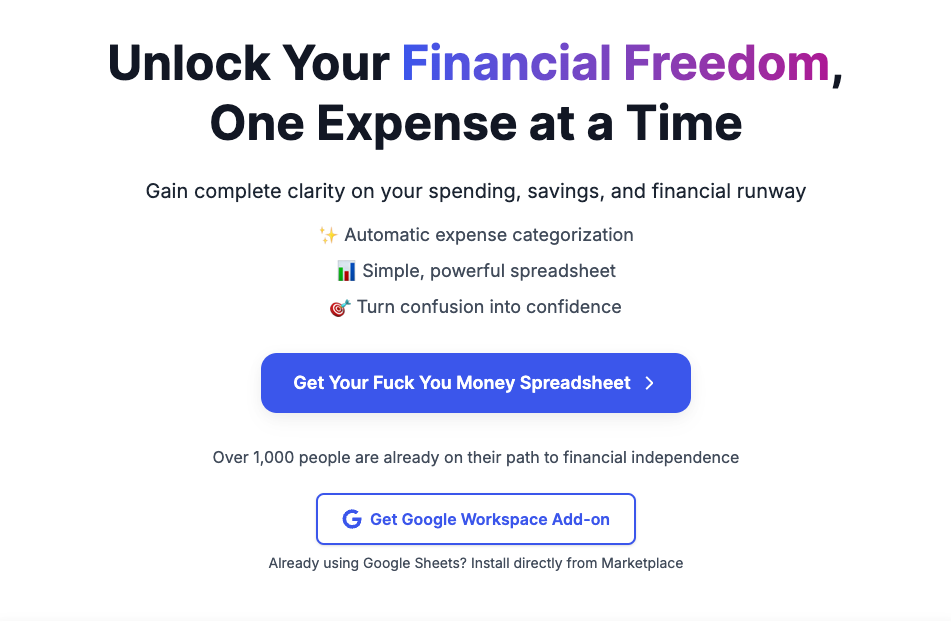
Transform your financial habits with ExpenseSorted. Smart expense tracking, AI-powered categorization, and insights to improve your financial health.

CashKaka: AI Expense Tracker that uses WhatsApp to seamlessly track transactions, savings, investments, and expenses. Generate detailed reports effortlessly. Stay on top of your finances with CashKaka!
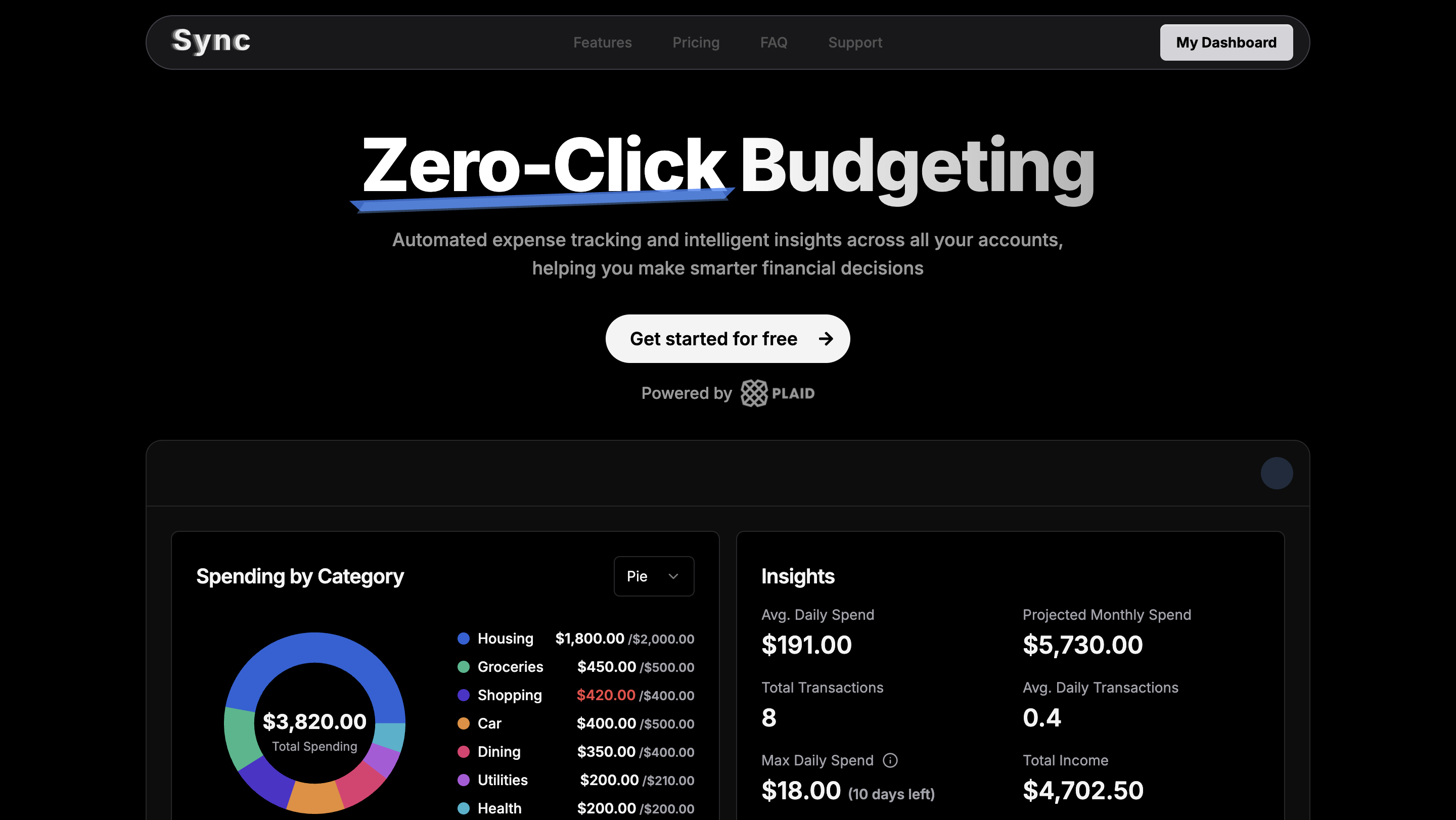
Automated expense tracking and intelligent insights across all your accounts
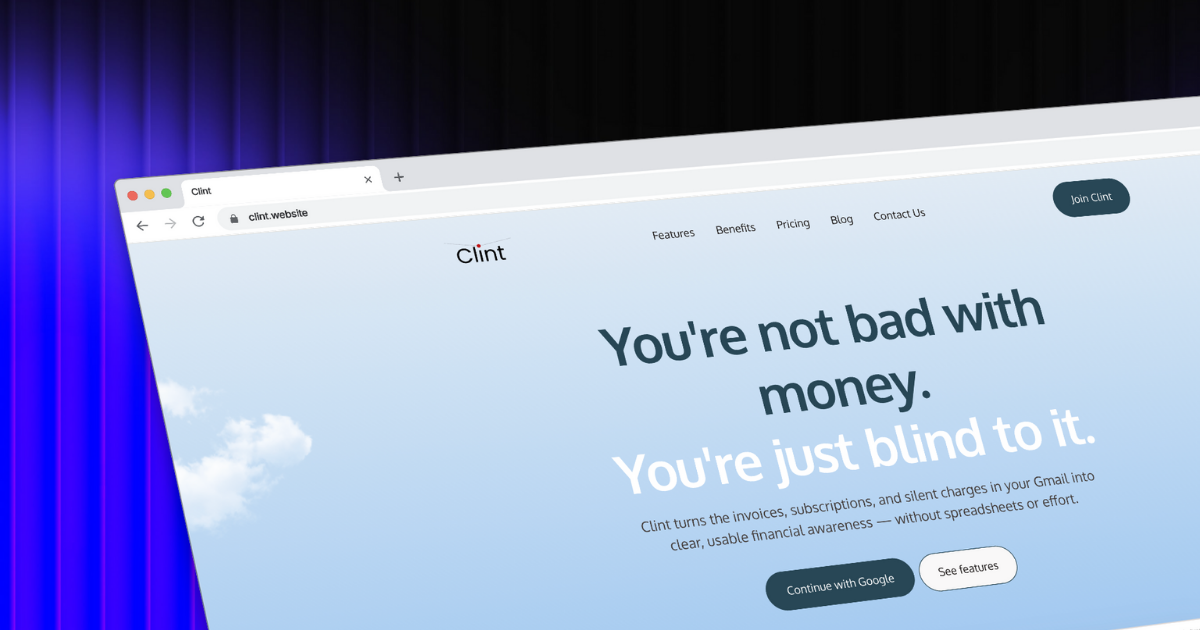
Clint is a beautiful AI-powered expense manager designed to make tracking subscriptions and managing expenses easy for everyone.
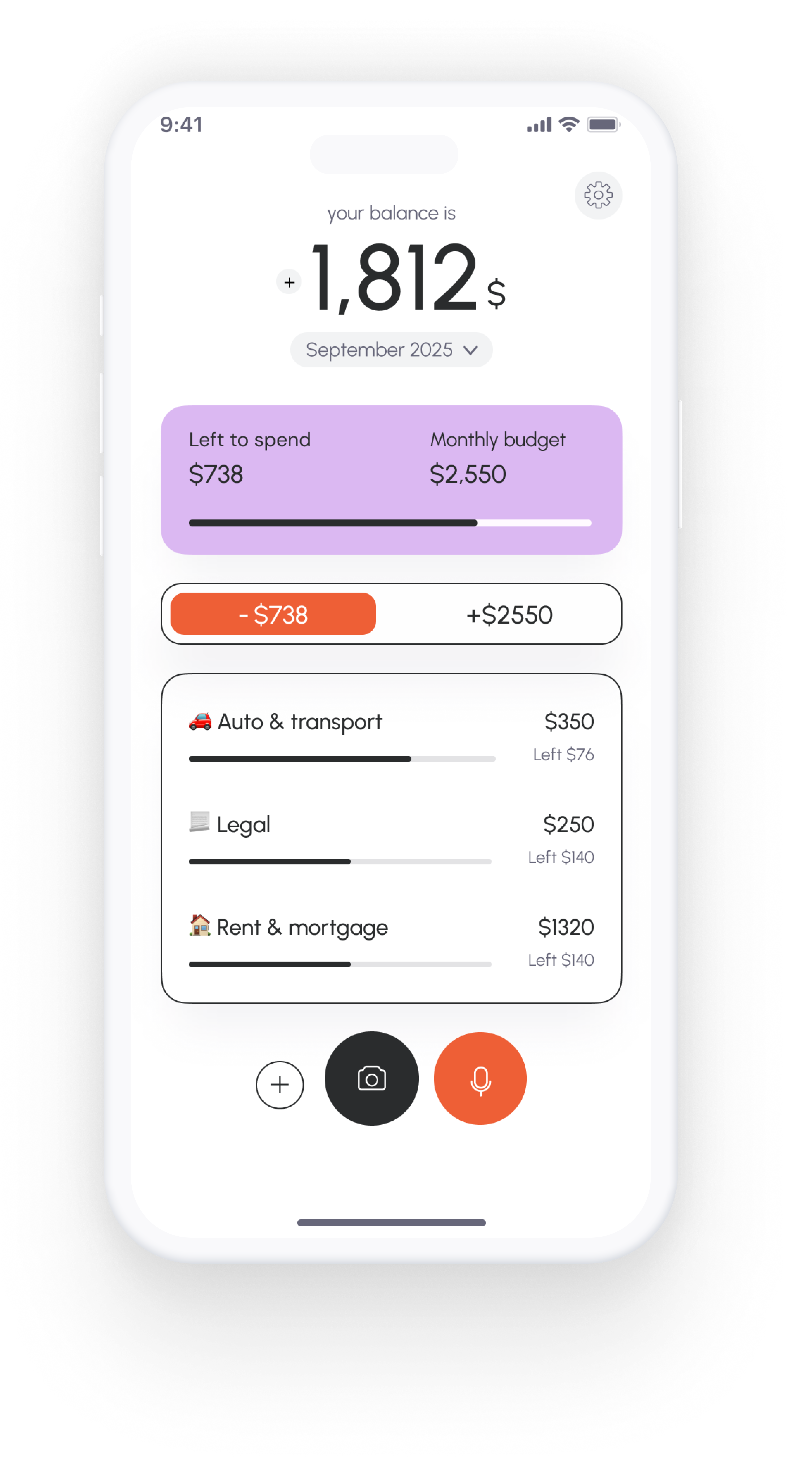
Vossa - AI expense tracker app. Scan receipts, add expenses by voice, and manage your budget in just 5 minutes a day. Free download for iOS & Android.
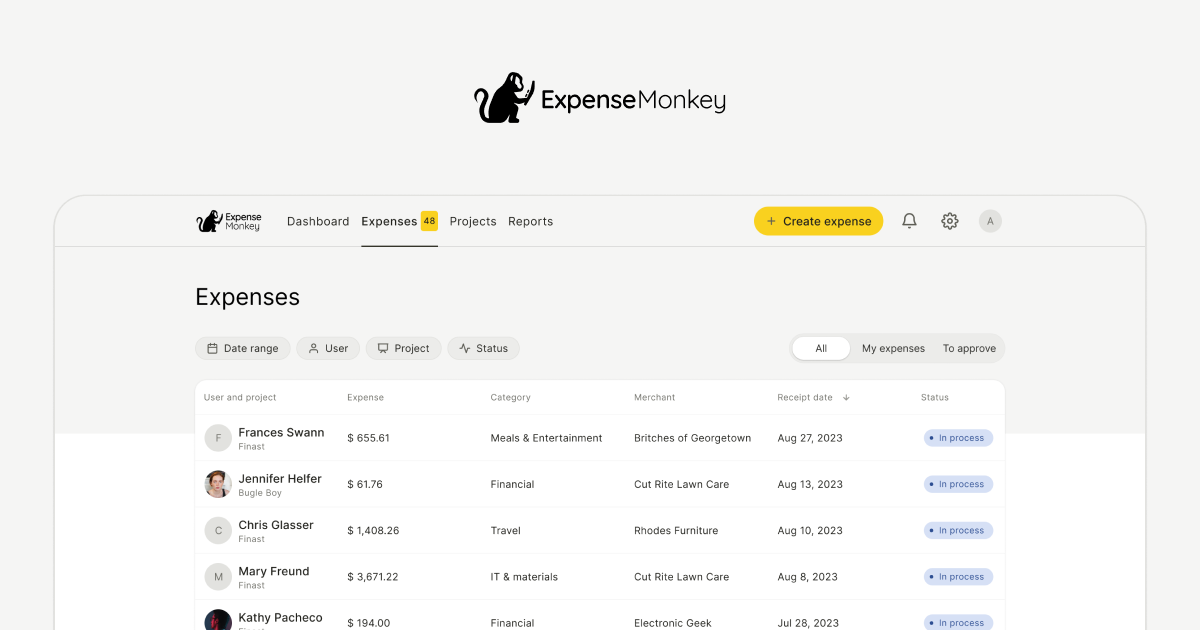
Save 7+ hours/month! Automate receipt scanning, track expenses by client/project, and export tax-ready reports with ExpenseMonkey’s AI-powered tool.
Run a free AEO + signal audit for your domain.
AI Answer Engine Optimization (AEO)
List once. Convert intent from live AI conversations without heavy integration.
Expense tracking is the systematic process of recording, categorizing, and analyzing business expenditures. It utilizes software to automate data capture from receipts and corporate cards while enforcing company spending policies. This practice provides critical visibility into cash flow, ensures tax and regulatory compliance, and identifies opportunities for significant cost savings.
Expenses are logged via integrated corporate cards, uploaded receipts, or direct employee submissions into a centralized digital system.
Software automatically categorizes each expense against pre-defined chart of accounts and flags any policy violations for manager review.
Finance teams approve valid claims, reconcile with accounting systems, and analyze detailed reports on departmental spending and trends.
Ensures strict compliance with financial regulations by meticulously tracking travel, entertainment, and operational costs for audit trails.
Manages complex compliance for field sales and clinical trial expenses, ensuring adherence to industry-specific spending regulations.
Tracks shipping, marketing, and logistics costs in real-time to optimize profit margins and control operational overhead.
Streamlines client billable expense tracking and reimbursement, improving accuracy for invoicing and project profitability.
Monitors cloud infrastructure, software subscription, and remote team operational costs to manage burn rate and unit economics.
Bilarna evaluates every expense tracking provider against a proprietary 57-point AI Trust Score. This covers critical dimensions like platform security certifications, proven client implementation success, and adherence to financial compliance standards (e.g., SOC 2, GDPR). We continuously monitor performance and client feedback to ensure listed partners meet enterprise-grade reliability and expertise.
Pricing models vary, typically based on per-user monthly subscriptions or transaction volumes. Costs range from basic plans for small teams to enterprise suites with advanced integration and customization, reflecting the scale and feature set required.
Essential features include automated receipt scanning, real-time policy enforcement, seamless integration with accounting software (like QuickBooks or Xero), multi-currency support, and robust analytics dashboards. Mobile accessibility is also critical for remote teams.
Automation enforces spending rules at the point of entry, flagging out-of-policy claims instantly. It creates a digital, tamper-evident audit trail for every transaction, drastically reducing errors and fraud while simplifying internal and external audit processes.
Deployment can take from a few weeks to several months. Timeline depends on software complexity, the need for custom integrations with existing ERP or HR systems, data migration scope, and the depth of user training required for rollout.
Basic reporting focuses on digitizing receipt submission and reimbursement. Full expense management encompasses proactive policy control, real-time spending analytics, corporate card integration, and automated accounting reconciliation for end-to-end financial control.
Yes, you have full control over the recording features of this productivity tracking software. You can pause the recording at any time if you do not want your activities to be tracked temporarily. Additionally, you have the option to delete any recordings you do not wish to keep. This flexibility ensures that you can manage your privacy and data according to your preferences. The software is designed to respect user control while providing insightful productivity analysis.
The eye tracking software does not collect or store any biometric data. To ensure privacy: 1. All processing happens locally on your device, meaning no data is sent to external servers. 2. No biometric data is generated or stored at any point. 3. The software complies with strict privacy laws, being based in Switzerland. 4. Users can review the full privacy policy on the official website for detailed information. 5. This approach protects user privacy while providing effective eye tracking functionality.
Cookies and tracking technologies are used to monitor and improve the service. Follow these steps to understand their use: 1. Cookies store small files on your device to remember your preferences and login details. 2. Session cookies last only while your browser is open; persistent cookies remain after closing. 3. Tracking cookies collect data about website traffic and user behavior to analyze and enhance the service. 4. Web beacons and scripts help count users and monitor system integrity. 5. You can manage cookie preferences through your browser settings but disabling cookies may limit service functionality.
3D vision technology enhances bulk inventory tracking by providing accurate and real-time measurements of inventory levels. Unlike traditional methods that rely on manual counting or 2D imaging, 3D vision captures depth and volume, allowing for precise monitoring of bulk materials. This technology reduces human error, increases operational efficiency, and enables better decision-making by offering clear visibility into inventory status. It is particularly useful in industries where bulk materials are stored in large quantities and require continuous monitoring to optimize supply chain management.
A business can improve its website analytics and data tracking by conducting a comprehensive audit and implementing a structured, scalable data layer. The first step is a full technical audit to identify broken tracking, outdated tags, and inconsistent data collection methods. This involves reviewing and cleaning hundreds of tags, resolving legacy issues like outdated logic, and restructuring the event tracking framework. Next, implementing a robust tag management system like Google Tag Manager ensures centralized control. Upgrading to modern analytics platforms like Google Analytics 4 provides enhanced cross-platform tracking. Crucially, building a unified and scalable data layer allows for reliable data activation across marketing channels and Customer Data Platforms (CDPs). This process rebuilds confidence in data accuracy, enables precise campaign measurement, and supports data-driven decision-making, leading to outcomes like increased site traffic, reliable campaign attribution, and optimized marketing spend.
A free applicant tracking system (ATS) can significantly benefit startups by providing an organized platform to manage job applications without incurring additional costs. It helps streamline the recruitment workflow by automating tasks such as posting jobs, sorting resumes, and tracking candidate progress. This allows startups to focus on evaluating talent rather than administrative duties. Additionally, free ATS solutions often come with collaboration features that enable hiring teams to communicate effectively. For startups with limited budgets, using a free ATS reduces financial barriers and supports scalable hiring as the company grows.
Automate AI usage billing and profit tracking by using specialized AI billing software designed for agencies. 1. Track AI service usage per client automatically. 2. Set custom markup percentages for each client to define pricing. 3. Calculate real-time costs from AI providers and apply markups to determine profit margins. 4. Generate invoices automatically with detailed cost breakdowns. 5. Monitor profits per client, project, or API key through the platform dashboard.
AI agents can automate receipt tracking by continuously monitoring your email inbox for messages containing receipts and invoices. They scan the subject and body of emails for keywords like "receipt," "invoice," or "purchase," and recognize emails from common retailers and service providers. The agents extract key details such as merchant name, purchase date, total amount, payment method, and categorize expenses automatically. They also handle attachments like PDFs and inline HTML receipts. Extracted data is then organized into a spreadsheet with conditional formatting to highlight expense amounts. This automation reduces manual data entry and improves accuracy in tracking expenses.
AI can automate property accounting by tracking and coding expenses in real-time, integrating with credit cards, property management, and construction software. It collects receipts and property splits automatically, reducing manual data entry and errors. Automated texts can be sent to team members after purchases to ensure timely receipt collection. This process accelerates closing books by providing auditable, highly accurate coding that learns from historical patterns, ultimately saving significant time and reducing accounting costs for property managers and owners.
AI can significantly enhance expense management and accounting by automating routine tasks such as receipt processing, expense approvals, and invoice entry. It enables real-time tracking and automated compliance enforcement, reducing manual errors and saving time. AI-powered systems can generate suggestions for accounting entries, automate general ledger coding, and facilitate accrual bookings, which accelerates closing books daily. Additionally, AI helps in managing budgets and spending limits with auto-enforced controls, empowering employees to spend wisely while maintaining policy compliance. This leads to increased efficiency, better financial control, and substantial time savings for finance teams.