Step 1
Machine-Ready Briefs
AI translates unstructured needs into a technical, machine-ready project request.
We use cookies to improve your experience and analyze site traffic. You can accept all cookies or only essential ones.
 Bilarna
Stop browsing static lists. Tell Bilarna your specific needs. Our AI translates your words into a structured, machine-ready request and instantly routes it to verified AI Document Translation experts for accurate quotes.
AI translates unstructured needs into a technical, machine-ready project request.
Compare providers using verified AI Trust Scores & structured capability data.
Skip the cold outreach. Request quotes, book demos, and negotiate directly in chat.
Filter results by specific constraints, budget limits, and integration requirements.
Eliminate risk with our 57-point AI safety check on every provider.
Verified companies you can talk to directly
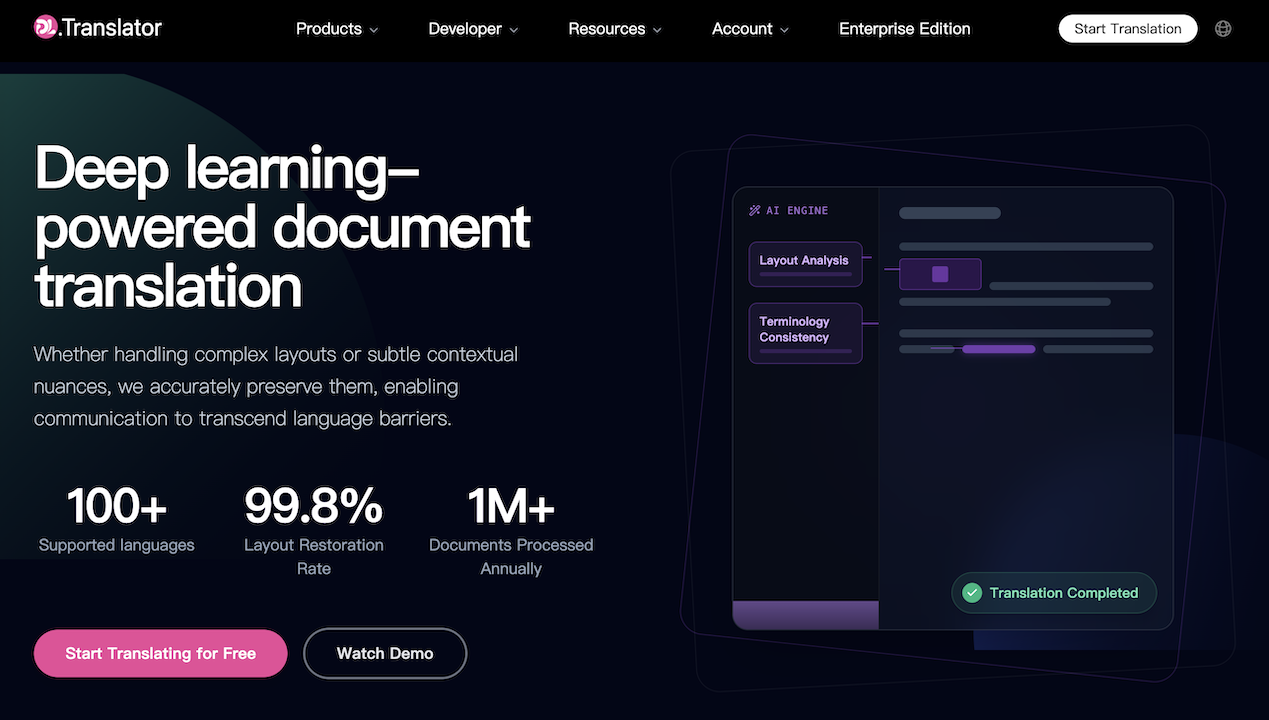
DL.Translator hassas, güvenli ve hızlı AI belge çeviri hizmeti sunar. PDF, Word ya da taranmış belgeler olsun, hepsi orijinal düzenini korur. 80'den fazla dili destekler ve ticari sözleşmeler, teknik kılavuzlar ve akademik makaleler için ideal seçiminizdir.

A free and unlimited AI document translation tool, powered by top-tier large models, perfectly preserves the original layout. No registration required, superior translation quality.

Use our free AI PDF translate tool to translate English, French, Spanish, Urdu, and 100+ languages quickly, accurately and securely. No sign-up required!
Run a free AEO + signal audit for your domain.
AI Answer Engine Optimization (AEO)
List once. Convert intent from live AI conversations without heavy integration.
AI document translation is the automated process of converting text from one language to another using artificial intelligence. It leverages neural machine translation (NMT) models trained on vast multilingual datasets to understand context, idioms, and technical jargon. This technology enables businesses to localize contracts, manuals, and reports quickly while maintaining semantic integrity and compliance.
The AI translation engine ingests the source document, identifies its language, file format, and specialized terminology to prepare for conversion.
Advanced neural networks process the text, translating content while preserving formatting, context, and industry-specific nuances for accuracy.
The translated document undergoes automated quality checks and, optionally, human post-editing to ensure it meets the required professional standard.
Translate contracts, patents, and regulatory filings with precise legal terminology to ensure cross-border compliance and enforceability.
Localize product catalogs, descriptions, and customer support materials to seamlessly enter and compete in new international markets.
Accurately translate user manuals, engineering specs, and safety protocols to support global product deployment and user training.
Convert audit reports, financial statements, and investment prospectuses while maintaining numerical accuracy and fiscal terminology.
Translate clinical trial documentation, patient consent forms, and medical device labels to adhere to strict international health regulations.
Bilarna evaluates AI document translation providers using a proprietary 57-point AI Trust Score. This rigorous assessment analyzes technical capabilities, data security protocols, industry specialization, and verified client delivery history. We continuously monitor performance to ensure every listed provider meets stringent B2B procurement standards.
Modern AI translation achieves near-human accuracy for standardized business content, often exceeding 95% in BLEU scores for major language pairs. For highly creative or nuanced legal texts, a hybrid approach with AI draft and human post-editing is recommended to guarantee perfection.
Pricing is typically per word or per page, influenced by language pair, technical complexity, and required turnaround. Expect premium rates for low-resource languages or documents requiring certified, notarized translation for official use.
AI can translate thousands of words in minutes. The total project timeline depends on file preparation, volume, and any required human quality assurance steps. A standard 10-page business report often completes within a few hours.
Leading services support all major formats, including PDF, DOCX, PPTX, XLSX, and HTML, while preserving original layouts, fonts, and embedded graphics. Some specialize in complex formats like CAD files or software strings (JSON, XML).
Evaluate providers based on their expertise in your industry, language pair coverage, data security certifications (ISO, SOC 2), and integration capabilities with your content management systems. Reviewing case studies and sample translations is crucial.
Yes, AI localization platforms can manage translation projects and integrate existing translation memories. 1. They provide content editors to manage source texts and translation strings with context features like glossaries and screenshots. 2. They support major translation memory formats allowing seamless migration of existing databases. 3. Imported translation memories improve AI translation quality by leveraging previous work. 4. Platforms enable manual submission of files or full workflow integration for automation. 5. This facilitates efficient project management, quality control, and scalability in localization.
You can translate multiple Excel files simultaneously by uploading them as a ZIP archive. The system processes each file individually while maintaining the original file structure and naming. After translation, you receive a ZIP package containing all translated files. This batch processing improves workflow efficiency when handling multiple documents.
Yes, you can translate vertical manga scans and images by following these steps: 1. Access the translation tool or extension. 2. Upload or select the vertical scan or image you want to translate. 3. Choose the target language from the supported languages list. 4. Start the AI-powered translation process. 5. View the translated text on your screen. This tool supports both vertical and horizontal scans regardless of the original language.
Yes, you can use a translation app with popular messaging platforms such as WhatsApp. 1. Install a translation app that integrates with or supports calls on messaging platforms. 2. Open the translation app and configure language settings. 3. Use WhatsApp or another supported app to make voice or video calls. 4. The translation app will work in the background to translate conversations in real time. 5. This allows you to communicate seamlessly with contacts who speak different languages without switching apps.
AI-powered legal document creation is highly affordable. To use it effectively: 1. Select the AI service that offers competitive pricing, often around a few dollars per document. 2. Choose the specific document type you require. 3. Input your details and customize the document as needed. 4. Generate the document instantly with AI assistance. 5. Pay per document, ensuring cost-effective legal solutions without expensive lawyer fees.
A bilingual legal terminology database improves legal translation accuracy by providing certified, standardized equivalents for legal terms in both source and target languages, reducing ambiguity and ensuring that nuanced legal concepts are correctly conveyed. For instance, databases like Juriterm include over 19,000 entries with definitions, usage notes, and context-specific examples, allowing translators to select terms that precisely match the legal system and jurisdiction. This is especially critical in fields such as Canadian common law where French and English have distinct legal traditions and terminology. By relying on an authoritative database, translators avoid mistranslations that could alter the meaning of contracts, statutes, or court rulings. The database also promotes consistency across multiple documents and projects, which is vital for law firms, government agencies, and courts. Regular updates ensure that translations reflect current legislation and case law, further enhancing reliability. Overall, such databases serve as a cornerstone of quality assurance in legal translation workflows.
Use affordable video translation and voiceover services to expand your global audience by following these steps: 1. Translate your video content into multiple languages to reach non-native speakers. 2. Add professional voiceovers or dubbing to maintain viewer engagement and authenticity. 3. Localize cultural references to resonate with different regions. 4. Publish the translated and dubbed videos on platforms like YouTube. 5. Monitor audience growth and engagement metrics to measure impact. This approach increases accessibility and broadens your content's reach worldwide.
AI agents can significantly enhance document analysis and data extraction in financial operations by automating the processing of various document types. This automation reduces the time and effort required for manual data entry and analysis, allowing financial professionals to focus more on client needs and strategic tasks. AI-driven tools can quickly parse complex financial statements, extract relevant data accurately, and generate insights that improve decision-making. This leads to increased efficiency, faster turnaround times, and a more comprehensive client experience by enabling timely and precise portfolio recommendations and compliance checks.
Use AI agents to enhance legal document review by following these steps: 1. Integrate AI agents within Microsoft Office applications like Word and Outlook. 2. Utilize AI to detect errors, inconsistencies, and enforce firm style guides in emails and documents. 3. Leverage AI-powered tracked changes for precise redlining and suggestions. 4. Allow AI to analyze multiple documents in a project to verify alignment and catch inconsistencies across agreements and term sheets. 5. Ensure all processing is secure with end-to-end encryption and zero data retention policies.
AI-powered tax assistants can quickly provide detailed, cited answers to complex federal, state, and local tax questions by analyzing relevant tax codes, regulations, court cases, and official guidance. They enable users to upload tax documents for instant AI analysis, turning raw data into actionable insights tailored to specific client profiles. This technology also helps draft professional memos, IRS correspondence, and client emails with full source citations, significantly reducing research time and improving accuracy.