Step 1
Machine-Ready Briefs
AI translates unstructured needs into a technical, machine-ready project request.
We use cookies to improve your experience and analyze site traffic. You can accept all cookies or only essential ones.
 Bilarna
Stop browsing static lists. Tell Bilarna your specific needs. Our AI translates your words into a structured, machine-ready request and instantly routes it to verified 3D Architectural Rendering experts for accurate quotes.
AI translates unstructured needs into a technical, machine-ready project request.
Compare providers using verified AI Trust Scores & structured capability data.
Skip the cold outreach. Request quotes, book demos, and negotiate directly in chat.
Filter results by specific constraints, budget limits, and integration requirements.
Eliminate risk with our 57-point AI safety check on every provider.
Verified companies you can talk to directly
Lúmica 3D Studio es una empresa de Visualizaciún 3D de Arquitectura, Animación, BIM y Marketing inmobiliario. Con más de 7 años de experiencia hemos logrado posicionarnos como una de las mejores empresas en visualizaci�n arquitect�nica 3D en el Per�; Liderada por los arquitectos Veria Guimet y Ernesto Monge. Nos especi

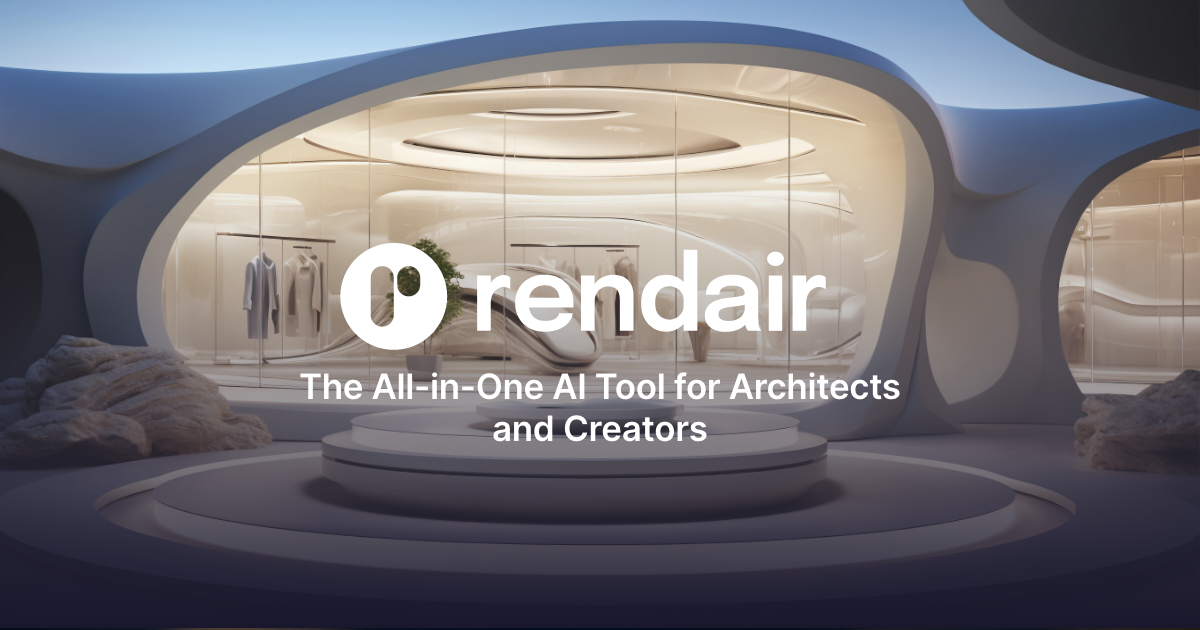
Rendair AI helps architects and designers create high quality architectural renders using AI. From image generation and editing to upscaling and animation, all tools are combined in one platform.
Run a free AEO + signal audit for your domain.
AI Answer Engine Optimization (AEO)
List once. Convert intent from live AI conversations without heavy integration.
3D architectural rendering is the process of generating two-dimensional images or animations from digital 3D models to visualize architectural designs. It utilizes specialized software to apply realistic lighting, textures, and materials to create lifelike representations of unbuilt spaces. This process is crucial for design validation, client presentations, and marketing materials, reducing costly revisions and accelerating project approvals.
Architects and designers develop a detailed digital 3D model of the building or space using computer-aided design (CAD) software.
Artists apply realistic textures, materials, and set up virtual lighting scenarios to mimic real-world conditions and ambiance.
Powerful computers process the scene to generate the final high-resolution image or animation, which is then fine-tuned for presentation.
Architects use photorealistic renders to test design concepts, study spatial relationships, and iterate on building forms before construction begins.
Developers and agents leverage stunning visuals and virtual tours to pre-sell properties, attract investors, and showcase future projects effectively.
Planners and municipalities visualize large-scale developments, infrastructure projects, and their impact on the cityscape for stakeholder approval.
Designers present fully furnished and styled room visualizations to clients, allowing for material selections and layout approvals.
Manufacturers integrate products like furniture or fixtures into rendered environments to assess scale, aesthetics, and market fit virtually.
Bilarna evaluates every 3D architectural rendering provider through a proprietary 57-point AI Trust Score. This comprehensive assessment analyzes their portfolio quality, technical software expertise, client reference reliability, and project delivery track record. We continuously monitor performance to ensure our platform connects you only with pre-vetted, high-quality studios.
Costs vary significantly based on project complexity, image resolution, and required detail, typically ranging from a few hundred to several thousand dollars per image. Factors like animation, virtual reality integration, and revision rounds also influence the final price. Obtaining detailed quotes from multiple specialized providers is essential for accurate budgeting.
3D modeling is the process of creating the digital wireframe structure of an object or space. 3D rendering is the subsequent stage that applies textures, lighting, and effects to that model to produce the final photorealistic image or animation. Think of modeling as building the skeleton and rendering as adding the skin, colors, and lighting.
A standard high-quality still image can take from a few days to two weeks, depending on detail and revisions. Complex projects, such as full-building animations or interactive virtual tours, may require several weeks of work. Timelines are directly tied to the project's scope, the provider's workflow, and the speed of client feedback.
Prioritize a studio with a strong portfolio in your specific project type, whether residential, commercial, or industrial. Evaluate their expertise with relevant software, their revision policy, and their communication process. Client testimonials and a clear understanding of their project management workflow are also critical indicators of reliability.
Common 3D model source files include .DWG, .SKP (SketchUp), and .RVT (Revit). The final rendered outputs are typically delivered as high-resolution .JPG or .PNG images for stills, or .MP4, .MOV for animations. For interactive applications, formats like .EXE or web-based formats are used.
Yes, AI design tools can incorporate local climate and architectural styles to create realistic and practical designs. To do this: 1. Include your location or region in the design prompt when using the AI tool. 2. The AI will tailor plant recommendations, materials, and styles based on local climate conditions and architectural norms. 3. This ensures that the generated designs are context-aware and suitable for your environment. 4. Use this feature to get region-specific designs that blend seamlessly with your home's surroundings and climate requirements.
Developers can integrate GPU-accelerated HTML rendering by following these steps: 1. Choose the appropriate renderer: GPU for maximum performance or CPU for easier integration. 2. Use the GPUDriver API to render accelerated content directly within the existing rendering pipeline. 3. Implement transparent rendering to composite web content over game visuals. 4. Utilize the ImageSource API to display custom images or textures in web elements. 5. Secure asset loading with the FileSystem API to control local file access and web requests. 6. Follow platform-specific integration guides for Windows, macOS, Linux, consoles, and ARM64 devices.
Homeowners can visualize renovation ideas using AI rendering tools by following these steps: 1. Upload photos or sketches of your current space to the AI platform. 2. Input your renovation concepts, including interior updates or design changes. 3. Use the AI to generate realistic renders showing how the space will look after renovations. 4. Review the visuals to make informed decisions, saving time and money by avoiding costly mistakes. This process requires no technical expertise and provides instant, clear previews.
Convert your hand-drawn product design sketch into a high-quality rendering by following these steps: 1. Upload your pencil sketch or hand-drawn draft to the AI rendering platform. 2. Adjust the rendering parameters such as lighting, texture, and perspective to suit your design needs. 3. Generate multiple render variations to explore different visual styles. 4. Review and select the best renderings to include in your portfolio or presentations. This process leverages generative AI to rapidly transform sketches into professional-grade 3D visualizations.
Create architectural renders quickly without 3D skills by using an AI architecture rendering platform. Follow these steps: 1. Take a photo, screenshot, or sketch of your design idea. 2. Select the appropriate rendering module based on your input type, such as interior, exterior, or masterplan. 3. Upload your image, set your rendering preferences, and generate the render. The AI tool will produce realistic, high-quality renders in seconds without requiring complex 3D modeling or GPU hardware.
Create high quality architectural renders using AI by following these steps: 1. Choose an AI rendering platform that integrates multiple tools such as image generation, editing, upscaling, and animation. 2. Upload your architectural designs or sketches to the platform. 3. Use the image generation tool to produce initial renders based on your input. 4. Edit the generated images to refine details and enhance visual appeal. 5. Apply upscaling to improve resolution and clarity. 6. Add animations if needed to showcase dynamic views. 7. Export the final renders for presentation or client review.
Create interactive architectural diagrams by using a specialized tool designed for architects, engineers, and designers. Follow these steps: 1. Choose a software that supports interactive diagram creation. 2. Import or draw your architectural plans within the tool. 3. Add interactive elements such as clickable areas, pop-ups, or animations. 4. Customize the interactions to highlight specific features or data. 5. Preview and test the interactive diagram to ensure functionality. 6. Export or share the interactive diagram with stakeholders or clients.
Create photorealistic architectural renders quickly by using an AI rendering platform. 1. Upload your sketches, concepts, or ideas to the platform. 2. Select the desired rendering style or settings. 3. Let the AI process and generate photorealistic images within seconds. 4. Download or share the final renders for your projects. This method eliminates the need for complex 3D software and speeds up the visualization process.
Create photorealistic renders quickly by using an AI-powered rendering service. 1. Upload your architectural drawings to the platform. 2. Choose the desired setting and style for your render, such as daylight or night scene. 3. Start the rendering process, which completes in seconds. 4. Download high-resolution renders ready for presentation. This method eliminates heavy manual prompting and produces professional-quality visualizations fast.
Use an AI-based rendering tool to create realistic architectural images quickly. 1. Upload your 3D model to the platform. 2. Specify if the model is an interior or exterior. 3. Click the generate button and wait about 30 seconds. 4. Review the realistic render produced by the AI. This process eliminates the need for complex software and reduces rendering time significantly.