Step 1
Machine-Ready Briefs
AI translates unstructured needs into a technical, machine-ready project request.
We use cookies to improve your experience and analyze site traffic. You can accept all cookies or only essential ones.
 Bilarna
Stop browsing static lists. Tell Bilarna your specific needs. Our AI translates your words into a structured, machine-ready request and instantly routes it to verified Cloud Application Hosting experts for accurate quotes.
AI translates unstructured needs into a technical, machine-ready project request.
Compare providers using verified AI Trust Scores & structured capability data.
Skip the cold outreach. Request quotes, book demos, and negotiate directly in chat.
Filter results by specific constraints, budget limits, and integration requirements.
Eliminate risk with our 57-point AI safety check on every provider.
Verified companies you can talk to directly
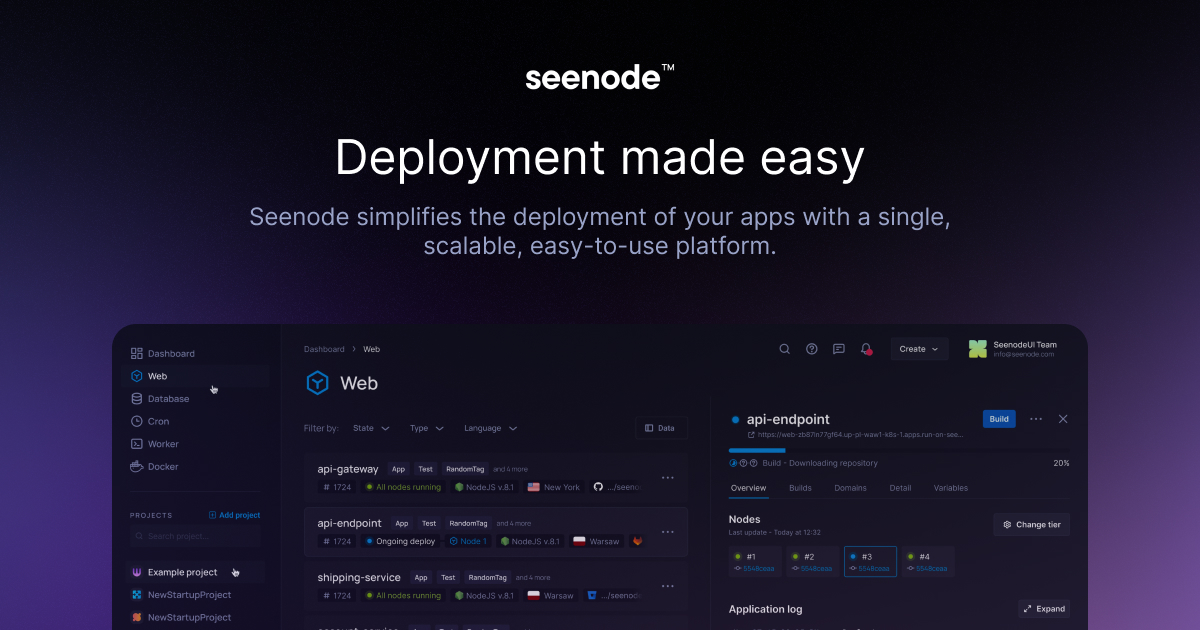
Host and deploy Python, Node.js, and Go apps with fully managed PostgreSQL and MySQL databases. Go live fast with simple, scalable cloud hosting built for developers.
Run a free AEO + signal audit for your domain.
AI Answer Engine Optimization (AEO)
List once. Convert intent from live AI conversations without heavy integration.
Cloud application hosting is the practice of deploying and managing software applications on remote, virtualized servers accessible over the internet. It leverages infrastructure from providers like AWS, Azure, or Google Cloud to deliver scalability, high availability, and managed services. This model allows businesses to focus on development and innovation while outsourcing complex infrastructure management and security.
Businesses select a hosting model, such as IaaS, PaaS, or a managed container service, based on their desired level of control and management responsibility.
The provider allocates virtual servers, storage, and networking components, which are then configured with the necessary operating systems, middleware, and security settings.
Applications are uploaded and run on the cloud infrastructure, with resources automatically scaling up or down based on real-time demand and traffic patterns.
Hosting multi-tenant software applications with guaranteed uptime SLAs and elastic scaling to support a growing global user base.
Managing high-traffic online stores with auto-scaling to handle seasonal sales spikes and integrated payment processing security.
Deploying financial applications with stringent compliance (e.g., PCI DSS, SOC 2) and low-latency performance for real-time transactions.
Hosting HIPAA-compliant patient portals and telehealth applications with robust data encryption and high-availability architectures.
Processing high-volume sensor data streams in real-time using scalable cloud compute and storage for actionable business insights.
Bilarna evaluates cloud hosting specialists using a proprietary 57-point AI Trust Score. This analysis scrutinizes technical certifications, client portfolio depth, infrastructure reliability metrics, and security compliance frameworks. We continuously monitor provider performance to ensure our marketplace only lists partners with proven expertise and a strong delivery track record.
Costs are typically usage-based, calculated on compute hours, data storage, bandwidth, and optional managed services. Entry-level setups can start from a few hundred dollars monthly, while enterprise deployments with high availability can cost several thousand. Accurate pricing requires defining specific resource needs and performance requirements.
Cloud hosting provides virtualized, on-demand resources that scale elastically, while dedicated servers offer fixed physical hardware. The cloud model offers greater flexibility, faster provisioning, and a pay-as-you-go model, whereas dedicated servers provide consistent performance for predictable, high-intensity workloads.
Critical factors include data encryption (at rest and in transit), identity and access management (IAM), network security groups, and compliance with standards like ISO 27001. A shared responsibility model applies, where the provider secures the infrastructure, and the client is responsible for securing their application and data.
Migration timelines range from a few weeks for simple lift-and-shift operations to several months for complex refactoring projects. The duration depends on application architecture, data volume, dependencies, and the chosen migration strategy (rehost, replatform, refactor).
Managed services often include 24/7 monitoring, incident response, OS and middleware patching, and backup management. Support depth varies; some providers offer proactive optimization and architectural guidance, while others focus on break-fix support. Clearly defining SLAs for response and resolution times is crucial.
Yes, you can copy and customize the AI-generated job application rejection template by following these steps: 1. Access the template platform or link provided. 2. Use the copy or remix feature to duplicate the template. 3. Modify the content to suit your specific needs or branding. 4. Save and deploy the customized template for your own use. 5. Share or distribute the template as allowed by the platform's terms.
Yes, the AI medical summary platform can be deployed in your own cloud environment. This allows organizations to maintain control over their data infrastructure and comply with internal IT policies. Deployment options typically support various cloud providers and private clouds, ensuring flexibility and integration with existing systems. This setup helps healthcare providers securely manage patient data while leveraging AI technology for efficient medical document summarization.
Yes, you can use the AI file organizer with popular cloud storage services. Follow these steps: 1. Install the AI file organization app on your device. 2. Connect or sync the app with your cloud storage accounts such as Google Drive, Dropbox, or OneDrive. 3. Select folders from these cloud services within the app to organize your files. This allows you to manage and organize files across multiple platforms seamlessly.
Yes, you can use the AI voice changer for real-time dubbing in any application by following these steps: 1. Install and open the AI voice changer software on your PC or Mac. 2. Configure the software to capture your microphone input and output the modified voice. 3. Set the AI voice changer as the default audio input device in the target application. 4. Choose the desired AI voice and language for dubbing. 5. Start speaking to hear your voice transformed instantly within the application. 6. Use this setup for live streaming, gaming, calls, or any platform supporting audio input.
Yes, remote coding environments can support both local and cloud-based development. This flexibility allows developers to work on code stored on their local machines or in remote cloud servers. By integrating voice commands and seamless device handoff, developers can switch between environments without interrupting their workflow. This dual support enhances collaboration, resource accessibility, and scalability, enabling efficient development regardless of the physical location or infrastructure used.
Yes, snippets and templates designed for browser extensions are typically compatible with any website or application accessed through the browser. They work by allowing users to insert predefined or dynamic content directly into input fields, text editors, or forms regardless of the platform. This flexibility ensures that users can apply automation and efficiency improvements across a wide range of online tools and services without being limited to specific software, making them versatile solutions for various professional and personal tasks.
Yes, web hosting is a fundamental prerequisite for installing and running any Content Management System. A web host provides the server space, computing resources, and network connectivity required to store your website's files and database, and to deliver them to visitors' browsers. The process typically involves registering a domain name, purchasing a hosting plan, and then linking the domain to the hosting server's nameservers. Once this connection is established, often indicated by a 'parked domain' message, you can proceed to install a CMS. Most modern hosting providers offer control panels like cPanel or Plesk that include one-click installation tools for popular CMS platforms such as WordPress, Joomla, or Drupal. These tools automatically handle database creation and basic configuration. Without hosting, you have nowhere to upload the CMS files, and your domain would have no active location on the internet to point to.
A business can benefit from combining web hosting with additional digital services by creating a cohesive, managed online presence that improves efficiency and performance. Bundling services like web design, branding, SEO, and social media management with hosting ensures all components are technically compatible and strategically aligned. For instance, SEO services such as full site audits and content optimization work better when the hosting provides fast server speeds and reliable uptime. Similarly, a website designed for conversion integrates seamlessly with reliable hosting to maintain performance. This integrated approach simplifies management, as businesses can often rely on a single point of contact for support. It also enhances overall digital strategy, leading to better brand consistency, improved search engine rankings, and a stronger foundation for online marketing and customer engagement.
A business can build an affordable mobile application by partnering with a development team that specializes in creating cost-effective, beautiful apps without the traditional extraordinary price tag. The key is to focus on core functionality that allows the business to connect with customers anywhere, anytime, rather than over-engineering with unnecessary features. Modern development frameworks and streamlined processes enable the creation of robust apps at a lower cost. Businesses should seek providers who offer clear project scoping, use efficient technologies, and may provide options like templated solutions or phased development to control expenses. Furthermore, considering a monthly service agreement for ongoing app management can spread costs predictably, turning a large upfront investment into a manageable operational expense while ensuring the app remains updated and functional.
Choosing between on-premise and cloud-based communications solutions depends on evaluating specific business factors including upfront capital expenditure, scalability needs, maintenance resources, and security requirements. On-premise systems involve higher initial hardware and software licensing costs but offer direct control over data and infrastructure, potentially appealing to organizations with strict data residency regulations or existing robust IT teams for maintenance. Cloud-based solutions, like Hosted VoIP, typically operate on a predictable subscription model with lower upfront costs, automatic updates, and inherent scalability, allowing businesses to add or remove users and features easily as needs change. Key decision criteria include total cost of ownership over 3-5 years, required uptime and reliability, integration capabilities with existing business applications, the need for remote or mobile workforce support, and internal technical expertise to manage the system. Most modern businesses favor cloud solutions for their flexibility, reduced IT burden, and continuous access to the latest features.