Step 1
Machine-Ready Briefs
AI translates unstructured needs into a technical, machine-ready project request.
We use cookies to improve your experience and analyze site traffic. You can accept all cookies or only essential ones.
 Bilarna
Stop browsing static lists. Tell Bilarna your specific needs. Our AI translates your words into a structured, machine-ready request and instantly routes it to verified Interactive Workout Devices experts for accurate quotes.
AI translates unstructured needs into a technical, machine-ready project request.
Compare providers using verified AI Trust Scores & structured capability data.
Skip the cold outreach. Request quotes, book demos, and negotiate directly in chat.
Filter results by specific constraints, budget limits, and integration requirements.
Eliminate risk with our 57-point AI safety check on every provider.
Verified companies you can talk to directly
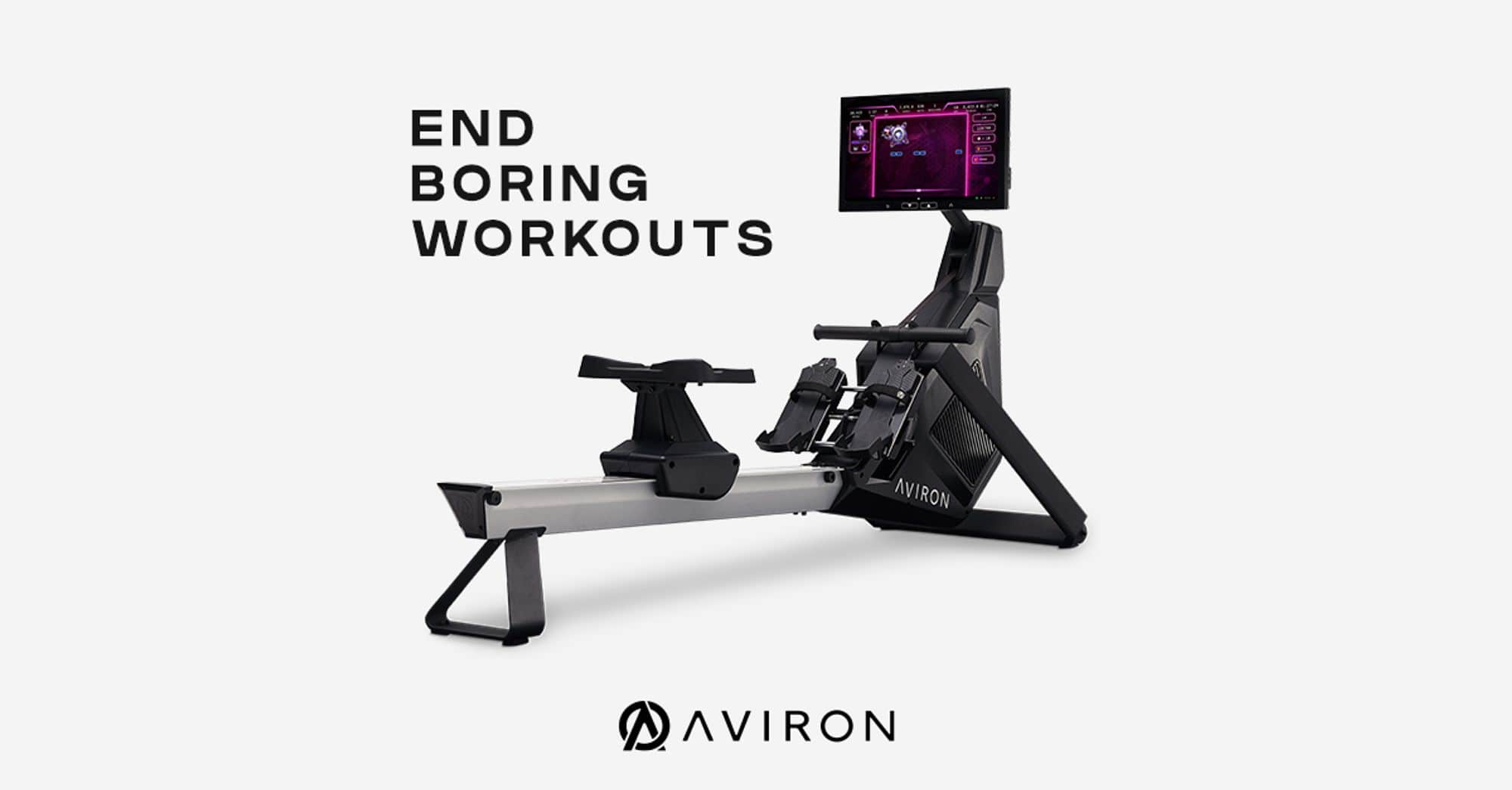
End boring workouts with interactive home fitness equipment inspired by gaming. Enjoy engaging full-body workouts with exciting games, guided programs, streaming, and more.
Run a free AEO + signal audit for your domain.
AI Answer Engine Optimization (AEO)
List once. Convert intent from live AI conversations without heavy integration.
Interactive workout devices are smart fitness equipment that use sensors and connectivity to provide real-time performance feedback and personalized guidance. They typically incorporate touchscreens, biometric tracking, and adaptive resistance to create immersive training experiences. Businesses deploy them to enhance member engagement, optimize training outcomes, and gather valuable user analytics.
The physical equipment is connected to a central software platform that manages user profiles, workout content, and data analytics.
Sensors track performance metrics like force, range of motion, and heart rate, which are analyzed in real-time to adjust difficulty.
The system provides visual, auditory, or haptic feedback to guide users, creating a personalized and responsive training session.
Companies install interactive fitness stations in offices to promote employee health, reduce absenteeism, and boost morale through gamified challenges.
Studios use these devices to offer premium, data-driven classes that differentiate their service and justify higher membership fees.
Physical therapists employ interactive devices for controlled, measurable rehab exercises with precise progress tracking for patients.
High-end hospitality venues provide state-of-the-art interactive gyms as a premium amenity to attract and retain discerning guests.
Colleges utilize this technology for advanced athlete conditioning, performance benchmarking, and injury prevention research.
Bilarna evaluates every interactive workout devices provider using a proprietary 57-point AI Trust Score. This score rigorously assesses technical expertise in IoT integration, portfolio quality, client satisfaction metrics, and compliance with data security standards. Bilarna's continuous monitoring ensures listed providers maintain high reliability and innovation in connected fitness solutions.
The primary benefits are increased user engagement through gamification and superior member retention via personalized experiences. They also provide valuable data analytics on usage patterns, enabling businesses to optimize facility offerings and demonstrate ROI on wellness investments.
Costs vary widely from a few thousand dollars for a single smart station to over $50,000 for integrated studio systems. Key factors include the level of interactivity, software licensing fees, installation complexity, and ongoing maintenance and support contracts.
A standard deployment takes 4 to 12 weeks from order to full operation. This timeline includes hardware delivery, network and software configuration, on-site installation, staff training, and initial system calibration and testing.
A robust WiFi network with high bandwidth is essential for data syncing and content streaming. Dedicated electrical circuits are often needed, and some systems may require local servers or integration with existing member management software via API.
Evaluate your target audience's fitness goals, available space, and budget. Critically assess the content library's quality, the reliability of the hardware, the clarity of the performance metrics, and the provider's track record for technical support and software updates.
Health monitoring features in wellness technology products, such as tracking heart rate, breathing rate, and sleep patterns, are generally intended for informational and general wellness purposes. These features are not classified as medical devices and have not been approved or authorized by regulatory bodies like the U.S. Food and Drug Administration (FDA). They are not designed to diagnose, treat, or prevent any medical conditions and should not be used as a substitute for professional medical advice or clinical decision-making. Users should always consult qualified healthcare professionals for any health concerns or questions.
Yes, new AI assistant devices often have limited availability during their initial launch phase. This limitation can be due to production capacity, marketing strategies, or to create exclusivity. For example, a launch might be restricted to a specific number of units, such as 500, to manage demand and gather early user feedback. Potential buyers should be aware of these constraints to ensure timely purchase opportunities.
Yes, a Laboratory Information Management System is designed to integrate seamlessly with various software systems and devices. This integration capability allows automatic transfer of test results and other data between the LIMS and external applications, reducing manual data entry and minimizing errors. It supports connectivity with laboratory instruments, billing systems, and other business software, enabling a unified workflow. Users can access test results and invoices from any device, ensuring flexibility and convenience. Such integrations enhance data accuracy, improve operational efficiency, and facilitate better communication across different platforms used within the laboratory environment.
Yes, you can access your saved bookmarks and notes from multiple devices. 1. Use a bookmark manager that supports synchronization across devices. 2. Install the app or browser extension on all your devices such as phone, tablet, and desktop. 3. Log in with the same account on each device to sync your saved content. 4. Access, edit, and organize your bookmarks and notes seamlessly from anywhere.
Yes, you can customize calls-to-action (CTAs) in interactive video widgets by following these steps: 1. Access the video widget editor where your video is hosted. 2. Select the option to add or edit CTAs within the video timeline or overlay. 3. Choose the type of CTA, such as buttons, links, or forms. 4. Customize the text, style, and destination URL of the CTA to match your campaign goals. 5. Save your changes and preview the video to ensure the CTAs appear and function as intended.
Yes, you can personalize storage wallpapers for different devices by following these steps: 1. Download the wallpaper in the resolution best suited for your device. 2. Use image editing software or apps to crop or resize the wallpaper to fit your screen perfectly. 3. Adjust colors or add overlays if desired to match your device’s theme. 4. Save the personalized wallpaper. 5. Apply it as your device’s background to enjoy a customized look.
Yes, you can play the driving escape game on mobile devices and no account is required to start. 1. Access the game website using any mobile browser on your smartphone or tablet. 2. Click the 'Play' button to begin immediately. 3. You can play without creating an account for instant access. 4. Creating an account is optional and may be needed for saving progress or participating in community events. 5. Ensure you have an internet connection to save scores and progress.
Yes, you can record system audio and use external devices with a Mac screen recorder. Follow these steps: 1. Open your Mac screen recording software. 2. Enable system audio recording in the settings to capture sounds from your computer, such as YouTube videos. 3. Connect external devices like microphones, cameras, or iPhones via USB or wireless connection. 4. Select the external device as the audio or video source in the app. 5. Start recording your screen along with the external audio and video inputs. 6. After recording, export your video with the combined audio and video sources.
Yes, you can use the quote maker on different devices without compatibility issues by following these steps: 1. Open a web browser on your phone, tablet, or computer. 2. Navigate to the quote maker website. 3. Start creating and customizing quotes as desired. 4. Download your finished quote images directly from any device. The tool is designed to work seamlessly across all devices with a web browser, ensuring a consistent experience.
Yes, the workout tracker app is available for both iOS and Android devices. To start using it: 1. Visit the App Store if you have an iOS device or Google Play Store if you have an Android device. 2. Search for the free workout tracker app. 3. Download and install the app on your device. 4. Open the app and begin logging your workouts and tracking your progress. 5. Enjoy all features including automatic rest timers, unlimited routines, and progress graphs on your preferred platform.