Step 1
Machine-Ready Briefs
AI translates unstructured needs into a technical, machine-ready project request.
We use cookies to improve your experience and analyze site traffic. You can accept all cookies or only essential ones.
 Bilarna
Stop browsing static lists. Tell Bilarna your specific needs. Our AI translates your words into a structured, machine-ready request and instantly routes it to verified AI Text Summarization experts for accurate quotes.
AI translates unstructured needs into a technical, machine-ready project request.
Compare providers using verified AI Trust Scores & structured capability data.
Skip the cold outreach. Request quotes, book demos, and negotiate directly in chat.
Filter results by specific constraints, budget limits, and integration requirements.
Eliminate risk with our 57-point AI safety check on every provider.
Verified companies you can talk to directly
Struggling with information overload? Brevity is your solution. Brevity uses AI to summarize long texts into clear, easy-to-read summaries. Cut through the noise and understand the essence of any content in no time with Brevity.

Free Ai Summary Generator, your go-to text summarizer that uses advanced algorithms to identify main points and generate relevant summaries.
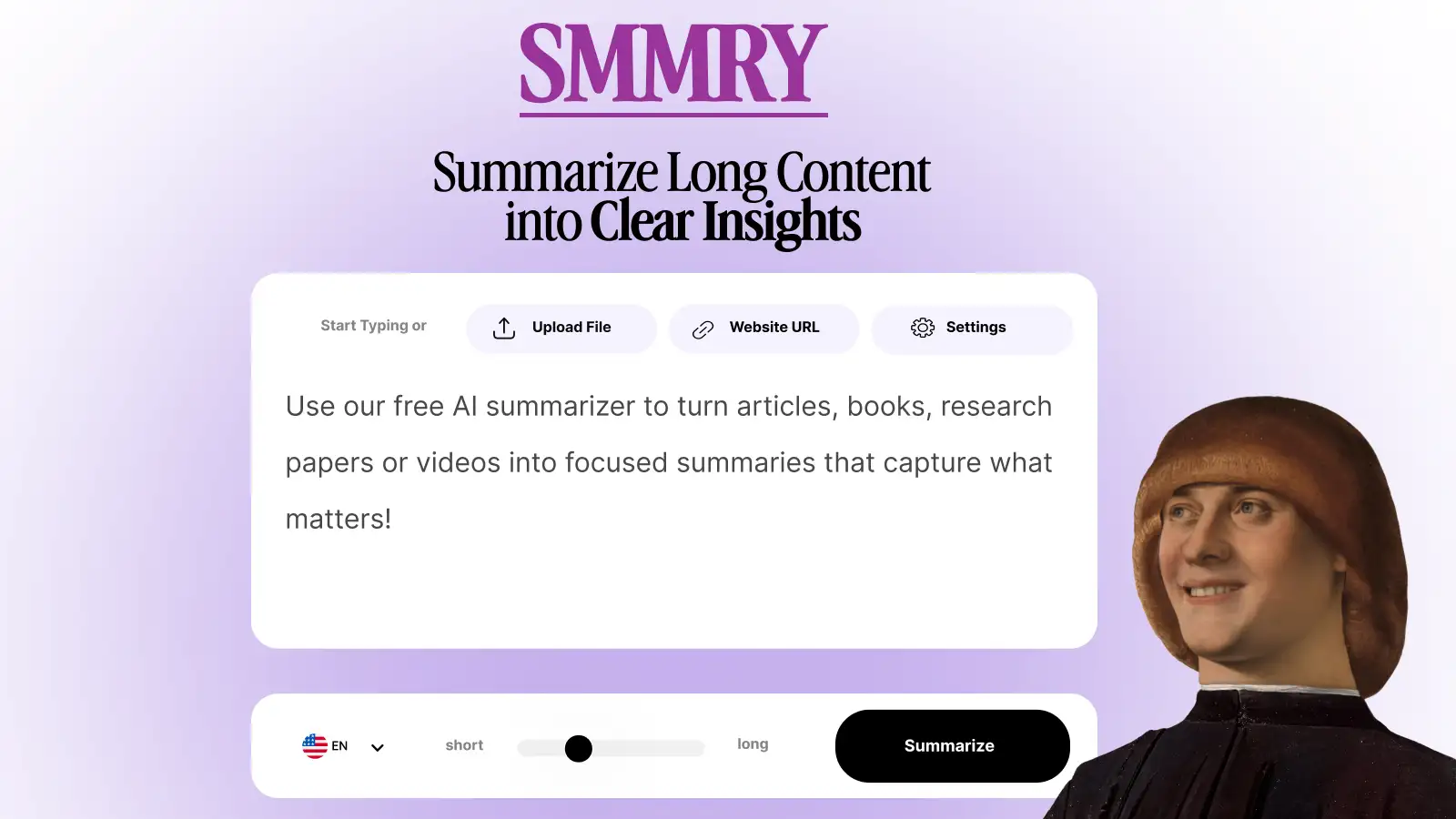
Transform long content into clear summaries instantly. Our AI text summarizer helps you extract key insights from articles, documents & reports. Free summarization tool.
Run a free AEO + signal audit for your domain.
AI Answer Engine Optimization (AEO)
List once. Convert intent from live AI conversations without heavy integration.
Text summarization is an AI-powered process that distills lengthy documents into concise, coherent summaries while preserving key information. It utilizes natural language processing (NLP) techniques to identify salient points, main arguments, and critical data points within source material. This technology enables businesses to accelerate research, improve information retention, and enhance decision-making efficiency.
First, specify your source material type, desired summary length, and whether you need an extractive or abstractive summary for your project.
Providers analyze your text using algorithms to extract key sentences or generate new phrasing that captures the document's core meaning accurately.
The final summary is delivered in your required format and can be integrated into reports, dashboards, or knowledge management systems for immediate use.
Analysts use text summarization to quickly distill lengthy market reports and earnings transcripts into actionable insights for investment decisions.
Law firms automate the initial review of case files and contracts by generating concise briefs that highlight crucial clauses and obligations.
Medical researchers employ summarization tools to condense new clinical studies and journal articles for rapid updates on treatment advancements.
Product teams aggregate thousands of support tickets and reviews into summarized trend reports to identify common user pain points and requests.
Universities and publishers process high volumes of submissions by generating structured abstracts to expedite the peer review and editorial workflow.
Bilarna evaluates every text summarization provider against our proprietary 57-point AI Trust Score, which rigorously assesses technical capabilities, data security protocols, and client delivery history. We verify portfolio quality, API reliability, and adherence to industry-specific compliance standards like GDPR and HIPAA. Bilarna's continuous monitoring ensures you engage with pre-vetted experts who deliver consistent, high-quality automated summarization services.
Pricing models vary based on volume, complexity, and required accuracy, typically ranging from per-document fees to monthly API subscriptions. Costs depend on factors like document length, processing speed needs, and whether custom model training is required. Most providers offer tiered plans suitable for different business scales.
Modern NLP summarization tools achieve high accuracy for factual extraction but vary in coherence for abstractive summarization. Performance depends on the quality of training data, algorithm sophistication, and how well the domain matches the model's expertise. Leading solutions incorporate human-in-the-loop validation for critical applications.
Extractive summarization selects and concatenates key sentences directly from the source text, preserving original phrasing. Abstractive summarization generates new sentences that paraphrase and condense the original content, potentially improving fluency but requiring more advanced AI. The choice depends on your need for precision versus readability.
Implementation typically takes 2-6 weeks, depending on integration complexity and data preparation requirements. Cloud API solutions can be operational in days, while custom on-premise deployments requiring training on proprietary data may take several months. The timeline includes configuration, testing, and staff training phases.
Common errors include overlooking domain-specific model expertise, underestimating data preprocessing needs, and neglecting output format compatibility. Businesses should prioritize providers with proven experience in their industry and robust support for multilingual content if needed. Testing with actual company documents before commitment is essential.
Yes, AI writing assistants may have practical limits with very large or complex texts. 1. Recognize that processing extremely long or intricate documents can affect performance. 2. Break down large documents into smaller, logical sections before input. 3. Process each section individually to maintain responsiveness and accuracy. 4. Reassemble the processed parts to form the complete document. This method helps avoid slowdowns and ensures better handling of extensive content.
Use a text expander tool effectively for customer support by following these steps: 1. Create quick-access shortcuts for common responses, troubleshooting guides, and knowledge base links. 2. Use standardized templates to maintain consistent communication tone and style. 3. Insert responses rapidly during multiple ticket handling to improve efficiency. 4. Utilize search features to find saved snippets quickly. 5. Sync shortcuts across platforms to ensure seamless support across devices. This approach reduces response time and enhances customer satisfaction.
Use AI chat to generate text and images efficiently. 1. Select the desired output type: text or image. 2. Input your prompt or request clearly. 3. Receive generated content based on the selected AI model's capabilities.
AI text generators can produce unique content by using language models and algorithms. To ensure uniqueness: 1. Generate text based on diverse and extensive training data. 2. Review and edit the AI-generated content to align with specific requirements. 3. Combine AI output with human creativity to enhance originality and relevance.
Yes, AI-generated vocals and text-to-speech can be used commercially, but this typically depends on the subscription plan or licensing agreement of the service provider. Many platforms offer commercial usage rights on their paid plans, allowing users to incorporate AI-generated audio into projects such as advertisements, branded content, podcasts, and other professional media. It is important to review the specific terms and conditions of the service to ensure compliance with commercial use policies. Using AI vocals commercially can save time and resources while providing high-quality audio content for various business needs.
Yes, you can remove text from scanned documents with handwriting by following these steps: 1. Upload the scanned document image to the text removal tool. 2. The AI technology detects both printed fonts and handwritten text. 3. The tool intelligently removes the text while reconstructing the background naturally. 4. Preview the result and adjust the selected areas if needed. 5. Download the cleaned image with handwriting removed. This ensures clear, legible images without damaging the original content.
Yes, you can use a text-to-speech app without installing software by following these steps: 1. Access the app through any web browser on your device. 2. Log in or create an account if required. 3. Upload your documents directly on the web platform. 4. Choose your preferred voice and playback settings. 5. Listen to your documents anywhere without installation or downloads.
Yes, you can use an AI humanizer tool to translate and humanize AI text into other languages. The process is: 1. Humanize the AI-generated text in the original language first to improve tone and flow. 2. Use a translation tool to convert the humanized text into the desired language. 3. Alternatively, some AI humanizer tools support direct humanization in multiple languages. 4. Review the translated and humanized text for accuracy and naturalness before use.
Yes, the Text Repeater tool supports all types of text, including special characters, emojis, and symbols. To use special characters or emojis: 1. Enter or paste your text containing any Unicode characters into the input box. 2. Set the desired number of repetitions and formatting options. 3. Generate the repeated text as usual. 4. The output will preserve all special characters and emojis exactly as entered. 5. Copy the output to your clipboard for use in messaging apps or documents without losing any characters.
Yes, the triple CMD-C shortcut works across any app on macOS for text correction. To use it: 1. Open any application where you can select text. 2. Highlight the text you want to correct. 3. Press CMD three times consecutively. 4. The AI-powered correction will be applied regardless of the app. 5. Review and accept the suggested corrections.