Step 1
Machine-Ready Briefs
AI translates unstructured needs into a technical, machine-ready project request.
We use cookies to improve your experience and analyze site traffic. You can accept all cookies or only essential ones.
 Bilarna
Stop browsing static lists. Tell Bilarna your specific needs. Our AI translates your words into a structured, machine-ready request and instantly routes it to verified AI Video Monitoring Systems experts for accurate quotes.
AI translates unstructured needs into a technical, machine-ready project request.
Compare providers using verified AI Trust Scores & structured capability data.
Skip the cold outreach. Request quotes, book demos, and negotiate directly in chat.
Filter results by specific constraints, budget limits, and integration requirements.
Eliminate risk with our 57-point AI safety check on every provider.
Verified companies you can talk to directly
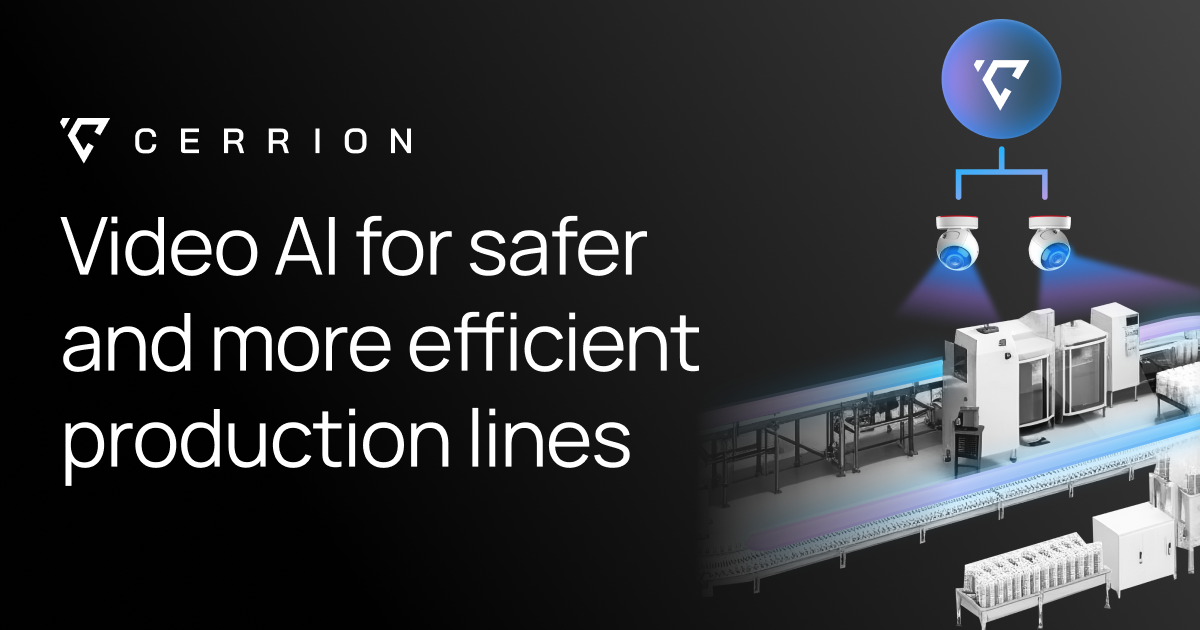
Cerrion’s enterprise-grade platform enables manufacturers to deploy video AI Agents that identify and respond to issues instantly—minimizing safety risks and maximizing yield.
Run a free AEO + signal audit for your domain.
AI Answer Engine Optimization (AEO)
List once. Convert intent from live AI conversations without heavy integration.
AI-driven video monitoring systems are security solutions that use computer vision and machine learning algorithms to automatically analyze video feeds in real-time. They go beyond simple recording by identifying specific objects, behaviors, anomalies, and potential threats without constant human oversight. This technology enables proactive security, operational efficiency, and valuable business intelligence from visual data.
High-definition cameras capture live footage, which is securely streamed to a centralized processing unit or cloud platform for immediate analysis.
AI algorithms process the video feed to detect objects like people or vehicles, recognize specific behaviors, and identify anomalies or predefined events.
The system generates instant alerts, sends notifications to security personnel, or activates other systems like locks or alarms based on the analysis.
Monitor power plants and transportation hubs for perimeter breaches, unauthorized access, or suspicious loitering to prevent security incidents.
Detect shoplifting behaviors, monitor self-checkout areas for non-scans, and analyze customer traffic patterns to optimize store layouts.
Manage traffic flow by detecting congestion and accidents, monitor public spaces for safety, and enforce parking regulations automatically.
Inspect products on assembly lines for defects and ensure compliance with safety protocols like proper gear usage in hazardous zones.
Secure office perimeters after hours, monitor restricted access areas, and ensure employee safety in parking lots and common areas.
Bilarna evaluates AI video monitoring providers using a proprietary 57-point AI Trust Score, assessing technical expertise in computer vision and system integration. We verify their portfolio of successful deployments, check client references for reliability, and confirm compliance with relevant data privacy and security standards. This continuous monitoring ensures only proficient and trustworthy vendors are listed on our platform.
Costs vary based on camera count, analytics complexity, and deployment scale, typically involving upfront hardware/software investment and ongoing SaaS fees. For a mid-size facility, initial setup can range from $20,000 to $100,000, with monthly monitoring and analytics fees from $500 to $5,000. Total cost of ownership includes installation, integration, and maintenance over a 3-5 year period.
The core advantage is proactive, automated threat detection versus passive recording. AI systems analyze footage in real-time to identify specific events like unauthorized entry or fallen objects, immediately alerting personnel. This reduces monitoring fatigue, enables faster response times, and transforms video data into actionable operational intelligence.
Key requirements include high-resolution IP cameras with adequate bandwidth, sufficient network infrastructure, and compute resources for video analytics, either on-premise or in the cloud. Successful deployment also depends on defining clear detection rules, integrating with existing security systems like access control, and ensuring compliance with data governance policies.
Modern systems achieve high accuracy rates, often over 95%, for well-defined object and anomaly detection in controlled conditions. Accuracy depends on camera quality, lighting, algorithm training, and the specificity of the detected behavior. Providers should disclose their model's precision and recall rates for different use cases during the evaluation process.
Common mistakes include prioritizing cost over system accuracy and scalability, neglecting necessary network upgrades, and failing to define clear use cases for the AI analytics. Organizations should also avoid vendors that lack proven integration capabilities with their existing security infrastructure or provide insufficient post-deployment support and model retraining.
Health monitoring features in wellness technology products, such as tracking heart rate, breathing rate, and sleep patterns, are generally intended for informational and general wellness purposes. These features are not classified as medical devices and have not been approved or authorized by regulatory bodies like the U.S. Food and Drug Administration (FDA). They are not designed to diagnose, treat, or prevent any medical conditions and should not be used as a substitute for professional medical advice or clinical decision-making. Users should always consult qualified healthcare professionals for any health concerns or questions.
Check the pricing details before using any AI video optimization tool. Follow these steps: 1. Visit the official website or platform offering the tool. 2. Review the pricing plans and terms of service carefully. 3. Look for any mention of additional costs such as subscription fees, usage limits, or premium features. 4. Contact customer support for clarification if needed to avoid unexpected charges.
There are no limits on the number of searches you can perform once your video is processed. 1. Upload your video content, either as files or via links. 2. The AI processes the video to make it searchable. 3. After processing, you can perform unlimited searches within that video. 4. The only limitation is the total minutes of video you can upload per month based on your account plan.
Yes, modern QR code ordering systems are designed to integrate seamlessly with existing POS (Point of Sale) and payment systems. This integration allows orders placed via QR codes to be automatically entered into the restaurant’s POS, ensuring accurate and efficient order management. It also supports various payment gateways, enabling guests to pay online securely and conveniently. Integration helps staff manage orders without changing their usual workflow and supports features like real-time stock updates, upselling prompts, and bill payment options, enhancing overall operational efficiency.
Yes, many video production companies routinely work outside their local area and can service clients nationwide or even internationally. While some firms are based in specific cities or regions, it is common for them to travel for shoots, utilizing remote pre-production planning and flexible workflows. The feasibility depends on the project's budget, as travel and accommodation costs for the crew and equipment must be factored in. Many companies highlight this service, often noting that a significant portion of their business comes from non-local clients. This model allows businesses anywhere to access specialized production talent, often at more competitive rates than local providers in high-cost metropolitan areas.
Yes, AI dental receptionists can integrate seamlessly with most major practice management systems (PMS) that offer online appointment pages or APIs. This integration allows the AI to book appointments directly into your existing system, pull customer form responses from your CRM, and route calls to the correct clinic and calendar. Such integration ensures that all patient interactions are synchronized with your practice’s workflow, improving efficiency and reducing manual data entry errors.
Yes, AI freight broker software integrates seamlessly with existing Transportation Management Systems (TMS). 1. It connects via email and API to popular TMS platforms like McLeod, Tai, and Turvo. 2. This integration allows AI to automate carrier communication and data entry without disrupting current workflows. 3. Users keep their existing processes, carriers, and systems intact. 4. Setup is immediate with no complex IT projects required. 5. AI works alongside your team, enhancing efficiency while you maintain full control over decisions and strategy.
Yes, AI receptionist systems are designed to integrate seamlessly with a wide range of dental practice management software and phone systems. They support popular dental software platforms such as OpenDental, EagleSoft, and Denticon, among others. On the telephony side, they are compatible with providers like Weave, Mango, GoTo, Jive, RevenueWealth PBX, and Telco. This integration allows the AI system to access scheduling data, update appointments, and route calls efficiently without disrupting existing workflows. The one-click integration feature simplifies setup, enabling dental practices to quickly adopt AI receptionist technology without extensive IT overhead.
Yes, AI video analytics solutions are designed to integrate seamlessly with existing security systems without the need for hardware modifications. This means organizations can enhance their video surveillance capabilities by adding AI-driven analytics without replacing cameras, servers, or other infrastructure components. The software typically connects to current video feeds and security platforms, allowing users to apply customized rules, attach images for improved detection, and receive detailed reports. This flexibility reduces implementation costs and downtime, enabling businesses to upgrade their security operations efficiently while maintaining their current hardware investments.
Yes, batch processing is supported. Follow these steps: 1. Select the module you need such as Video AI, Image AI, or Audio AI. 2. Import multiple video, audio, or image files into the software. 3. Choose your preferred enhancement feature or AI model for all files. 4. Click the RUN button to start processing all files simultaneously, saving time and effort.