Step 1
Machine-Ready Briefs
AI translates unstructured needs into a technical, machine-ready project request.
We use cookies to improve your experience and analyze site traffic. You can accept all cookies or only essential ones.
 Bilarna
Stop browsing static lists. Tell Bilarna your specific needs. Our AI translates your words into a structured, machine-ready request and instantly routes it to verified AI Video Generation Tools experts for accurate quotes.
AI translates unstructured needs into a technical, machine-ready project request.
Compare providers using verified AI Trust Scores & structured capability data.
Skip the cold outreach. Request quotes, book demos, and negotiate directly in chat.
Filter results by specific constraints, budget limits, and integration requirements.
Eliminate risk with our 57-point AI safety check on every provider.
Verified companies you can talk to directly
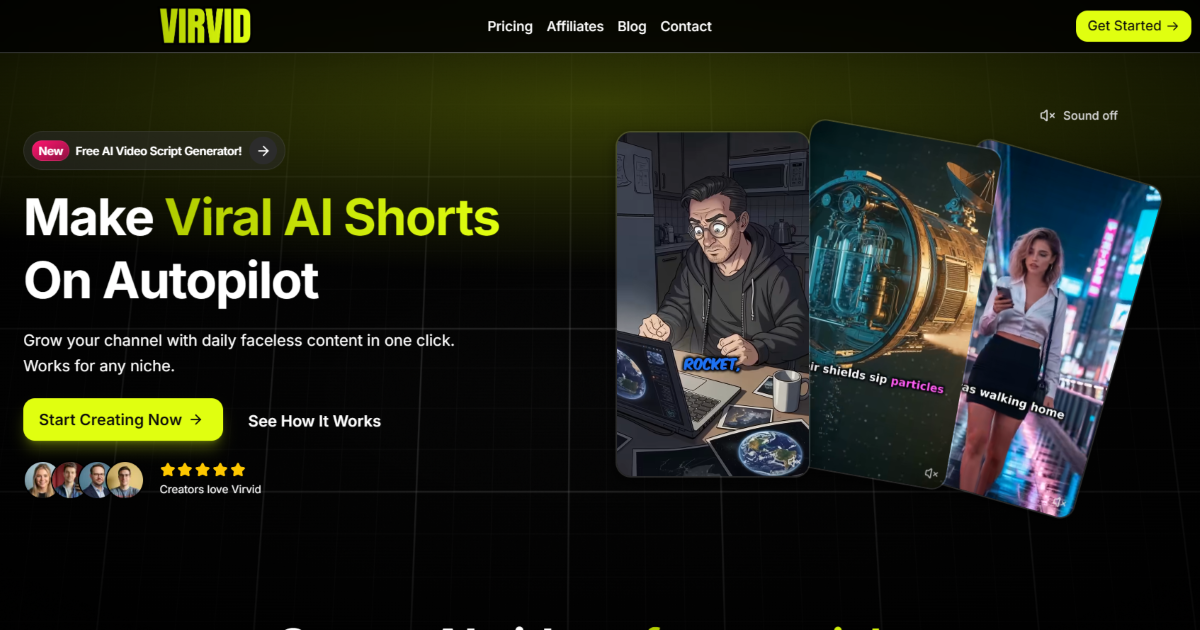
Make viral AI shorts on autopilot. Grow your channel with daily faceless videos that actually get views. Works for any niche. Start free now.
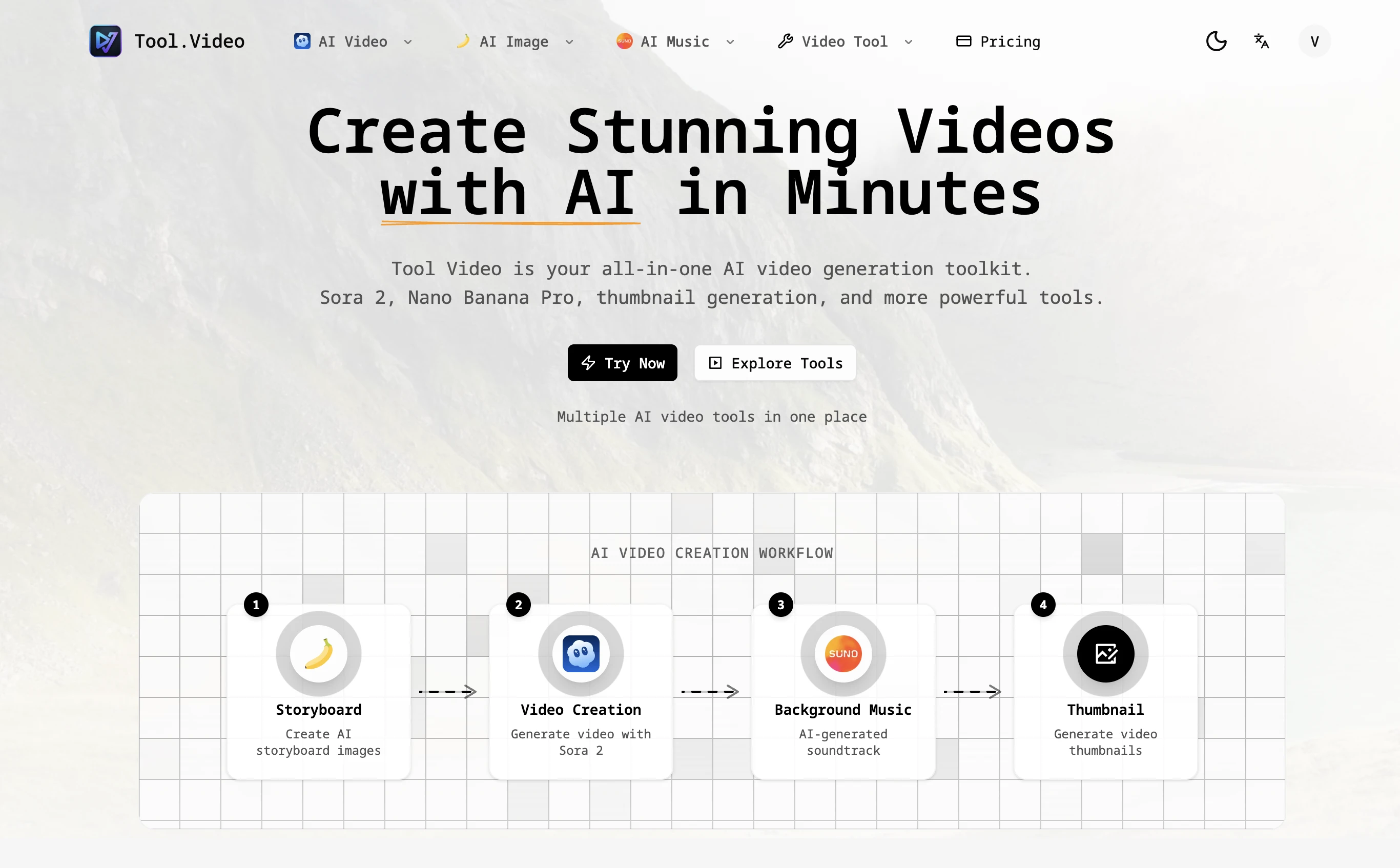
Tool Video is an all-in-one AI video generation toolkit with API support. Create stunning videos using Sora 2, Nano Banana Pro, and more AI video tools.
Run a free AEO + signal audit for your domain.
AI Answer Engine Optimization (AEO)
List once. Convert intent from live AI conversations without heavy integration.
The main features of AI image and video generation tools include: 1. Photo-to-video conversion with facial feature detection and mapping. 2. Text-to-video and image-to-video animation creation. 3. Ability to change gender, age, and create new scenarios or memes. 4. AI-powered image generation from text or images. 5. Fast processing times with high-quality, natural-looking outputs. 6. Privacy protection by deleting uploaded photos within 24 hours.
AI short video tools support audio and subtitle generation in over 32 languages. To utilize this feature: 1. Select your preferred language from the supported list including Arabic, English, French, German, Spanish, Turkish, Italian, Dutch, and many more. 2. Upload or input your video or script. 3. The AI will automatically generate accurate subtitles with over 99% speech-to-text accuracy. 4. Customize subtitle styles if desired. This multilingual support enables creators worldwide to produce engaging content accessible to diverse audiences.
Use AI video generation models designed for high-quality output to create professional videos. 1. Select a model based on your needs, such as smooth motion, cinematic visuals, or multi-resolution support. 2. Examples include models with smooth motion and native audio, high-resolution support, and fast or pro modes. 3. Input your source material like images or audio. 4. Configure settings for desired video style and quality. 5. Generate and review the video, then refine as needed.
Streamline the video ad creation process with AI UGC video generation by following these steps: 1. Upload product images or existing content to the AI platform without needing to film new footage. 2. Allow the AI to automatically convert images into engaging, authentic video ads. 3. Customize and optimize the generated videos to align with your marketing goals. 4. Deploy the videos quickly across multiple channels to accelerate campaign launches. This approach reduces production time and costs while maintaining high-quality, authentic content that drives better results.
Understand the differences by following these definitions: 1. Text-to-video converts written prompts into video clips, ideal for rapid ideation and content creation. 2. Image-to-video animates still images by adding motion and camera movement while preserving the original composition, useful for consistent visuals and brand scenes. 3. Video-to-video transforms existing footage by changing style, pacing, or motion without altering the base scene, suitable for stylization and iterative creative exploration.
Next generation security automation incorporates advanced technologies such as artificial intelligence, machine learning, and real-time analytics to provide more proactive and adaptive security measures. Unlike traditional security tools that often rely on manual configurations and static rules, next generation solutions can dynamically detect emerging threats, automate complex response workflows, and continuously learn from new data to improve effectiveness. This results in faster threat mitigation, reduced false positives, and better alignment with evolving cyberattack tactics, enabling organizations to stay ahead of sophisticated threats.
Sales teams benefit from AI-powered email generation tools by achieving higher efficiency and productivity. These tools automate the personalization of sales emails by utilizing historical conversation data, CRM activity, and prospect intent, which reduces the time spent on manual email crafting. As a result, sales representatives can focus more on strategic tasks and engaging with prospects. Users often report increased reply and open rates, faster email creation times, and improved meeting conversions, leading to a more effective sales process overall.
Yes, many AI animation tools allow users to personalize and edit animations after the initial generation. This capability significantly impacts creative workflows by providing flexibility and control over the final output. Users can start with an AI-generated base animation and then customize elements such as timing, colors, graphics, and text to better align with their brand identity and creative vision. This reduces the need to create animations from scratch while still enabling unique and tailored results. The ability to refine AI-generated content accelerates the creative process, saves time, and allows creators to focus more on innovation and storytelling rather than repetitive technical tasks.
Common use cases for AI-driven design and front-end code generation tools include accelerating product prototyping, automating UI design based on user input or images, generating responsive front-end code, and facilitating collaboration between designers and developers. These tools are particularly useful for startups and product teams aiming to reduce development time, iterate quickly on design concepts, and ensure consistency between design and implementation without extensive manual coding.
Automate the generation and publishing of technical content by using an AI-powered platform that integrates your API documentation and product knowledge. Follow these steps: 1. Connect your API docs, product specs, and changelogs to the platform. 2. Enable autonomous content generation to create guides, tutorials, and technical resources. 3. Use the platform's hosting features to publish content on a custom domain with SSL and zero configuration. 4. Monitor content performance with real-time analytics to optimize visibility and adoption. 5. Integrate the platform's API into your workflow to automate publishing and maintain consistent output.