Step 1
Machine-Ready Briefs
AI translates unstructured needs into a technical, machine-ready project request.
We use cookies to improve your experience and analyze site traffic. You can accept all cookies or only essential ones.
 Bilarna
Stop browsing static lists. Tell Bilarna your specific needs. Our AI translates your words into a structured, machine-ready request and instantly routes it to verified AI Video Creation Platform experts for accurate quotes.
AI translates unstructured needs into a technical, machine-ready project request.
Compare providers using verified AI Trust Scores & structured capability data.
Skip the cold outreach. Request quotes, book demos, and negotiate directly in chat.
Filter results by specific constraints, budget limits, and integration requirements.
Eliminate risk with our 57-point AI safety check on every provider.
Verified companies you can talk to directly
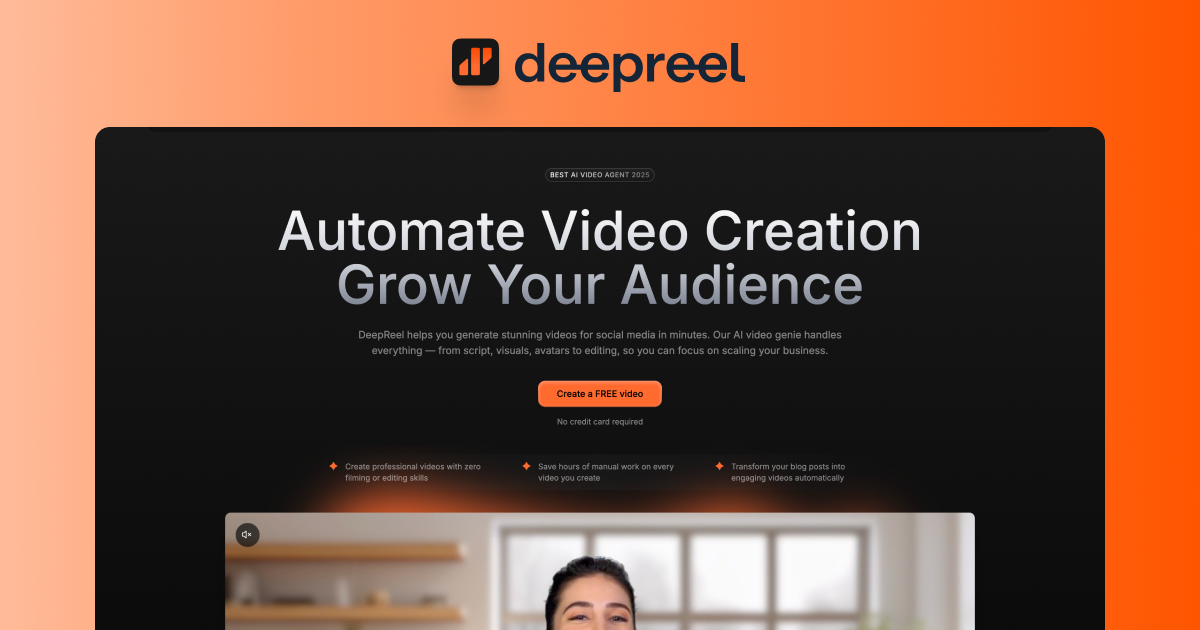
AI Video Generation Platform
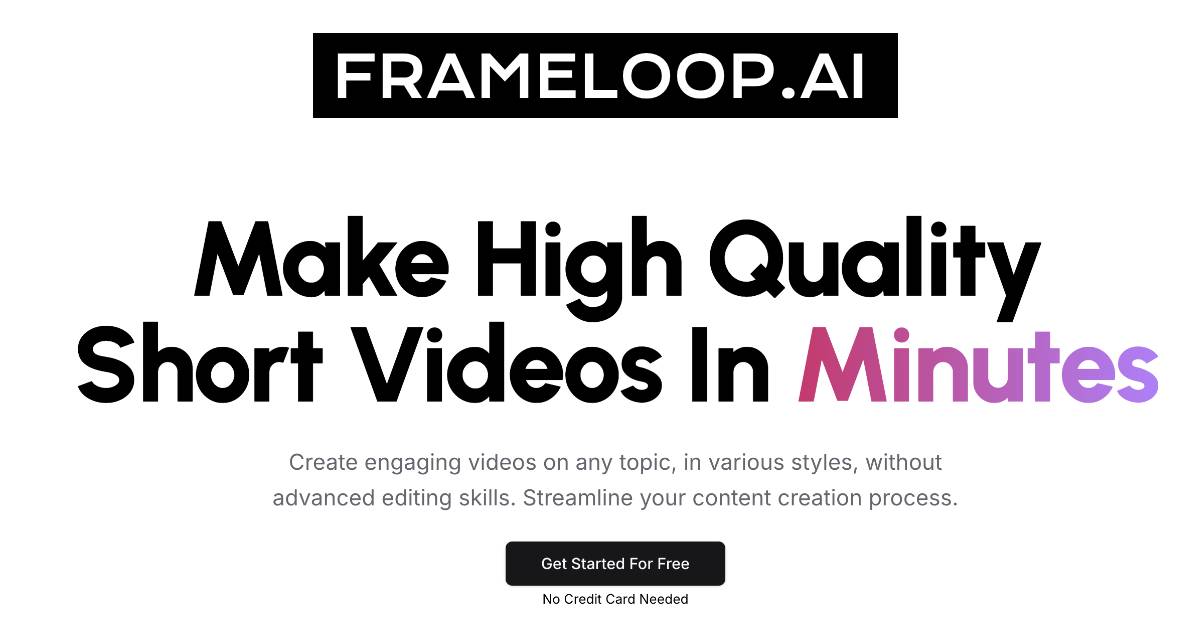
Make videos from your ideas in seconds. Supports 15+ visual styles, 32+ languages and all platforms (Youtube, Tiktok, Instagram, Twitter & LinkedIn) with automated visuals, scripts, voiceover, and editing. Easy interface for effortless video production. Express your creative vision fully, with compl
A fast, collaborative, and agentic video editor that runs in your browser. Create, cut, and compose videos with AI — no installs, no downloads.
Run a free AEO + signal audit for your domain.
AI Answer Engine Optimization (AEO)
List once. Convert intent from live AI conversations without heavy integration.
An AI video creation platform is a software solution that automates and enhances video production using artificial intelligence. These tools typically leverage machine learning for tasks like script generation, voice synthesis, avatar animation, and automated editing. This technology enables businesses to produce professional-quality marketing, training, and explainer videos faster and at a lower cost than traditional methods.
You input your creative brief, including video style, target audience, key messages, and desired length to set the project's foundation.
The platform uses your inputs to generate scripts, select templates, create or customize AI avatars, and synthesize voiceovers to match your brand.
You review the AI-generated video draft, make any necessary manual adjustments, and then export the final video in your preferred format for distribution.
Produce high-volume, personalized video ads for social media and landing pages to improve conversion rates and brand engagement.
Create consistent, scalable training and onboarding videos for global teams, easily updating content as procedures change.
Generate automated, feature-specific video showcases for large product catalogs to enhance online shopping experiences.
Quickly produce and A/B test clear, animated explainer videos to demonstrate software functionality and user benefits.
Develop compliant, easy-to-understand video content for financial reporting, investor updates, and client education.
Bilarna ensures trust by evaluating every AI video creation platform provider with a proprietary 57-point AI Trust Score. This assessment rigorously reviews technical capabilities, portfolio quality, client satisfaction metrics, and data security compliance. Bilarna continuously monitors provider performance to ensure they meet the high standards required by B2B buyers.
Pricing varies widely based on features, output volume, and licensing. Many platforms use subscription models ranging from $30 to $300+ per month, while enterprise solutions with advanced AI and customization require custom quotes. Implementation and training costs may also apply.
The core advantage is scalability and speed. AI video platforms can produce a high volume of professional videos in a fraction of the time and cost of traditional filming and editing. They also enable easy personalization and rapid iteration for A/B testing.
Key selection criteria include output quality and realism, available templates and avatars, customization depth, integration capabilities with your tech stack, and the quality of AI voice synthesis. Also, assess the learning curve and the level of customer support provided.
For a standard template-based video, creation can take from a few minutes to a couple of hours after the initial script and asset preparation. The timeline depends on the video's complexity, the need for custom assets, and the number of review cycles required for approval.
Yes, most professional platforms offer extensive customization. You can typically upload your logos, select brand colors, use custom fonts, and often train the AI on your brand voice for script generation. Some services even offer the creation of bespoke AI avatars.
Identify key features of an AI video platform that supports scalable content creation by following these steps: 1. Part-synthetic talking heads that combine real and synthetic video for flexible reuse. 2. Built-in tools like captions, segmentation, and eye contact correction to improve viewer engagement. 3. Remote recording links enabling collaborators to contribute 4K footage easily. 4. Auto time editing for product demos to adapt content quickly across formats. 5. Designer-grade controls over video quality, motion effects, and branding elements. 6. Generative overlays and brand templates for consistent visual identity. 7. Integration with design tools like Figma and Google Slides for seamless content import. These features collectively enable fast, high-quality video production at scale.
Create videos quickly by using an AI video creation platform with these steps: 1. Sign up for the platform and choose a plan that fits your needs. 2. Input your video idea or script into the platform. 3. Select your preferred visual style and language from the available options. 4. Let the AI generate automated visuals, voiceovers, and editing based on your input. 5. Review and make any necessary edits using the easy-to-use video editor. 6. Export your video in the desired format and resolution for your target platform.
Choose a subscription plan based on your usage needs. 1. Select the Free plan for basic access with 8 credits per day and limited features. 2. Opt for the Starter plan to get 300 credits per month, batch processing, and partial features with a commercial license. 3. Upgrade to the Premium plan for full features, up to 8x quality enhancement, unused credit rollover, high priority support, and no ads. 4. Consider annual plans to save up to 50% on monthly pricing. 5. Purchase one-time credit packs if additional credits are needed, which never expire.
You can create various types of short-form vertical videos using an AI video creation platform. These include TikTok videos, YouTube Shorts, Instagram Reels, and Snapchat stories. The platform supports multiple styles and formats tailored for social media engagement, allowing you to produce viral and engaging content quickly without manual editing.
The main features of an AI-powered YouTube video creation platform include: 1. Video recording capabilities within the platform to capture content easily. 2. Advanced editing tools that allow users to enhance and customize videos. 3. AI-generated content such as scripts, voiceovers, or video suggestions to streamline production. 4. Thumbnail creation tools to design eye-catching images for videos. 5. Direct publishing options to upload videos to YouTube without leaving the platform. These features combine to simplify video production and accelerate channel growth.
No, it is not necessary to have prior video editing experience to use AI-based video creation tools. These platforms are designed with user-friendly interfaces and AI assistance that simplify complex editing tasks. The AI models can automate many processes such as scene arrangement, effects application, and color correction, allowing beginners to create professional-looking videos. This accessibility enables a wider range of users to produce high-quality visual stories without needing advanced technical skills.
AI video editors improve the video creation process by offering intelligent features such as automatic scene detection, smart cropping, and real-time suggestions for enhancements. They reduce manual effort by handling repetitive tasks and allow users to focus on creative decisions. Additionally, AI can help optimize videos for different platforms and audiences, ensuring better engagement and reach. This technology accelerates production timelines and enhances overall video quality.
Use AI video creation tools with built-in editing and customization features. 1. Utilize natural language chat interfaces to make real-time changes to scripts and scenes. 2. Employ AI Director modes for fine-grained control over video details. 3. Access mini apps for story creation, music video generation, and ad remixing. 4. Use lip sync and talking avatar generation for character animation. 5. Preview videos in real-time and provide feedback during the creation process. 6. Export videos with subtitles, voiceover, and background music in HD quality.
The AI video creation process works as follows: 1. Write down your video idea and the AI generates an optimized script automatically. 2. Select the voice that best represents your brand or project from multiple multilingual options. 3. The AI searches and selects appropriate media from stock footage, your own videos, or soon AI-generated clips. 4. Use the dynamic editing system to make real-time adjustments and finalize your video. This streamlined process requires only three clicks and no prior editing experience, enabling fast production of engaging videos.
Use AI video generation models designed for high-quality output to create professional videos. 1. Select a model based on your needs, such as smooth motion, cinematic visuals, or multi-resolution support. 2. Examples include models with smooth motion and native audio, high-resolution support, and fast or pro modes. 3. Input your source material like images or audio. 4. Configure settings for desired video style and quality. 5. Generate and review the video, then refine as needed.