Step 1
Machine-Ready Briefs
AI translates unstructured needs into a technical, machine-ready project request.
We use cookies to improve your experience and analyze site traffic. You can accept all cookies or only essential ones.
 Bilarna
Stop browsing static lists. Tell Bilarna your specific needs. Our AI translates your words into a structured, machine-ready request and instantly routes it to verified Video Content Creation experts for accurate quotes.
AI translates unstructured needs into a technical, machine-ready project request.
Compare providers using verified AI Trust Scores & structured capability data.
Skip the cold outreach. Request quotes, book demos, and negotiate directly in chat.
Filter results by specific constraints, budget limits, and integration requirements.
Eliminate risk with our 57-point AI safety check on every provider.
Verified companies you can talk to directly
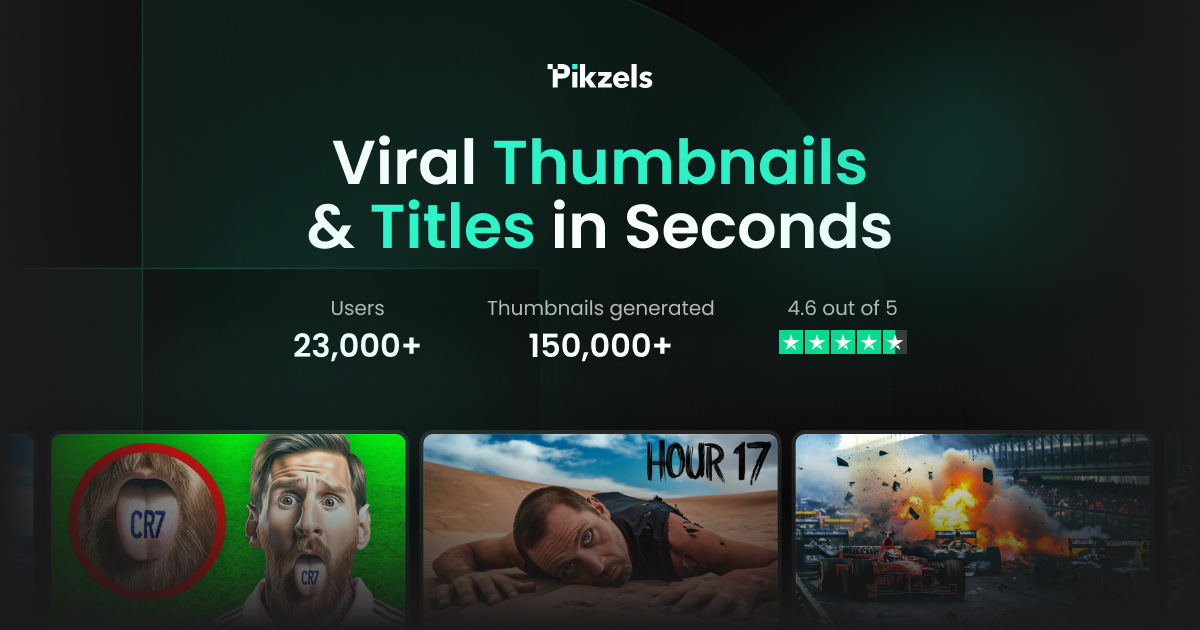
AI thumbnail generator for YouTube. A full toolkit to create, test & iterate thumbnails & titles that get clicked & help you get more views.

Eklipse is an AI gaming highlights clipper. Convert, edit, & share the best of your Twitch stream clip to TikTok, Reels, & YouTube Short with ease & free.
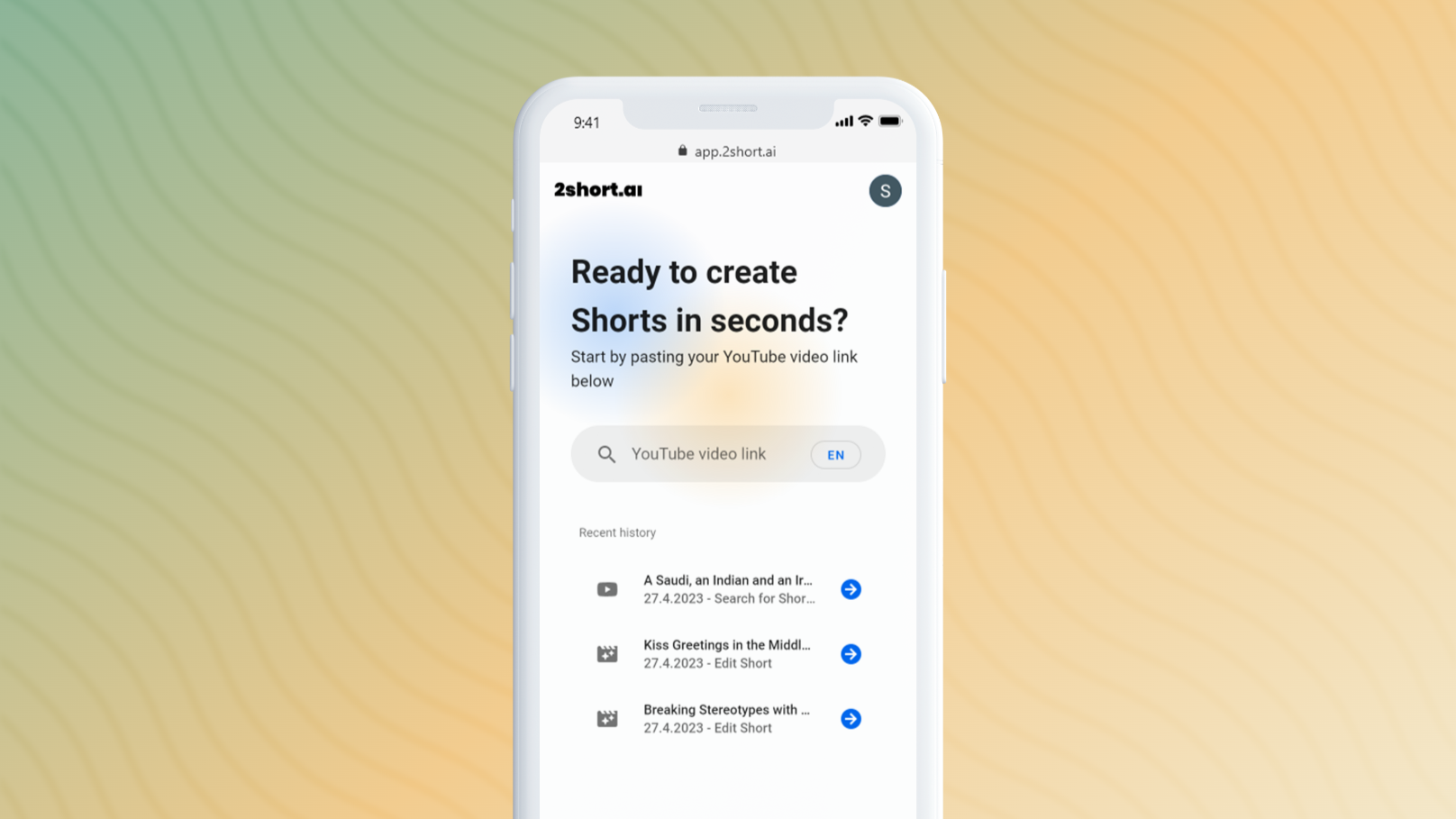
Easily turn your long form YouTube content into performing shorts that drive views and subscribers
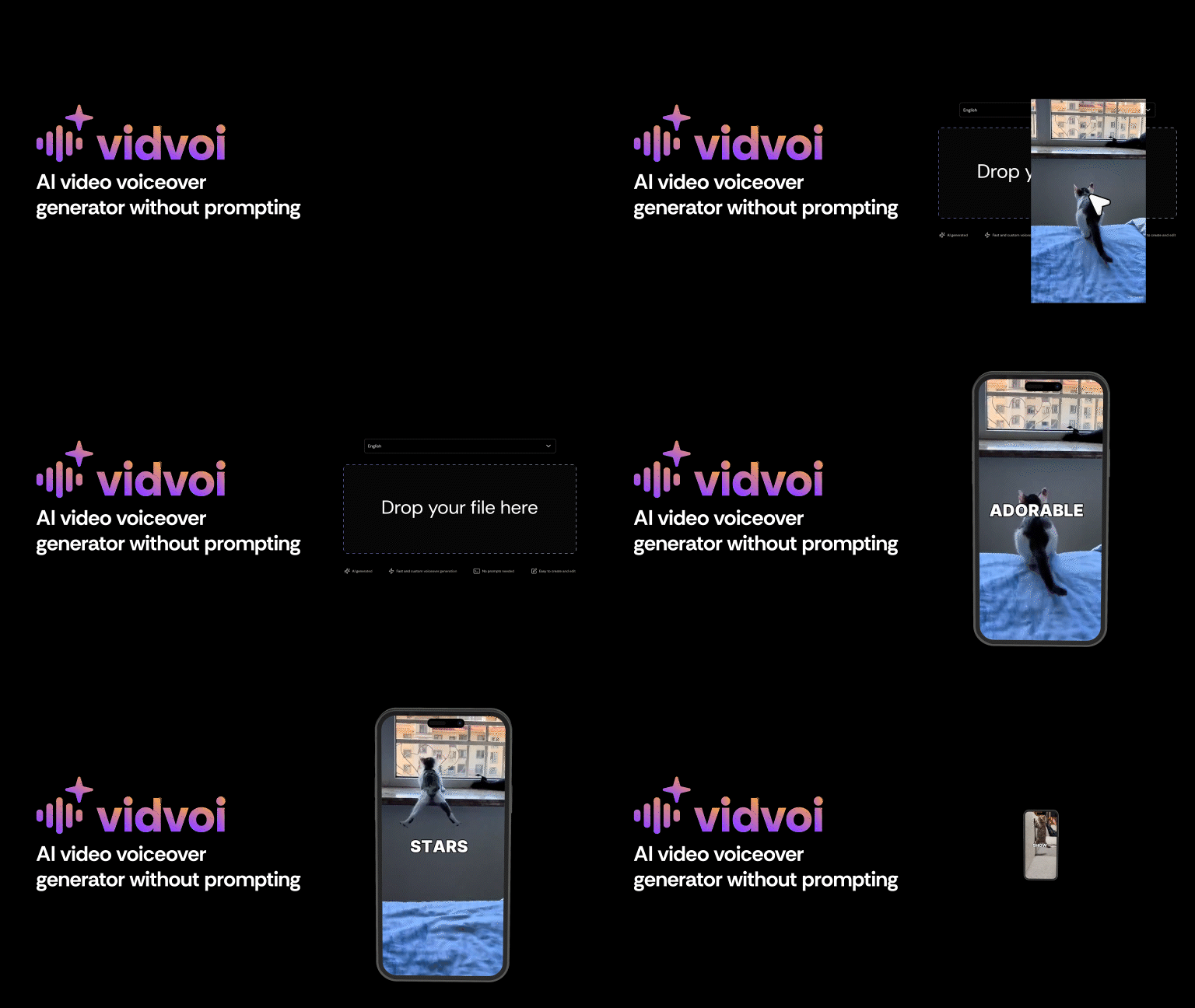
Create professional video voiceovers instantly with Vidvoi AI voiceover generator. No prompting needed. Perfect for content creators and marketers.
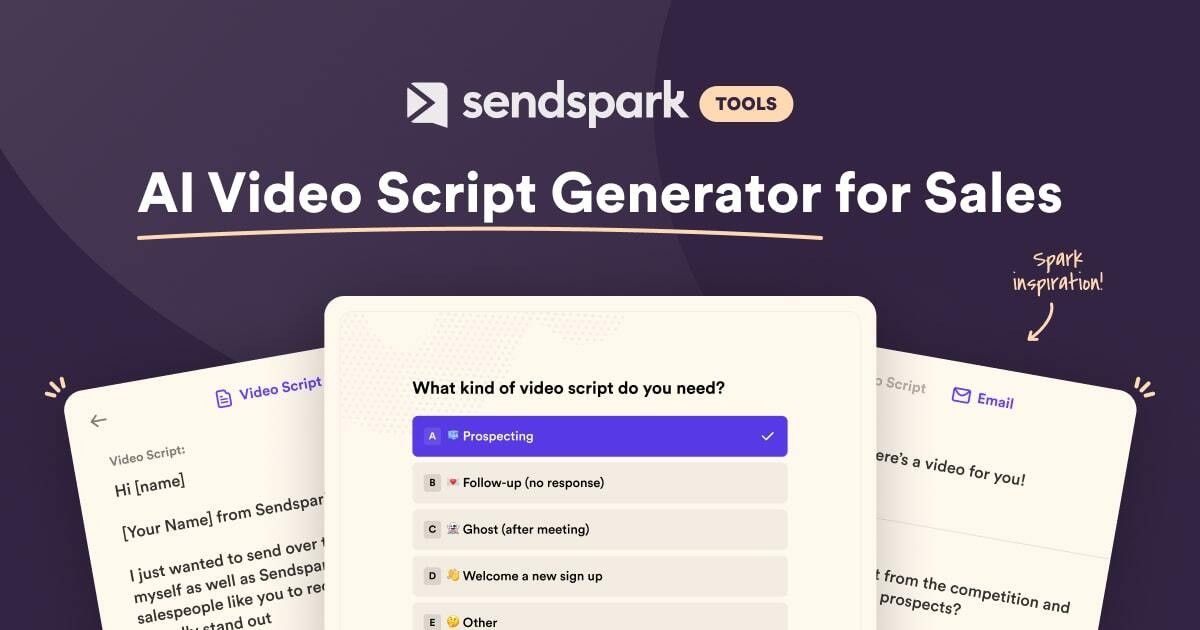
Let our AI Video Script Generator create video scripts for your sales process today. Use for prospecting, follow ups, demos, and more!
.png)
Data-based video pre-production tool build to streamline the video creation process for YouTubers, Agencies and Business Owners.

AutoCut is the AI plugin for Premiere Pro & DaVinci : instantly remove silences, add captions, auto-zoom, B-rolls and more.
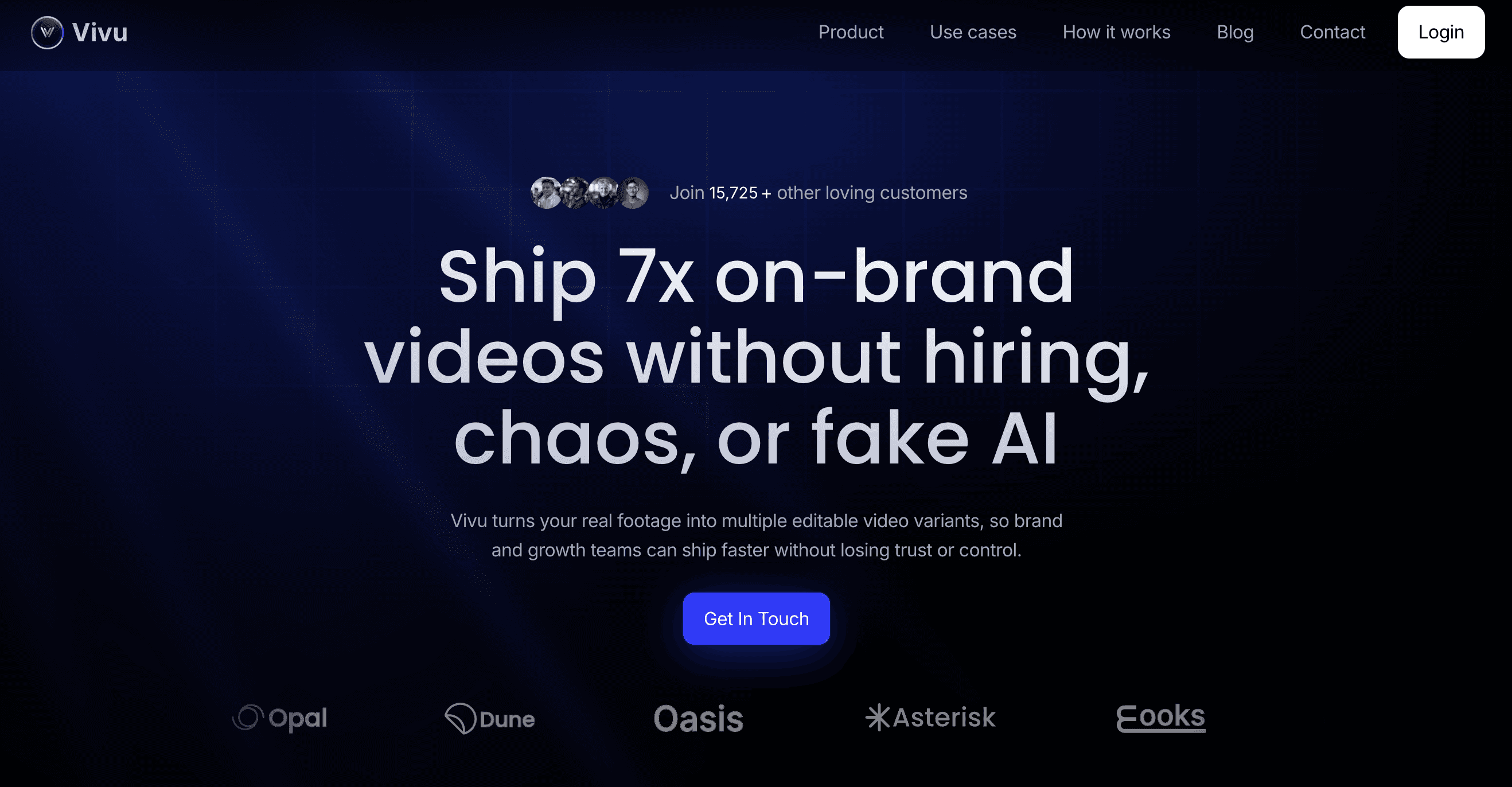
Vivu helps brand teams turn existing assets into a steady stream of on-brand video—higher throughput, fewer revisions, consistent publishing.

Generate Stylish Subtitles In A Minute
The idea-to-video platform that sets your creativity in motion.
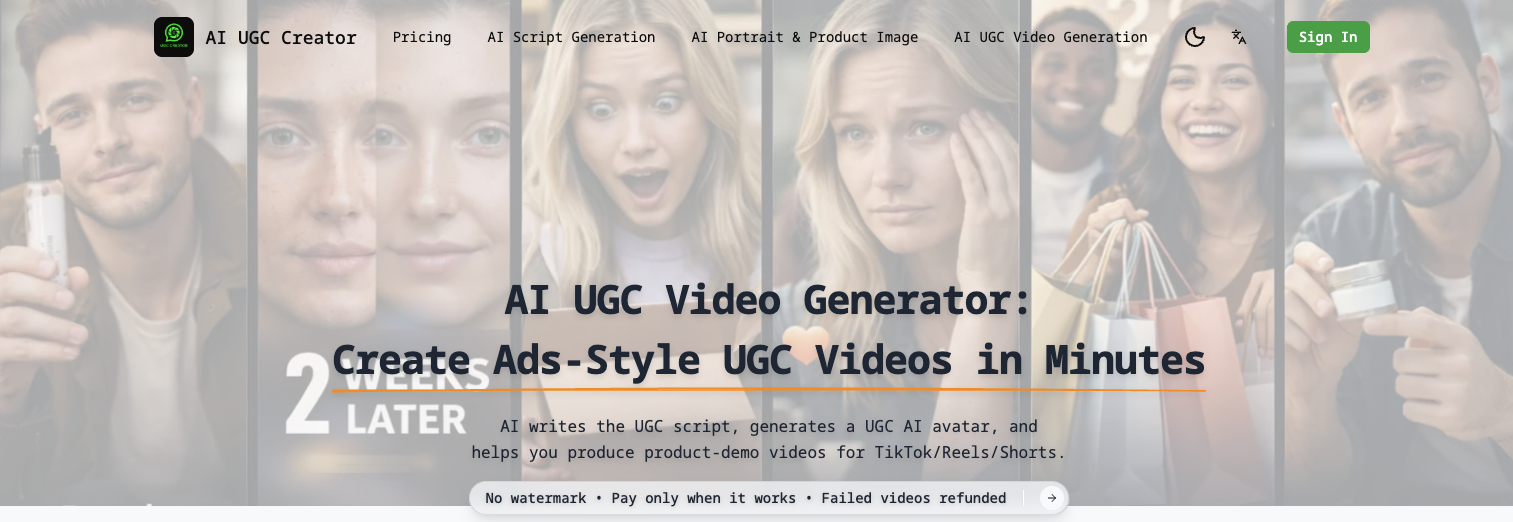
Create AI UGC videos for eCommerce in minutes. AI writes the UGC script, generates a UGC AI avatar, and makes creator-style UGC ads. Failed runs cost $0.
Twitter cut: Create Videos from Twitter Posts

Create scripts & storyboards in minutes. Unlimited AI images, PDF/PPT/MP4 export, team seats & easy client sharing. Try it risk-free today.
Cliptalk is an easy to use video creation tool that uses AI to generate videos in seconds and publish them to social media platforms such as Instagram Reels, YouTube Shorts, TikTok videos, and more.

Create viral faceless videos effortlessly! Generate AI story, Reddit story, fake text,and dialogue videos in clicks. Auto-generate video subtitles & schedules to YouTube and TikTok. Grow your channel now!

Bytecap is the ultimate AI Video Maker for businesses and creators. Effortlessly create viral AI videos with motion visuals, AI voices, and captions. Clip long videos and fully customize for YouTube Shorts, TikTok, Reels, and social media.
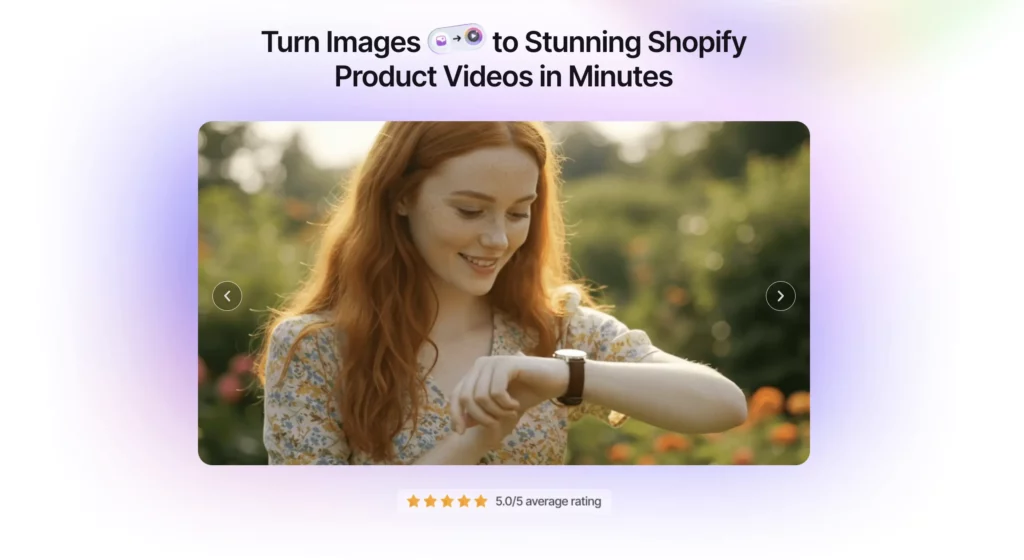
Make engaging videos from your product images with Vidify – your go-to AI product video generator app for Shopify success.

Vidsembly is a conversational AI video toolkit that turns presentations, footage, and edits into polished videos—just by talking to your tools.

Instantly transform complex ideas into clear videos, slides, and podcasts with AI. Make knowledge click by explaining ideas through stories people actually understand.

Recast Studio is an AI-powered video editor that helps marketing teams with no video editing skills to edit and repurpose their video and audio content.

Create Video Power Hours using AI, edit them with a simple and intuitive web interface, and then watch and share with others. Simple, powerful, and free.

Turn any video into shorts, clips, blog posts, and scheduled social content — all in minutes with Taja AI. Start free today, no credit card required.
Convert your LinkedIn posts into high-quality educational videos for TikTok, YouTube Shorts, and Instagram Reels in seconds. No editing skills required.
Your AI Growth Buddy for TikTok, Instagram Reels & YouTube Shorts. Get personalized strategies for more views, followers, and opportunities in minutes.

Get accurate YouTube transcripts instantly with YTScribe. Free transcript generator with AI-powered translations in 50+ languages, instant summaries, and multiple export formats (TXT, JSON, SRT). No registration required - start transcribing in seconds.

The best video editing tool to create face aging timelapse videos with face-detection AI. Upload photos from your camera roll, choose video settings, and download a video to share with friends. Upload on TikTok and Instagram, or share as a unique gift idea to family.

Free to create the UGC video & image ad with the UGC Maker AI. UGC Maker AI is the #1 UGC video & image ad generator, producing high-quality videos & images with powerful UGC Generation AI models.
High-quality, fast, and reliable video editing for creators, businesses, and agencies. Get your own dedicated editing team with predictable pricing, fast turnarounds, and a seamless workspace—no freelancers, no hiring hassle.

Submagic makes your short-form videos captivating with AI captions, b-rolls, and smart edits. Save time and grow your social media reach effortlessly.

Try our latest text-to-video models
Run a free AEO + signal audit for your domain.
AI Answer Engine Optimization (AEO)
List once. Convert intent from live AI conversations without heavy integration.
Video content creation is the professional process of planning, producing, and editing video assets for business communication and marketing. It involves scriptwriting, filming, animation, and post-production to craft compelling narratives. This service drives higher engagement, improves brand recall, and effectively explains complex products or services to target audiences.
The process begins by identifying target audiences, key messages, and desired outcomes for the video campaign, aligning it with broader marketing goals.
Specialists then film live-action footage or create animations, followed by editing, sound design, and graphics integration to produce the final asset.
The completed video is deployed across chosen channels, and its performance is tracked through metrics like views, engagement, and conversion rates.
Creating animated or live-action videos to demonstrate software functionality, simplifying complex features for potential enterprise clients and reducing sales cycles.
Producing instructional video content for employee training, ensuring consistent messaging and scalable knowledge transfer across global organizations.
Developing high-impact launch videos and product demos that generate excitement, explain unique value propositions, and drive pre-orders or sign-ups.
Crafting narrative-driven videos that communicate company mission, culture, and customer success stories to build trust and brand affinity.
Producing short-form, platform-optimized video content for LinkedIn, YouTube, and Instagram to capture attention and generate qualified leads.
Bilarna evaluates every video content creation provider through a proprietary 57-point AI Trust Score, analyzing their technical expertise, creative portfolio, and client delivery history. This continuous assessment covers client reference checks, project management reliability, and adherence to industry standards, ensuring you connect only with thoroughly vetted professionals.
Costs vary widely based on video type, length, and production quality, ranging from a few thousand dollars for simple explainer animations to over $50,000 for high-end commercial productions. Factors like script complexity, filming locations, and post-production effects are the primary cost drivers.
A standard professional video project typically takes 4 to 8 weeks from initial briefing to final delivery. Timeline depends on project scope, with complex live-action shoots or extensive animation requiring more time for pre-production, filming, and editing stages.
Prioritize agencies with a strong portfolio in your specific industry and video format, alongside proven processes for script development and project management. Assess their creative strategy, technical capabilities in editing and animation, and clarity in communication and pricing structures.
Animated videos excel at explaining abstract concepts, software processes, or data with flexibility and a consistent brand style. Live-action videos build human connection and authenticity, ideal for testimonials, brand stories, and physical product demonstrations where real-world context is crucial.
Measure ROI through key performance indicators like viewer engagement rates, website conversion attribution, and lead generation metrics tied to the video campaign. Additionally, track softer metrics such as brand sentiment, message retention, and reductions in customer support inquiries related to explained topics.
Yes, AI masks are legally safe and users retain ownership by following these steps: 1. Verify your real identity as required by the platform to comply with legal regulations. 2. Use AI masks ethically and avoid violating terms of service. 3. Understand that AI masks are generated and do not steal anyone's identity. 4. Create and publish content with AI masks knowing you have full commercial license and ownership over your masked videos and photos. 5. Avoid using AI masks for unethical purposes to maintain compliance and safety.
Check the pricing details before using any AI video optimization tool. Follow these steps: 1. Visit the official website or platform offering the tool. 2. Review the pricing plans and terms of service carefully. 3. Look for any mention of additional costs such as subscription fees, usage limits, or premium features. 4. Contact customer support for clarification if needed to avoid unexpected charges.
There are no limits on the number of searches you can perform once your video is processed. 1. Upload your video content, either as files or via links. 2. The AI processes the video to make it searchable. 3. After processing, you can perform unlimited searches within that video. 4. The only limitation is the total minutes of video you can upload per month based on your account plan.
Yes, many video production companies routinely work outside their local area and can service clients nationwide or even internationally. While some firms are based in specific cities or regions, it is common for them to travel for shoots, utilizing remote pre-production planning and flexible workflows. The feasibility depends on the project's budget, as travel and accommodation costs for the crew and equipment must be factored in. Many companies highlight this service, often noting that a significant portion of their business comes from non-local clients. This model allows businesses anywhere to access specialized production talent, often at more competitive rates than local providers in high-cost metropolitan areas.
Yes, AI email tools can be trained with your own documents or website content. 1. Access the AI tool's dashboard or training section. 2. Upload your documents, FAQs, or provide your website URL. 3. The AI will analyze the content to learn your specific information. 4. Use the trained AI to generate personalized and contextually relevant email replies. 5. Monitor character counts to stay within your plan's limits.
Yes, AI music generators are highly useful for content creators looking to produce royalty-free background music quickly and easily. These tools allow users to generate custom background tracks by inputting text prompts, uploading images, or providing reference audio. The AI then composes music tailored to the desired mood and style, covering a wide range of genres. The generated music is 100% royalty-free, enabling creators to use it in videos, podcasts, games, and other media without licensing concerns. Additionally, AI music generators often provide options to customize the sound and export high-quality audio files, streamlining the content creation process.
AI text generators can produce unique content by using language models and algorithms. To ensure uniqueness: 1. Generate text based on diverse and extensive training data. 2. Review and edit the AI-generated content to align with specific requirements. 3. Combine AI output with human creativity to enhance originality and relevance.
Yes, AI video analytics solutions are designed to integrate seamlessly with existing security systems without the need for hardware modifications. This means organizations can enhance their video surveillance capabilities by adding AI-driven analytics without replacing cameras, servers, or other infrastructure components. The software typically connects to current video feeds and security platforms, allowing users to apply customized rules, attach images for improved detection, and receive detailed reports. This flexibility reduces implementation costs and downtime, enabling businesses to upgrade their security operations efficiently while maintaining their current hardware investments.
Yes, batch processing is supported. Follow these steps: 1. Select the module you need such as Video AI, Image AI, or Audio AI. 2. Import multiple video, audio, or image files into the software. 3. Choose your preferred enhancement feature or AI model for all files. 4. Click the RUN button to start processing all files simultaneously, saving time and effort.
Yes, AI video creation platforms can generate multilingual voiceovers and avatars. 1. Choose avatars from a diverse library representing various nationalities and styles. 2. Select from multiple languages and natural-sounding AI voices. 3. Customize voice tone and style to match your brand. 4. Produce videos with synchronized multilingual voiceovers and avatars. 5. Use these videos for global marketing without hiring translators or voice talents.