Step 1
Machine-Ready Briefs
AI translates unstructured needs into a technical, machine-ready project request.
We use cookies to improve your experience and analyze site traffic. You can accept all cookies or only essential ones.
 Bilarna
Stop browsing static lists. Tell Bilarna your specific needs. Our AI translates your words into a structured, machine-ready request and instantly routes it to verified AI Video Creation experts for accurate quotes.
AI translates unstructured needs into a technical, machine-ready project request.
Compare providers using verified AI Trust Scores & structured capability data.
Skip the cold outreach. Request quotes, book demos, and negotiate directly in chat.
Filter results by specific constraints, budget limits, and integration requirements.
Eliminate risk with our 57-point AI safety check on every provider.
Verified companies you can talk to directly
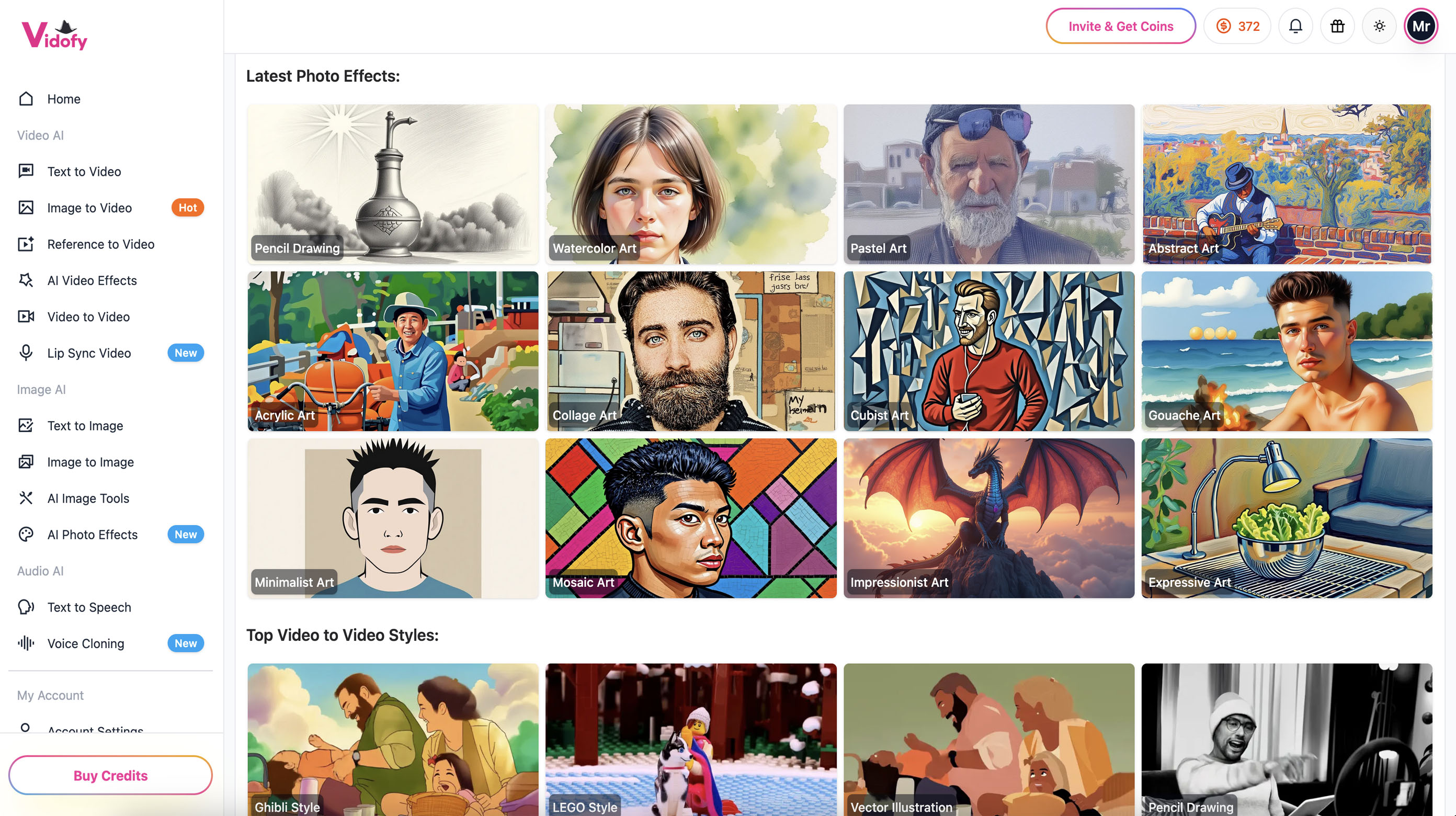
Transform text prompts, scripts, and article/blog excerpts into stunning AI videos — right in your browser. Choose a model, set your aspect ratio and duration, then generate high-quality clips in seconds.

MakeTheDocs allows you to generate a full-blown documentation page with AI by uploading a demonstration video.
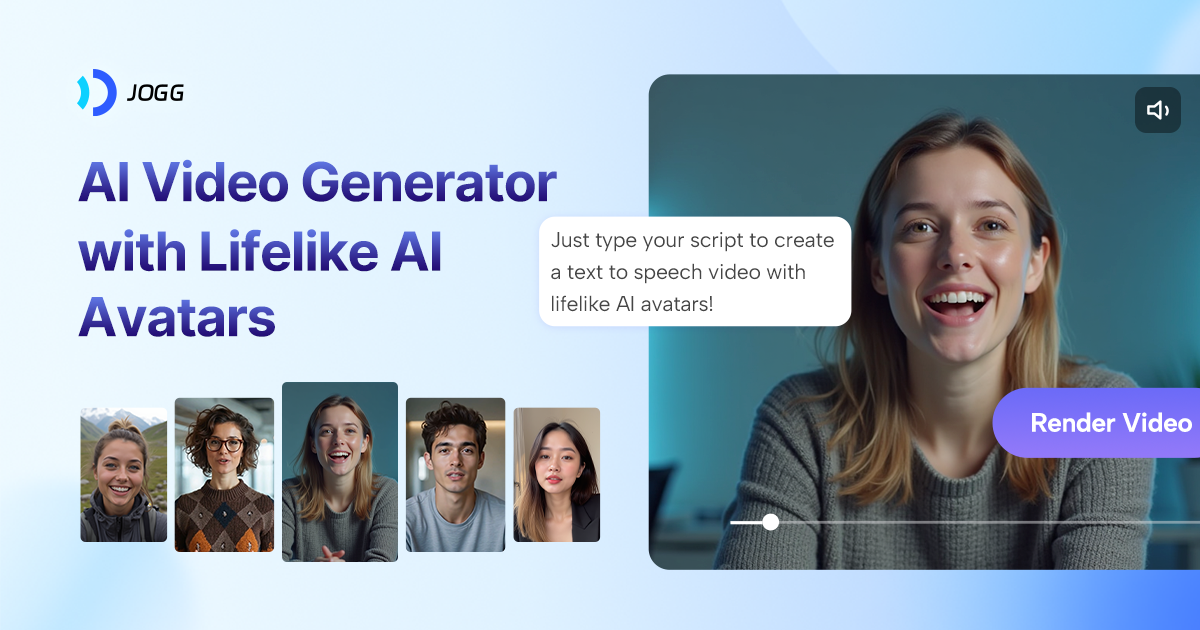
Create your own avatar or choose from 450+ ultra-realistic AI avatars on JoggAI to generate engaging videos instantly.

Synchronize your video with any voice using our free Lipsync AI tool. Upload a video and audio to create perfectly lip-synced talking videos online.
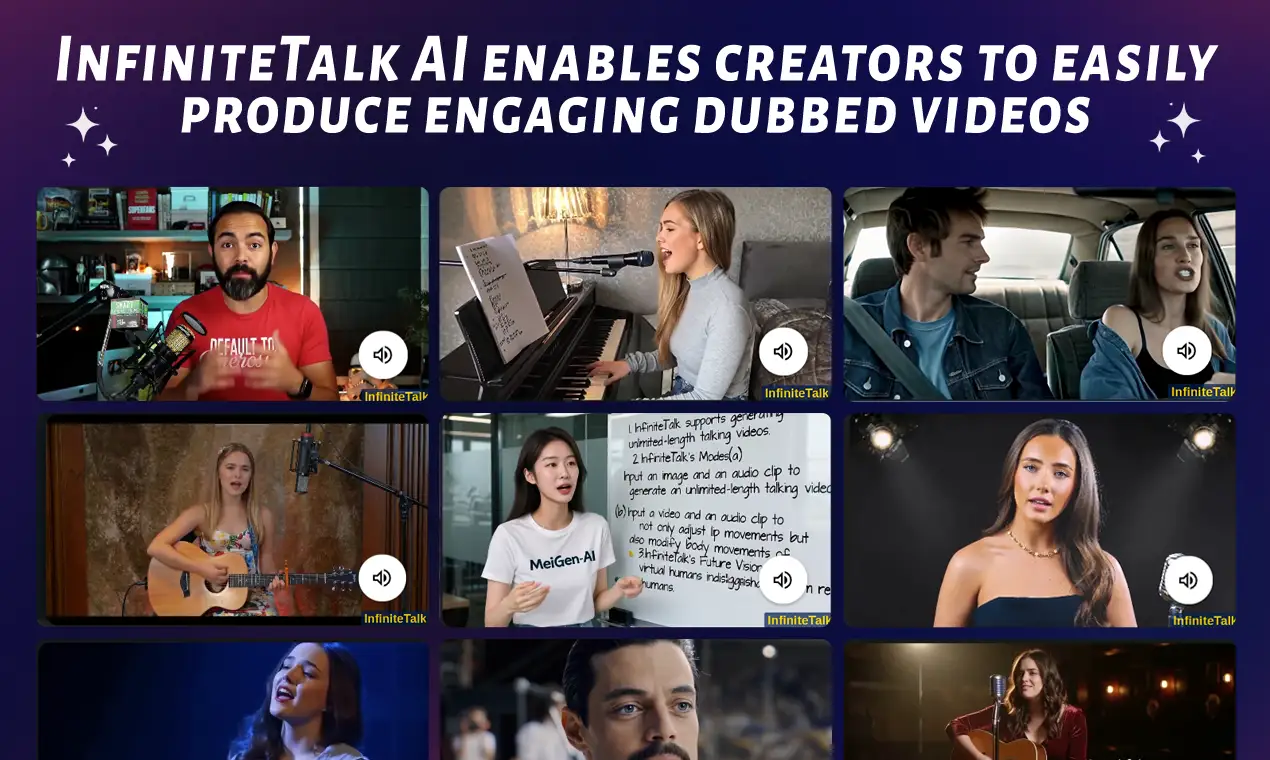
Create seamless, audio-driven videos with InfiniteTalk AI. Synchronize lips, head, body, and expressions for unlimited-length dubbing. Try now for powerful, lifelike results!

InfiniteTalk AI specializes in seamlessly combining static images with audio to create professional-grade videos with precise lip-sync effects. Simply upload your image and audio to generate lifelike talking videos.

Create trendy AI kissing videos with Clipfly's free AI kiss video generator. Upload any image and instantly transform your creativity into lifelike kissing videos online.

Convert photos to videos instantly with AI. Free online image to video generator creates realistic animations from any picture. No watermark, fast results.

Transform your image to video with our AI-powered Smart Photo to Video Converter. Create captivating photo animations effortlessly and for free. Bring your memories to life today!
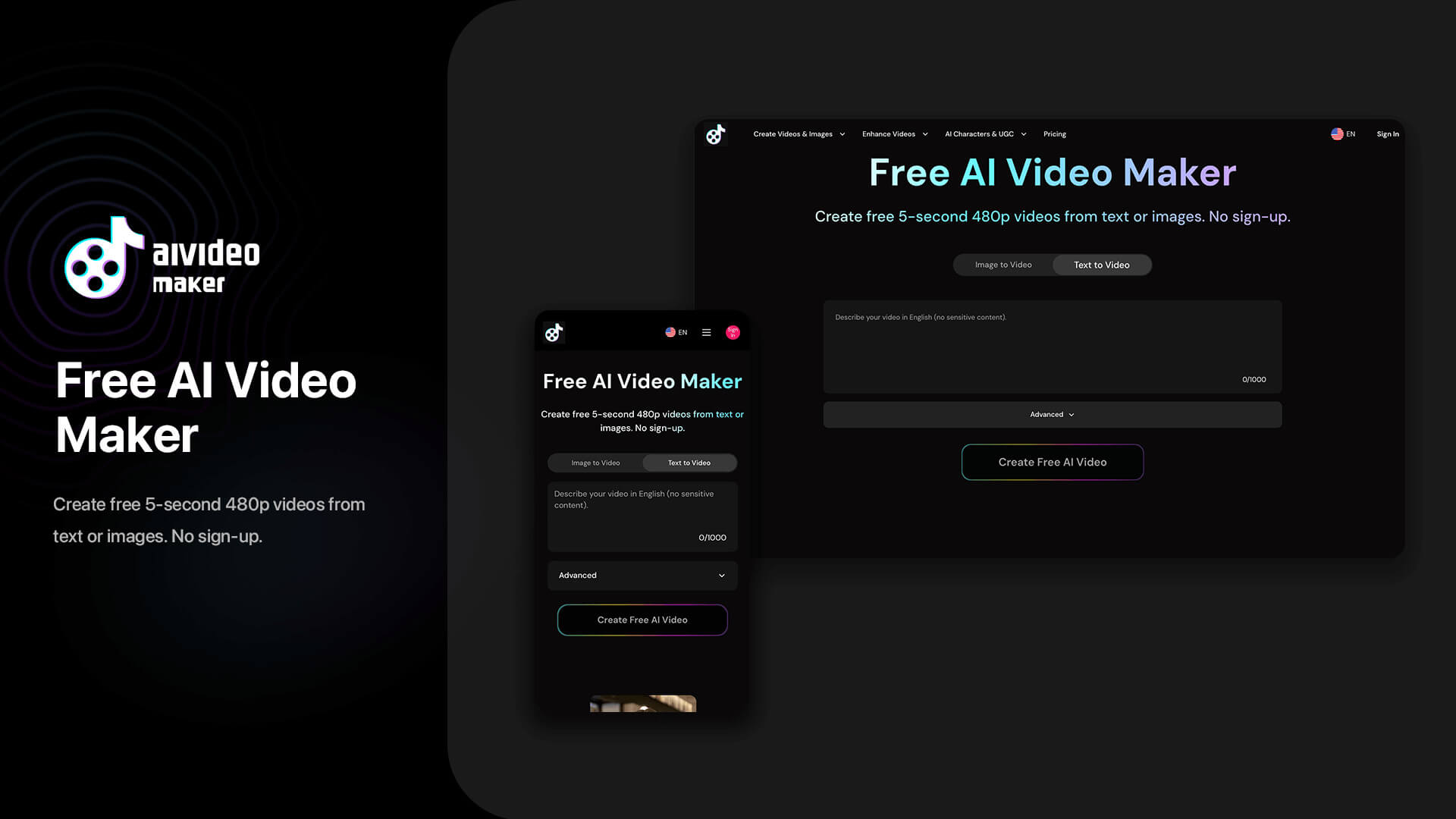
Create high-quality AI videos from a single image with our advanced image to video generator. Now supports up to 30-second videos with segment-level prompt control, allowing fine-grained edits, smoother storytelling, and more cinematic image animations. Free 480p generation available, HD watermark-free exports for subs
Transform static images into dynamic videos with our advanced image to video AI platform. Create professional animations from photos using cutting-edge AI video generator technology.
Transform your images into stunning videos with our AI image to video generator. Support for 15+ AI models including Google Veo 3, Hailuo2, and Wan2.2.

Image-to-video AI generator that turns photos into animated videos online. Add realistic motion, camera moves, and cinematic effects for social content.
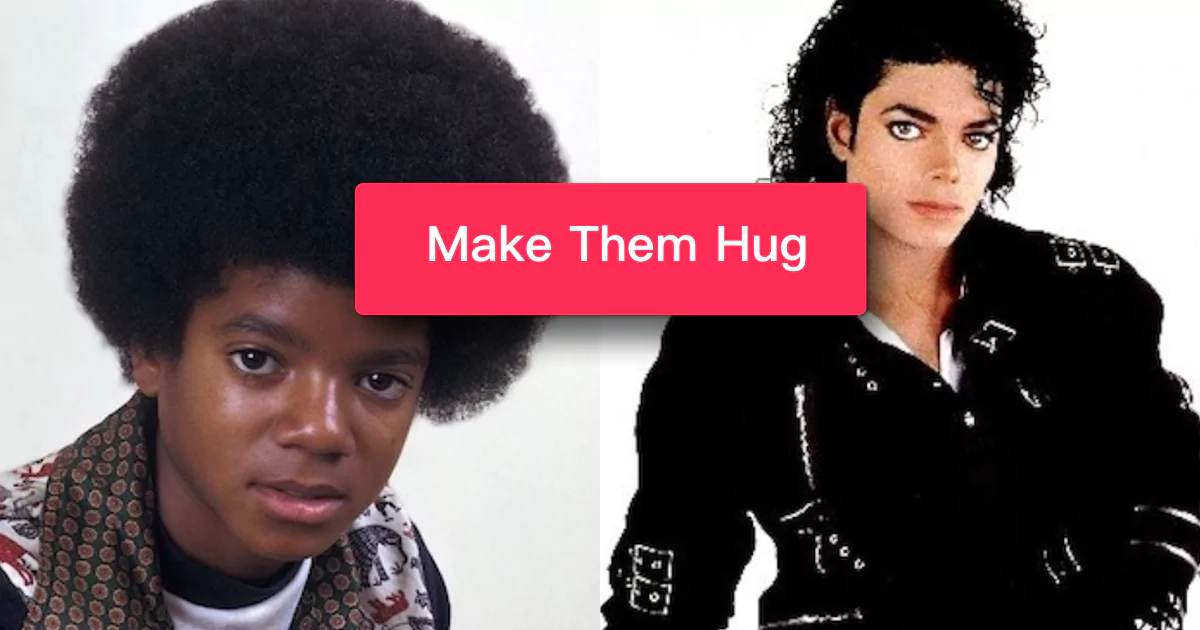
Hug AI ile iki fotoğrafı sıcak bir sarılma videosuna dönüştürün. Vidu studio ve Runway'den daha kolay ve güçlü. Ücretsiz olarak sarılma anlarını oluşturun, paylaşın ve saklayın.
VideoPal AI creates content and posts it to your account every day. Our AI automated content creation tool converts text to video in minutes and posts videos to your TikTok & Instagram account. VideoPal AI is your own content creation team, working for you 24/7. Grow a TikTok following using faceless videos to generate
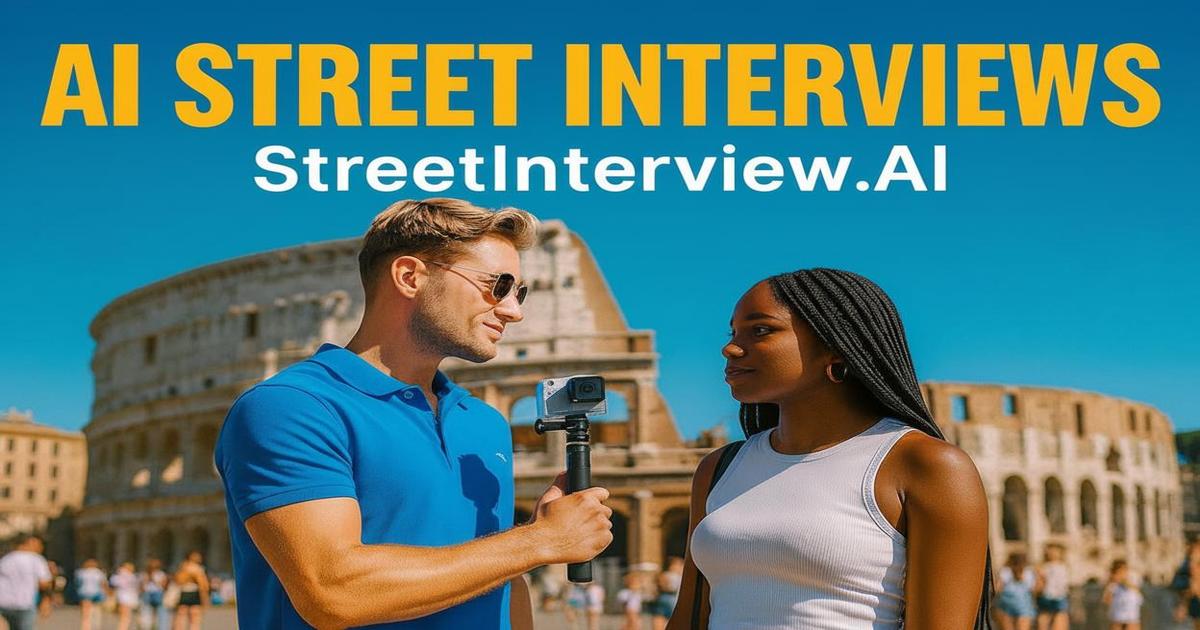
Generate authentic street interview videos with AI in seconds. Create engaging AI-powered interview content for social media, marketing, and entertainment. Try our street interview generator free.
Turn your song into a cinematic, lyrics-driven music video. Upload your track, customize AI-generated scenes, and download your finished video.
Create AI generated videos from text with realistic AI avatars and voiceovers in 100+ languages. Try our free AI video generator now!

Free try for creating talking baby podcast videos with AI. Upload a baby photo and input what you want them to say to create a talking baby video with synchronized lip movements, natural voice, and vivid expressions.
Experience the future of AI ASMR with our advanced video generator. Create professional AI ASMR Video instantly using VEO3 technology. Generate relaxing content, whispers, tapping & nature sounds. Start your AI ASMR Generator journey free today!

Sadece bir istem yazarak dakikalar içinde huzur verici ASMR videoları oluşturun—VEO3 motorumuz fısıltıları, ambiyansı ve görselleri anında birleştirerek paylaşmaya hazır klipler üretir.
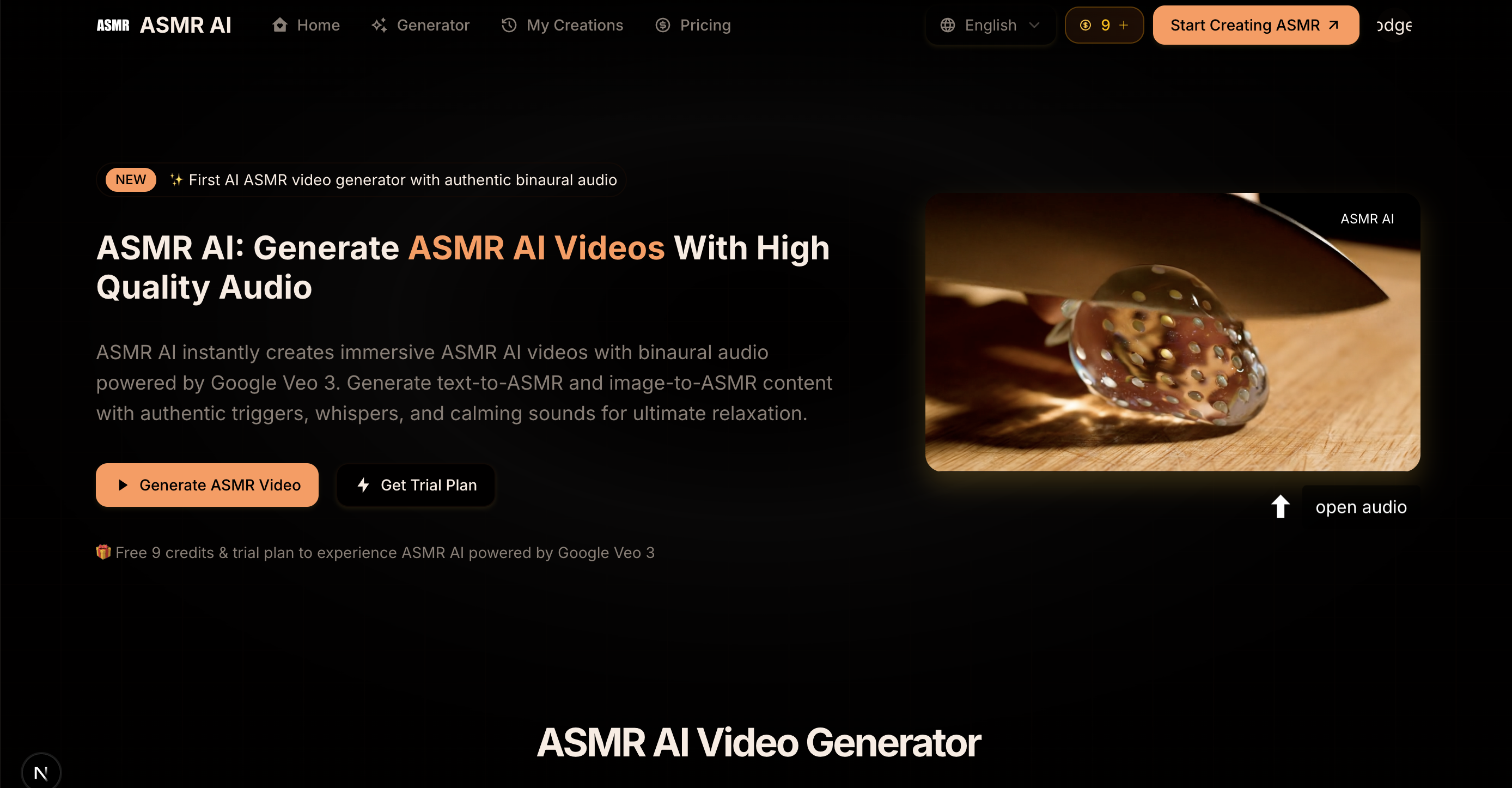
ASMR AI: Create AI ASMR videos with high quality ASMR Voice, ASMR AI supports text to video and image to video by fast and quality mode.

AI-powered video generation for social media

Videnly is an automated video generation software that enables businesses and creators to generate AI videos of different formats and publish them automatically to their social media accounts.

Free to create the product advertising video with the product images by our AI Product to Video Generator. AI Product to Video Generator is Hey Dream AI's state-of-the-art product to video generation model, producing high-quality videos with stunning realism.
The most advanced Flux AI image generator powered by Flux 2. 4MP photorealistic output with exceptional text rendering and prompt following.

Easily create Romantic AI kissing generator from images with our AI kissing video generator! Join the viral ai kissing video trend Now! - VividHubs.ai powered by Vidu AI, Luma AI, Pixverse AI

Experience the future of creation with SuperMaker! Your powerful AI Video Generator for AI music, image, and voice. Start free, no login required!
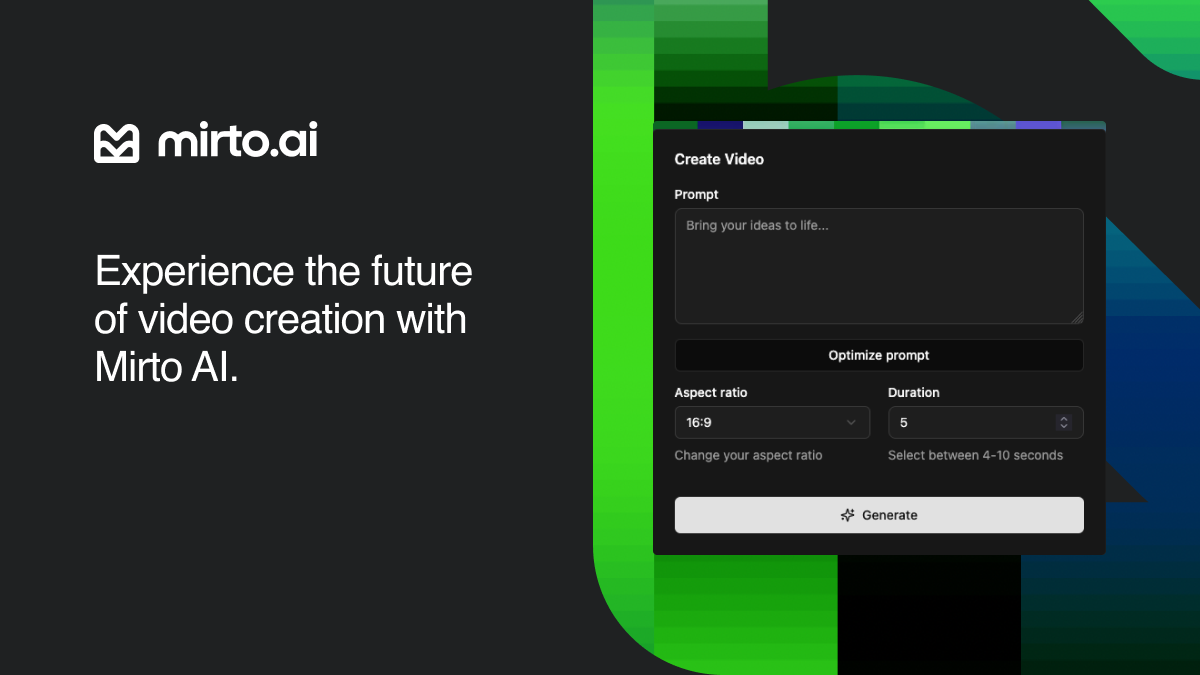
Transform ideas into stunning videos with our AI video generator. Our text to video AI crafts HD 5-10s, custom styles & ratios.

Try our latest text-to-video models
Run a free AEO + signal audit for your domain.
AI Answer Engine Optimization (AEO)
List once. Convert intent from live AI conversations without heavy integration.
AI video creation is the process of using artificial intelligence to automate and enhance the production of video content. It leverages technologies like machine learning and generative AI to handle scripting, animation, voiceovers, and editing. This allows businesses to produce high-quality marketing, training, and explanatory videos faster and at a lower cost.
Businesses outline their video goals, target audience, style preferences, and required deliverables to establish a clear creative brief.
AI tools process the brief to create scripts, synthesize voiceovers, generate visuals, and compile initial video drafts automatically.
Teams review the AI-generated draft, provide human feedback for revisions, and approve the final video for distribution.
Automate the creation of engaging product demonstration and promotional videos to increase conversion rates and reduce time-to-market.
Produce consistent and scalable training and onboarding video content for employees across different regions and departments.
Generate clear, animated explainer videos that illustrate software features, benefits, and use cases for customer education.
Create compliant and informative videos for client reporting, market updates, and explaining complex financial products.
Develop accurate and accessible animated videos to explain medical procedures, treatment plans, and wellness information to patients.
Bilarna evaluates every AI video creation provider through a proprietary 57-point AI Trust Score, assessing technical expertise, creative portfolio strength, and client satisfaction. We verify case studies, check technical certifications in AI tools, and monitor project delivery reliability. This continuous screening ensures you connect with proven, reputable partners on our platform.
Costs vary based on video length, complexity, and customization, but professional AI video creation services often range from a few hundred to several thousand dollars per project. Factors like 3D animation, original voiceover talent, and extensive revision rounds increase the price. Many providers offer scalable subscription packages for ongoing video needs.
Traditional video production relies heavily on human crews for filming, editing, and animation, which is time-intensive. AI video creation automates core tasks like script generation, asset creation, and basic editing, significantly accelerating the timeline. The result is faster turnaround and lower cost, though complex projects still benefit from human creative direction.
A simple AI-generated video, like a social media clip, can be produced in a few hours. More complex projects, such as detailed explainer or training videos, typically take from a few days to two weeks. The timeline depends on the level of customization, review cycles, and the integration of original assets or data.
Prioritize providers with a strong portfolio in your industry, proven expertise with specific AI video tools, and clear data security protocols. Evaluate their ability to understand your brand, offer customizable templates, and provide transparent revision policies. Client testimonials and case studies are critical indicators of reliability and quality.
Common mistakes include providing a vague creative brief, neglecting brand voice consistency, and skipping the human review stage for factual accuracy. Over-relying on AI without a clear strategy can lead to generic content. Ensure you have rights to all input assets and establish a clear feedback loop with the provider for revisions.
Check the pricing details before using any AI video optimization tool. Follow these steps: 1. Visit the official website or platform offering the tool. 2. Review the pricing plans and terms of service carefully. 3. Look for any mention of additional costs such as subscription fees, usage limits, or premium features. 4. Contact customer support for clarification if needed to avoid unexpected charges.
There are no limits on the number of searches you can perform once your video is processed. 1. Upload your video content, either as files or via links. 2. The AI processes the video to make it searchable. 3. After processing, you can perform unlimited searches within that video. 4. The only limitation is the total minutes of video you can upload per month based on your account plan.
Yes, many video production companies routinely work outside their local area and can service clients nationwide or even internationally. While some firms are based in specific cities or regions, it is common for them to travel for shoots, utilizing remote pre-production planning and flexible workflows. The feasibility depends on the project's budget, as travel and accommodation costs for the crew and equipment must be factored in. Many companies highlight this service, often noting that a significant portion of their business comes from non-local clients. This model allows businesses anywhere to access specialized production talent, often at more competitive rates than local providers in high-cost metropolitan areas.
Yes, AI video analytics solutions are designed to integrate seamlessly with existing security systems without the need for hardware modifications. This means organizations can enhance their video surveillance capabilities by adding AI-driven analytics without replacing cameras, servers, or other infrastructure components. The software typically connects to current video feeds and security platforms, allowing users to apply customized rules, attach images for improved detection, and receive detailed reports. This flexibility reduces implementation costs and downtime, enabling businesses to upgrade their security operations efficiently while maintaining their current hardware investments.
Yes, batch processing is supported. Follow these steps: 1. Select the module you need such as Video AI, Image AI, or Audio AI. 2. Import multiple video, audio, or image files into the software. 3. Choose your preferred enhancement feature or AI model for all files. 4. Click the RUN button to start processing all files simultaneously, saving time and effort.
Yes, AI video creation platforms can generate multilingual voiceovers and avatars. 1. Choose avatars from a diverse library representing various nationalities and styles. 2. Select from multiple languages and natural-sounding AI voices. 3. Customize voice tone and style to match your brand. 4. Produce videos with synchronized multilingual voiceovers and avatars. 5. Use these videos for global marketing without hiring translators or voice talents.
Customize AI-generated portraits after creation by following these steps: 1. Use a platform or tool that supports post-generation editing. 2. After the AI generates the portrait, access the editing features provided. 3. Adjust elements such as color, style, background, or facial details as allowed. 4. Preview the changes to ensure satisfaction. 5. Save or download the customized portrait once editing is complete.
Yes, advanced AI video extenders are designed to retain the original resolution and quality of the source footage. They employ high-fidelity motion synthesis and frame prediction to ensure that generated frames match the sharpness, color accuracy, and lighting of the original clip. The AI uses the last frames as reference to out-paint the scene, preventing quality degradation that often occurs with other video enlargement methods. Even free tiers of reputable AI video extenders prioritize maintaining professional-grade output, so extended videos remain suitable for broadcast or high-resolution playback. This is achieved by carefully analyzing motion vectors and applying consistent texture synthesis. Users can extend short videos without worrying about pixelation or unnatural transitions, making these tools ideal for creating seamless loops, filling aspect ratio gaps, or adding cinematic length to action sequences.
Yes, many game creation tools are designed specifically for beginners without prior programming knowledge. These platforms provide visual editors, drag-and-drop functionality, and step-by-step guides to simplify the game development process. They often include pre-made assets and templates to help users get started quickly. This accessibility allows beginners to experiment with game design concepts and create playable games while gradually learning more about game mechanics and development principles.
Yes, ConnectAI can create a complete offer in Myfactory within 20 seconds from an incoming email or PDF. The AI agent reads the email or document, extracts relevant information, and generates a formatted offer directly in the ERP system. This feature is part of the sales automation suite, which also includes automatic creation of contacts and offers. It streamlines the sales process by eliminating manual data entry and speeding up response times.