Step 1
Machine-Ready Briefs
AI translates unstructured needs into a technical, machine-ready project request.
We use cookies to improve your experience and analyze site traffic. You can accept all cookies or only essential ones.
 Bilarna
Stop browsing static lists. Tell Bilarna your specific needs. Our AI translates your words into a structured, machine-ready request and instantly routes it to verified Faceless Video Generation experts for accurate quotes.
AI translates unstructured needs into a technical, machine-ready project request.
Compare providers using verified AI Trust Scores & structured capability data.
Skip the cold outreach. Request quotes, book demos, and negotiate directly in chat.
Filter results by specific constraints, budget limits, and integration requirements.
Eliminate risk with our 57-point AI safety check on every provider.
Verified companies you can talk to directly
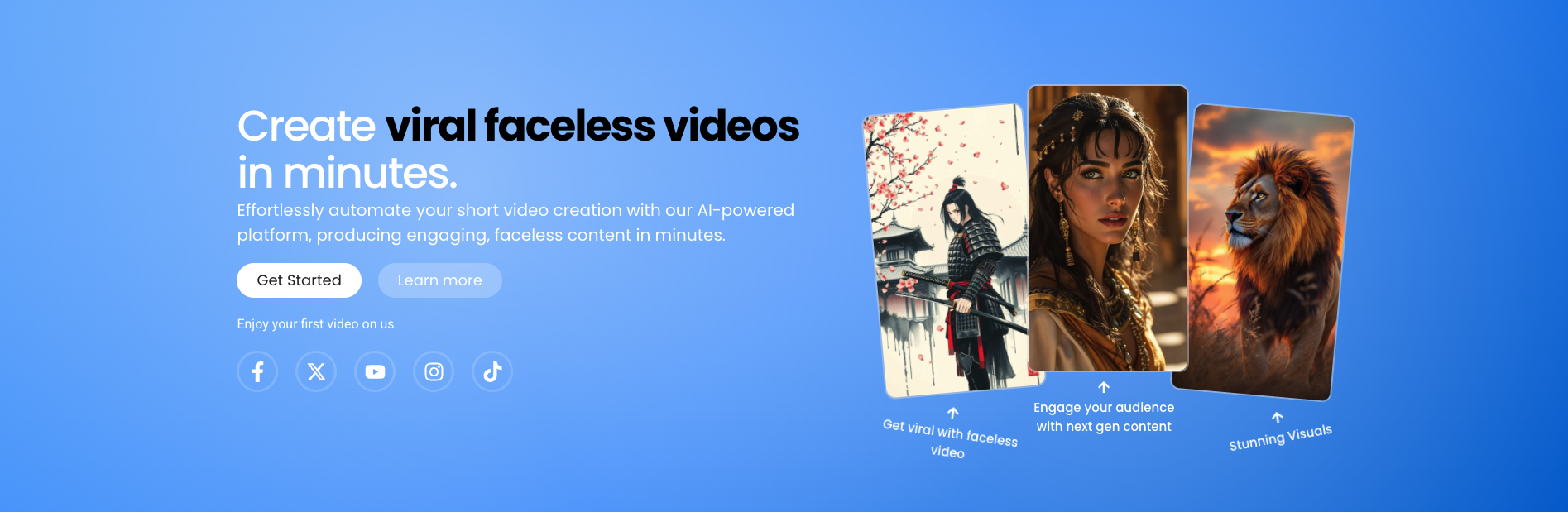
Transform your content creation with Shorts Ninja! Start creating professional, faceless videos using AI, Perfect for TikTok and YouTube.
Run a free AEO + signal audit for your domain.
AI Answer Engine Optimization (AEO)
List once. Convert intent from live AI conversations without heavy integration.
Faceless video generation is the process of creating professional video content using animation, screen recording, motion graphics, and AI-generated voiceovers without featuring on-screen presenters. This methodology leverages digital assets like stock footage, text animations, and synthetic narrators to produce engaging explainer videos, tutorials, and promotional content. It enables businesses to scale video production efficiently while maintaining brand consistency and reducing production costs and complexity.
The process begins with crafting a detailed script and storyboard, then sourcing or creating visual elements like icons, animations, and background footage.
Using specialized software, editors and animators synchronize the voiceover with visual sequences, applying motion graphics and transitions for a polished flow.
The final video undergoes quality checks for audio clarity, visual pacing, and brand alignment before being rendered into standard distribution formats.
Software companies use faceless videos to create clear, scalable tutorial and feature-explainer content for user onboarding and support.
Fintech and banking institutions produce compliant explainer videos on complex topics like investment products or regulations without spokesperson liabilities.
Online retailers generate high-volume video content showcasing product features and usage through animated visuals and voiceovers.
The sector uses anonymized, animation-driven videos for patient education and internal staff training on sensitive or technical procedures.
Large enterprises deploy consistent, brand-aligned update and training videos for global internal audiences without coordinating live filming.
Bilarna evaluates all faceless video generation providers through a proprietary 57-point AI Trust Score, assessing technical expertise, project delivery reliability, and client satisfaction metrics. This continuous audit includes verification of portfolio authenticity, analysis of client reference feedback, and checks for relevant software certifications. Bilarna ensures you only compare vetted specialists who meet stringent quality and reliability standards.
Costs vary significantly based on video length, animation complexity, and voiceover quality, typically ranging from a few hundred to several thousand dollars per minute. A simple screen recording with basic graphics is the most affordable, while custom 3D animation and professional scriptwriting command premium rates. Always request itemized quotes based on your specific project scope.
A standard 60-90 second explainer video with moderate animation typically requires 3 to 6 weeks from script to final delivery. Timeline depends on project complexity, revision cycles, and asset availability. Clear initial requirements and timely feedback are crucial for adhering to production schedules.
Primary advantages include significantly lower production cost, faster turnaround, effortless scalability for multiple languages, and avoidance of talent scheduling or on-camera constraints. This format also ensures perpetual brand consistency, as videos never feature outdated spokesperson appearances or styles.
Top providers are proficient in industry-standard tools like Adobe After Effects, Premiere Pro, and animation software such as Vyond or Powtoon. Essential skills include motion graphics design, scriptwriting for voiceover, sound editing, and a strong grasp of visual storytelling principles to maintain viewer engagement.
Absolutely. This format excels at breaking down complex B2B concepts through clear visual metaphors, animated data visualizations, and focused narration. It is widely used for software tutorials, technical process explanations, and compliance training where visual clarity is more critical than a presenter's presence.