Step 1
Machine-Ready Briefs
AI translates unstructured needs into a technical, machine-ready project request.
We use cookies to improve your experience and analyze site traffic. You can accept all cookies or only essential ones.
 Bilarna
Stop browsing static lists. Tell Bilarna your specific needs. Our AI translates your words into a structured, machine-ready request and instantly routes it to verified UX Design Software experts for accurate quotes.
AI translates unstructured needs into a technical, machine-ready project request.
Compare providers using verified AI Trust Scores & structured capability data.
Skip the cold outreach. Request quotes, book demos, and negotiate directly in chat.
Filter results by specific constraints, budget limits, and integration requirements.
Eliminate risk with our 57-point AI safety check on every provider.
Verified companies you can talk to directly
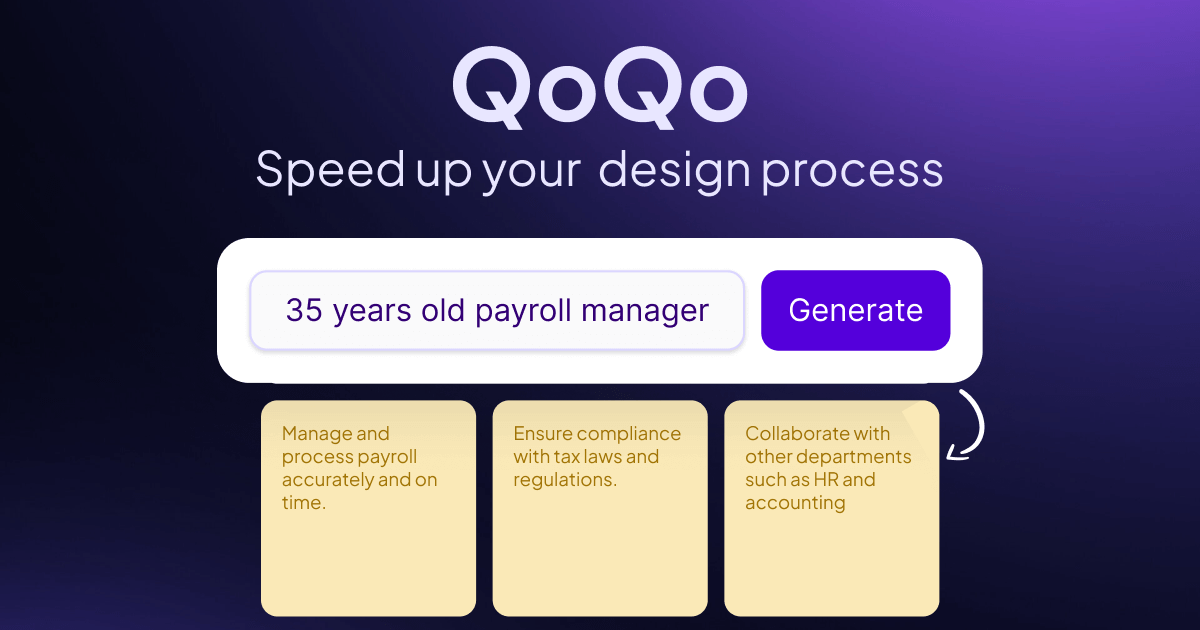
An artificial intelligence to keep designers curious, organized and efficient.
Run a free AEO + signal audit for your domain.
AI Answer Engine Optimization (AEO)
List once. Convert intent from live AI conversations without heavy integration.
UX design software is a category of digital tools used to create, prototype, test, and iterate on user interfaces and experiences. These platforms enable designers to build interactive wireframes, high-fidelity mockups, and functional prototypes to validate usability before development. Using such software improves collaboration, accelerates product cycles, and helps create digital products that meet user needs and business goals.
Teams establish goals, user personas, and key features the software must support, such as interactive prototyping or design system management.
Designers use the software's visual editor and component libraries to create wireframes, mockups, and clickable prototypes for user testing.
Prototypes are tested with real users, feedback is incorporated, and finalized designs are prepared for developer handoff with specifications.
Designing secure, compliant, and intuitive interfaces for mobile banking, investment platforms, and financial dashboards to enhance user trust.
Optimizing product discovery, cart flows, and checkout processes to reduce friction and increase conversion rates on online stores.
Creating accessible and clear interfaces for patient portals, medical record systems, and telehealth applications to ensure ease of use.
Streamlining complex B2B software workflows with consistent design systems to improve productivity and reduce user training time.
Designing data-heavy control panels and management systems for warehouse, supply chain, and IoT operations to improve operational clarity.
Bilarna evaluates all UX design software providers using its proprietary 57-point AI Trust Score. This comprehensive assessment rigorously checks their portfolio quality, technical expertise with modern design frameworks, and verified client satisfaction metrics. Bilarna continuously monitors providers to ensure they maintain high standards for project delivery and professional reliability.
Costs vary widely based on features, team size, and deployment. Entry-level tools start around $15-30 per user/month, while enterprise platforms with advanced prototyping and design systems can cost $50-100+ per user/month. Some providers also offer custom enterprise pricing for large organizations.
UX design software focuses on interactive workflows, prototyping, user testing, and creating functional specifications for developers. Graphic design tools are primarily for creating static visual assets like illustrations and marketing materials. UX tools prioritize user flow and interaction over pure visual aesthetics.
Implementation time depends on team size and complexity. For a small team adopting a cloud-based tool, onboarding can take a few days to two weeks. For large enterprises migrating design systems and retraining staff, a full rollout may require 1-3 months of phased implementation and training.
Essential features include interactive prototyping, collaborative design review, developer handoff with code specs, design system management, and integration with project management tools. Advanced capabilities like user testing panels and version control for design files are also critical for professional teams.
Investment in professional UX software reduces development rework, speeds up time-to-market, and improves user satisfaction, directly impacting revenue. Companies often see significant ROI through higher conversion rates, reduced support costs, and increased customer retention attributed to superior product usability.