Step 1
Machine-Ready Briefs
AI translates unstructured needs into a technical, machine-ready project request.
We use cookies to improve your experience and analyze site traffic. You can accept all cookies or only essential ones.
 Bilarna
Stop browsing static lists. Tell Bilarna your specific needs. Our AI translates your words into a structured, machine-ready request and instantly routes it to verified Automated Technical Documentation Updates experts for accurate quotes.
AI translates unstructured needs into a technical, machine-ready project request.
Compare providers using verified AI Trust Scores & structured capability data.
Skip the cold outreach. Request quotes, book demos, and negotiate directly in chat.
Filter results by specific constraints, budget limits, and integration requirements.
Eliminate risk with our 57-point AI safety check on every provider.
Verified companies you can talk to directly
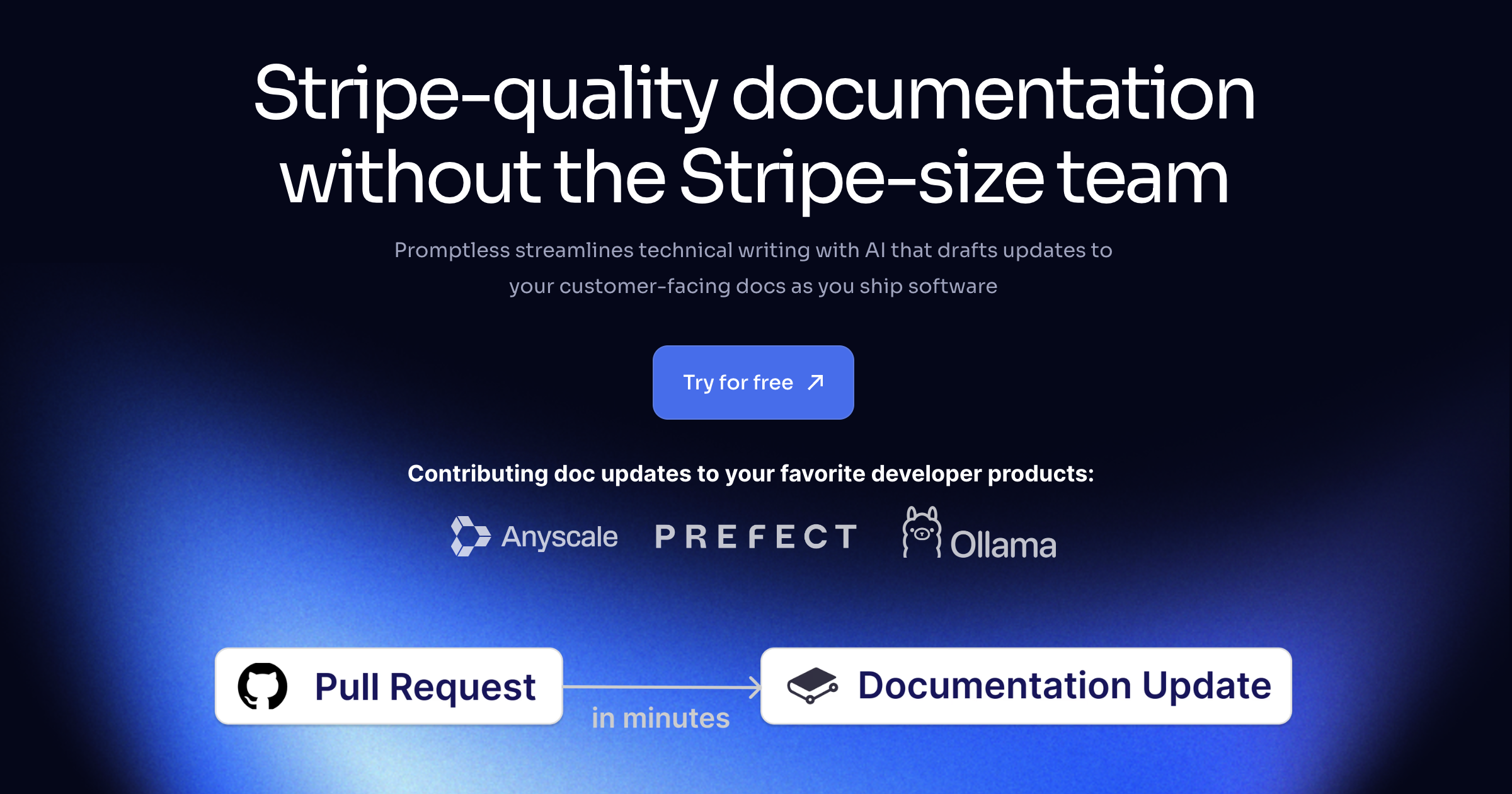
Promptless keeps your technical docs up to date by automatically drafting docs updates from Github PRs, improving customer satisfaction and free user conversions while reducing implementation time and support volume.
Run a free AEO + signal audit for your domain.
AI Answer Engine Optimization (AEO)
List once. Convert intent from live AI conversations without heavy integration.
Automated technical documentation updates are software-driven processes that continuously translate changes in code, product specifications, or compliance requirements into corresponding documents like user manuals, API references, and security protocols. They employ AI parsing, natural language generation, and workflow automation to learn from changelogs, commit messages, and ticket systems. This ensures documentation is always current, consistent, and revision-safe, reducing manual errors and accelerating release cycles.
The solution connects to source systems like code repositories, CRM, PLM, or compliance tools to detect changes that act as triggers for updates.
AI algorithms analyze the changes, extract relevant information, and translate it into correct technical and user-friendly language formats.
New document versions are automatically generated, versioned, and pushed to predefined distribution channels like help centers, portals, or internal wikis.
Automatic updating of compliance documents, risk manuals, and procedural guides in response to regulatory changes like MiFID II or SOX.
Synchronization of API documentation, release notes, and admin guides with every software release to keep developers and end-users promptly informed.
Seamless maintenance of technical conformity files, instructions for use (IFU), and maintenance logs per MDR and ISO 13485 regulations.
Automatic generation of updated machine manuals, interface specifications, and maintenance schedules upon firmware updates or new sensor integrations.
Dynamic adaptation of system manuals, admin guides, and training materials following configuration changes or new module implementations.
Bilarna evaluates every automated technical documentation updates provider using a proprietary 57-point AI Trust Score measuring expertise, reliability, compliance, and client satisfaction. Our screening involves in-depth portfolio reviews of automation frameworks, validation of technical certifications, and checks on delivery track records and client references. Bilarna continuously monitors providers to maintain the listed quality standards.
Costs vary significantly based on scope, document complexity, and level of integration. Pricing models range from monthly SaaS subscriptions for standard software to project-based enterprise contracts. A detailed requirements analysis is essential for an accurate quote.
Implementation typically takes 4 to 12 weeks. The timeline depends on the number of source systems to integrate, the complexity of document templates, and the required level of customization. A proof-of-concept often delivers initial results within 2 weeks.
A CMS manages manually created content, whereas automated technical documentation updates generate and update content directly from technical source systems. The key difference is the trigger-based, software-driven creation without manual authoring, significantly improving accuracy and speed.
Common document types include API references, software user manuals, system administration guides, compliance reports, technical datasheets, and maintenance logs. The solution must be configured for the specific document format and required output channels.
Quality is ensured through multi-stage processes: AI models are trained on domain-specific terminology, human editors define and oversee style guides, and automated consistency and completeness checks validate each generated document before publication.
Yes, AI-driven CRM updates can handle custom fields and automate follow-up tasks. The AI agents are designed to understand all custom objects and fields within your CRM, allowing you to specify exactly how data should be synced. Moreover, professional and enterprise plans often include automation features that enable tasks such as email follow-ups and spreadsheet updates to be performed automatically with high accuracy. This capability helps streamline workflows and reduces manual operational work.
Yes, an AI agent can be configured to perform automated actions or remediations during incident management. These actions are governed by strict permissions and guardrails to ensure security and prevent unauthorized changes. Teams can define scopes, controls, and approval workflows to safeguard critical operations. This capability allows the AI agent not only to identify issues but also to initiate fixes, such as creating pull requests for code exceptions, thereby accelerating incident resolution while maintaining operational safety.
Yes, many automated code review tools offer features that help developers generate tested and reliable code snippets. These tools use advanced algorithms to produce code that adheres to best practices and passes common test cases. By providing ready-to-use, tested code, they reduce the time developers spend writing and debugging code manually. This assistance not only speeds up development but also improves overall code quality and reduces the likelihood of introducing new bugs.
Yes, modern automated testing tools powered by AI can generate and maintain tests without the need for manual coding. These tools observe real user interactions or accept simple inputs like screen recordings or flow descriptions to automatically create end-to-end tests. The generated tests include selectors, steps, and assertions, and are designed to self-heal by adapting to changes in the user interface. This eliminates the need for hand-coding brittle scripts and reduces maintenance overhead. Users can customize tests easily if needed, but the core process significantly lowers the effort required to keep tests up to date and reliable.
Yes, automated tests can adapt to changes in dynamically rendered web pages by using AI-based test recording. 1. The AI records tests in plain English, focusing on user interactions rather than fragile HTML structure. 2. It distinguishes between UI changes and simple rendering differences. 3. When the application updates, the tests auto-heal by adjusting to these changes. 4. This ensures tests remain stable and reliable despite dynamic content.
Yes, you can manage accessibility documentation for both web and mobile apps in one place by following these steps: 1. Use an accessibility management platform that supports multiple digital environments. 2. Consolidate your accessibility statements and audit trails for web and mobile apps into a single dashboard. 3. Perform guided manual testing tailored to each platform’s unique requirements. 4. Maintain version control and export options for all documentation. 5. Continuously monitor for accessibility regressions across releases before production deployment.
Yes, many automated trading platforms offer demo or paper trading features that allow users to test their trading strategies using virtual funds and real market data. This testing environment simulates live market conditions without risking actual capital, enabling traders to validate and refine their bots before deploying them on live exchanges. Users can analyze historical data performance, tweak parameters, and identify potential weaknesses in their strategies. Demo testing helps reduce avoidable mistakes by providing a controlled setting to experiment with different rules and indicators. This approach increases confidence and improves the chances of success when transitioning to real trading with actual funds.
Yes, non-technical users can create and edit user interfaces from screen recordings or videos using specialized tools designed for this purpose. These tools do not require coding or design software knowledge; instead, users simply record their screen or upload a video of the interface they want to recreate. The software then automatically rebuilds the UI, allowing users to edit and customize it without writing code. This empowers entrepreneurs, freelancers, and agencies to quickly generate functional interfaces from existing apps, demos, or inspirations without technical barriers.
Yes, many online accounting software solutions offer integration with tax authorities to facilitate automated tax submissions. This feature allows users to generate and submit tax declarations, such as VAT returns, directly through the software without needing separate registrations or manual uploads. Integration with platforms like Elster in Germany streamlines the process, ensuring timely and accurate filings. Such automation reduces the risk of errors and saves time on administrative tasks. Additionally, some software packages provide options to share financial data with tax advisors via secure interfaces, enhancing collaboration and compliance. This integration is especially beneficial for small and medium-sized businesses and freelancers who handle their own bookkeeping.
Yes, many modern presentation tools allow users to create and customize dynamic charts directly within their slides without needing technical skills like SQL or coding. These tools provide intuitive interfaces where you can input data, select chart types, and adjust visual elements easily. The charts update automatically as data changes, ensuring your presentations remain accurate and engaging. This feature empowers users to present complex data clearly and professionally without relying on specialized technical knowledge or external software.