Step 1
Machine-Ready Briefs
AI translates unstructured needs into a technical, machine-ready project request.
We use cookies to improve your experience and analyze site traffic. You can accept all cookies or only essential ones.
 Bilarna
Stop browsing static lists. Tell Bilarna your specific needs. Our AI translates your words into a structured, machine-ready request and instantly routes it to verified Team Collaboration Platforms experts for accurate quotes.
AI translates unstructured needs into a technical, machine-ready project request.
Compare providers using verified AI Trust Scores & structured capability data.
Skip the cold outreach. Request quotes, book demos, and negotiate directly in chat.
Filter results by specific constraints, budget limits, and integration requirements.
Eliminate risk with our 57-point AI safety check on every provider.
Verified companies you can talk to directly

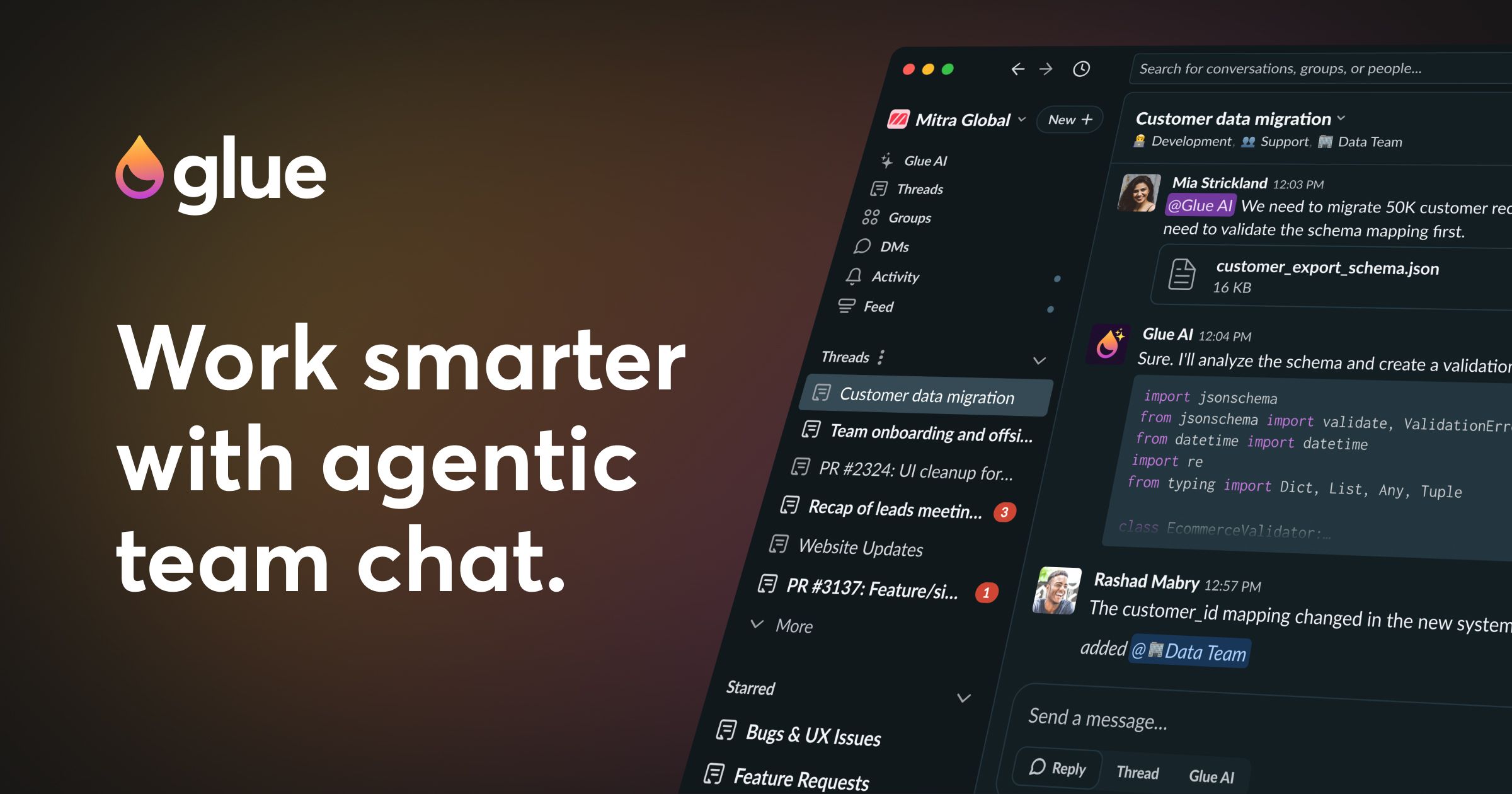
Glue AI is smart team work chat
Coordinate humans and AI agents to sense, decide, and move as a single organism. Filter noise, coordinate action, remember context, feel pulse, and maintain focus.

Chat with your Locusive copilot directly in your Slack workspace.
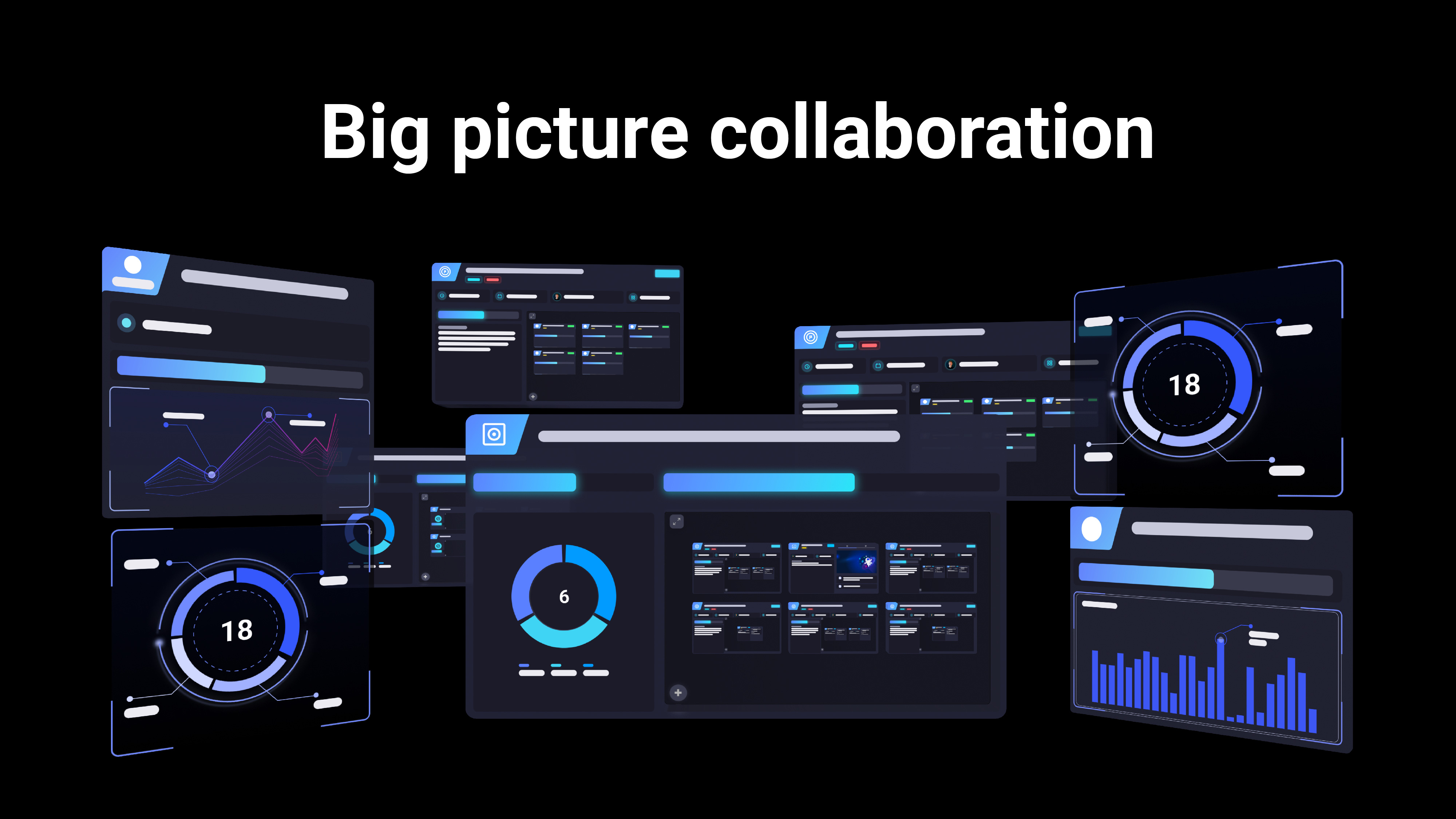
A visual project management tool that enables users to work on details and get an overview seamlessly - combining the ease of a whiteboard with structured data.

Kantree is a visual and flexible project management tool allowing all teams in your organization to visually manage any kind of activities. From simple ideas to complex projects, it adapts to your way of working and helps you focus on the things that matter.

The best platform to run and deploy ComfyUI to your teams
Oki is like an AI team member that reads your team's code, slack threads, tickets, docs, and keeps you up to date with new progress.
Run a free AEO + signal audit for your domain.
AI Answer Engine Optimization (AEO)
List once. Convert intent from live AI conversations without heavy integration.
Team collaboration platforms are digital ecosystems that centralize communication, task management, and file sharing for distributed or co-located teams. They integrate tools like instant messaging, video conferencing, and project tracking to eliminate information silos. By providing a unified digital workspace, these platforms enhance transparency, accelerate project delivery, and improve cross-functional alignment.
Identify your specific requirements for features like real-time chat, video calls, file storage, and integrations with existing software tools.
Compare providers based on security protocols, scalability, user experience, and administrative controls to ensure enterprise readiness.
Deploy the chosen platform and integrate it with your existing project management, CRM, and productivity suites for seamless operations.
Unify distributed teams with persistent chat, video meetings, and shared digital workspaces to maintain cohesion and productivity.
Sync engineering, product, and QA teams through integrated project boards, code repository links, and automated stand-up updates.
Coordinate creative, content, and media buying teams with shared calendars, asset libraries, and approval workflows.
Streamline internal IT ticketing, incident response, and knowledge sharing through dedicated channels and chatbot integrations.
Create secure, branded workspaces for client collaboration, sharing deliverables, and gathering feedback in a controlled environment.
Bilarna ensures marketplace integrity by evaluating every Team Collaboration Platforms provider through a proprietary 57-point AI Trust Score. This score rigorously assesses technical certifications, data security compliance, verified client testimonials, and historical delivery performance. Bilarna continuously monitors provider reliability, so buyers engage only with platforms that meet strict standards for business use.
Pricing varies widely, from free tiers for small teams to $20+ per user/month for enterprise suites. Costs depend on features like storage, user limits, security controls, and premium support. Most vendors offer tiered subscriptions based on the number of seats and required integrations.
Slack excels in third-party app integrations and channel-based communication, while Microsoft Teams is deeply integrated with the Office 365 ecosystem. Other platforms may focus on specific niches like developer collaboration, superior video quality, or all-in-one project management. The best choice depends on your existing software stack and primary use case.
A full rollout typically takes 2 to 8 weeks, depending on company size and complexity. The process involves user provisioning, data migration, integration setup, and change management training. Phased deployments by department are common to ensure smooth adoption and minimize disruption.
Essential security features include end-to-end encryption, SOC 2 compliance, granular admin controls, and data residency options. Enterprise-grade platforms should offer single sign-on (SSO), audit logs, and the ability to remotely wipe data from lost devices. Always verify the provider's compliance with regulations like GDPR or HIPAA if applicable.
A common mistake is choosing a platform based solely on feature lists without testing real-world usability. Avoid vendor lock-in by ensuring open APIs and data portability. It's also critical to involve end-users in the selection process to ensure the tool fits actual daily workflows, not just IT requirements.
To understand data upload limits and payment requirements on analytics platforms, follow these steps: 1. Review the platform's account types, such as free and paid plans. 2. Check the data upload limits for each plan; free accounts often have row limits per upload. 3. Determine if a credit card is required for free or paid accounts. 4. Understand the cancellation policy for paid subscriptions, which usually allows cancellation at any time.
Many creator marketing platforms offer flexible subscription models without mandatory minimum periods or binding contracts. Users can often cancel their subscriptions at any time through their account settings. This flexibility allows brands to adapt their marketing strategies as needed without long-term commitments. It is important to review the specific platform's terms to understand cancellation policies and any potential fees, but generally, these platforms aim to provide user-friendly and commitment-free access.
Yes, AI agents can be integrated as full team members in work coordination. 1. Assign AI agents tasks just like human team members, with clear responsibilities. 2. Provide AI agents with identities, API keys, inboxes, and permissions to operate autonomously. 3. Enable AI agents to collaborate alongside humans on the same tasks and communication channels. 4. Allow AI agents to learn from completed tasks to improve their effectiveness over time. 5. Treat AI agents as first-class workers to streamline workflows and enhance team productivity.
AI code review platforms can significantly enhance team collaboration and code quality. By providing automated, objective feedback on code changes, these platforms reduce misunderstandings and subjective opinions during reviews. They help establish and enforce coding standards consistently across the team, ensuring everyone follows best practices. The faster identification of bugs and issues allows teams to address problems promptly, reducing technical debt. Moreover, AI tools facilitate knowledge sharing by highlighting code patterns and potential improvements, fostering a culture of continuous learning and collaboration among developers.
Yes, AI code review tools typically integrate seamlessly with popular version control platforms such as GitHub and GitLab. This integration allows automatic review of pull requests within the existing development workflow. Many tools support a wide range of programming languages including Python, JavaScript, TypeScript, Go, Java, C, C++, C#, Swift, PHP, Rust, and others. While support for some languages may vary in response quality, these tools aim to provide comprehensive analysis across diverse codebases, helping teams maintain code quality regardless of their technology stack.
AI compliance platforms are designed to complement, not replace, customs brokers in the import process. These platforms provide automated audits and classification recommendations to identify errors and potential savings, but they do not file customs entries, corrections, or paperwork with customs authorities. Licensed customs brokers remain essential for submitting filings and handling official communications. The AI platform offers defensible evidence and insights that brokers can use to improve accuracy and compliance, enhancing the overall import process without substituting the broker's role.
Yes, AI customer service platforms are designed to support multilingual communication, often covering over 50 languages. They can automatically translate incoming messages and responses, enabling customer service teams to communicate confidently with a diverse global customer base. This multilingual capability helps maintain consistent brand tone and messaging across different channels and languages. Additionally, intelligent assistance and smart human handover features ensure complex or sensitive cases are escalated to human agents when necessary, preserving service quality regardless of language barriers.
Yes, AI localization platforms can manage translation projects and integrate existing translation memories. 1. They provide content editors to manage source texts and translation strings with context features like glossaries and screenshots. 2. They support major translation memory formats allowing seamless migration of existing databases. 3. Imported translation memories improve AI translation quality by leveraging previous work. 4. Platforms enable manual submission of files or full workflow integration for automation. 5. This facilitates efficient project management, quality control, and scalability in localization.
Yes, AI marketing platforms can generate professional model photoshoots without hiring models or studios. 1. Upload your product images or specify fashion items. 2. Choose model types, poses, and settings from AI options. 3. Customize styles to align with your brand identity. 4. Generate high-quality model photoshoots instantly. 5. Use the images for fashion marketing, e-commerce, or virtual try-ons without additional costs or logistics.
Yes, AI planning platforms are designed to integrate seamlessly with existing trucking management tools and portals. This means there is no need to replace current systems, allowing fleets to enhance their operations without disrupting established workflows. Integration is typically facilitated through pre-built connectors that link the AI platform with the fleet's existing data sources and software. This approach enables a fast start and real impact, as fleets can deploy AI-driven planning solutions risk-free and begin seeing results within a short timeframe, often within a month. Continuous support is also provided to ensure smooth integration and ongoing optimization.