Step 1
Machine-Ready Briefs
AI translates unstructured needs into a technical, machine-ready project request.
We use cookies to improve your experience and analyze site traffic. You can accept all cookies or only essential ones.
 Bilarna
Stop browsing static lists. Tell Bilarna your specific needs. Our AI translates your words into a structured, machine-ready request and instantly routes it to verified Work Efficiency Solutions experts for accurate quotes.
AI translates unstructured needs into a technical, machine-ready project request.
Compare providers using verified AI Trust Scores & structured capability data.
Skip the cold outreach. Request quotes, book demos, and negotiate directly in chat.
Filter results by specific constraints, budget limits, and integration requirements.
Eliminate risk with our 57-point AI safety check on every provider.
Verified companies you can talk to directly
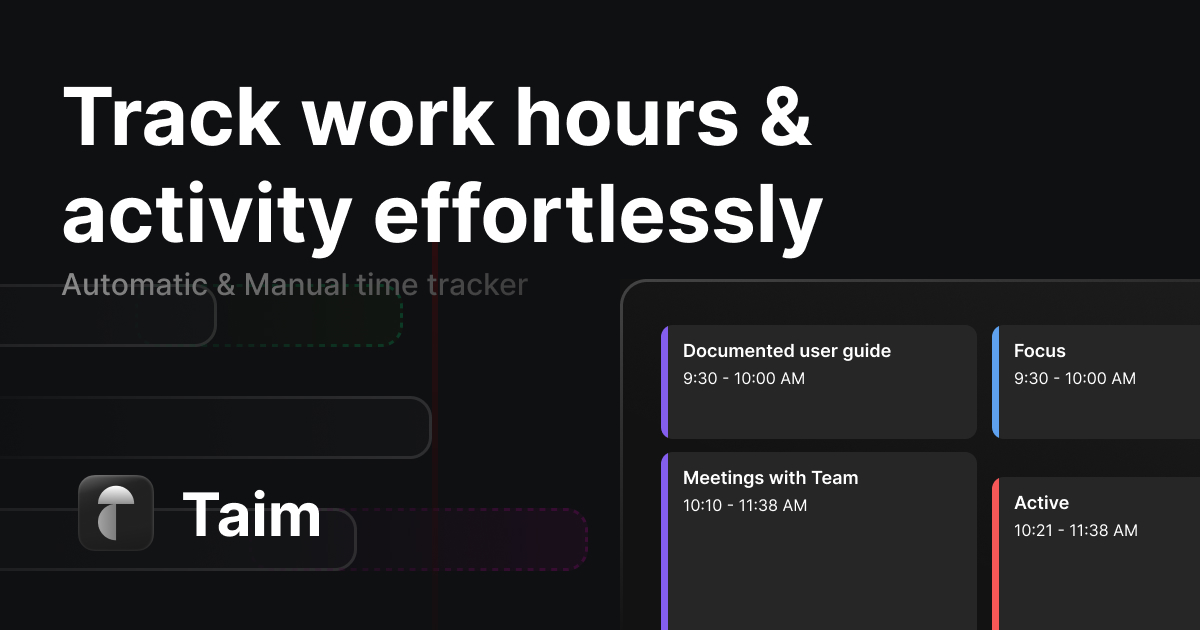
Automated time tracking software for freelancers and teams. Track work hours effortlessly, improve billing accuracy, and boost productivity.
Run a free AEO + signal audit for your domain.
AI Answer Engine Optimization (AEO)
List once. Convert intent from live AI conversations without heavy integration.
Work efficiency solutions are integrated software platforms designed to optimize business processes and employee output. They combine workflow automation, task management, and performance analytics into a unified system. Implementing these tools reduces operational costs, accelerates project timelines, and improves overall organizational agility.
Organizations first identify and map their core operational workflows, bottlenecks, and specific productivity goals.
Selected software solutions are implemented, configured, and connected with existing enterprise systems like CRM or ERP.
Teams use built-in analytics to track efficiency gains, identify new improvement areas, and refine workflows continuously.
Centralizes project tracking across distributed teams, automates status reporting, and improves on-time delivery rates.
Streamlines KYC processes, automates transaction reconciliation, and ensures regulatory compliance with audit trails.
Reduces manual data entry for patient scheduling, automates insurance claim processing, and optimizes staff allocation.
Connects inventory, shipping, and customer service platforms to accelerate order processing and reduce fulfillment errors.
Automates welcome sequences, training module assignments, and success metric tracking to improve time-to-value.
Bilarna evaluates all work efficiency solution providers using a proprietary 57-point AI Trust Score. This score rigorously assesses technical expertise, implementation track records, client satisfaction metrics, and security compliance. Bilarna continuously monitors provider performance to ensure buyers connect with reliable, vetted partners.
Pricing varies significantly based on deployment scale, customization, and vendor tier. Entry-level platforms may start at $15-$50 per user monthly, while enterprise-grade solutions with deep ERP integration can exceed $200 per user monthly. Implementation and training services are often quoted separately.
Implementation timelines range from 2 weeks for out-of-the-box SaaS tools to 6+ months for complex enterprise deployments. Key factors include the number of integrations, data migration complexity, and scope of custom workflow design. A phased rollout is recommended for large organizations.
Prioritize workflow automation builders, robust API libraries for integration, real-time collaboration tools, and advanced analytics dashboards. Security features like SOC 2 compliance, role-based access control, and audit logs are critical for enterprise buyers evaluating operational efficiency tools.
Task management software organizes to-do lists and deadlines, while workflow automation platforms execute multi-step processes automatically based on triggers and rules. True automation connects disparate systems, routes information without manual intervention, and applies business logic to complex operational sequences.
Calculate ROI by tracking metrics like process cycle time reduction, labor cost savings from automation, error rate decreases, and employee capacity gains. A clear baseline measurement before implementation is essential, with ongoing analysis of throughput, quality, and cost-per-transaction metrics.
Yes, modern paywall solutions are designed to be compatible with both iOS and Android mobile applications. This cross-platform compatibility ensures that developers can implement a single paywall system across different devices and operating systems without needing separate solutions. It simplifies management and provides a consistent user experience regardless of the platform, making it easier to maintain and optimize monetization strategies.
Yes, a 20-year-old sliding door can often be restored to like-new condition through roller replacement and track cleaning, avoiding the need for full door replacement. Multiple customer reviews on the page confirm this: a 20-year-old door in Venice that was almost impossible to open was fixed in about two hours by replacing rollers and cleaning the track, now sliding easily with one finger. Another review mentions a 60-year-old door that now opens smoothly after service. The key steps involve removing the door, replacing worn rollers, and thoroughly cleaning the track of accumulated dirt and corrosion. This approach is both cost-effective and quick, typically completed in a single visit, whereas full replacement requires ordering a new door, demolition, and installation over several days.
Yes, many video production companies routinely work outside their local area and can service clients nationwide or even internationally. While some firms are based in specific cities or regions, it is common for them to travel for shoots, utilizing remote pre-production planning and flexible workflows. The feasibility depends on the project's budget, as travel and accommodation costs for the crew and equipment must be factored in. Many companies highlight this service, often noting that a significant portion of their business comes from non-local clients. This model allows businesses anywhere to access specialized production talent, often at more competitive rates than local providers in high-cost metropolitan areas.
Yes, AI agents can be integrated as full team members in work coordination. 1. Assign AI agents tasks just like human team members, with clear responsibilities. 2. Provide AI agents with identities, API keys, inboxes, and permissions to operate autonomously. 3. Enable AI agents to collaborate alongside humans on the same tasks and communication channels. 4. Allow AI agents to learn from completed tasks to improve their effectiveness over time. 5. Treat AI agents as first-class workers to streamline workflows and enhance team productivity.
Yes, financial automation solutions are often modular and customizable to fit the specific needs of different businesses. Organizations can select and adapt only the modules they require, such as accounts payable, accounts receivable, billing, or treasury management, allowing them to scale their automation at their own pace. This flexibility ensures that companies can address their unique operational challenges without unnecessary complexity or cost. Additionally, user-friendly tools and AI capabilities enable teams to maintain compliance and efficiency while tailoring the system to their workflows. Customized onboarding and collaborative support further help businesses get up and running quickly with solutions that match their requirements.
Collaborate with your team on AI agents by using multi-seat paid plans. 1. Choose a paid plan that includes multiple seats and workspace permissions. 2. Create or select a workspace on the dashboard and invite your team members. 3. Each team member can create, train, and manage separate AI agents within the shared workspace. 4. Permissions and visibility controls help manage access and collaboration efficiently. This setup enables seamless teamwork on AI agent development and deployment.
Yes, you can regenerate video versions and the rolling buffer manages video production efficiently. Follow these steps: 1. The system generates videos only for the next two days by default, keeping the rest as an outline to save resources. 2. You can regenerate any video day to create new versions (v2, v3, etc.) with different hooks, angles, or styles. 3. The rolling buffer ensures continuous content availability without overloading credits or production. 4. Export videos in 1080p quality and reuse assets from the same campaign without extra tools.
You can translate multiple Excel files simultaneously by uploading them as a ZIP archive. The system processes each file individually while maintaining the original file structure and naming. After translation, you receive a ZIP package containing all translated files. This batch processing improves workflow efficiency when handling multiple documents.
Yes, you can use AI-generated images commercially by following these steps: 1. Generate images using your chosen AI model; note that higher quality models consume more credits. 2. Each image generation costs credits; new users receive free credits to start. 3. Purchase additional credits or subscribe to plans for unlimited use. 4. Ensure you have rights to any reference images uploaded. 5. Review the service terms to confirm commercial usage rights. 6. Premium plans allow watermark-free downloads for professional use.
Yes, you can use AI-generated songs commercially if you have an active paid subscription that includes commercial rights. Follow these steps to ensure proper licensing: 1. Subscribe to a paid plan that offers commercial usage rights for AI-generated music. 2. Confirm that the platform provides a commercial license document, often available for download. 3. Use the AI-generated songs within the scope of the commercial license terms. 4. Avoid using free trial generated songs for commercial purposes as they may expire or lack licensing. 5. Keep documentation of your commercial license for legal compliance and verification.