Step 1
Machine-Ready Briefs
AI translates unstructured needs into a technical, machine-ready project request.
We use cookies to improve your experience and analyze site traffic. You can accept all cookies or only essential ones.
 Bilarna
Stop browsing static lists. Tell Bilarna your specific needs. Our AI translates your words into a structured, machine-ready request and instantly routes it to verified Task Management Software experts for accurate quotes.
AI translates unstructured needs into a technical, machine-ready project request.
Compare providers using verified AI Trust Scores & structured capability data.
Skip the cold outreach. Request quotes, book demos, and negotiate directly in chat.
Filter results by specific constraints, budget limits, and integration requirements.
Eliminate risk with our 57-point AI safety check on every provider.
Verified companies you can talk to directly
Muchtodo allows you to use your voice to manage projects, tasks, and notes

Just speak you are ready ToDoIt
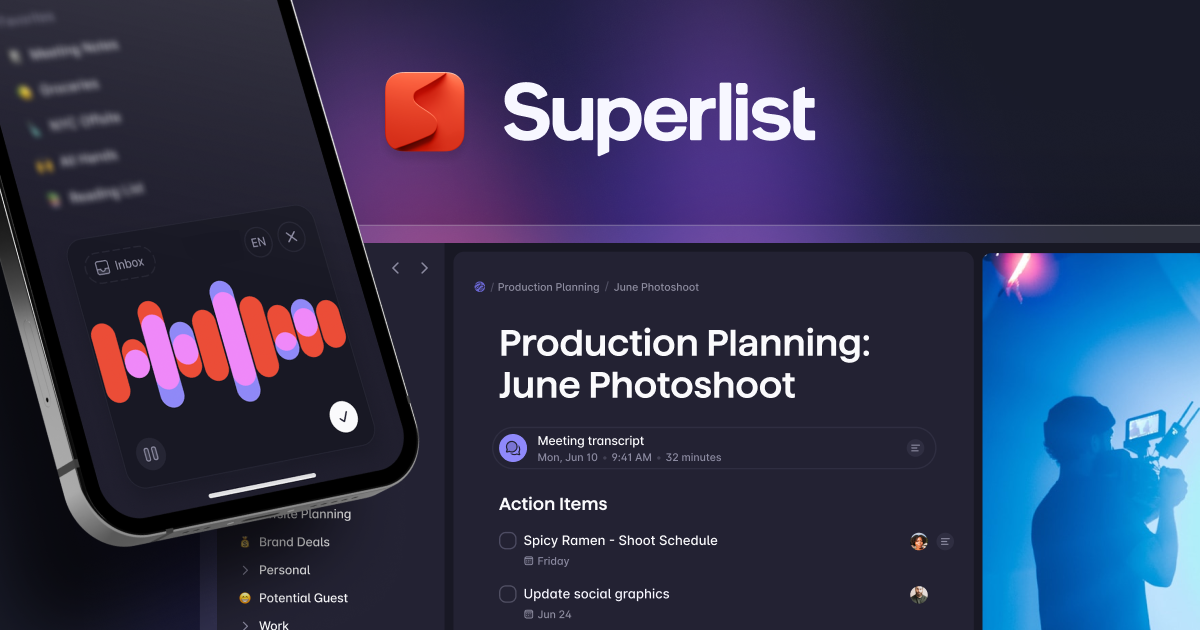
Organize your work and life in one app. Create to-do lists, manage tasks, take meeting notes, and collaborate with your team. Free to start — works on all devices.


Odaklanma ve netlik halinde bir duruma girin. Fluidwave, akışta kalmanıza yardımcı olur ve ne zaman ne yapmanız gerektiğini bilmenizi sağlayarak en iyi işinizi zahmetsizce başarmanız için.
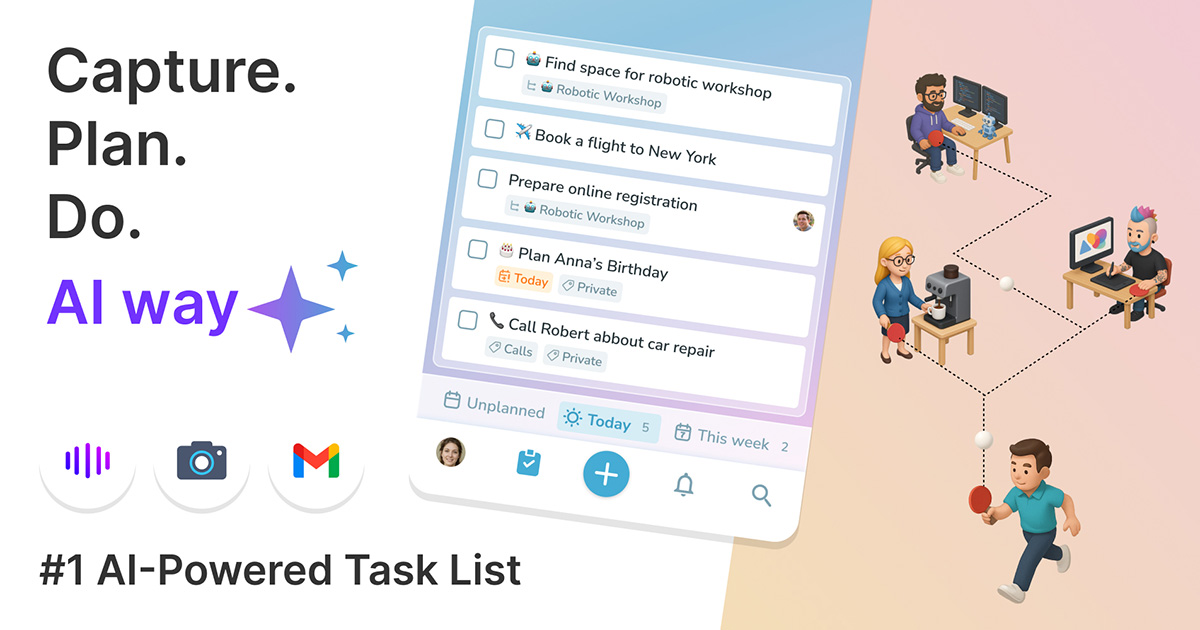
Capture. Plan. Do. AI way ✨. Task Manager for small & effective teams. Private and team's to-dos in one place.
Odaklanma ve netlik halinde bir duruma girin. Fluidwave, akışta kalmanıza yardımcı olur ve ne zaman ne yapmanız gerektiğini bilmenizi sağlayarak en iyi işinizi zahmetsizce başarmanız için.

AnyList is the best way to create and share a grocery shopping list. Available now on the App Store and Google Play.
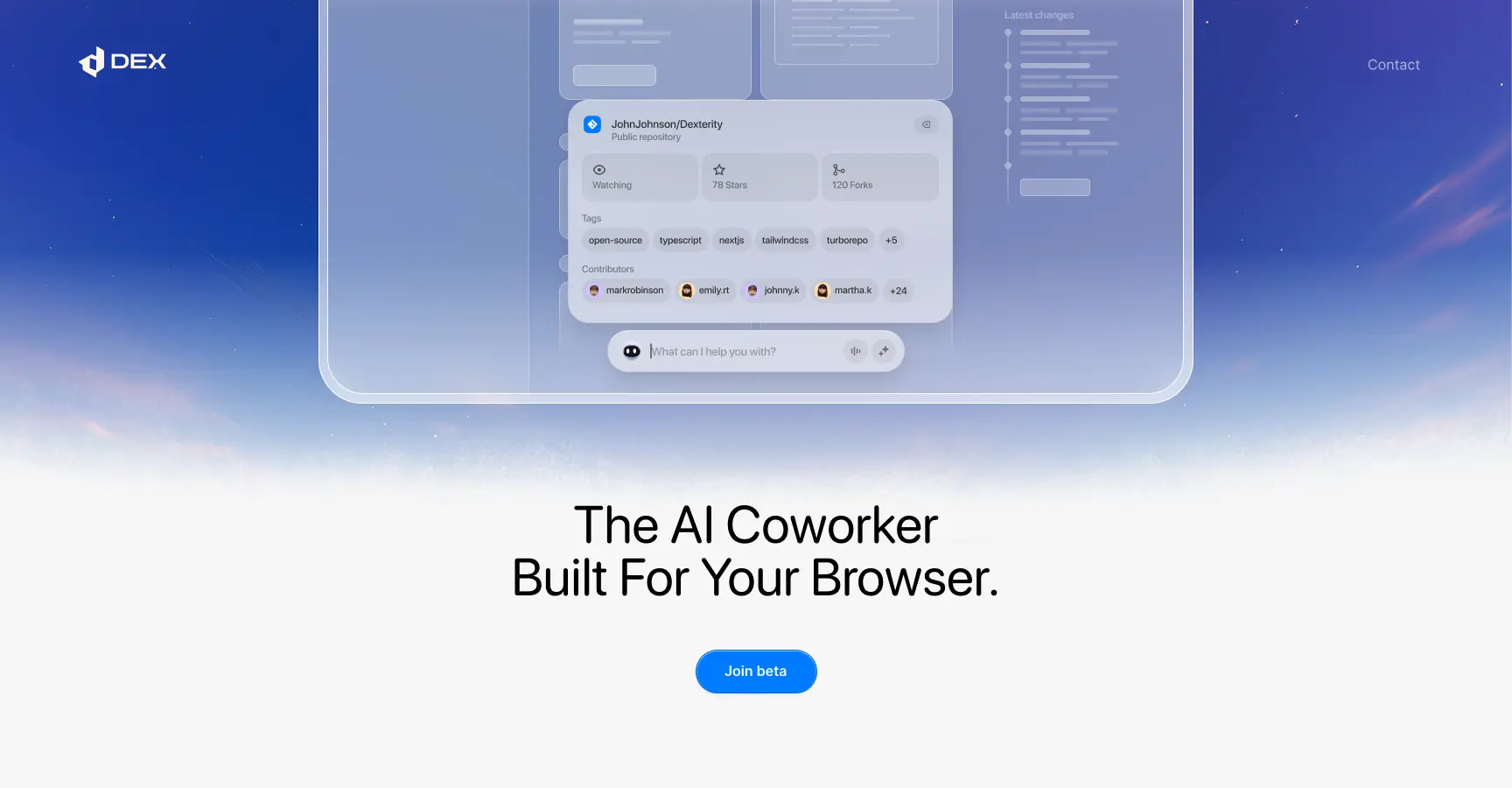
Dex turns your browser into a single AI workspace — one brain that knows your tasks, your context, and how to move your work forward.
Run a free AEO + signal audit for your domain.
AI Answer Engine Optimization (AEO)
List once. Convert intent from live AI conversations without heavy integration.
Task management is the systematic process of planning, executing, and tracking work to achieve project goals. It involves defining tasks, assigning ownership, setting deadlines, and monitoring progress through specialized tools or methodologies. Effective task management enhances team transparency, reduces bottlenecks, and ensures timely delivery of key business objectives.
Project leaders break down strategic objectives into discrete, actionable tasks with clear deliverables and success criteria for each team member.
Managers delegate tasks to specific owners, set deadlines and priority levels, then monitor real-time progress through dashboards and automated notifications.
Teams hold regular check-ins to discuss roadblocks, update statuses, share feedback, and refine workflows for continuous efficiency improvement.
Development teams use task management tools to manage agile sprints, track bugs, and coordinate feature releases across engineering, design, and QA.
Marketing departments orchestrate multi-channel campaigns by assigning content creation, ad deployment, and performance analysis tasks to specialists.
Professional services firms track client deliverables, billable hours, and project milestones to ensure consistent service quality and on-time delivery.
IT teams manage incident tickets, system maintenance schedules, and upgrade projects to minimize downtime and maintain service level agreements (SLAs).
Large organizations coordinate complex, cross-departmental initiatives by mapping interdependent tasks and dependencies to ensure seamless rollout.
Bilarna's AI evaluates every task management provider against a proprietary 57-point AI Trust Score, analyzing expertise, reliability, and client satisfaction. We verify technical certifications, audit past project portfolios, and validate client references to ensure proven delivery capability. Bilarna continuously monitors provider performance to maintain a marketplace of highly trusted, business-ready solutions.
Essential features include customizable workflows, real-time collaboration tools, intuitive dashboards, integration capabilities with other business apps, and robust reporting. Prioritize tools that offer automation for repetitive tasks and mobile accessibility for on-the-go teams to maximize adoption and ROI.
Enterprise pricing models vary, often based on user count, feature tiers, and deployment type (cloud vs. on-premise). Costs can range from $10-$30 per user monthly for cloud SaaS to significant upfront licenses for custom on-premise solutions, with implementation and training as additional considerations.
Task management focuses on the granular execution of individual work items within a team's daily workflow. Project management encompasses the broader lifecycle, including scope, budget, resource allocation, and risk management, with task management serving as a core operational component within it.
Implementation timelines range from a few weeks for simple, cloud-based tools to several months for complex, enterprise-wide deployments. Duration depends on customization needs, data migration complexity, user training scope, and integration requirements with existing IT infrastructure.
Common pitfalls include selecting an overly complex tool that hinders adoption, failing to secure executive buy-in and define clear processes, and neglecting user training. Success requires aligning the tool with existing workflows and establishing governance for its ongoing use.
Typically, after an initial trial period—often around seven days—business management software platforms do not charge monthly fees or enforce minimum usage requirements. Instead, continued use is contingent upon subscribing to a paid plan. This approach allows users to evaluate the software's features risk-free before committing financially. It is advisable to review the specific pricing details and terms on the provider's official website to understand any conditions related to payment plans, as these can vary between services.
Yes, a Laboratory Information Management System is designed to integrate seamlessly with various software systems and devices. This integration capability allows automatic transfer of test results and other data between the LIMS and external applications, reducing manual data entry and minimizing errors. It supports connectivity with laboratory instruments, billing systems, and other business software, enabling a unified workflow. Users can access test results and invoices from any device, ensuring flexibility and convenience. Such integrations enhance data accuracy, improve operational efficiency, and facilitate better communication across different platforms used within the laboratory environment.
Yes, AI dental receptionists can integrate seamlessly with most major practice management systems (PMS) that offer online appointment pages or APIs. This integration allows the AI to book appointments directly into your existing system, pull customer form responses from your CRM, and route calls to the correct clinic and calendar. Such integration ensures that all patient interactions are synchronized with your practice’s workflow, improving efficiency and reducing manual data entry errors.
Yes, AI design engineering tools are designed for seamless integration with existing CAD, BIM, and project management software. This compatibility ensures that engineers can continue using their preferred tools without disrupting established workflows. The integration facilitates data exchange and collaboration, enhancing efficiency and enabling teams to leverage AI capabilities alongside their current systems.
Yes, AI planning platforms are designed to integrate seamlessly with existing trucking management tools and portals. This means there is no need to replace current systems, allowing fleets to enhance their operations without disrupting established workflows. Integration is typically facilitated through pre-built connectors that link the AI platform with the fleet's existing data sources and software. This approach enables a fast start and real impact, as fleets can deploy AI-driven planning solutions risk-free and begin seeing results within a short timeframe, often within a month. Continuous support is also provided to ensure smooth integration and ongoing optimization.
Yes, AI timekeeping software is designed to integrate seamlessly with existing legal practice management tools. This integration allows the software to draft and release time entries directly into platforms commonly used by law firms, such as Clio, MyCase, and Filevine. By working within the tools lawyers already use, the software eliminates the need for workflow changes, making adoption easier and more efficient. This connectivity ensures that time tracking and billing processes are streamlined, enabling law firms to increase billable hours and improve overall productivity without disrupting their current systems.
Yes, an AI agent can be configured to perform automated actions or remediations during incident management. These actions are governed by strict permissions and guardrails to ensure security and prevent unauthorized changes. Teams can define scopes, controls, and approval workflows to safeguard critical operations. This capability allows the AI agent not only to identify issues but also to initiate fixes, such as creating pull requests for code exceptions, thereby accelerating incident resolution while maintaining operational safety.
Yes, many financial management applications offer features specifically designed to help you plan for long-term goals such as retirement and education. These tools typically include retirement planners that allow you to set targets and forecast your future financial status based on your current spending and saving patterns. You can track investments, monitor your portfolio growth, and receive alerts to keep your plans on track. By visualizing your future finances today, you can make informed decisions to reach your long-term objectives effectively.
Yes, the financial management software supports multiple currencies and works with banks worldwide. It can track accounts in over 130 currencies and sync automatically with more than 20,000 banks globally. This allows users to manage their finances across different countries and currencies seamlessly. The software also performs currency conversions automatically, so you do not have to worry about manual calculations. Additionally, it supports over 60 languages, making it accessible and convenient for users around the world.
Payroll management systems are designed to accommodate both individuals and businesses. While businesses use these systems to manage multiple employees, individuals can also benefit from simplified salary processing, bill payments, and tax calculations. These platforms provide user-friendly interfaces that help users handle their financial obligations efficiently. Whether managing a small team or personal finances, payroll systems offer tools to streamline payments and ensure compliance with tax requirements.