Step 1
Machine-Ready Briefs
AI translates unstructured needs into a technical, machine-ready project request.
We use cookies to improve your experience and analyze site traffic. You can accept all cookies or only essential ones.
 Bilarna
Stop browsing static lists. Tell Bilarna your specific needs. Our AI translates your words into a structured, machine-ready request and instantly routes it to verified AI Product Image Creation experts for accurate quotes.
AI translates unstructured needs into a technical, machine-ready project request.
Compare providers using verified AI Trust Scores & structured capability data.
Skip the cold outreach. Request quotes, book demos, and negotiate directly in chat.
Filter results by specific constraints, budget limits, and integration requirements.
Eliminate risk with our 57-point AI safety check on every provider.
Verified companies you can talk to directly
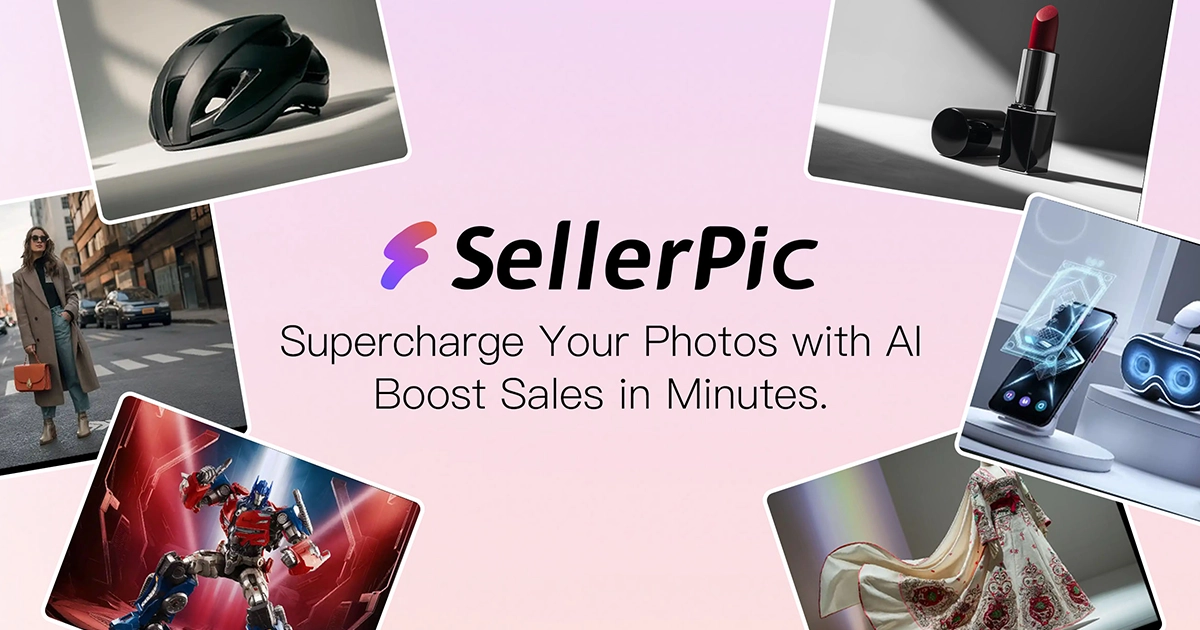
Transform your eCommerce store with AI Fashion Models and AI Product Images. Create stunning images that drive sales and revenue. Try it FREE!
Run a free AEO + signal audit for your domain.
AI Answer Engine Optimization (AEO)
List once. Convert intent from live AI conversations without heavy integration.
Transform an existing image using AI image-to-image transformation by following these steps: 1. Upload the original image you want to modify. 2. Choose the AI model best suited for your desired transformation style or effect. 3. Adjust settings such as art style, guidance scale, and number of output images to customize the transformation. 4. Initiate the transformation process to generate new images based on the original while preserving its composition. 5. Review the transformed images and download the ones that meet your requirements for use in your projects.
Free AI image to image tools support uploading images in JPEG, PNG, and WebP formats with a maximum file size of 10MB. You can upload up to 10 images at once, but any additional files beyond this limit will be ignored. This allows for flexible input while maintaining performance and quality.
Use image to image mode by following these steps: 1. Upload 1–2 reference images that represent the style or subject you want. 2. The AI uses these images to maintain consistency in subject, style, and composition. 3. Generate the new image based on your references. 4. Use this mode to create variations, edit existing photos, or blend multiple images. 5. Adjust references and regenerate as needed for desired results.
Understand and use text-to-image and image-to-image AI generation by following these steps: 1. For text-to-image, input a descriptive text prompt that outlines your desired image concept. 2. The AI model interprets the text and generates a corresponding image. 3. For image-to-image, upload an existing photo or artwork. 4. The AI transforms or enhances the uploaded image based on your instructions or style preferences. 5. Review the output and apply further edits if necessary. 6. Save or download the final AI-generated image.
The bulk image generator supports multiple aspect ratios to fit various platforms and layouts. 1. Choose from 1:1 (square), 9:16 (vertical), 16:9 (horizontal), 3:4, and 4:3 aspect ratios. 2. Specify the desired aspect ratio when setting up your image generation batch. 3. The system will generate images in the selected ratios simultaneously, ensuring compatibility with Instagram Stories, YouTube banners, print layouts, and more. 4. Use this flexibility to tailor your visuals to different marketing channels efficiently.
Identify key features of AI-powered video and image creation tools by: 1. Checking for AI capabilities such as image-to-video and text-to-video generation. 2. Looking for features like unrestricted creative freedom and no sign-up requirements. 3. Evaluating tools that offer realistic image generation and automatic photo enhancement. 4. Considering support for multiple formats including 4K video and vertical video optimization. 5. Reviewing user-friendly interfaces that cater to content creators, marketers, and social media managers.
Improve product image creation for fashion brands using AI by following these steps: 1. Select an AI-driven platform specialized in fashion product imaging. 2. Upload product photos or design files to the platform. 3. Utilize AI features to enhance image quality, adjust lighting, and create dynamic poses or settings. 4. Generate multiple variations of product images quickly without additional photoshoots. 5. Customize images to align with brand aesthetics and marketing goals. 6. Export high-resolution images ready for online stores, catalogs, or advertising campaigns. This process saves time, reduces costs, and delivers consistent, high-quality visuals.
AI improves furniture product image creation by automating and accelerating the rendering process. Steps include: 1. Uploading a raw furniture image to the AI platform. 2. The AI instantly replaces or enhances backgrounds with studio-grade realism. 3. Multiple design styles are applied automatically, providing variety. 4. The rendering completes in seconds, reducing manual editing time. 5. The final photorealistic images are ready for immediate use in marketing or sales, improving efficiency and visual appeal.
Improve user-generated image quality with an image editor SDK by implementing these steps: 1. Enforce crop aspect ratios to ensure images fit your design requirements perfectly. 2. Provide overlay crop guides to visually assist users in making ideal crops. 3. Enable automatic photo orientation correction to prevent flipped or rotated images. 4. Allow users to resize and compress images in the browser to optimize upload speed and server bandwidth. 5. Offer annotation tools for users to add shapes, text, or censor sensitive information. 6. Automatically apply watermarks or branding overlays to maintain consistency. 7. Use filters and color adjustments to enhance image appearance before upload. 8. Integrate live preview modes so users can see edits in real-time. 9. Customize the editor UI to be intuitive and accessible across devices. 10. Provide clear upload requirements and validation to guide users toward better image submissions.
Use an image to image AI generator to enhance and restyle photos by following these steps: 1. Upload the original photo you want to edit. 2. Choose the desired AI effects such as enhancement, restyling, or outpainting. 3. Apply one-click AI effects to transform the photo without needing design skills. 4. Review the generated variations and select the best option. 5. Download or publish the enhanced and restyled images for your use.