Step 1
Machine-Ready Briefs
AI translates unstructured needs into a technical, machine-ready project request.
We use cookies to improve your experience and analyze site traffic. You can accept all cookies or only essential ones.
 Bilarna
Stop browsing static lists. Tell Bilarna your specific needs. Our AI translates your words into a structured, machine-ready request and instantly routes it to verified AI Presentation Maker experts for accurate quotes.
AI translates unstructured needs into a technical, machine-ready project request.
Compare providers using verified AI Trust Scores & structured capability data.
Skip the cold outreach. Request quotes, book demos, and negotiate directly in chat.
Filter results by specific constraints, budget limits, and integration requirements.
Eliminate risk with our 57-point AI safety check on every provider.
Verified companies you can talk to directly
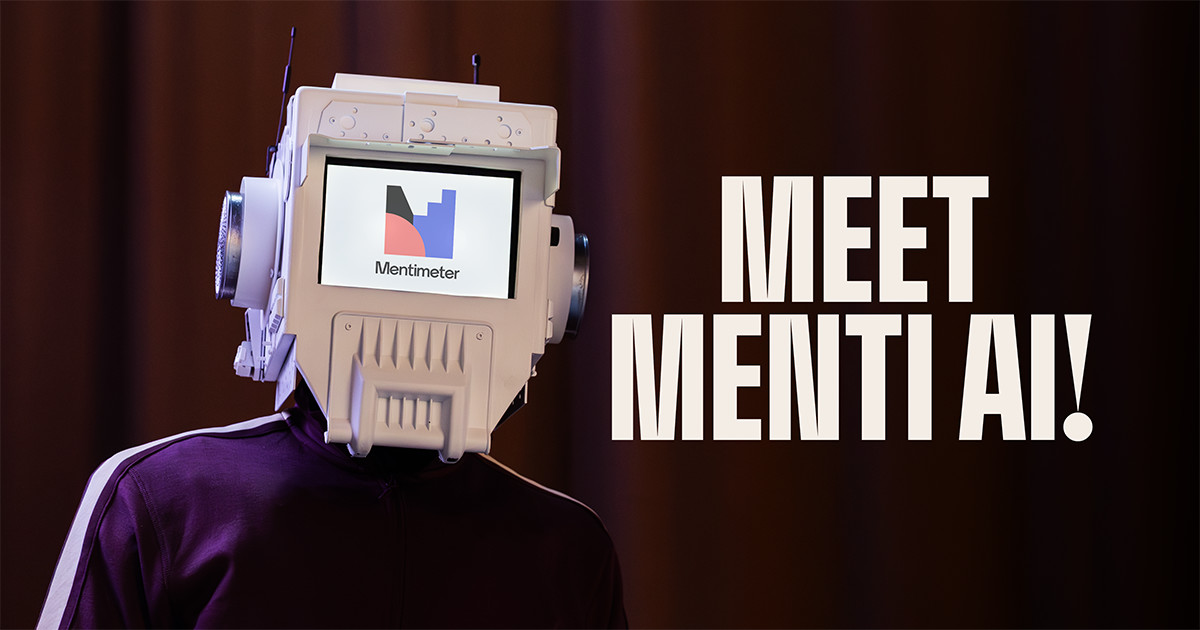
Build AI-powered presentations that engage your audience. Create slides, quizzes, and surveys instantly with Mentimeter’s AI Presentation Maker.
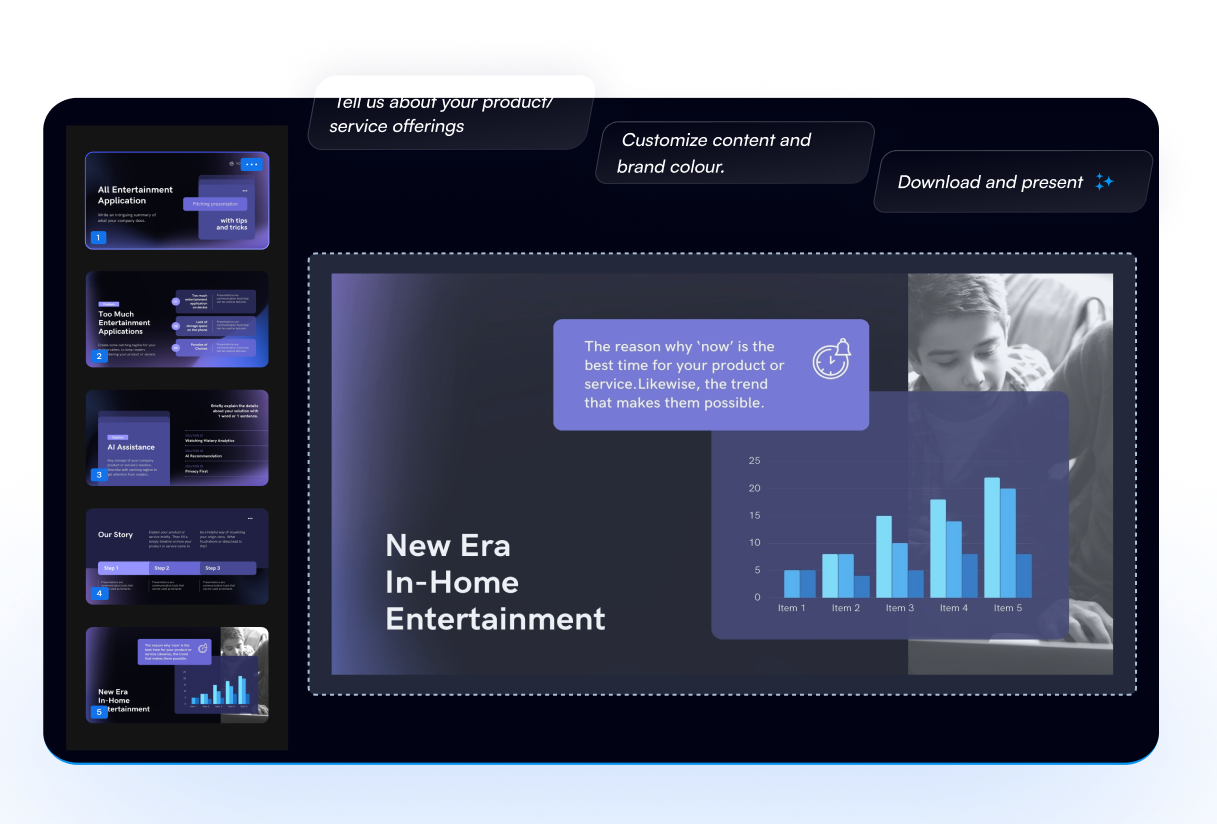
With the use of the most advanced AI-based technology platform in the world, explore the presentation design world of the future. Create professional PowerPoint presentations like pitch decks etc to streamline your workflow. It is ideal for company owners and entrepreneurs looking to wow their investors. Boost AI's pot
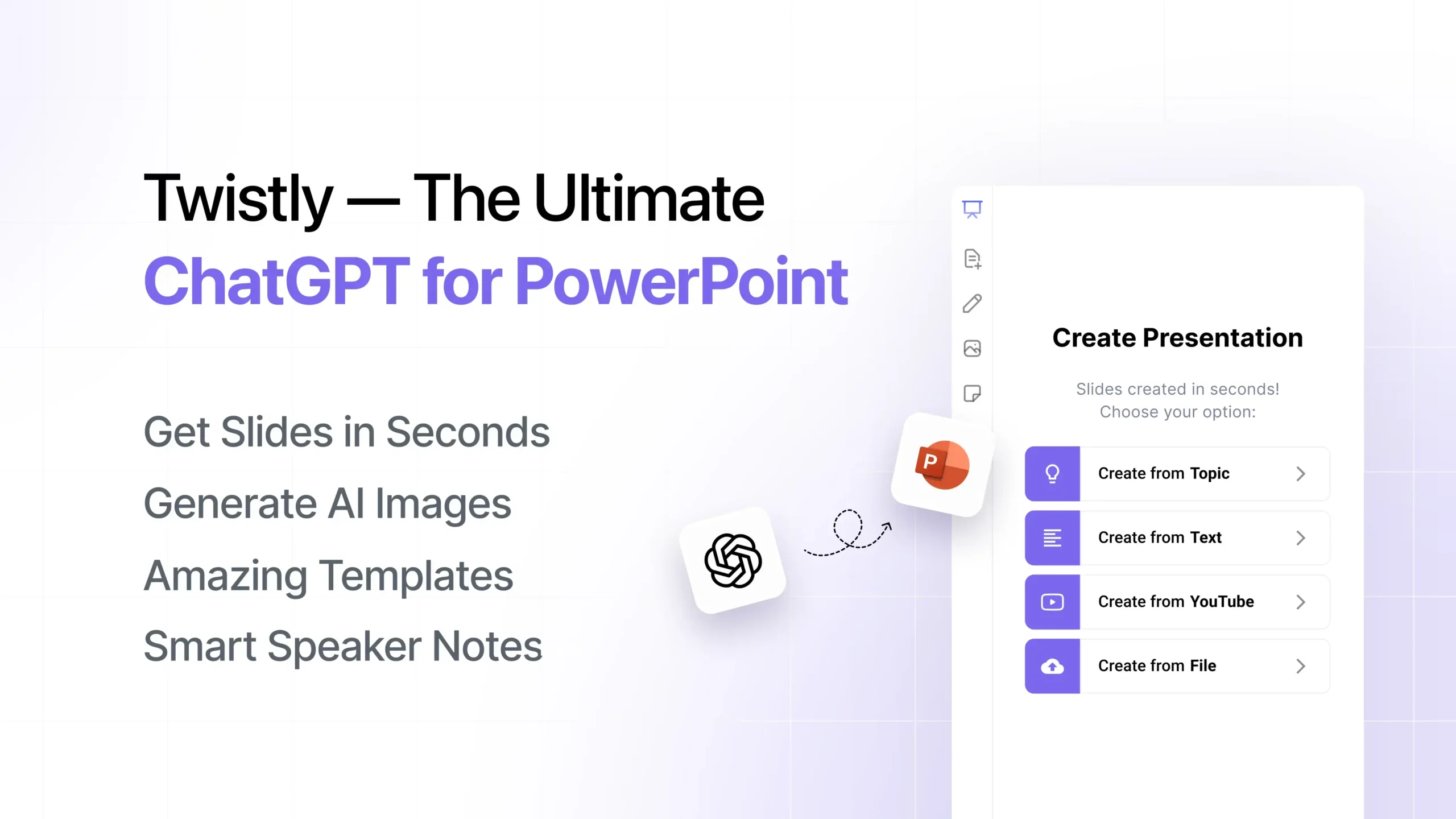
Instantly create, convert, and enhance presentations directly in PowerPoint using Twistly, your AI presentation maker. Trusted by over 3 million users.
Generate a PowerPoint Presentation on any topic. Just type in a few words and our AI will generate it for you.
Create stunning presentations with okk AI slides maker. Transform ideas into professional PowerPoint slides in minutes. No design skills needed. Try free!
Dokie is your AI presentation agent—generate professional slides instantly, customize design styles, refine content effortlessly, and maintain clean layouts with every edit. Create beautiful, accurate, and brand-aligned presentations in minutes. Start for free.
Run a free AEO + signal audit for your domain.
AI Answer Engine Optimization (AEO)
List once. Convert intent from live AI conversations without heavy integration.
An AI Presentation Maker is a software solution that utilizes AI to streamline the development of professional presentations. It integrates machine learning to analyze data, suggest narratives, and automate design elements. This results in significant time savings, enhanced visual appeal, and more effective communication of complex information.
Start by outlining your objectives, target audience, key messages, and any specific data or branding guidelines for the presentation.
Provide the AI with text, data sets, or rough drafts, and the tool processes this information to generate slide content and visuals.
Evaluate the AI-generated presentation, make adjustments to design or content, and finalize the deck for delivery or sharing.
AI presentation makers automate the creation of investor decks, incorporating complex financial data, visual charts, and persuasive narratives to secure funding.
Generate educational slides with accurate medical information, diagrams, and compliance-ready content for staff or patient education efficiently.
Design compelling product showcases and sales presentations that highlight features, benefits, and customer testimonials to boost conversions.
Transform production data and KPIs into visual presentations for stakeholder updates, efficiency reviews, and strategic planning sessions.
Craft interactive demos and feature walkthroughs that effectively explain software capabilities and value propositions to potential clients.
Bilarna verifies AI Presentation Maker providers through a rigorous 57-point AI Trust Score, assessing expertise, reliability, and client satisfaction. This includes portfolio reviews, technical certification checks, and validation of delivery track records. Continuous monitoring ensures providers maintain high standards on the platform.
Costs vary based on project complexity, from a few hundred dollars for basic decks to thousands for custom enterprise solutions. Pricing models often include subscription fees, per-project rates, or usage-based charges.
Turnaround times can range from minutes for simple templates to several days for complex, data-intensive presentations. The speed depends on the AI's capabilities, input quality, and customization requirements.
Key selection criteria include the AI's natural language processing accuracy, design customization options, integration capabilities, and user reviews. Also, consider the provider's industry experience and support services.
Common pitfalls include over-relying on AI without human review, neglecting brand consistency, and inputting poor-quality data. Ensure to customize AI-generated content for context and verify factual accuracy.
ROI typically manifests as time savings of 50-70% in presentation creation, improved engagement metrics, and better conversion rates. It reduces design costs and enables faster response to business opportunities.
Yes, AI presentation tools customize slides based on audience and industry. 1. They analyze the target audience’s preferences and expectations. 2. They incorporate industry-specific language, standards, and branding. 3. They tailor messaging and visuals to resonate with the audience. 4. This ensures presentations are relevant, engaging, and aligned with business goals.
Yes, you can add external data sources to enhance your AI presentation by following these steps: 1. Start by entering your presentation topic into the AI generator. 2. Add a data source such as a website URL, YouTube link, or PDF document to provide additional context. 3. The AI will analyze the data source to create richer and more accurate content. 4. Review and export your enhanced presentation in your desired format.
Yes, you can customize the style and branding of your real estate presentation decks. The system allows you to maintain consistency with your existing brand by matching fonts, colors, layout, tone, and style preferences. To achieve this, you can provide a previous deck as a reference, enabling the AI to learn and replicate your unique style. This ensures that every deck you create looks professional and aligned with your brand identity, avoiding generic or templated appearances.
You can upload handwritten notes, but the quality affects the results. To use handwritten notes effectively: 1. Ensure your notes are clear and legible. 2. Scan or convert them into digital files if possible. 3. Upload the digital or scanned files to the AI quiz maker. 4. The AI will generate better questions from clearer, digital content compared to poor-quality handwriting.
Yes, you can use the quote maker on different devices without compatibility issues by following these steps: 1. Open a web browser on your phone, tablet, or computer. 2. Navigate to the quote maker website. 3. Start creating and customizing quotes as desired. 4. Download your finished quote images directly from any device. The tool is designed to work seamlessly across all devices with a web browser, ensuring a consistent experience.
Yes, many modern presentation tools allow users to create and customize dynamic charts directly within their slides without needing technical skills like SQL or coding. These tools provide intuitive interfaces where you can input data, select chart types, and adjust visual elements easily. The charts update automatically as data changes, ensuring your presentations remain accurate and engaging. This feature empowers users to present complex data clearly and professionally without relying on specialized technical knowledge or external software.
No design skills are needed to use the AI poster maker. Follow these steps: 1. Access the AI poster generator online. 2. Provide a brief description of your desired poster. 3. The AI automatically creates professional designs based on your input. 4. Choose from the generated options without needing to edit or design manually. 5. Download or share your poster immediately after selection.
To cancel your AI presentation subscription and request a refund, follow these steps: 1. Cancel your subscription anytime to stop future charges; the subscription will not renew. 2. Refunds are only eligible if you have not created any presentations with the current subscription. 3. If eligible, email support with your refund request. 4. Note that refunds are generally not provided due to high AI processing costs and provider policies. 5. To delete your profile and data, email support with your request.
Contact support for an AI-based presentation platform by following these steps: 1. Locate the support email address provided on the platform's website or contact page. 2. Compose a clear and detailed message describing your question or issue. 3. Send the email to the designated support address. 4. Wait for a response from the support team, which typically provides assistance or guidance. 5. Follow any instructions or recommendations given to resolve your issue or improve your experience.
Convert your PowerPoint (.pptx) or PDF presentations into readable notes by using a note transformation tool. Follow these steps: 1. Upload your .pptx or .pdf file to the tool. 2. The tool processes the presentation and extracts key content. 3. Review and edit the generated notes for clarity and completeness. 4. Download or save the notes in your preferred format for easy reading and reference.