Step 1
Machine-Ready Briefs
AI translates unstructured needs into a technical, machine-ready project request.
We use cookies to improve your experience and analyze site traffic. You can accept all cookies or only essential ones.
 Bilarna
Stop browsing static lists. Tell Bilarna your specific needs. Our AI translates your words into a structured, machine-ready request and instantly routes it to verified AI Music Generator experts for accurate quotes.
AI translates unstructured needs into a technical, machine-ready project request.
Compare providers using verified AI Trust Scores & structured capability data.
Skip the cold outreach. Request quotes, book demos, and negotiate directly in chat.
Filter results by specific constraints, budget limits, and integration requirements.
Eliminate risk with our 57-point AI safety check on every provider.
Verified companies you can talk to directly

Convierte tus ideas en canciones con IA en cualquier idioma. Letras, melodías, beats y voz IA. Pruébalo en CancionIA.com y exporta MP3/WAV.

Free Music Generator by FreeMusicGen.com - Generate personalized music with lyrics or instrumentals, powered by AI. Transform your thoughts into songs instantly and unleash your creativity!
Generate unique raps, beats, and full tracks with AI – all for free, with music up to 8 minutes long. Instantly turn your ideas into songs and unleash your creativity!
Discover, create, and share music with the world. Use the latest technology to create AI music in seconds.
Phonk Maker is an AI-powered platform for generating royalty-free drift phonk, cowbell phonk, and Memphis-inspired beats in seconds.
AI music generator to create songs and lyrics. Royalty-free music tailored to your needs—no sign-up, free to use.

Built for the studio. Designed for the stage. Trusted by creators who refuse to compromise. aisongcreator.pro delivers broadcast quality music that sounds like you meant it.
Free AI music generator with vocals - create professional music from text in seconds. Generate songs with AI vocals, download unlimited tracks. Better alternative to Suno AI. No credit card required!
Create royalty-free music with AI. Generate songs, remove vocals, split stems, and edit MIDI—all free online tools with commercial licenses.
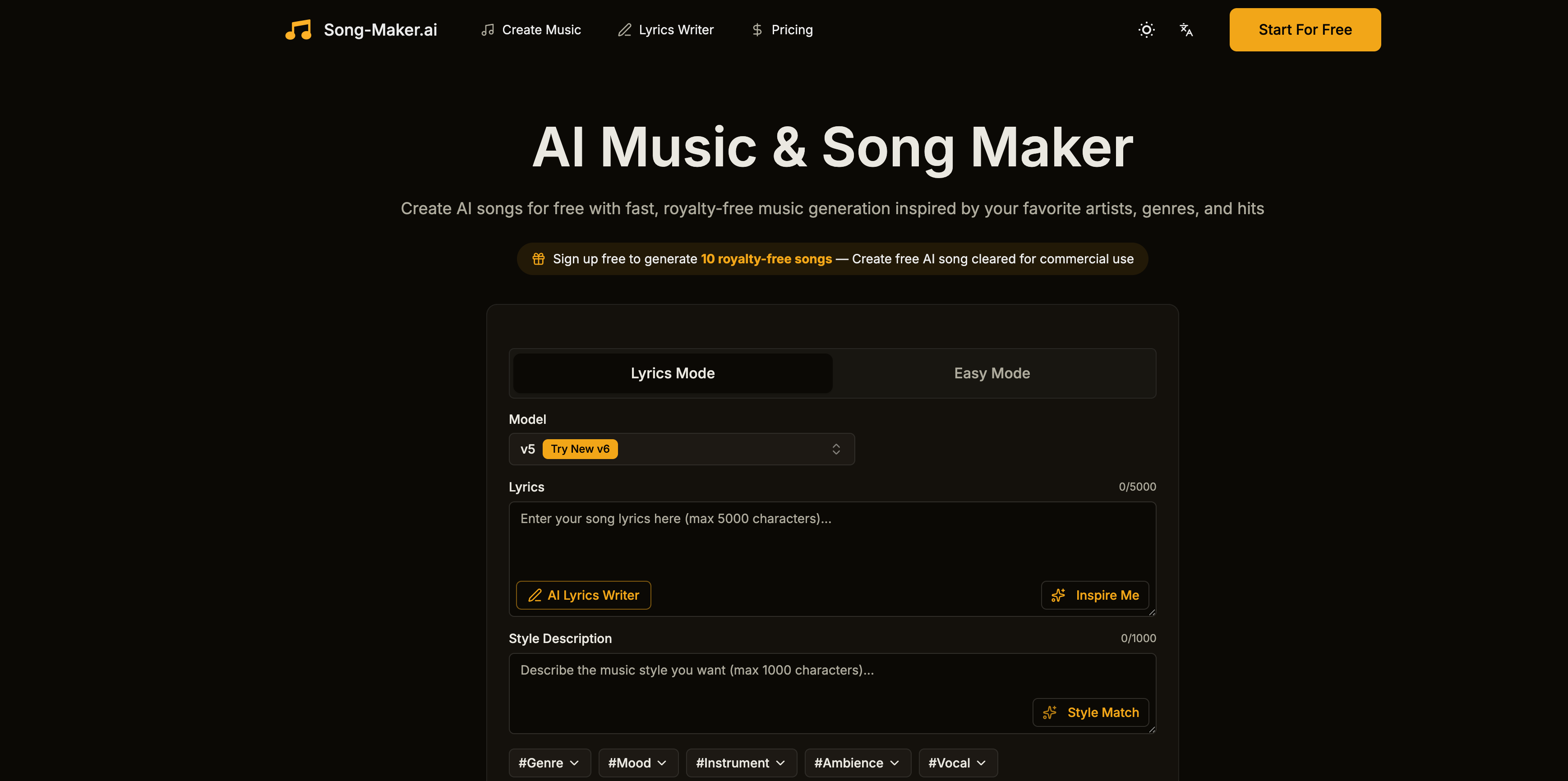
Free AI Song Generator: Turn text into songs instantly. Style Match any artist vibe. Generate 8-min royalty-free tracks for commercial use.
Explore for AI Music Generator By AIMusixer, free to generate suno ai music from text, Create & Download MP4 videos and MP3 songs from your voice/audio.

Create royalty-free songs with our AI Song Maker. Use our AI Music Generator to generate songs effortlessly and compose tracks with cutting-edge AI technology.

Use our AI music generator to create original music in minute. Simply upload your mood, style, or scene, and get unique music instantly with AirMusic. Fun and Free to try.

Watch your lyrics become studio-quality songs in seconds. AI adds melody, vocals & instruments. Royalty-free for YouTube, TikTok & more. Try free now!
Transform ideas into royalty-free, studio-quality tracks instantly with Nafy AI's free AI music generator. Create beats, vocals, and full songs online
Create unique, royalty-free music with our advanced AI music generator. Transform text prompts into professional-quality songs instantly.
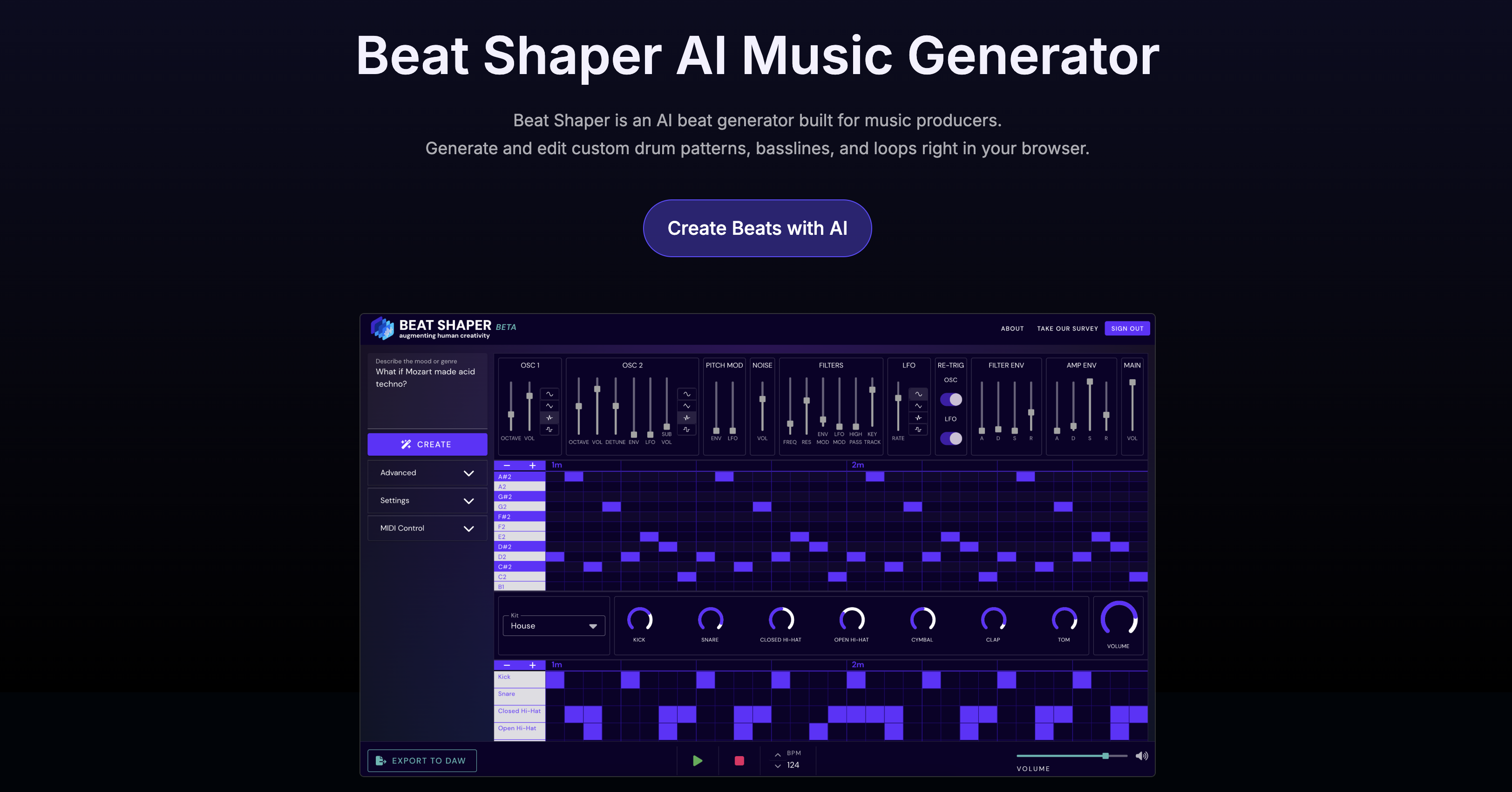
Beat Shaper – AI-powered music generator. Instantly create, edit & export custom MIDI & audio loops compatible with Ableton Live. Free beta access.

An unlimited free AI music generator with lyrics. Turn any idea into a full song with our latest model. Share your music with the world.
Run a free AEO + signal audit for your domain.
AI Answer Engine Optimization (AEO)
List once. Convert intent from live AI conversations without heavy integration.
An AI music generator is a software platform that uses deep learning algorithms to compose original, royalty-free musical pieces. It operates by analyzing vast datasets of music to learn patterns in melody, harmony, and structure, generating unique tracks from text prompts or parameters. For businesses, this provides a scalable, cost-effective solution for creating custom soundtracks without licensing hassles or composer fees.
Users input specifications such as genre, mood, tempo, duration, and instrumentation using text prompts or sliders.
Neural networks process the inputs to compose original audio stems and arrange them into a cohesive musical piece.
The generated track can be edited, mixed, and mastered before being exported in industry-standard audio formats.
Streaming platforms and video producers use AI composers to generate background scores and thematic music for digital content efficiently.
Game developers employ these tools to create dynamic, adaptive soundtracks that change based on in-game actions or environments.
Agencies create unique, brand-specific jingles and commercial soundtracks rapidly to align with campaign launches and tight deadlines.
Educational platforms integrate custom, non-distracting background music to enhance engagement in instructional videos and modules.
Brands generate ambient in-store music or on-hold telephone melodies that reflect their identity and improve customer perception.
Bilarna evaluates every AI music generator provider through a proprietary 57-point AI Trust Score, assessing technical expertise, portfolio quality, and client satisfaction. Our verification includes a rigorous review of the provider's model architecture, output originality, and compliance with copyright standards. Bilarna continuously monitors performance and user feedback to ensure listed vendors deliver reliable, enterprise-grade solutions.
Pricing typically ranges from monthly SaaS subscriptions to annual enterprise licenses, often based on output volume, features, and support. Costs can vary from hundreds to thousands per month, with custom quotes for high-volume or white-label solutions. Always request detailed proposals to compare pricing models and included services.
AI music generators offer speed, scalability, and lower cost for producing royalty-free background tracks, while human composers excel at nuanced, emotionally complex scores for flagship projects. The ideal approach often involves using AI for iterative drafts and rapid prototyping, with human oversight for final polish and creative direction.
Implementation can take from a few days to several weeks, depending on API integration complexity, staff training, and customization needs. Most cloud-based SaaS platforms allow for near-instant access, while enterprise deployments requiring custom model tuning or on-premise installation take longer. A clear project scope is essential for an accurate timeline.
Prioritize features like high-quality audio output, extensive style libraries, commercial licensing terms, robust API for integration, and advanced editing controls. Also, evaluate the underlying technology, the provider's training data sources, and their roadmap for model updates to ensure a future-proof investment.
ROI is realized through reduced licensing fees, faster time-to-market for media projects, and the elimination of composer costs for routine music needs. Businesses often see full payback within 6-12 months by streamlining content production workflows and unlocking new creative capabilities at scale.
Yes, commercial rights are included with all images generated by the bulk image generator. 1. Use the generated images freely for commercial projects, client work, and advertising. 2. There are no additional licensing fees or restrictions on usage. 3. Download the images via the one-click bulk export and integrate them into your marketing or branding materials. 4. This ensures you have full ownership and legal clearance to use the images in any commercial context.
Use AI to create professional band visuals and music videos by following these steps: 1. After selecting your band name, explore AI tools designed for musicians, such as AI Cartoon Generators for unique band member portraits. 2. Use AI Album Cover Generators to design stunning artwork for your releases. 3. Utilize AI Music Video Generators to transform your audio into captivating visual experiences with audioreactive animations. 4. Experiment with AI Music Visualizers for quick visual content. 5. Create promotional materials like tour posters using AI Movie Poster Generators to build a complete visual identity.
Yes, AI music generators are highly useful for content creators looking to produce royalty-free background music quickly and easily. These tools allow users to generate custom background tracks by inputting text prompts, uploading images, or providing reference audio. The AI then composes music tailored to the desired mood and style, covering a wide range of genres. The generated music is 100% royalty-free, enabling creators to use it in videos, podcasts, games, and other media without licensing concerns. Additionally, AI music generators often provide options to customize the sound and export high-quality audio files, streamlining the content creation process.
Yes, AI song generators provide digital licenses for commercial use with each generated song or track. After creating your music, you can download a digital license certificate in PDF format. This license allows you to use the music on platforms like YouTube, TikTok, and Instagram, provided you comply with their policies and avoid copyright infringements such as unauthorized voice imitations or protected covers.
Yes, an AI business plan generator can be used for any industry. To tailor your plan: 1. Provide specific information about your business and industry when answering the initial questions. 2. The AI uses this data to generate industry-specific advice and structure your plan accordingly. 3. Review the plan to ensure it fits your unique business needs before finalizing.
Anyone can use a free AI story generator, not just writers. Follow these steps to get started: 1. Access the AI story generator platform. 2. Choose to create a new world or fanfiction or upload an image to inspire a story. 3. Use the AI tools to generate ideas and develop narratives regardless of your background. 4. Share or save your creations as desired. This tool supports students, hobbyists, and anyone interested in storytelling.
Yes, you can add synchronized lyrics captions to your AI-generated music video. Follow these steps: 1. Choose the option to show captions when setting up your video. 2. The platform will analyze your track and generate timed captions for the lyrics. 3. Review and edit the captions to ensure accuracy before finalizing the video. 4. The captions will appear as text overlays synchronized with the music during playback. 5. Proceed to generate and download your video with the captions included. This feature enhances viewer engagement by displaying the song's lyrics in sync with the music.
Yes, you can create your own characters using the AI generator by following these steps: 1. Open the AI generator tool on the platform. 2. Upload a base image or start from scratch if the option is available. 3. Customize features or select styles such as Disney Pixar or Ghibli. 4. Generate the character and save or download the final creation for personal use.
Yes, you can customize memes after generation. Follow these steps: 1. Generate memes by entering your text and letting the AI create options. 2. Select a meme you want to personalize. 3. Edit text elements including font style, size, and color. 4. Upload your own images if desired to enhance the meme. 5. Download the customized meme in high quality and share it on your preferred platforms.
Yes, you can customize both the style and length of your AI-generated music video by following these steps: 1. After uploading your audio, browse the available AI-generated visual styles or themes. 2. Select the style that best fits your music and desired aesthetic. 3. Adjust the video length settings to match your preferred duration. 4. Modify any additional options such as color schemes or effects if available. 5. Preview the customized video before finalizing. 6. Proceed to generate and download your personalized music video.