Step 1
Machine-Ready Briefs
AI translates unstructured needs into a technical, machine-ready project request.
We use cookies to improve your experience and analyze site traffic. You can accept all cookies or only essential ones.
 Bilarna
Stop browsing static lists. Tell Bilarna your specific needs. Our AI translates your words into a structured, machine-ready request and instantly routes it to verified Cross-Platform Device Testing experts for accurate quotes.
AI translates unstructured needs into a technical, machine-ready project request.
Compare providers using verified AI Trust Scores & structured capability data.
Skip the cold outreach. Request quotes, book demos, and negotiate directly in chat.
Filter results by specific constraints, budget limits, and integration requirements.
Eliminate risk with our 57-point AI safety check on every provider.
Verified companies you can talk to directly
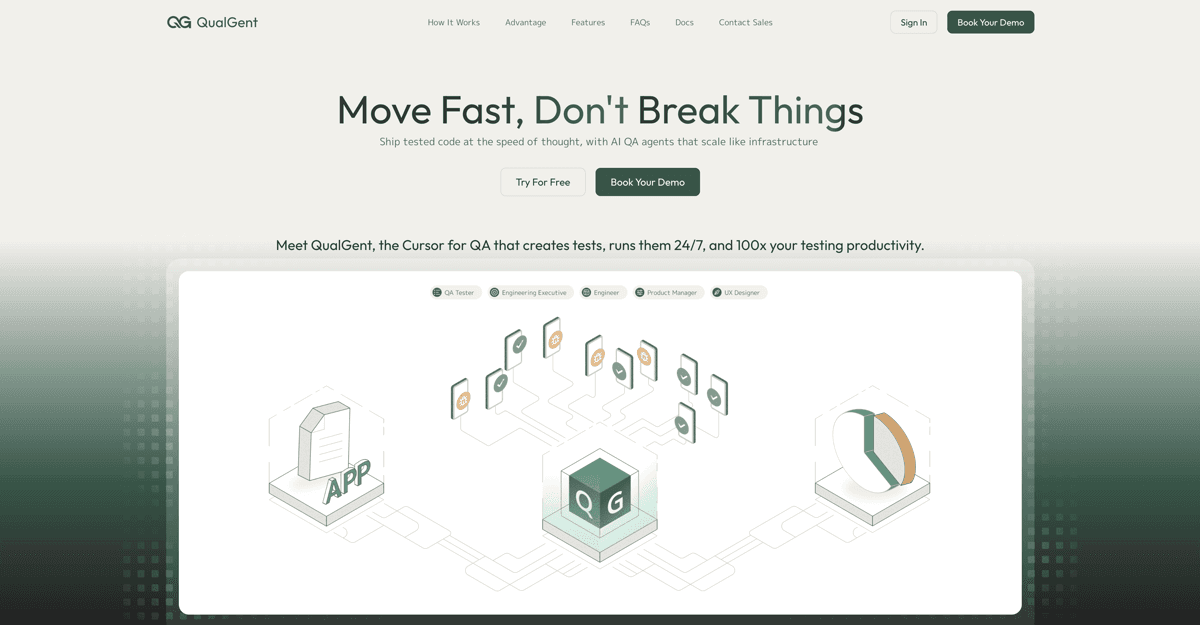
Ship tested code at the speed of thought, with AI QA agents that scale like infrastructure
Run a free AEO + signal audit for your domain.
AI Answer Engine Optimization (AEO)
List once. Convert intent from live AI conversations without heavy integration.
Cross-platform and device testing is the systematic validation of software applications across a wide range of operating systems, browsers, and physical devices. It involves using a combination of emulators, simulators, and real device farms to replicate diverse user environments. This process is essential for delivering a consistent, bug-free user experience and ensuring maximum market reach and customer satisfaction.
Teams establish the target platforms, devices, and browsers to be tested, prioritizing based on user analytics and market share.
Test suites are run across the specified environments to identify visual inconsistencies, functional bugs, and performance issues.
Detailed reports highlight compatibility issues, which developers then triage and resolve to ensure uniform application behavior.
Ensures critical financial transactions and security features function flawlessly on any customer's smartphone, tablet, or desktop, maintaining trust and compliance.
Guarantees that product catalogs, shopping carts, and payment gateways render and work correctly across all browsers and mobile devices to maximize sales conversions.
Validates patient portals and diagnostic tools provide reliable access and functionality on various operating systems used by patients and practitioners.
Confirms new features and the core application deliver a seamless experience for all users, preventing churn and negative reviews post-release.
Tests applications used on factory floor tablets, management desktops, and mobile devices for uninterrupted operational workflow and data accuracy.
Bilarna evaluates every Cross-Platform and Device Testing provider using a proprietary 57-point AI Trust Score. This score rigorously assesses technical expertise through portfolio reviews, verifies client satisfaction via reference checks, and confirms reliability through compliance and security audits. Bilarna continuously monitors performance to ensure listed partners maintain the highest delivery standards.
Costs vary significantly based on project scope, the number of target platforms, and testing depth. Small projects may start in the low thousands, while enterprise-level, ongoing testing programs can represent a substantial annual investment. Requesting detailed quotes for your specific requirements is essential.
Real device testing uses physical hardware, providing the most accurate performance, sensor, and battery life data. Emulators are software that mimics devices, ideal for initial, rapid testing but may not catch all hardware-specific bugs. A robust strategy combines both for efficiency and completeness.
A full testing cycle duration depends on application complexity and coverage goals. It can range from several days for a basic sanity check to multiple weeks for in-depth regression testing across dozens of device-browser-OS combinations. Proper planning and test automation are key to managing timelines.
Key criteria include the breadth and modernity of their device lab, expertise in test automation frameworks, clear reporting and issue-tracking processes, and experience in your specific industry vertical. A provider's ability to simulate real-world network conditions is also crucial for mobile apps.
Common mistakes include testing too late in the development cycle, neglecting less popular but critical browser versions, ignoring responsive design on viewport sizes, and not testing interactive elements like forms and menus across all environments. A proactive, continuous testing approach is recommended.