Step 1
Machine-Ready Briefs
AI translates unstructured needs into a technical, machine-ready project request.
We use cookies to improve your experience and analyze site traffic. You can accept all cookies or only essential ones.
 Bilarna
Stop browsing static lists. Tell Bilarna your specific needs. Our AI translates your words into a structured, machine-ready request and instantly routes it to verified AI Meeting Assistant experts for accurate quotes.
AI translates unstructured needs into a technical, machine-ready project request.
Compare providers using verified AI Trust Scores & structured capability data.
Skip the cold outreach. Request quotes, book demos, and negotiate directly in chat.
Filter results by specific constraints, budget limits, and integration requirements.
Eliminate risk with our 57-point AI safety check on every provider.
Verified companies you can talk to directly

AiGenda AI meeting agent automatically captures key meeting moments, creates structured notes and isights, and saves hours on transcription.
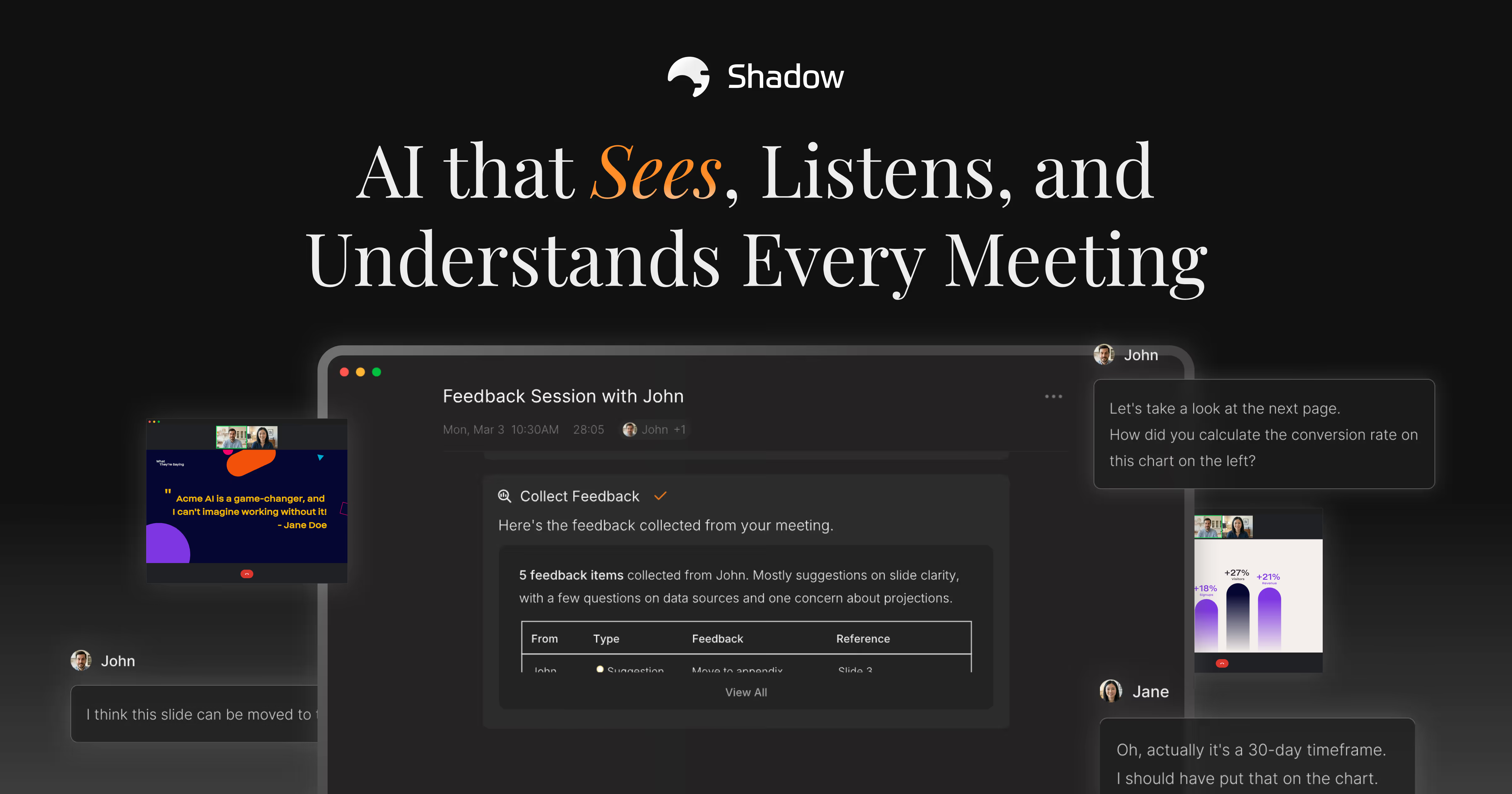
Stop missing meeting context. Shadow captures what's said and shown, so you can follow up flawlessly every time. Try the AI meeting assistant that sees everything.


The most loved AI Meeting Assistant for capturing transcripts and AI meeting notes on your Google Meet Meetings.
Let AI take your meeting notes. Fellow’s Meeting note taker transcribes, summarizes, and gathers insights with human-level accuracy. Start for free!
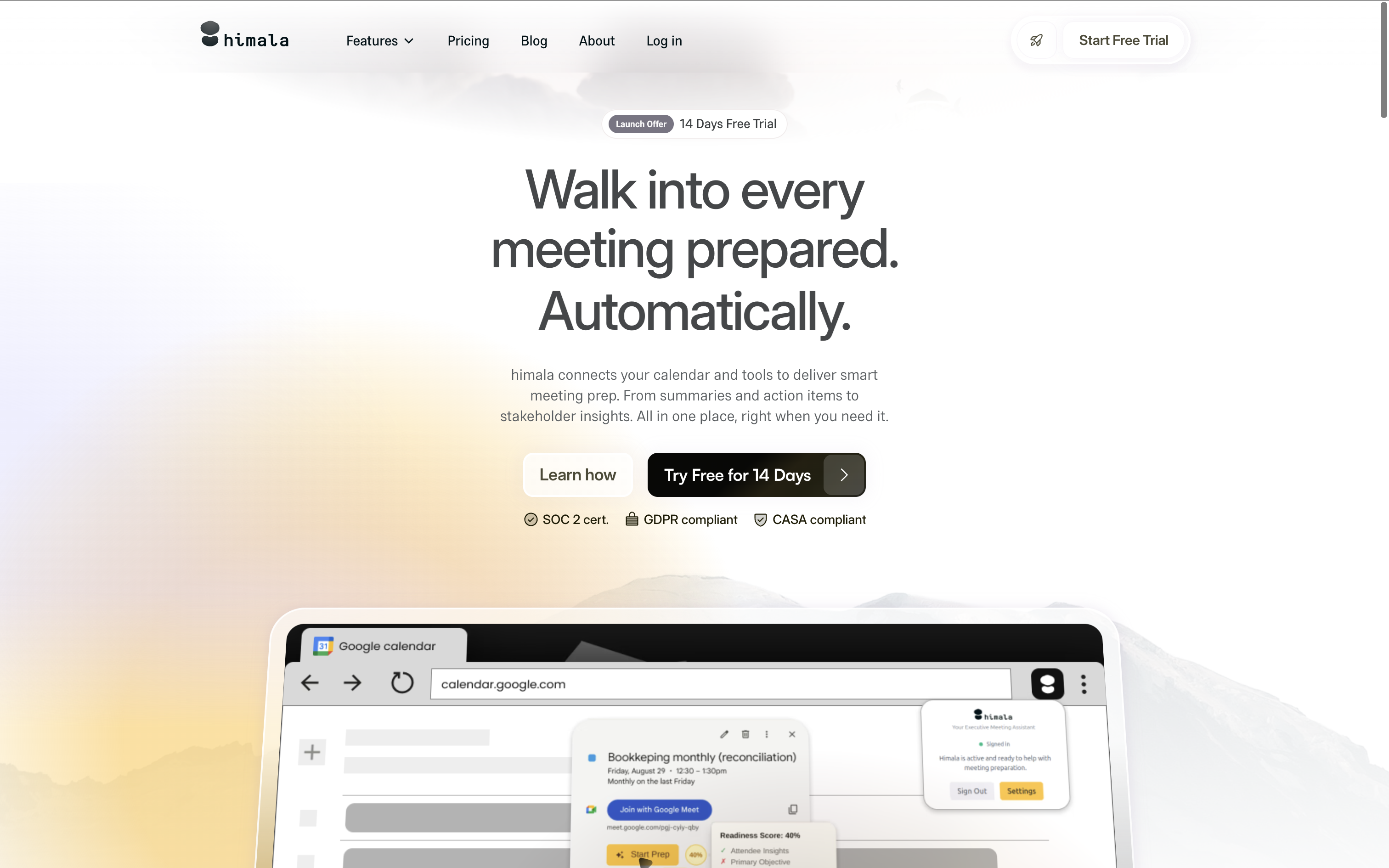
Schedule, prepare, record, summarize, in one place. By bringing the full meeting workflow together, himala AI is designed to keep you focused and prepared.

Start the meeting prepared. End the meeting with perfect notes. Share it to every stakeholder. All in a seamless experience with Wudpecker.
Speck records your meetings, automates your research workflows, and performs actions on your behalf so you can spend more time on what matters.

Spinach is an AI meeting assistant, which helps run your meeting, summarizes the conversation and automates post-meeting tasks. Spinach integrates with your existing tools and supports 100 languages.
Spinach is an AI meeting assistant, which helps run your meeting, summarizes the conversation and automates post-meeting tasks. Spinach integrates with your existing tools and supports 100 languages.
Run a free AEO + signal audit for your domain.
AI Answer Engine Optimization (AEO)
List once. Convert intent from live AI conversations without heavy integration.
An AI Meeting Assistant is a software tool that uses artificial intelligence to transcribe, analyze, and summarize meetings in real-time. It leverages natural language processing to identify key topics, decisions, and assigned action items from conversation. This technology streamlines workflows, improves accountability, and unlocks insights from every business discussion.
The assistant integrates with your video conferencing platform to join scheduled meetings and record the audio with participant consent.
Its AI engine transcribes speech to text in real-time, then analyzes the dialogue for keywords, sentiment, and specific action items.
After the meeting, it automatically produces a structured summary with transcripts, decisions, and a clear list of next steps for all attendees.
Automatically capture client needs, objections, and next steps from discovery calls to improve follow-up accuracy and deal velocity.
Document progress updates, blockers, and sprint goals to maintain a searchable record and enhance team alignment without manual notes.
Ensure precise, compliant records of strategic discussions, resolutions, and governance decisions for audit trails and stakeholder reporting.
Track feature requests, support issues, and sentiment during QBRs to proactively address client health and reduce churn risk.
Objectively analyze candidate responses and interviewer questions to reduce bias and maintain consistent, legally sound hiring records.
Bilarna evaluates every AI Meeting Assistant provider through a proprietary 57-point AI Trust Score. This comprehensive assessment scrutinizes technical reliability, data security compliance, client satisfaction metrics, and real-world implementation expertise. Bilarna continuously monitors provider performance to ensure our marketplace only lists verified, high-quality solutions.
Pricing varies by features, user seats, and deployment model, typically ranging from $10 to $50 per user monthly. Enterprise plans with advanced security and custom integrations command higher annual fees. The total cost depends on required capabilities like real-time translation or CRM integration.
Unlike passive recording, an AI meeting assistant actively analyzes conversation to extract decisions, tasks, and sentiment. It transforms audio into searchable, actionable intelligence rather than just an archival file. This creates immediate value by automating follow-up and highlighting key insights.
Reputable providers employ end-to-end encryption, data anonymization, and comply with standards like GDPR, SOC 2, or HIPAA. Data residency and processing policies should be verified, especially for discussions containing sensitive financial or personal information.
Key mistakes include overlooking integration with existing tech stacks, underestimating user adoption challenges, and not verifying the accuracy of non-English language transcription. Prioritize tools with strong API support, intuitive interfaces, and proven performance in your specific industry context.
Yes, most advanced AI meeting assistants offer native integrations with platforms like Asana, Jira, Trello, and Microsoft Teams. This allows automatically created action items to be synced as tasks, assigned to owners, and tracked to completion directly within existing workflows.
Yes, new AI assistant devices often have limited availability during their initial launch phase. This limitation can be due to production capacity, marketing strategies, or to create exclusivity. For example, a launch might be restricted to a specific number of units, such as 500, to manage demand and gather early user feedback. Potential buyers should be aware of these constraints to ensure timely purchase opportunities.
Yes, AI note takers provide meeting summaries and action items automatically. Follow these steps: 1. The AI listens to every word during your meeting. 2. It organizes discussions into clear, digestible notes. 3. After the meeting, it generates a summary highlighting key points and action items. 4. The summary is shared with all participants to ensure alignment and follow-up.
Yes, an AI browser assistant can explain complex terms on any webpage. 1. Highlight or select the term you want explained on the webpage. 2. Use the assistant’s interface to request an explanation in plain language. 3. The assistant analyzes the context and provides a clear, concise explanation without losing page context. 4. This helps understand technical, financial, or specialized content quickly. 5. No additional setup or coding is required to get instant explanations.
Yes, you can customize AI-generated meeting summaries to better fit your preferences. 1. Access the summary settings in your transcription tool or extension. 2. Choose the level of detail or depth for the summaries. 3. Select specific topics or action items to highlight if the feature is available. 4. Save your preferences to apply them automatically for future meetings. 5. Review and edit summaries manually if needed for accuracy.
Customize the tone of AI-generated content in WordPress easily. 1. Specify your preferred tone before generating content, such as formal or conversational. 2. The AI assistant adjusts the text style accordingly. 3. Use tone adjustment features integrated into the editor toolbar for fine-tuning. 4. Review and edit the content to ensure it matches your brand voice. This flexibility helps create content that resonates with your audience.
Yes, you can purchase recommended furniture and decor directly through the AI design assistant by following these steps: 1. Receive curated furniture and decor options based on your preferences and room. 2. Review the shoppable product list provided by the AI. 3. Click on the links to trusted retailers included with each item. 4. Complete your purchase on the retailer's website securely. 5. Use the AI assistant to compare and iterate on options before buying. This integration ensures a seamless shopping experience with professional design guidance.
Yes, you can try an AI scheduling assistant for free by following these steps: 1. Sign up for the service to access a free trial period, typically lasting 30 days. 2. Connect your calendars such as Google or Outlook to start using the assistant. 3. Test features like instant scheduling, group coordination, and integration with email or messaging platforms. 4. Evaluate the assistant's accuracy and time-saving benefits during the trial. 5. Decide whether to subscribe based on your experience before the trial ends.
Currently, AI email assistants often support only specific email providers. 1. Most assistants work exclusively with Gmail and Google Workspace accounts. 2. Support for other providers like Outlook and Apple Mail may be planned but is not yet available. 3. Check the assistant's official documentation or website for updates on supported providers. 4. If you use a different email service, consider waiting for future support or exploring alternative assistants compatible with your provider.
Yes, you can use an AI interview copilot with any virtual meeting platform by following these steps: 1. Access the web version of the copilot, which requires no installation and works with platforms like Google Meet, Zoom, and Microsoft Teams. 2. Optionally install a browser extension, such as a Chrome extension, for enhanced convenience during online assessments. 3. Use the desktop copilot app to support desktop meeting applications if preferred. 4. For phone interviews, run the copilot web version on a separate device to provide real-time assistance. 5. Ensure your meeting platform is compatible by checking the copilot's supported platforms list or documentation.
Yes, the AI medical assistant offers professional veterinary medical advice. 1. Access the AI medical assistant platform. 2. Specify your veterinary-related question or symptoms. 3. The assistant uses a database of over 2000 veterinary books and 10000+ articles. 4. Receive tailored veterinary treatment plans and information. 5. Verify the advice with a licensed veterinarian when necessary.