Step 1
Machine-Ready Briefs
AI translates unstructured needs into a technical, machine-ready project request.
We use cookies to improve your experience and analyze site traffic. You can accept all cookies or only essential ones.
 Bilarna
Stop browsing static lists. Tell Bilarna your specific needs. Our AI translates your words into a structured, machine-ready request and instantly routes it to verified Invoice Processing Automation experts for accurate quotes.
AI translates unstructured needs into a technical, machine-ready project request.
Compare providers using verified AI Trust Scores & structured capability data.
Skip the cold outreach. Request quotes, book demos, and negotiate directly in chat.
Filter results by specific constraints, budget limits, and integration requirements.
Eliminate risk with our 57-point AI safety check on every provider.
Verified companies you can talk to directly
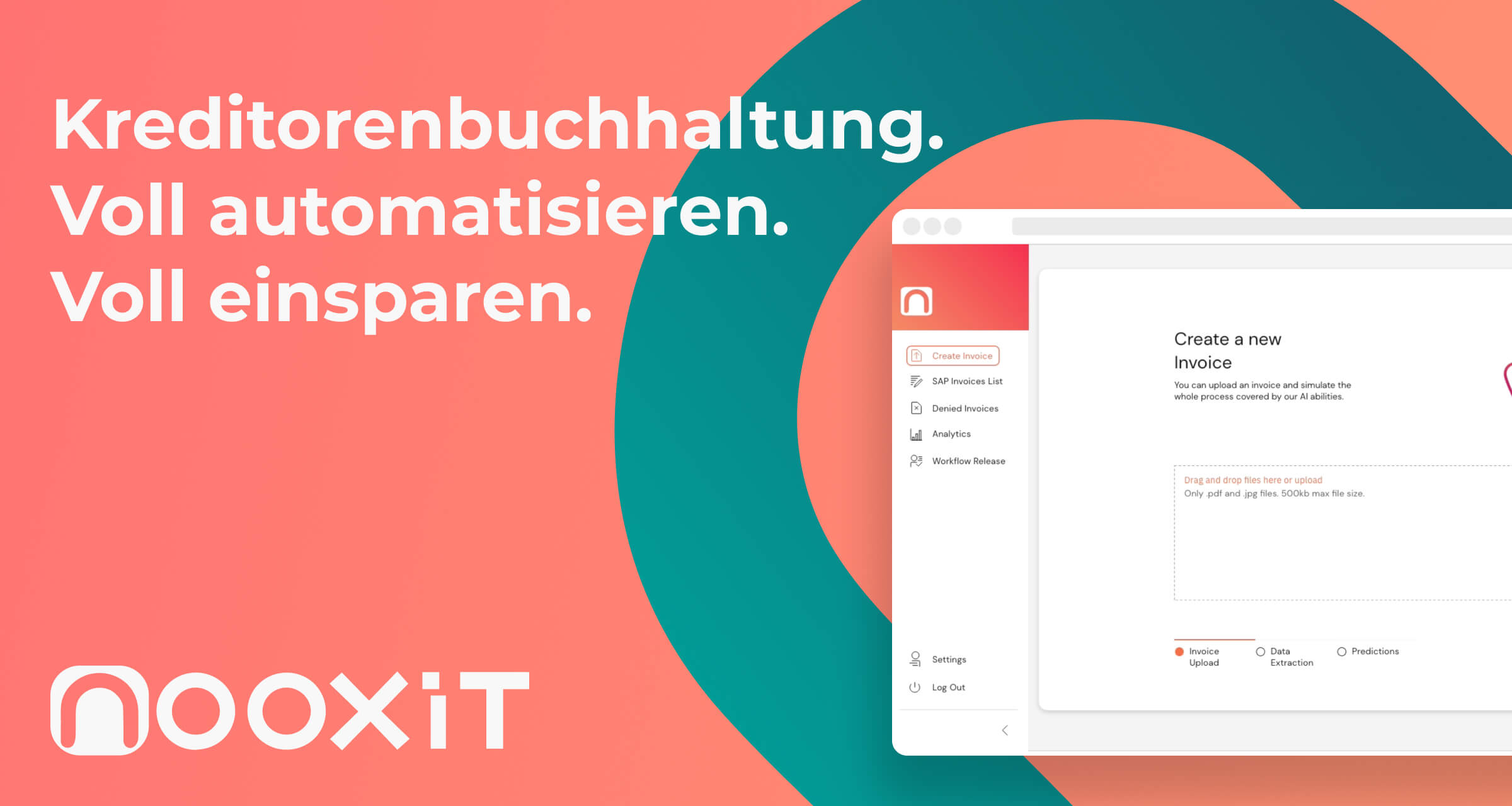
Kostenreduktion auf bis zu < 1 € pro Rechnung. Wie? Durch eine KI-basierte Automatisierung Eurer Kreditorenprozesse. Direkt anfragen und Ressourcen sparen!
Run a free AEO + signal audit for your domain.
AI Answer Engine Optimization (AEO)
List once. Convert intent from live AI conversations without heavy integration.
Invoice processing automation is the use of software, often powered by AI and machine learning, to capture, extract, and validate data from incoming invoices without manual intervention. It typically integrates with accounting ERPs to automate approval workflows, coding, and payment scheduling. This technology dramatically reduces processing costs, minimizes human error, and accelerates financial close cycles for businesses.
Software automatically ingests invoices from various sources like email, PDFs, or scanned documents, using OCR and AI to extract key fields such as vendor, date, amount, and line items.
Extracted data is validated against purchase orders and master records, then routed through a configured approval workflow based on business rules like amount thresholds or department.
Verified invoice data is seamlessly posted to the accounting system or ERP, with payment details automatically scheduled for execution, completing the touchless financial process.
Automates thousands of vendor invoices monthly, ensuring rapid payment to maintain supplier relationships and capture early payment discounts efficiently.
Streamlines processing for complex invoices with line items against POs and receipts, ensuring accurate cost allocation and inventory accounting.
Manages a high volume of medical supply and service invoices with strict compliance needs, automating audit trails and three-way matching for cost control.
Automates invoice handling for recurring software licenses and contractor payments, integrating with project management tools for accurate billing and budgeting.
Ensures precision and auditability for financial reporting by automating invoice capture, GL coding, and compliance checks within heavily regulated environments.
Bilarna evaluates every invoice processing automation provider against a proprietary 57-point AI Trust Score. This score rigorously assesses technical capabilities, integration expertise, data security compliance, and verified client satisfaction metrics. We continuously monitor provider performance and portfolio updates to ensure our recommendations meet enterprise-grade reliability standards.
Costs vary widely based on deployment model and volume, ranging from subscription SaaS fees of $50-$500/user/month to enterprise solutions priced per invoice processed. Implementation and integration services are typically additional. The total cost of ownership must factor in the significant reduction in manual labor and error-related expenses.
Basic OCR (Optical Character Recognition) merely converts scanned text to digital characters, often requiring manual review. AI-based automation adds contextual understanding, learning from data patterns to accurately extract, validate, and classify information without templates, handling complex layouts and exceptions autonomously.
Implementation timelines range from 4-12 weeks for cloud-based SaaS solutions to 6+ months for complex on-premise ERP integrations. Key factors include the number of invoice formats, required custom workflows, and the depth of integration with existing financial systems.
Essential features include high-accuracy AI extraction for unstructured invoices, seamless two-way ERP integration, configurable approval workflows, robust reporting dashboards, and strong compliance controls like audit trails. Vendor support and a proven track record in your industry are equally crucial.
Organizations typically see ROI within 6-18 months, achieving cost savings of 60-80% per invoice by reducing manual labor, eliminating late payment penalties, and capturing early payment discounts. Additional benefits include improved visibility into cash flow and enhanced internal controls.
Yes, automation tools are designed to handle complex multi-page forms effectively. They can reliably navigate through multiple pages, input data accurately, and manage conditional logic or validations that forms may require. This capability reduces the risk of human error and speeds up the completion process. By automating form filling, businesses can ensure consistency and accuracy in data entry, especially when dealing with large volumes of forms or repetitive tasks. This is particularly useful in sectors like healthcare, finance, and insurance where form accuracy is critical.
Yes, financial automation solutions are often modular and customizable to fit the specific needs of different businesses. Organizations can select and adapt only the modules they require, such as accounts payable, accounts receivable, billing, or treasury management, allowing them to scale their automation at their own pace. This flexibility ensures that companies can address their unique operational challenges without unnecessary complexity or cost. Additionally, user-friendly tools and AI capabilities enable teams to maintain compliance and efficiency while tailoring the system to their workflows. Customized onboarding and collaborative support further help businesses get up and running quickly with solutions that match their requirements.
Yes, you can download the video after AI lip sync processing is complete. Follow these steps: 1. Wait until the AI finishes synchronizing the lip movements with the audio. 2. Once processing is done, a download link or button will appear on the platform. 3. Click the download option to save the high-quality lip-synced video to your device for immediate use or sharing.
No, you do not need technical skills or a developer to implement business automation. Modern automation services are designed to be managed by business users and process owners. The implementation typically involves you describing your business workflows and goals in plain language to a specialist or through a guided platform. The service provider then handles the technical translation, system configuration, and integration work. This approach allows you to focus on defining the desired outcomes while experts manage the underlying technology. Many platforms also offer no-code or low-code visual builders that enable users to design and modify automations using drag-and-drop interfaces, making the technology accessible without programming knowledge.
Creating automation workflows for desktop applications typically requires some basic technical skills, mainly the ability to write simple code snippets. However, many modern automation platforms allow users to describe workflows in plain English or natural language, making it easier for those with limited coding experience. The automation engine then interprets these instructions to perform tasks such as opening applications, entering data, or extracting information. This approach lowers the barrier to entry, enabling developers and automation engineers to quickly build and trigger workflows without deep programming knowledge.
No, you generally do not need technical skills to use an AI-based accounting automation tool. These platforms are designed with user-friendly interfaces tailored for accountants and finance teams rather than IT specialists. They often include guided workflows and step-by-step instructions to help users connect their tax portals, configure settings, and review automated data entries. The artificial intelligence component works in the background to classify and suggest accounting data, while users maintain control over final approvals. This approach ensures that even those without technical expertise can efficiently automate invoice processing and improve accuracy.
No, you do not need technical skills to use an AI-based invoice automation tool. These platforms are designed with user-friendly interfaces tailored for accountants and finance teams rather than IT specialists. The software typically guides users step-by-step through the setup and daily operations, making it accessible even for those without a technical background. The artificial intelligence handles complex tasks like data classification and error detection automatically, allowing users to focus on reviewing and approving the processed invoices with confidence.
AI workflow automation in healthcare does not require traditional integration with existing electronic medical record (EMR) systems. Instead of relying on APIs or custom development, AI interacts with EMR software by mimicking human actions such as clicking, typing, and navigating interfaces. This approach allows the AI to work seamlessly with any EMR system or portal, including popular platforms like Epic, Cerner, and athenahealth. As a result, clinics can deploy automation solutions quickly without lengthy IT projects or vendor approvals.
AI agent development involves creating autonomous software programs that perceive their environment, make decisions, and take actions to achieve specific business goals without constant human intervention. The process starts with defining clear objectives, such as automating customer service inquiries, processing invoices, or managing inventory. Developers then design the agent's architecture, which typically includes modules for perception (understanding data), reasoning (making decisions using models like LLMs), and action (executing tasks via APIs). These agents are trained on relevant enterprise data and integrated into existing systems like CRM or ERP platforms. Upon deployment, they operate 24/7, handling repetitive tasks, providing instant responses, and generating insights. Successful deployment leads to dramatic increases in operational speed, significant cost reductions by automating up to 90% of routine tasks, and allows human employees to focus on higher-value strategic work.
Manage credits in an AI invoice processing platform as follows: 1. Each page processed deducts one credit from your monthly credit balance. 2. Credits are added to your account monthly based on your subscription plan. 3. For multi-page invoices, credits are deducted per page (e.g., a 20-page invoice uses 20 credits). 4. Separate credits are required for different document types, such as invoices and receipts. 5. Monitor credit usage via the platform dashboard and purchase additional credits or plans as needed.