Step 1
Machine-Ready Briefs
AI translates unstructured needs into a technical, machine-ready project request.
We use cookies to improve your experience and analyze site traffic. You can accept all cookies or only essential ones.
 Bilarna
Stop browsing static lists. Tell Bilarna your specific needs. Our AI translates your words into a structured, machine-ready request and instantly routes it to verified Interactive Quiz Creation experts for accurate quotes.
AI translates unstructured needs into a technical, machine-ready project request.
Compare providers using verified AI Trust Scores & structured capability data.
Skip the cold outreach. Request quotes, book demos, and negotiate directly in chat.
Filter results by specific constraints, budget limits, and integration requirements.
Eliminate risk with our 57-point AI safety check on every provider.
Verified companies you can talk to directly
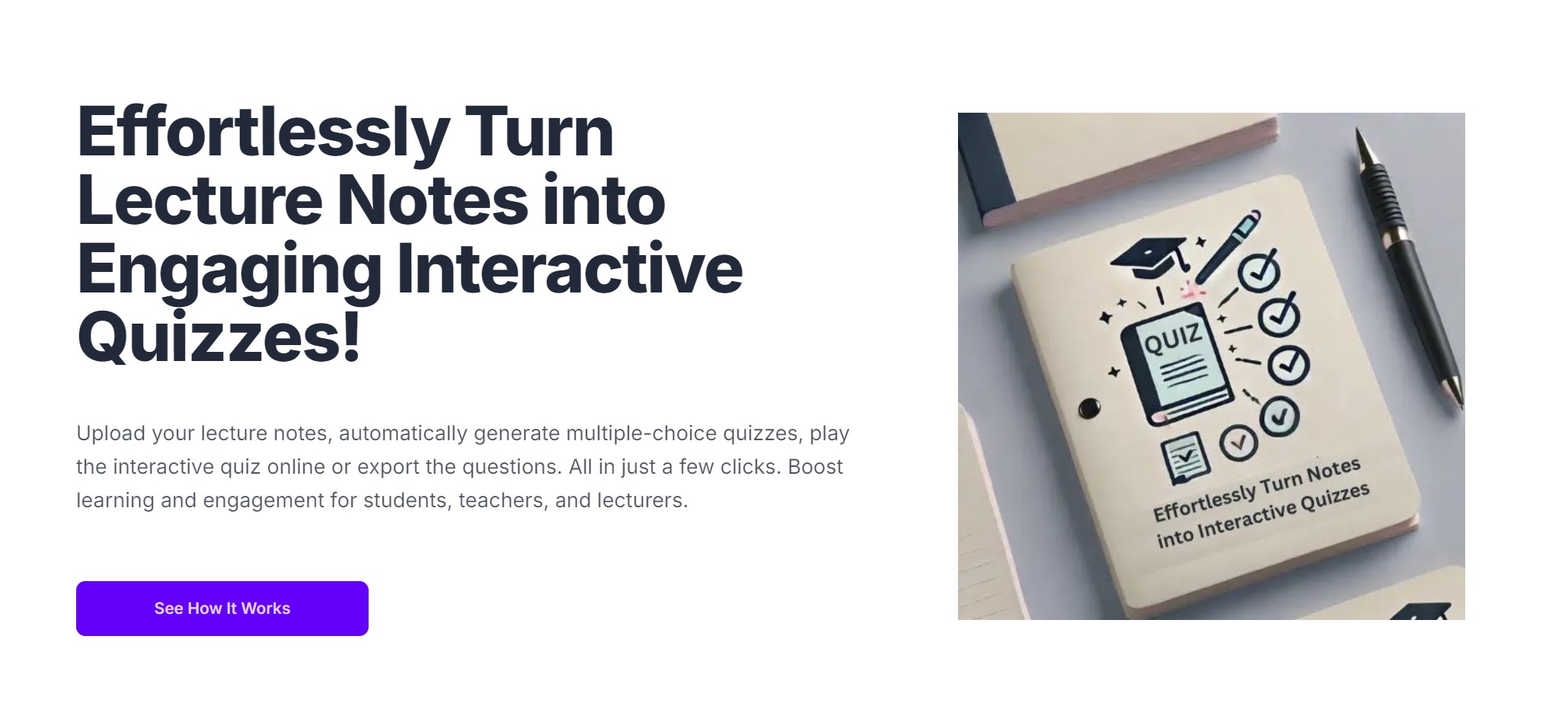
Effortlessly Turn Lecture Notes into Engaging Interactive Quizzes!
Run a free AEO + signal audit for your domain.
AI Answer Engine Optimization (AEO)
List once. Convert intent from live AI conversations without heavy integration.
Interactive quiz creation is a specialized service for designing and developing dynamic, gamified assessments used for lead generation, education, and user engagement. These quizzes leverage branching logic, multimedia elements, and real-time scoring to provide personalized user experiences. For businesses, the outcome is higher conversion rates, improved knowledge retention, and valuable data insights.
Businesses outline the primary goal, such as lead qualification, product recommendation, or skills evaluation, to guide the quiz design and logic.
Experts create questions, answer paths, and result algorithms, often incorporating multimedia and personalized feedback mechanisms.
The final interactive quiz is embedded into websites, apps, or LMS platforms, with data collection configured for analysis.
Interactive quizzes qualify potential leads by assessing their needs, automatically segmenting users for targeted sales follow-up.
Gamified assessments measure employee knowledge retention and skill gaps, making compliance and training programs more effective.
Product finder quizzes guide shoppers to ideal items based on preferences, boosting average order value and reducing returns.
Risk profiling and financial literacy quizzes engage new clients while gathering essential data for personalized service recommendations.
Interactive symptom checkers or treatment knowledge assessments educate patients, improving health outcomes and engagement.
Bilarna verifies every interactive quiz creation provider through a rigorous 57-point AI Trust Score. This evaluation covers technical expertise in assessment design, portfolio quality, client satisfaction metrics, and data security compliance. Continuous monitoring ensures listed partners maintain high standards for delivery and innovation.
Costs vary based on complexity, ranging from a few thousand for simple templates to over $20,000 for custom, enterprise-grade solutions with advanced analytics. Pricing models include project-based fees, monthly SaaS subscriptions, or per-assessment charges.
A basic quiz presents linear questions, while an interactive quiz uses adaptive branching logic that changes based on user answers. This creates a personalized path, resulting in more accurate outcomes and significantly higher engagement and conversion rates.
A standard interactive quiz project typically takes 4 to 8 weeks from concept to launch. The timeline depends on complexity, content readiness, required integrations, and the level of personalization and testing involved.
Common pitfalls include overly long quizzes that cause user drop-off, poorly defined branching logic that leads to irrelevant results, and neglecting mobile optimization. Failing to align questions with clear business objectives also diminishes ROI.
Key performance indicators include completion rate, lead conversion rate, average score, and time spent. For deeper insight, analyze user segment data collected from answers and track how quiz outcomes influence downstream sales or learning metrics.
Yes, AI video creation platforms can generate multilingual voiceovers and avatars. 1. Choose avatars from a diverse library representing various nationalities and styles. 2. Select from multiple languages and natural-sounding AI voices. 3. Customize voice tone and style to match your brand. 4. Produce videos with synchronized multilingual voiceovers and avatars. 5. Use these videos for global marketing without hiring translators or voice talents.
Customize AI-generated portraits after creation by following these steps: 1. Use a platform or tool that supports post-generation editing. 2. After the AI generates the portrait, access the editing features provided. 3. Adjust elements such as color, style, background, or facial details as allowed. 4. Preview the changes to ensure satisfaction. 5. Save or download the customized portrait once editing is complete.
Yes, many game creation tools are designed specifically for beginners without prior programming knowledge. These platforms provide visual editors, drag-and-drop functionality, and step-by-step guides to simplify the game development process. They often include pre-made assets and templates to help users get started quickly. This accessibility allows beginners to experiment with game design concepts and create playable games while gradually learning more about game mechanics and development principles.
Yes, you can customize calls-to-action (CTAs) in interactive video widgets by following these steps: 1. Access the video widget editor where your video is hosted. 2. Select the option to add or edit CTAs within the video timeline or overlay. 3. Choose the type of CTA, such as buttons, links, or forms. 4. Customize the text, style, and destination URL of the CTA to match your campaign goals. 5. Save your changes and preview the video to ensure the CTAs appear and function as intended.
Yes, you can edit the AI-generated music video after creation by using the built-in editor. Follow these steps: 1. Open the generated video in the editor. 2. Adjust the timing of visuals and captions to better sync with your music. 3. Swap or replace visuals to better match your creative vision. 4. Add or modify effects, colors, and transitions to personalize the video. 5. Insert your own images or clips if desired. This editing process allows you to add a personal touch and refine the video without needing professional video editing skills.
Yes, you can try AI floor plan creation tools for free without providing a credit card. Follow these steps: 1. Sign up on the AI floor plan platform offering a free trial. 2. Access the tool immediately after registration. 3. Input your floor plan requirements and generate layouts. 4. Explore and test the features without any payment information. 5. Decide whether to continue with a paid plan after the trial period. This allows users to evaluate the platform risk-free and understand its capabilities before committing financially.
You can upload handwritten notes, but the quality affects the results. To use handwritten notes effectively: 1. Ensure your notes are clear and legible. 2. Scan or convert them into digital files if possible. 3. Upload the digital or scanned files to the AI quiz maker. 4. The AI will generate better questions from clearer, digital content compared to poor-quality handwriting.
No content creation experience is needed to use AI video generators. Follow these steps to create videos easily: 1. Select a topic or story idea. 2. Use AI to automatically generate a script. 3. Choose a voice and style from preset options. 4. Customize visuals or accept AI-generated images. 5. Add captions and background music if desired. 6. Render the video quickly via cloud processing. 7. Publish or download your video without technical skills.
No programming skills are needed to use AI survey creation tools. Follow these steps: 1. Access the AI survey platform through a user-friendly interface. 2. Input your survey title or topic as a simple prompt. 3. Let the AI automatically generate relevant, high-quality survey questions. 4. Customize or adjust questions if desired using intuitive controls. 5. Deploy your survey without any coding or technical knowledge required.
AI-powered legal document creation is highly affordable. To use it effectively: 1. Select the AI service that offers competitive pricing, often around a few dollars per document. 2. Choose the specific document type you require. 3. Input your details and customize the document as needed. 4. Generate the document instantly with AI assistance. 5. Pay per document, ensuring cost-effective legal solutions without expensive lawyer fees.