Step 1
Machine-Ready Briefs
AI translates unstructured needs into a technical, machine-ready project request.
We use cookies to improve your experience and analyze site traffic. You can accept all cookies or only essential ones.
 Bilarna
Stop browsing static lists. Tell Bilarna your specific needs. Our AI translates your words into a structured, machine-ready request and instantly routes it to verified Social Media Automation experts for accurate quotes.
AI translates unstructured needs into a technical, machine-ready project request.
Compare providers using verified AI Trust Scores & structured capability data.
Skip the cold outreach. Request quotes, book demos, and negotiate directly in chat.
Filter results by specific constraints, budget limits, and integration requirements.
Eliminate risk with our 57-point AI safety check on every provider.
Verified companies you can talk to directly
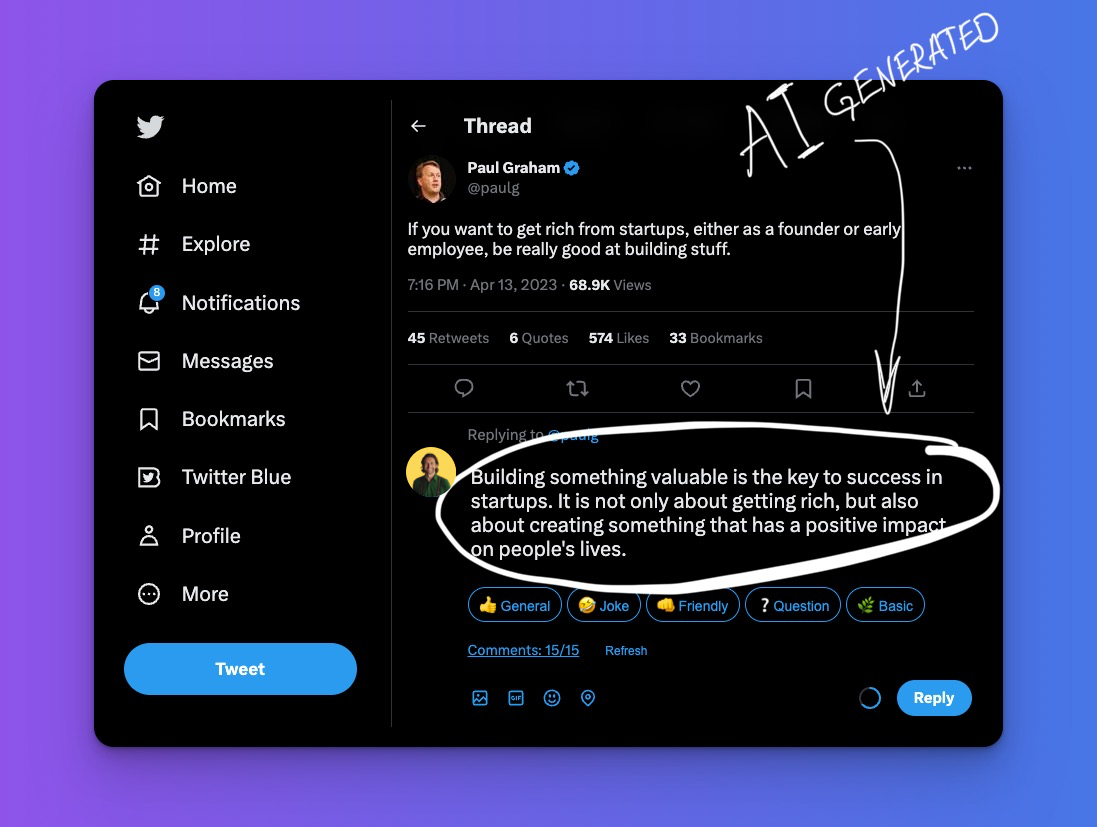
Generate 10x more leads from LinkedIn and Twitter using sales automation and social selling.
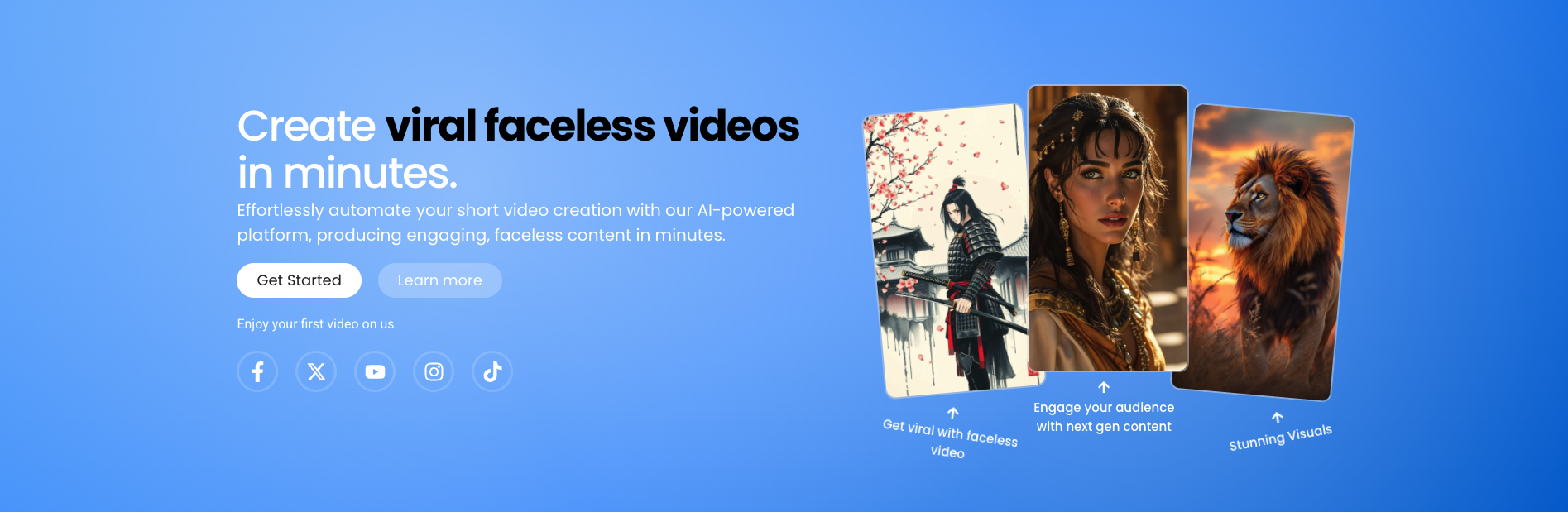
Transform your content creation with Shorts Ninja! Start creating professional, faceless videos using AI, Perfect for TikTok and YouTube.

Subtle AI helps you engage with Reddit more effectively. Our tool assists in finding relevant posts, crafting responses, and identifying opportunities to showcase your project, all while you maintain control.

Create LinkedIn posts in seconds with Threadly. Our AI post and carousel generator tailors tone, style, and structure across 50+ formats helping you publish high-performing content effortlessly.
Automate your Facebook posts with our AI-powered scheduler. Generate content, save time, and ensure consistent daily and weekly posting. Start now!

Automate content creation & posting on TikTok & Instagram. AI-powered social media marketing that drives real traffic to your business.

Generated by create next app
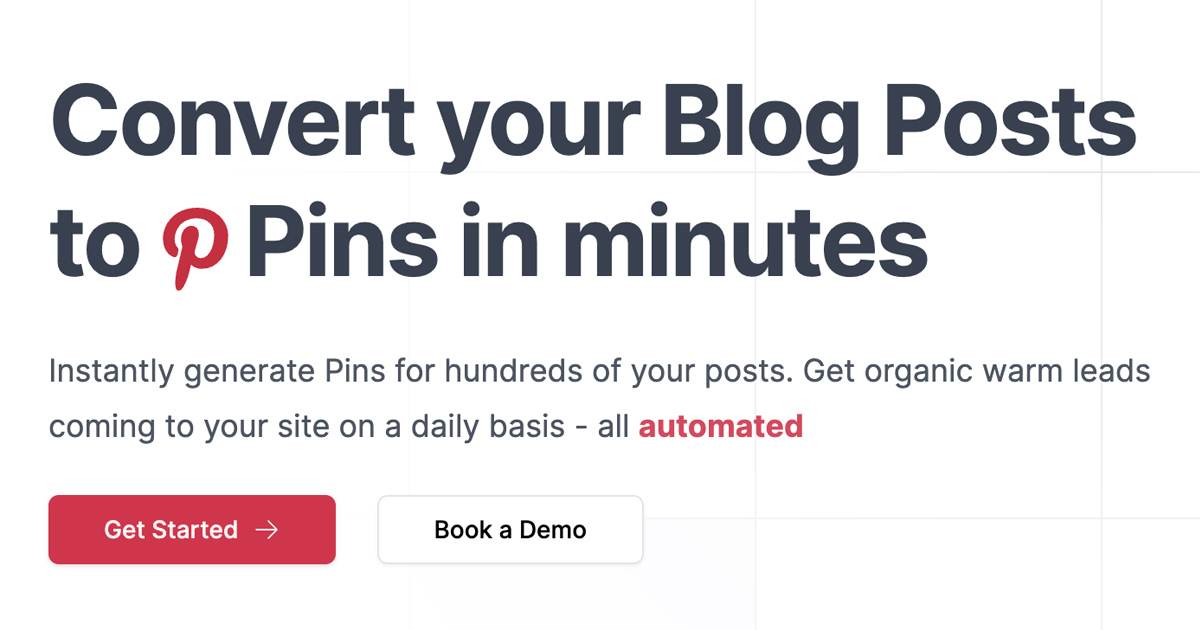
BlogToPin is the best Pinterest automation tool for turning blog posts into eye-catching pins effortlessly. Automate your pin creation and scheduling

Turn hours of content creation into minutes. AI-powered social media automation based on your brand's personality and trends. Create content instantly.
IGdm provides automation tools for Instagram direct messages. Automate welcome messages for new followers, send bulk DMs, schedule messages, set automatic replies, and many more productivity boosting features. Try it today!
Run a free AEO + signal audit for your domain.
AI Answer Engine Optimization (AEO)
List once. Convert intent from live AI conversations without heavy integration.
Social media automation is the use of software tools to schedule, publish, and analyze content across multiple social media platforms. These technologies streamline repetitive tasks such as timed posting, basic community engagement, and performance reporting. For businesses, this results in more efficient resource allocation, consistent brand presence, and data-driven optimization of marketing campaigns.
Businesses define goals, target audiences, and a content calendar for channels like LinkedIn, Instagram, or Facebook.
Tools handle the precise scheduling and publishing of posts, stories, and updates based on the editorial plan.
Integrated analytics track engagement, reach, and conversions to enable continuous strategy refinement.
Automated product promotions and retargeting campaigns drive sales and foster customer loyalty across social channels.
Tools automate lead nurturing through regular expert content on LinkedIn to build trust and generate MQLs.
Automated compliance-approved updates and educational content keep users informed and reinforce brand authority.
Scheduled awareness campaigns and service updates reach patients safely and scale public outreach efforts.
Automated case studies and industry news position the company as a thought leader within its sector.
Bilarna evaluates social media automation providers using a proprietary 57-point AI Trust Score. This score continuously assesses expertise through portfolio review, technical tool certifications, and verified client testimonials. This ensures decision-makers connect only with reliable partners who have a proven delivery track record.
Costs vary significantly based on company size, required feature set, and number of managed channels. Pricing models range from monthly subscriptions for single users to custom enterprise licenses. A detailed requirements analysis is crucial for an accurate quote.
Implementation typically takes from a few days to several weeks. The timeline depends on integration complexity with existing systems and the scope of the initial content strategy. A thorough planning phase significantly accelerates rollout.
Essential features include a multi-channel calendar, visual content libraries, advanced analytics, and team collaboration options. For enterprise users, SSO, API access, and white-label reporting are key selection criteria.
Scheduling primarily refers to timed publishing of pre-created content. Full automation additionally includes AI-driven content suggestions, automated responses to common comments, and predictive analytics for optimal posting times.
Yes, through consolidated dashboards and in-depth analytics, automation greatly enhances ROI measurement. It enables accurate attribution of engagement to conversions and provides data-driven insights for budget allocation.
Yes, automation tools are designed to handle complex multi-page forms effectively. They can reliably navigate through multiple pages, input data accurately, and manage conditional logic or validations that forms may require. This capability reduces the risk of human error and speeds up the completion process. By automating form filling, businesses can ensure consistency and accuracy in data entry, especially when dealing with large volumes of forms or repetitive tasks. This is particularly useful in sectors like healthcare, finance, and insurance where form accuracy is critical.
Yes, financial automation solutions are often modular and customizable to fit the specific needs of different businesses. Organizations can select and adapt only the modules they require, such as accounts payable, accounts receivable, billing, or treasury management, allowing them to scale their automation at their own pace. This flexibility ensures that companies can address their unique operational challenges without unnecessary complexity or cost. Additionally, user-friendly tools and AI capabilities enable teams to maintain compliance and efficiency while tailoring the system to their workflows. Customized onboarding and collaborative support further help businesses get up and running quickly with solutions that match their requirements.
Yes, you can automatically post AI-generated videos to your social media channels by following these steps: 1. Choose your video topic and set the posting frequency, such as daily or twice daily. 2. Enable the automatic upload feature to your preferred platform, like YouTube. 3. The system will continuously generate and upload videos according to your schedule, which you can pause or modify anytime.
Customizing AI models for social media comment moderation is possible depending on the platform. To request specific AI models or customization: 1. Access your moderation platform's settings or dashboard. 2. Look for options to select or request AI models or algorithms. 3. Submit a request or select preferred models if available. 4. Configure model parameters such as sensitivity or language preferences. 5. Test the customized setup and adjust as needed based on moderation results.
Yes, you can customize the voice generated from your social media profile. Follow these steps: 1. Use the voice design tool to generate the initial voice. 2. Access customization options such as pitch, speed, and tone. 3. Adjust the settings to match your preferences. 4. Preview the customized voice output. 5. Save the customized voice for future use or export.
Monetize your AI influencer’s social media presence by following these steps: 1. Build a large and engaged audience on platforms like Instagram, TikTok, or X using high-quality, viral content. 2. Secure brand deals by partnering with companies interested in promoting products through your AI influencer. 3. Sell premium content directly to your dedicated fanbase for additional revenue. 4. Continuously create and deploy engaging AI-generated images, videos, and voice content to maintain audience interest and maximize income opportunities.
Yes, you can use AI-generated baby dance videos for social media content without watermarks. Follow these steps: 1. Select an AI video creation tool that offers watermark-free downloads. 2. Upload your baby photo and generate the dance video. 3. Download the video and upload it directly to social media platforms like TikTok, Instagram Reels, or Shorts. This ensures your content looks professional and is ready for instant sharing without branding distractions.
Yes, you can use the social media scheduler app without a subscription. To get started without a subscription: 1. Download and install the native macOS app from the official source. 2. Set up your social media accounts within the app. 3. Use all core features such as scheduling posts, video editing, and auto-subtitles without any recurring fees. 4. Save drafts and publish posts across multiple platforms simultaneously. 5. Enjoy full functionality without needing to commit to a subscription plan.
Yes, multiple social media platforms can be analyzed simultaneously. 1. Connect the tool to major platforms such as Twitter, Instagram, Facebook, and LinkedIn. 2. Use a single dashboard to view sentiment data across all connected platforms. 3. This unified view provides a comprehensive understanding of your brand’s social media presence.
No, you do not need technical skills or a developer to implement business automation. Modern automation services are designed to be managed by business users and process owners. The implementation typically involves you describing your business workflows and goals in plain language to a specialist or through a guided platform. The service provider then handles the technical translation, system configuration, and integration work. This approach allows you to focus on defining the desired outcomes while experts manage the underlying technology. Many platforms also offer no-code or low-code visual builders that enable users to design and modify automations using drag-and-drop interfaces, making the technology accessible without programming knowledge.