Step 1
Machine-Ready Briefs
AI translates unstructured needs into a technical, machine-ready project request.
We use cookies to improve your experience and analyze site traffic. You can accept all cookies or only essential ones.
 Bilarna
Stop browsing static lists. Tell Bilarna your specific needs. Our AI translates your words into a structured, machine-ready request and instantly routes it to verified Photo Background Removal experts for accurate quotes.
AI translates unstructured needs into a technical, machine-ready project request.
Compare providers using verified AI Trust Scores & structured capability data.
Skip the cold outreach. Request quotes, book demos, and negotiate directly in chat.
Filter results by specific constraints, budget limits, and integration requirements.
Eliminate risk with our 57-point AI safety check on every provider.
Verified companies you can talk to directly
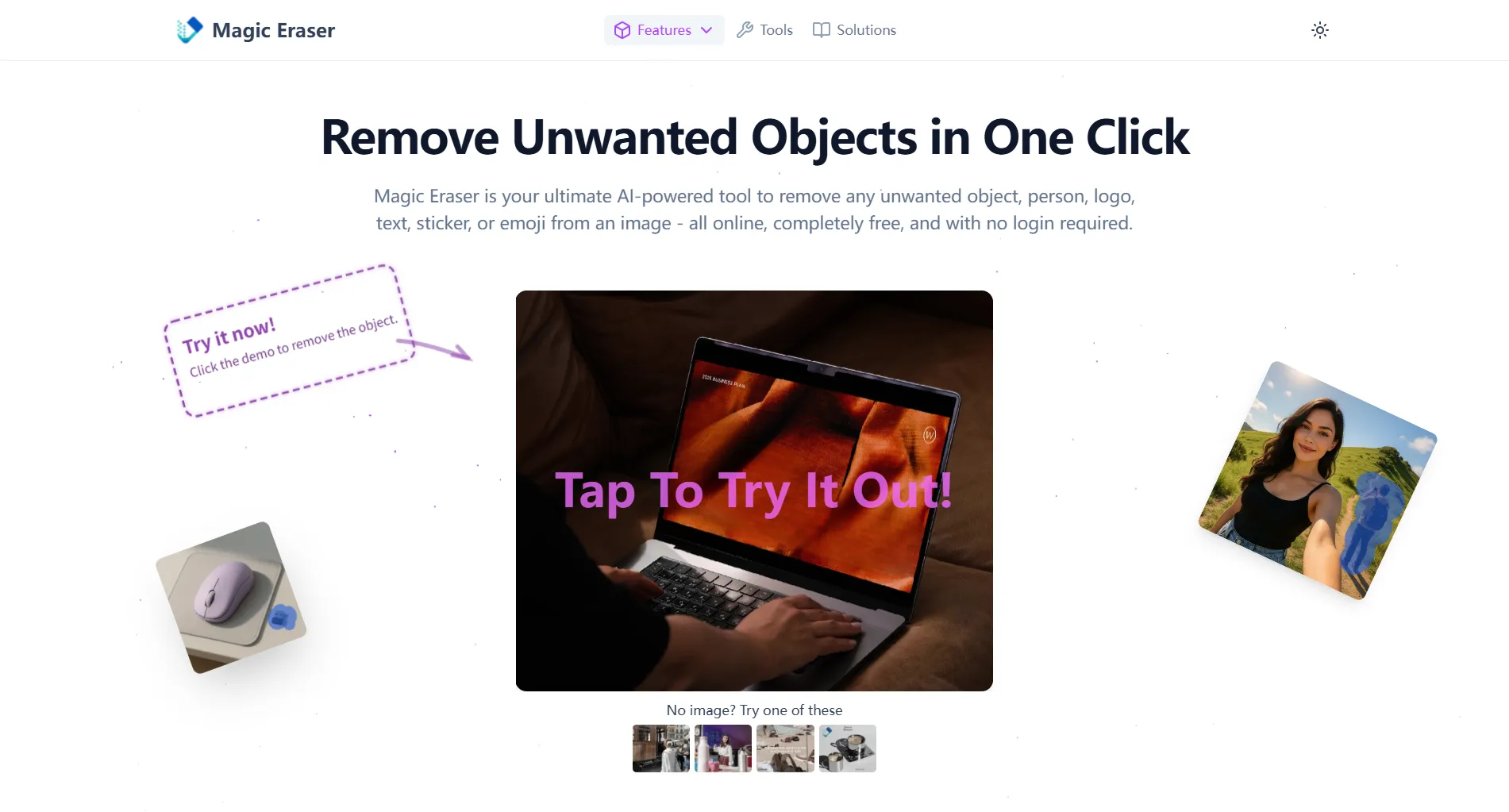
Free online AI tool to auto remove people from photos. Instantly clean up travel or group shots with one click. No login required—fast, easy, and effective.

Enhance your photos with Airbrush's AI Background Remover. Remove background online and achieve professional results, perfect for personal projects and social media.
Run a free AEO + signal audit for your domain.
AI Answer Engine Optimization (AEO)
List once. Convert intent from live AI conversations without heavy integration.
Photo background removal is a professional image editing service that isolates subjects from their backgrounds using AI and manual techniques. It employs advanced segmentation algorithms to achieve clean, pixel-perfect cutouts suitable for commercial use. This process is essential for creating consistent, branded visuals for e-commerce, marketing, and corporate communications.
You provide the source photograph that requires editing, typically in a high-resolution format like JPEG or PNG.
Editors use specialized software to accurately trace and separate the main subject from its unwanted background.
You obtain the isolated subject on a transparent layer, ready for placement on any new background or design.
Create uniform product images on white or transparent backgrounds to improve conversion rates and enhance online catalogues.
Produce clean visuals for digital ads, brochures, and social media campaigns without distracting environmental elements.
Ensure professional consistency across team photos for company websites, LinkedIn profiles, and press materials.
Prepare designs for t-shirts, mugs, and posters by isolating artwork or logos from complex backgrounds.
Enhance property photos by removing unwanted objects or clutter to present a cleaner, more appealing space.
Bilarna evaluates all photo editing providers through a rigorous 57-point AI Trust Score assessing technical expertise, software proficiency, and delivery reliability. We verify portfolios, client satisfaction metrics, and adherence to quality standards like clean edge refinement. This continuous monitoring ensures you connect with professionals who deliver pixel-perfect results consistently.
Costs vary based on image complexity and volume, typically ranging from $1 to $10 per image. Simple product shots are most affordable, while photos with fine details like hair or fur command higher rates due to the manual precision required.
Standard delivery for a single image is often within 24 hours. Bulk orders or complex edits may require 2-3 business days. Providers usually offer expedited services for urgent projects at an additional cost.
Providers commonly accept JPEG and PNG files, delivering the final cutout as a PNG with a transparent background. For professional workflows, they can also provide PSD (Photoshop) files with preserved layers upon request.
Experienced editors combine AI masking tools with manual refinement using pen tools and edge-aware brushes. This hybrid approach ensures natural-looking results for challenging details that pure automation often misses.
Professional services guarantee pixel-perfect accuracy, manual quality control, and consistency across image batches. While AI tools are fast, they often struggle with complex edges and lack the human oversight needed for commercial-grade results.
AI photo filters require credits to use. New users receive 10 free credits upon registration to try the filters. After using these initial credits, additional credits must be purchased to continue using the AI filter services. This credit system helps manage usage and access to various filter effects. Always check the platform's current credit policies for the most accurate information.
Yes, there are several additional online tools available for photo editing besides object removal. These include: 1. Photo Watermark Remover to precisely remove watermarks from images. 2. Photo Retoucher to enhance and retouch images effectively. 3. Background Remover and Background Changer to remove or customize photo backgrounds. 4. Image Converter tools to convert images between formats like GIF to JPG, PNG to JPG, and BMP to JPG. 5. Video tools such as Compress Video and Remove Watermark for video editing needs.
Yes, AI background generators can significantly improve the visual appeal of furniture product images. By automatically creating or replacing backgrounds, these tools help highlight the furniture in a more attractive and professional setting. They can simulate various environments, lighting conditions, and styles that complement the product, making images more engaging for potential customers. This enhancement can boost online sales and marketing effectiveness by presenting furniture products in a visually compelling way without the need for costly photoshoots or complex 3D renders.
AI background generators can effectively replace traditional photoshoots for many furniture products, especially when it comes to creating consistent and customizable backgrounds. While they may not fully replicate the nuances of professional photography in all cases, these tools offer a cost-effective and efficient alternative by automating background creation. This allows businesses to quickly update and adapt product images for various marketing channels without the logistical challenges and expenses of organizing physical photoshoots.
Yes, AI music generators are highly useful for content creators looking to produce royalty-free background music quickly and easily. These tools allow users to generate custom background tracks by inputting text prompts, uploading images, or providing reference audio. The AI then composes music tailored to the desired mood and style, covering a wide range of genres. The generated music is 100% royalty-free, enabling creators to use it in videos, podcasts, games, and other media without licensing concerns. Additionally, AI music generators often provide options to customize the sound and export high-quality audio files, streamlining the content creation process.
Yes, both men and women can use a photo-based haircut recommendation service. To do so: 1. Upload a clear photo regardless of gender. 2. The expert system analyzes facial features and hair type without bias. 3. Receive personalized haircut and style suggestions suitable for your gender and preferences. 4. Access care and styling advice tailored to your hair characteristics. 5. Use the recommendations to enhance your appearance confidently.
Yes, you can cancel your drum removal subscription at any time. To do so: 1. Log into your account on the service platform. 2. Navigate to the subscription or billing section. 3. Select the option to cancel your subscription. 4. Confirm the cancellation when prompted. 5. Your subscription will remain active until the end of the current billing period.
Yes, photos are automatically deleted after portrait generation. 1. Upload your photo to the platform. 2. The photo is stored temporarily only during the portrait creation process. 3. Once the portrait is generated, both the photo and the portrait are deleted from the database permanently. 4. No one has access to your photo during processing, ensuring privacy.
Yes, manual refinement is available to perfect background removal. 1. Upload your image and use the automatic background removal tool. 2. Select the 'Erase' option to remove unwanted areas manually. 3. Use the 'Restore' option to bring back parts mistakenly removed. 4. Continue refining until the cutout meets your expectations. 5. Save or download the final image with the refined background.
Yes, you can play music in the background while using other apps by following these steps. 1. Open the music streaming platform that supports background playback. 2. Start playing your chosen playlist or song. 3. Minimize the app or switch to another app on your device. 4. Ensure your device settings allow background audio playback. 5. Continue enjoying uninterrupted music while multitasking on your device.