Step 1
Machine-Ready Briefs
AI translates unstructured needs into a technical, machine-ready project request.
We use cookies to improve your experience and analyze site traffic. You can accept all cookies or only essential ones.
 Bilarna
Stop browsing static lists. Tell Bilarna your specific needs. Our AI translates your words into a structured, machine-ready request and instantly routes it to verified Professional Infographic Design experts for accurate quotes.
AI translates unstructured needs into a technical, machine-ready project request.
Compare providers using verified AI Trust Scores & structured capability data.
Skip the cold outreach. Request quotes, book demos, and negotiate directly in chat.
Filter results by specific constraints, budget limits, and integration requirements.
Eliminate risk with our 57-point AI safety check on every provider.
Verified companies you can talk to directly
Depuis 40 ans, on vous aide à communiquer avec clarté, créer du beau design bien ficelé et produire du gros volume de façon extrêmement efficace.
Convert a keyword or article to an Infographic with this AI Infographic Generator.
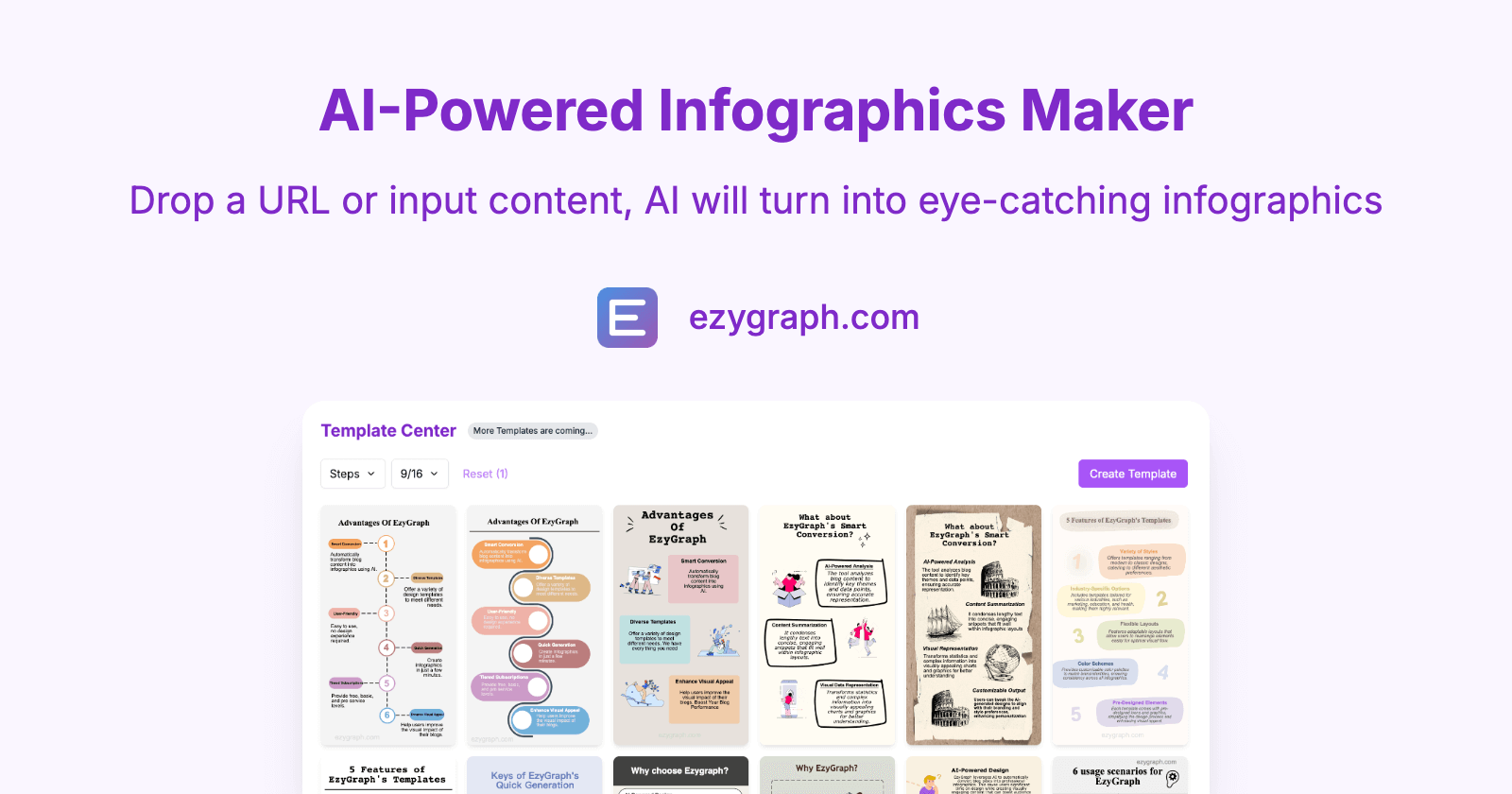
Convert blog posts, articles, and web pages into shareable stunning infographics instantly with our free AI infographic tool.
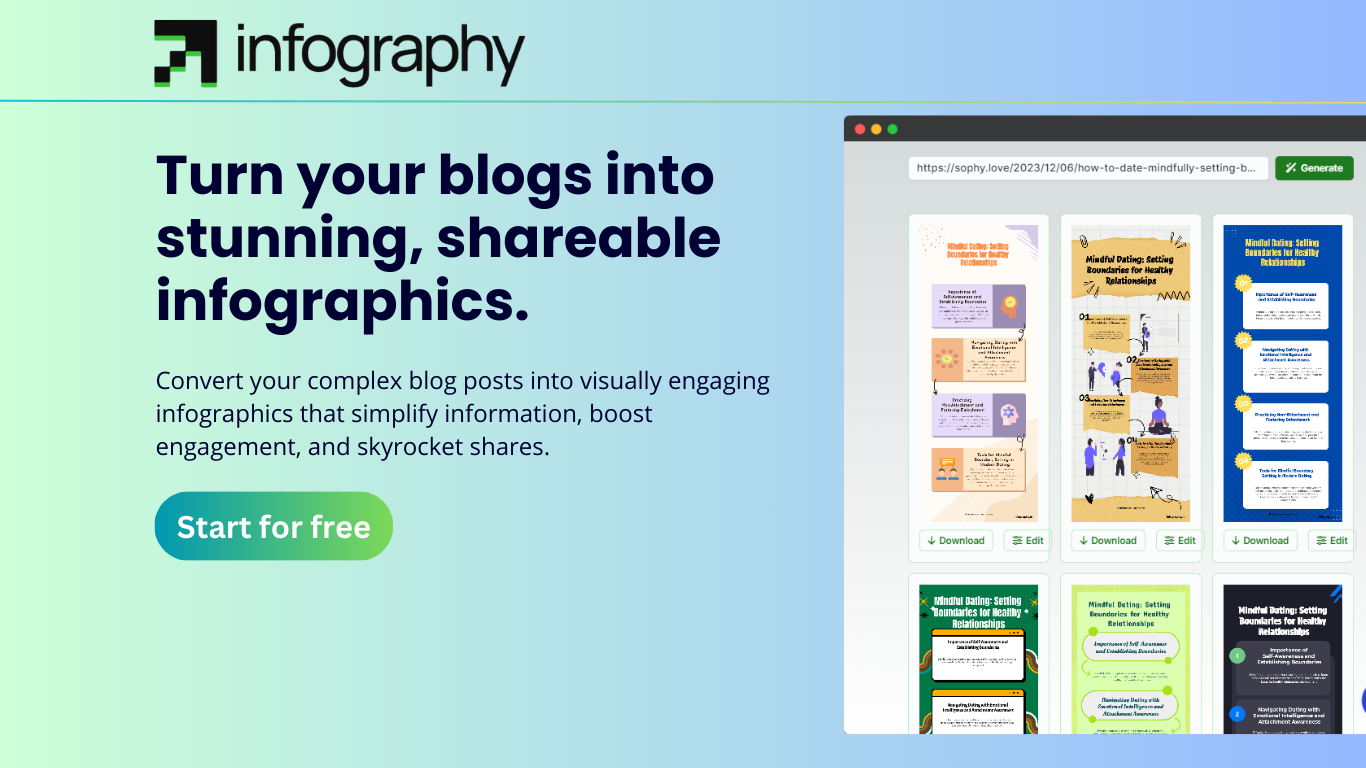
Convert your complex blog posts into visually engaging infographics that simplify information and boost engagement.
Text to Infographic is an AI Infographic Generator that turns your text into visuals for your blog, social media, and more.
Run a free AEO + signal audit for your domain.
AI Answer Engine Optimization (AEO)
List once. Convert intent from live AI conversations without heavy integration.
Infographic design is the strategic process of visualizing complex data, concepts, or processes into compelling, easy-to-understand graphics. It combines principles of graphic design, data visualization, and storytelling to enhance communication and retention. This service yields clearer stakeholder reports, more engaging marketing materials, and improved internal knowledge sharing for businesses.
The process begins by clarifying the communication goal, target audience, and sourcing the relevant data or information that needs to be visualized.
Designers create a storyboard, select appropriate chart types, icons, and a cohesive color palette to craft a logical and engaging visual flow.
The final infographic is built using professional design software, followed by iterative revisions based on client feedback before final delivery.
Banks and fintech firms use infographics to simplify quarterly earnings, investment summaries, and market trends for shareholders and clients.
Hospitals and clinics create visual guides to explain medical procedures, treatment pathways, and public health data to improve patient understanding.
Software companies visualize feature comparisons, user journey maps, and complex integration processes to boost conversion and adoption rates.
Industrial firms diagram complex supply chains, safety protocols, and operational workflows to train staff and optimize plant efficiency.
Retail brands translate customer behavior data and sales performance into visual stories for strategic planning and stakeholder presentations.
Bilarna evaluates every infographic design partner through its proprietary 57-point AI Trust Score. This comprehensive assessment rigorously reviews professional portfolios, client satisfaction history, and project delivery reliability. Bilarna's continuous monitoring ensures you only compare providers who meet stringent standards for quality and business credibility.
Costs vary widely based on complexity, research depth, and designer expertise, typically ranging from $500 to $5,000 per project. A simple static infographic costs less than a complex interactive or animated data visualization with custom illustrations.
An infographic tells a broader story by combining data visualizations, icons, and narrative text. Data visualization is a component focused purely on representing numerical data through charts and graphs. Infographics provide context and explanation around the visualized data.
A standard project typically takes 1 to 3 weeks from briefing to final delivery. The timeline depends on data complexity, research requirements, revision cycles, and whether custom illustrations or interactive elements are needed.
Prioritize a strong portfolio in your industry, a clear understanding of data storytelling, and a proven process for research and revisions. Check for expertise in the specific style you need, whether statistical, informational, or process-driven.
Key mistakes include cluttering the design with too much data, using misleading scales on charts, poor color contrast for readability, and neglecting the core narrative. Effective design prioritizes clarity, accurate representation, and a logical visual hierarchy.
No reputable web design service can guarantee top Google rankings due to the many uncontrollable factors in search engine algorithms. Rankings depend on variables such as geographic location, industry competition, the age and authority of the online presence, and ongoing SEO efforts. Ethical providers focus on implementing best practices like optimizing Google My Business profiles, creating quality content, ensuring mobile responsiveness, and building technical SEO to improve visibility. They commit to continuous optimization and adaptation to algorithm changes rather than making empty promises. While results like increased leads and revenue are common with proper SEO, guarantees are unrealistic because search engines frequently update their criteria and competition evolves.
Yes, AI design engineering tools are designed for seamless integration with existing CAD, BIM, and project management software. This compatibility ensures that engineers can continue using their preferred tools without disrupting established workflows. The integration facilitates data exchange and collaboration, enhancing efficiency and enabling teams to leverage AI capabilities alongside their current systems.
Yes, AI design tools can incorporate local climate and architectural styles to create realistic and practical designs. To do this: 1. Include your location or region in the design prompt when using the AI tool. 2. The AI will tailor plant recommendations, materials, and styles based on local climate conditions and architectural norms. 3. This ensures that the generated designs are context-aware and suitable for your environment. 4. Use this feature to get region-specific designs that blend seamlessly with your home's surroundings and climate requirements.
Yes, AI-generated 2D action figure images can be used as references for 3D printing or prototype design. Follow these steps: 1. Generate a high-resolution 2D image of the action figure using the AI tool. 2. Use the image as a visual reference to model the figure in 3D design software. 3. Create prototypes or packaging designs based on the 3D model. 4. Proceed with 3D printing or further development using the prototype designs.
Yes, beginners can create professional seamless patterns without prior design experience. 1. Start with free templates provided by the platform. 2. Use AI prompts to guide pattern creation automatically. 3. Extract elements from images with one click for easy pattern building. 4. Experiment with style transfer to apply artistic effects. 5. Export your finished design in professional formats for commercial use.
Yes, dormers can be fully customized to meet your specific design preferences and requirements. They are prefabricated in specialized factories where skilled craftsmen build them according to your exact specifications. This customization includes dimensions, materials, insulation options, and additional features such as solar panels or enhanced waterproofing. The goal is to create a dormer that not only fits perfectly with your home's architecture but also meets your functional needs and aesthetic desires. Custom dormers ensure a unique and personalized addition to your living space, enhancing both comfort and property value.
Yes, most AI design platforms offer extensive customization options to tailor your designs to your specific needs. You can typically adjust colors, fonts, sizes, and layouts to align with your brand identity or personal preferences. Many platforms also allow you to upload your own images or logos to incorporate into your designs. The AI assists by suggesting complementary design elements and ensuring visual harmony, but you retain full control over the final output. This combination of automation and customization helps users create unique, professional-quality designs that stand out.
Yes, you can customize the style and room type in an AI home design tool by following these steps: 1. Upload your room photo or describe your dream home design in text. 2. Choose from more than 20 interior design styles available in the system. 3. Specify the exact room type you want the AI to design, such as kitchen, bedroom, or living room. 4. Proceed with the AI generating designs tailored to your selected style and room type.
Yes, you can order a custom-made pair of sneakers based on your AI-generated design by following these steps: 1. Use the AI sneaker generator to create and finalize your sneaker design. 2. Save your design and check for any customization options available for ordering. 3. Select the option to order a custom pair if offered by the platform. 4. Provide your size and any additional preferences required. 5. Complete the purchase process with payment and shipping details. 6. Wait for your unique custom sneakers to be manufactured and delivered to you.
Yes, you can order a custom temporary tattoo of your AI-generated design by following these steps: 1. Generate and customize your tattoo design using the AI tattoo generator and design tools. 2. Confirm that you are satisfied with the design. 3. Choose the option to order a temporary tattoo. 4. Provide your shipping details and complete the order process. This allows you to try the tattoo on your skin before committing to a permanent tattoo.