Step 1
Machine-Ready Briefs
AI translates unstructured needs into a technical, machine-ready project request.
We use cookies to improve your experience and analyze site traffic. You can accept all cookies or only essential ones.
 Bilarna
Stop browsing static lists. Tell Bilarna your specific needs. Our AI translates your words into a structured, machine-ready request and instantly routes it to verified AI-Generated Photography experts for accurate quotes.
AI translates unstructured needs into a technical, machine-ready project request.
Compare providers using verified AI Trust Scores & structured capability data.
Skip the cold outreach. Request quotes, book demos, and negotiate directly in chat.
Filter results by specific constraints, budget limits, and integration requirements.
Eliminate risk with our 57-point AI safety check on every provider.
Verified companies you can talk to directly
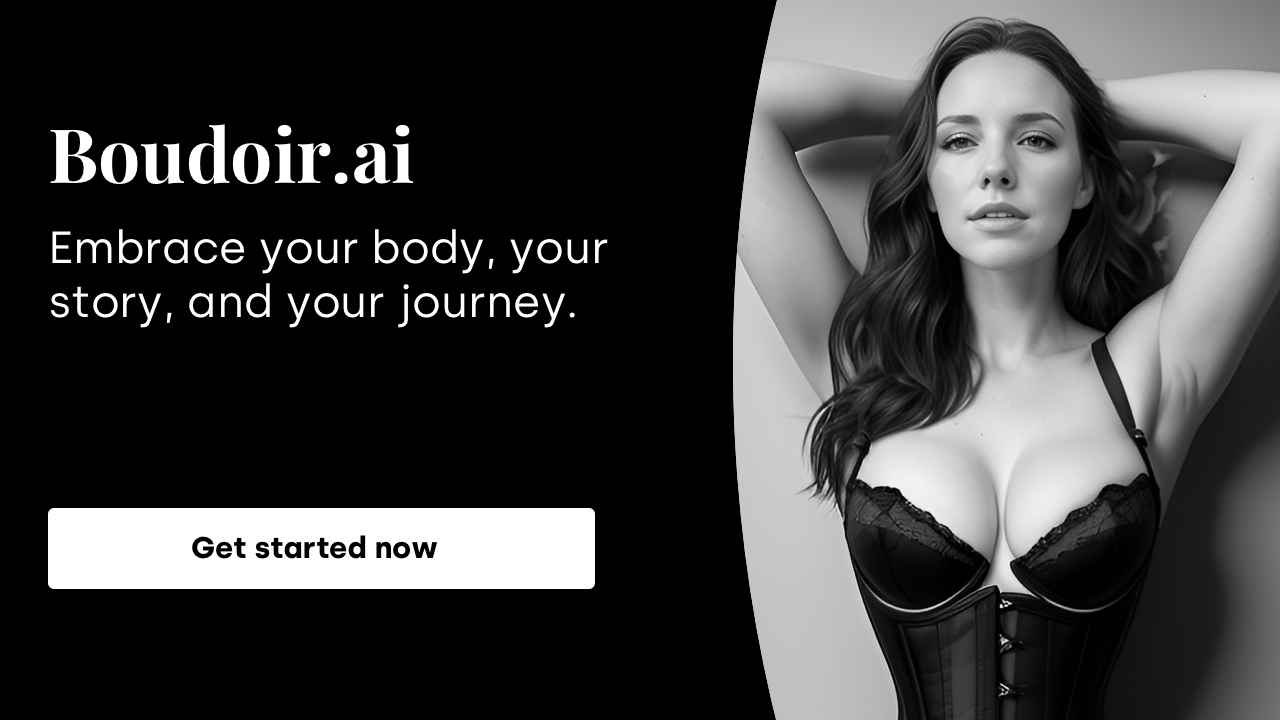
Professional-grade intimate photos, with a tasteful, elegant, and timeless aesthetic
Run a free AEO + signal audit for your domain.
AI Answer Engine Optimization (AEO)
List once. Convert intent from live AI conversations without heavy integration.
AI-Generated Photography is the creation of realistic or stylized images using artificial intelligence and machine learning algorithms. This technology interprets text prompts or base images to produce entirely new visual content with precise details. For businesses, it provides scalable, cost-effective, and royalty-free visual solutions for marketing, product presentation, and design.
You provide a creative brief outlining the desired style, subject matter, resolution, and intended use case for the images.
A specialized AI model is configured and trained using relevant datasets and parameters to produce the targeted visual outcomes.
The system produces a range of image variations, which are then refined through iterative feedback and adjustments to achieve the final asset.
Generates realistic product images and lifestyle scenes for catalogs without the need for expensive photoshoots and physical samples.
Creates unique banners, social media content, and ad imagery tailored to specific target audiences and campaign goals.
Visualizes architectural designs, interiors, and building exteriors in photorealistic quality for planning and sales purposes.
Produces concept art, character designs, and background visuals for films, games, and digital publications.
Creates illustrative, custom diagrams and imagery for training materials, manuals, and technical documentation.
Bilarna evaluates and continuously monitors AI-Generated Photography providers using a proprietary 57-point AI Trust Score. This assessment covers portfolio quality, technical expertise, delivery reliability, and client satisfaction metrics. Only verified providers with proven experience and positive references are listed on our marketplace.
Costs vary significantly based on volume, resolution, style complexity, and licensing. Common pricing models include project-based fees, per-image subscriptions, or custom enterprise packages for high-volume needs.
The generation process itself can take minutes to hours. A complete workflow, including briefing, iterations, and finalization, typically spans a few days, depending on project scale and revision rounds.
AI-generated photography creates images algorithmically from data, offering limitless variations and is often faster and more cost-effective. Traditional photography captures real-world scenes with a camera, providing unique tactile and lighting-based authenticity.
Providers typically deliver standard formats like JPG, PNG, or TIFF in high resolution. Usage rights are generally comprehensive, often including commercial, royalty-free use, but should be explicitly defined in the service agreement.
Evaluate their portfolio for style range and quality, assess expertise with specific AI tools, request client references, and clarify workflow, revision policies, and legal aspects like copyright ownership upfront.
Confirm that AI-generated poems are free from copyright and plagiarism by following these steps: 1. Understand that poems are created by an AI language model trained on a custom dataset. 2. Recognize that each poem is unique and not copied from existing works. 3. Use the poems freely for commercial or noncommercial purposes without needing permission or attribution. 4. Trust that the AI ensures originality and copyright-free content.
Yes, commercial rights are included with all images generated by the bulk image generator. 1. Use the generated images freely for commercial projects, client work, and advertising. 2. There are no additional licensing fees or restrictions on usage. 3. Download the images via the one-click bulk export and integrate them into your marketing or branding materials. 4. This ensures you have full ownership and legal clearance to use the images in any commercial context.
Yes, human experts are involved in reviewing AI-generated real estate deal decks. After the AI creates the deck based on your data and preferences, a quality control team of professionals reviews each deck thoroughly. This review process typically takes at least 15 minutes to ensure the deck is accurate, polished, and ready for presentation. The combination of AI efficiency and human oversight guarantees high-quality, reliable decks that meet professional standards before delivery.
Invoices are automatically generated for every customer order without additional action. Follow these steps to ensure this feature is active: 1. Access your store dashboard and navigate to the order management or invoice settings. 2. Verify that automatic invoice generation is enabled. 3. Customize invoice templates if needed to include your business details. 4. Save the settings to ensure invoices are created and sent to customers automatically upon order placement.
Refunds are not available for AI-generated movie poster purchases due to the significant resources required for image processing. Please consider this before making a purchase. The service processes images immediately, which makes it impossible to offer refunds once the generation has started.
Understand the nature of AI-generated Bible images by following these steps: 1. Recognize that the images are created using AI based on keywords from biblical texts. 2. Know that these images are not literal depictions but artistic interpretations meant to evoke the scene's essence. 3. Use the images as a tool to enhance engagement and imagination while reading the scriptures. 4. Avoid relying on these images for exact historical or textual accuracy.
Yes, warnings are necessary due to the unsettling nature of the images. Follow these steps: 1. Recognize that images may cause discomfort or fear. 2. Avoid viewing if you have a history of anxiety or nightmares. 3. Do not view images before sleeping to prevent insomnia. 4. Use discretion when sharing images with others. 5. Seek support if images trigger emotional distress.
Use AI food photography to enhance poor quality phone photos into professional images. 1. Upload your phone photos, even if they have bad lighting, messy backgrounds, or low resolution. 2. The AI automatically corrects lighting, removes people, cleans the background, and enhances colors. 3. It applies professional photography techniques to make the food look appetizing and studio-quality. 4. Download the enhanced photos ready for use on delivery apps, social media, or websites. This technology is designed to rescue bad photos and transform them into high-quality images.
Yes, AI-generated 2D action figure images can be used as references for 3D printing or prototype design. Follow these steps: 1. Generate a high-resolution 2D image of the action figure using the AI tool. 2. Use the image as a visual reference to model the figure in 3D design software. 3. Create prototypes or packaging designs based on the 3D model. 4. Proceed with 3D printing or further development using the prototype designs.
Use AI-generated coloring pages commercially by following these steps: 1. Verify the licensing terms of the AI coloring page generator to ensure commercial use is permitted. 2. Choose a subscription plan that includes commercial rights if required. 3. Download the coloring pages in high-resolution formats suitable for printing and selling. 4. Use the coloring pages in your products or listings on platforms like Amazon KDP or Etsy. 5. Contact customer support if you need clarification on commercial licensing or usage restrictions.