Step 1
Machine-Ready Briefs
AI translates unstructured needs into a technical, machine-ready project request.
We use cookies to improve your experience and analyze site traffic. You can accept all cookies or only essential ones.
 Bilarna
Stop browsing static lists. Tell Bilarna your specific needs. Our AI translates your words into a structured, machine-ready request and instantly routes it to verified AI-Generated Media experts for accurate quotes.
AI translates unstructured needs into a technical, machine-ready project request.
Compare providers using verified AI Trust Scores & structured capability data.
Skip the cold outreach. Request quotes, book demos, and negotiate directly in chat.
Filter results by specific constraints, budget limits, and integration requirements.
Eliminate risk with our 57-point AI safety check on every provider.
Verified companies you can talk to directly
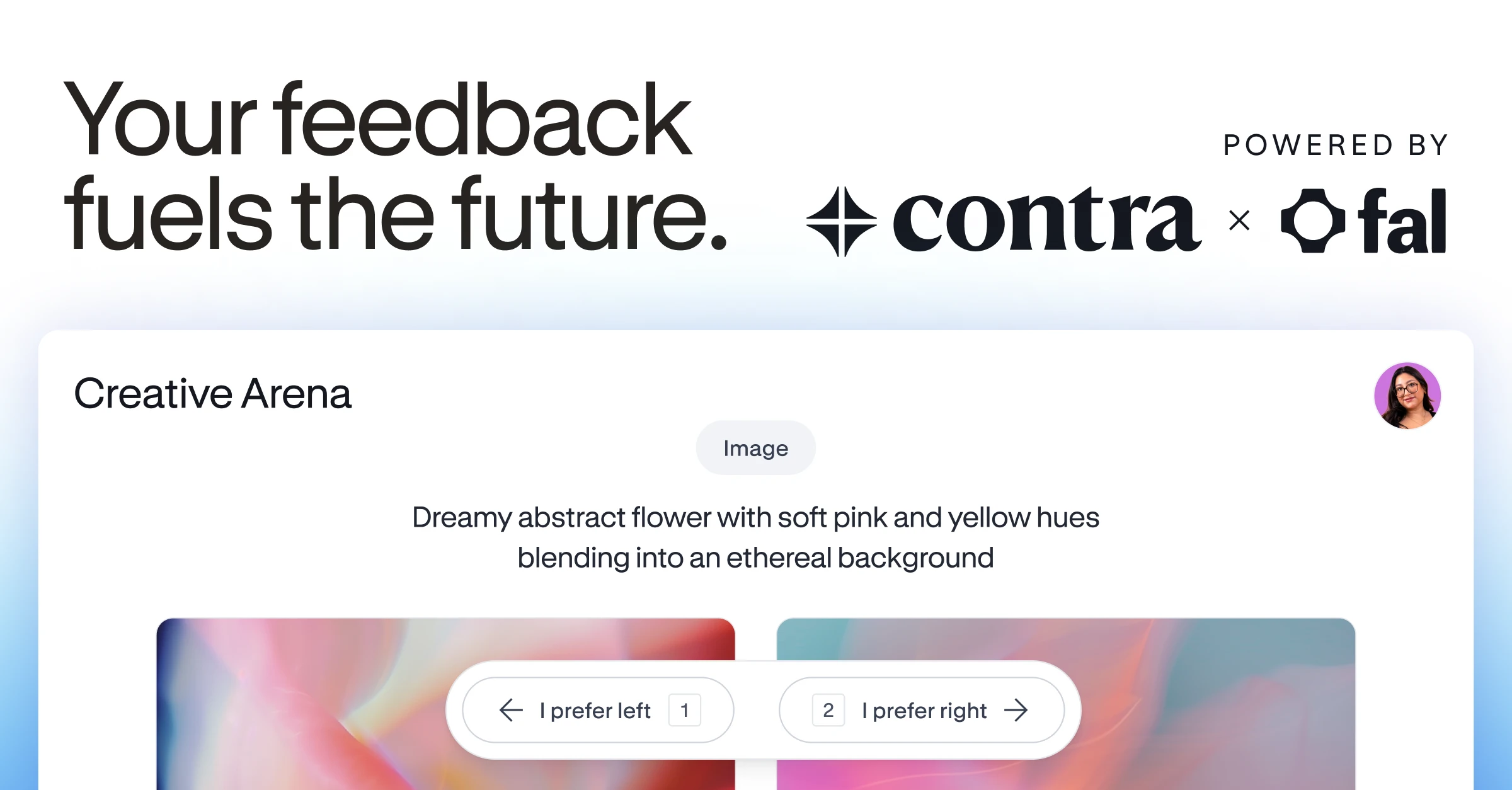
Compare AI-generated images, videos and code based on real-world marketplace prompts, voted on by Contra’s network of 1M+ creative professionals. Shape smarter tools.
Run a free AEO + signal audit for your domain.
AI Answer Engine Optimization (AEO)
List once. Convert intent from live AI conversations without heavy integration.
AI-generated media refers to digital content created or significantly augmented by artificial intelligence algorithms. This includes images, videos, marketing copy, and audio produced using machine learning models like generative adversarial networks (GANs) and large language models (LLMs). For businesses, it enables scalable, personalized, and cost-effective content production for marketing, training, and customer engagement.
Businesses first establish the goals, target audience, format, and key messaging required for their AI-driven media project.
Specialized providers use prompts, datasets, and fine-tuning to direct AI tools in generating initial drafts or visual assets aligned with the brief.
Human experts then review, edit, and approve the AI-generated outputs, ensuring quality and brand alignment before final deployment across channels.
AI generates unique product descriptions, lifestyle imagery, and personalized video ads at scale, boosting conversion rates and reducing manual content creation costs.
Synthetic media creates realistic training videos, interactive scenarios, and simulated environments for employee onboarding, compliance, and skill development.
Agencies use AI to rapidly produce A/B test ad copy, social media visuals, and video storyboards, accelerating campaign cycles and optimizing creative performance.
AI transforms complex financial data into clear, narrated video reports and personalized investment summaries, enhancing client communication and transparency.
Software companies leverage AI to generate dynamic, region-specific demo videos and tutorial content that automatically updates with new product features.
Bilarna evaluates every AI-Generated Media provider through a proprietary 57-point AI Trust Score. This multi-dimensional audit assesses technical expertise in generative AI tools, portfolio quality, client satisfaction metrics, and data security compliance. Bilarna's continuous monitoring ensures listed partners maintain high standards in delivery reliability and ethical AI practices.
Costs vary widely based on project scope, media type, and customization level, typically ranging from a few thousand to tens of thousands of euros. Factors like output volume, licensing for AI models, and the extent of human creative direction significantly influence the final price. Obtain detailed quotes to compare value.
AI-generated media uses algorithms to automate or augment creation, enabling unprecedented speed, scale, and personalization. Unlike purely manual processes, it can rapidly produce countless variants and data-driven content. The key distinction lies in the collaborative workflow between AI tools and human creative oversight for refinement.
Prioritize providers with proven expertise in specific generative AI models, a strong portfolio of relevant case studies, and transparent data handling policies. Assess their creative and technical teams' ability to guide AI outputs and ensure brand consistency. Client references and sample deliverables are crucial for evaluation.
Timelines can range from a few days for simple asset batches to several weeks for complex, high-volume campaigns. The process duration depends on the briefing depth, AI model training or fine-tuning needs, and the revision cycles for human artistic review. Clear scope definition upfront accelerates delivery.
Common mistakes include insufficiently detailed creative briefs, which lead to generic outputs, and neglecting the essential human editing phase for brand alignment. Overlooking intellectual property rights for training data and generated assets also poses significant legal and ethical risks that must be contractually managed.
Confirm that AI-generated poems are free from copyright and plagiarism by following these steps: 1. Understand that poems are created by an AI language model trained on a custom dataset. 2. Recognize that each poem is unique and not copied from existing works. 3. Use the poems freely for commercial or noncommercial purposes without needing permission or attribution. 4. Trust that the AI ensures originality and copyright-free content.
Yes, commercial rights are included with all images generated by the bulk image generator. 1. Use the generated images freely for commercial projects, client work, and advertising. 2. There are no additional licensing fees or restrictions on usage. 3. Download the images via the one-click bulk export and integrate them into your marketing or branding materials. 4. This ensures you have full ownership and legal clearance to use the images in any commercial context.
Yes, human experts are involved in reviewing AI-generated real estate deal decks. After the AI creates the deck based on your data and preferences, a quality control team of professionals reviews each deck thoroughly. This review process typically takes at least 15 minutes to ensure the deck is accurate, polished, and ready for presentation. The combination of AI efficiency and human oversight guarantees high-quality, reliable decks that meet professional standards before delivery.
Invoices are automatically generated for every customer order without additional action. Follow these steps to ensure this feature is active: 1. Access your store dashboard and navigate to the order management or invoice settings. 2. Verify that automatic invoice generation is enabled. 3. Customize invoice templates if needed to include your business details. 4. Save the settings to ensure invoices are created and sent to customers automatically upon order placement.
Refunds are not available for AI-generated movie poster purchases due to the significant resources required for image processing. Please consider this before making a purchase. The service processes images immediately, which makes it impossible to offer refunds once the generation has started.
Understand the nature of AI-generated Bible images by following these steps: 1. Recognize that the images are created using AI based on keywords from biblical texts. 2. Know that these images are not literal depictions but artistic interpretations meant to evoke the scene's essence. 3. Use the images as a tool to enhance engagement and imagination while reading the scriptures. 4. Avoid relying on these images for exact historical or textual accuracy.
Yes, warnings are necessary due to the unsettling nature of the images. Follow these steps: 1. Recognize that images may cause discomfort or fear. 2. Avoid viewing if you have a history of anxiety or nightmares. 3. Do not view images before sleeping to prevent insomnia. 4. Use discretion when sharing images with others. 5. Seek support if images trigger emotional distress.
Yes, AI-generated 2D action figure images can be used as references for 3D printing or prototype design. Follow these steps: 1. Generate a high-resolution 2D image of the action figure using the AI tool. 2. Use the image as a visual reference to model the figure in 3D design software. 3. Create prototypes or packaging designs based on the 3D model. 4. Proceed with 3D printing or further development using the prototype designs.
Use AI-generated coloring pages commercially by following these steps: 1. Verify the licensing terms of the AI coloring page generator to ensure commercial use is permitted. 2. Choose a subscription plan that includes commercial rights if required. 3. Download the coloring pages in high-resolution formats suitable for printing and selling. 4. Use the coloring pages in your products or listings on platforms like Amazon KDP or Etsy. 5. Contact customer support if you need clarification on commercial licensing or usage restrictions.
Yes, AI-generated images can be used for commercial projects by following these steps: 1. Verify the licensing terms of the AI image generator, especially for professional or pro versions. 2. Ensure compliance with any usage restrictions or attribution requirements. 3. Use the AI-generated images in your commercial projects such as marketing, advertising, or product design. 4. Keep documentation of the license and usage rights for legal protection.