Step 1
Machine-Ready Briefs
AI translates unstructured needs into a technical, machine-ready project request.
We use cookies to improve your experience and analyze site traffic. You can accept all cookies or only essential ones.
 Bilarna
Stop browsing static lists. Tell Bilarna your specific needs. Our AI translates your words into a structured, machine-ready request and instantly routes it to verified AI Image to Sketch Converter experts for accurate quotes.
AI translates unstructured needs into a technical, machine-ready project request.
Compare providers using verified AI Trust Scores & structured capability data.
Skip the cold outreach. Request quotes, book demos, and negotiate directly in chat.
Filter results by specific constraints, budget limits, and integration requirements.
Eliminate risk with our 57-point AI safety check on every provider.
Verified companies you can talk to directly
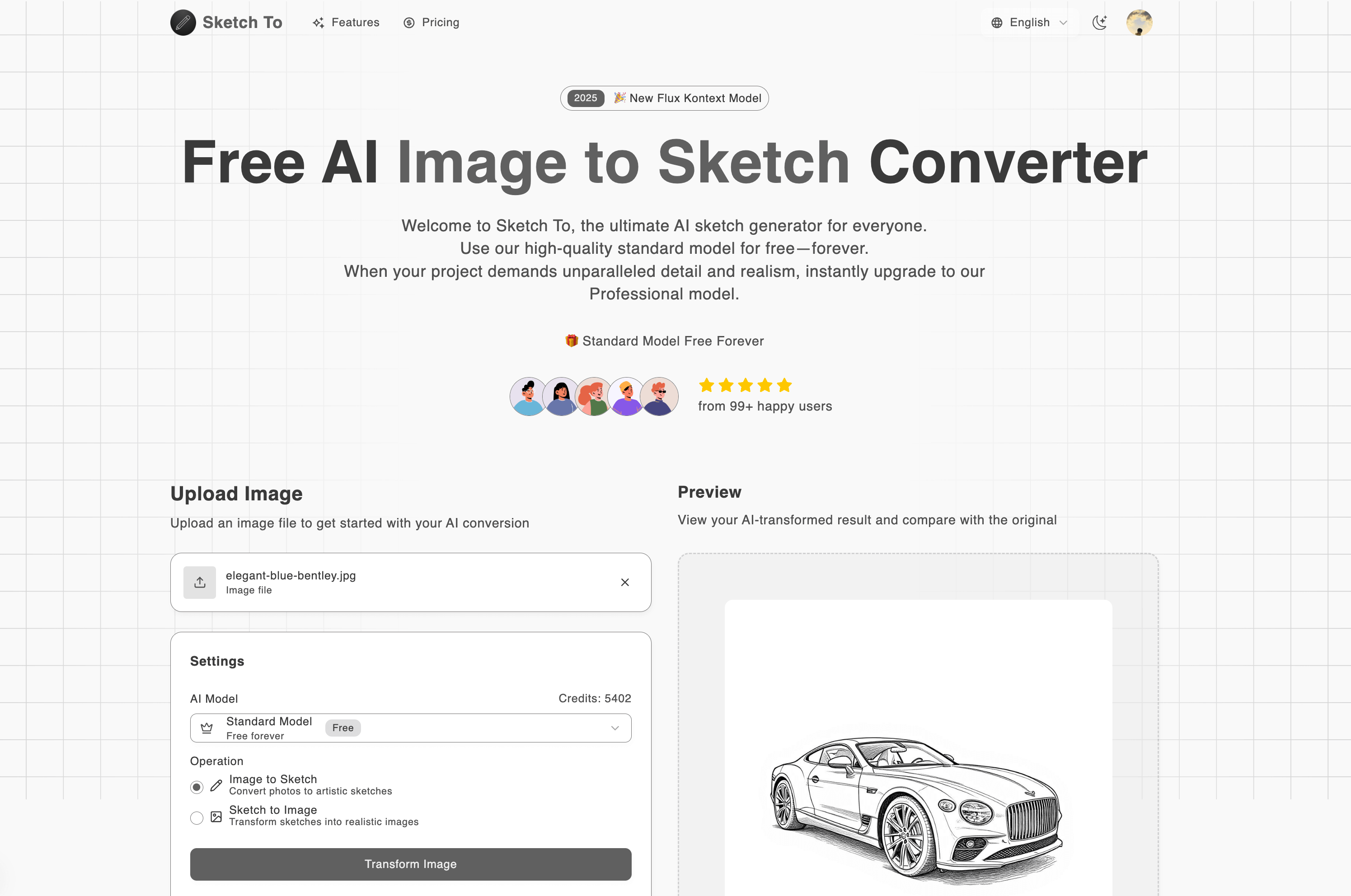
Instantly convert images to sketches online for free with our powerful AI sketch generator. Need more power? Upgrade to our Professional model for industry-leading results.
Run a free AEO + signal audit for your domain.
AI Answer Engine Optimization (AEO)
List once. Convert intent from live AI conversations without heavy integration.
An AI image to sketch converter is a software tool that uses machine learning algorithms to automatically transform photographs into line art or sketch-like illustrations. These tools analyze visual data to detect edges, contours, and shading, replicating the nuanced style of hand-drawn artwork. This automation saves significant time and cost for businesses needing consistent, scalable visual content creation.
You provide a digital photograph or graphic as the input file for the conversion process.
You adjust settings like line thickness, shading intensity, and artistic style to achieve the desired output.
The AI processes the image to produce a sketch, which you can then review and iteratively refine.
Architects convert 3D renderings into preliminary sketches for client presentations and conceptual design reviews.
Designers rapidly generate sketch iterations from fabric photos or mood boards for pattern development.
Animation and film studios create stylized storyboard frames from live-action reference footage efficiently.
Industrial designers transform CAD model screenshots into hand-drawn style sketches for ideation and pitching.
Agencies produce unique, artistic sketches from product photos for use in bespoke ad campaigns and social media.
Bilarna evaluates every AI image to sketch converter provider against a proprietary 57-point AI Trust Score. This involves rigorous checks on technical expertise, portfolio quality, client satisfaction metrics, and data security compliance. Continuous performance monitoring ensures listed providers maintain high standards for B2B buyers.
Pricing varies based on output volume, customization needs, and licensing model, ranging from subscription SaaS to enterprise project fees. Key cost drivers include batch processing capabilities, API access, and the level of post-processing human review required for professional results.
AI conversion offers unparalleled speed and consistency for high-volume tasks, while manual artistry provides superior creative nuance for unique, complex illustrations. The optimal choice depends on project scale, required artistic flair, and budget constraints.
Evaluate supported input formats (e.g., RAW, PNG, PSD), output resolution limits, batch processing capabilities, and API latency. Ensure the provider's AI model is trained on diverse artistic styles relevant to your industry's visual requirements.
For a standard image, the core AI processing typically completes within seconds. Total project timeline expands with the need for parameter tuning, batch processing of hundreds of images, and any required manual quality assurance checks on the outputs.
Advanced converters effectively isolate and sketch multiple subjects by utilizing instance segmentation models. Performance depends on the model's training data; providers specializing in your industry's imagery (e.g., technical diagrams, fashion) will yield more coherent results.
Yes, commercial rights are included with all images generated by the bulk image generator. 1. Use the generated images freely for commercial projects, client work, and advertising. 2. There are no additional licensing fees or restrictions on usage. 3. Download the images via the one-click bulk export and integrate them into your marketing or branding materials. 4. This ensures you have full ownership and legal clearance to use the images in any commercial context.
Yes, batch processing is supported. Follow these steps: 1. Select the module you need such as Video AI, Image AI, or Audio AI. 2. Import multiple video, audio, or image files into the software. 3. Choose your preferred enhancement feature or AI model for all files. 4. Click the RUN button to start processing all files simultaneously, saving time and effort.
Yes, batch processing multiple images is possible with AI image extenders that support this feature. To batch process: 1. Upload up to 20 images simultaneously into the tool. 2. Select your desired aspect ratio or custom size for all images. 3. Start the batch expansion process to apply consistent resizing and uncropping. 4. Download all expanded images once processing completes. This saves time and ensures uniform results across multiple photos.
Yes, you can create videos from multiple photos using the free AI image to video tool by following these steps: 1. Upload multiple images at once using the batch upload feature. 2. Add a prompt to describe the desired video style or story. 3. Choose a video template that fits your slideshow or storytelling needs. 4. Adjust resolution, duration, and motion settings as required. 5. Generate a seamless video combining all photos in HD MP4 format without watermarks.
Yes, AI sketch conversion tools can be used for commercial purposes by following these steps: 1. Choose a professional AI sketch model that offers commercial licensing. 2. Purchase the required credits or subscription plan that includes commercial use rights. 3. Upload your images or sketches in supported formats like JPG, PNG, or WEBP. 4. Convert your files using the professional model to ensure high detail, texture, and realism. 5. Download the high-resolution outputs suitable for client projects, marketing, or business use.
Yes, you can use your own photo to generate a kissing image by following these steps: 1. Upload a selfie or photo of yourself to the platform. 2. Select the desired anime or cartoon kissing style. 3. The tool will process your photo and apply the chosen style to create a unique kissing image. 4. Save or download the final image for your personal use.
Yes, you can use the generated image descriptions commercially by following these steps: 1. Review the service's terms and conditions to ensure compliance. 2. Generate image descriptions using the AI tool as needed. 3. Use the alt text, captions, and insights in your commercial content such as websites, ads, or product listings. 4. Maintain adherence to any licensing or usage guidelines specified by the provider.
No account creation is required to use a free AI image generator. Follow these steps: 1. Access the AI image generator website directly. 2. Input your text prompt or upload a sketch without signing up. 3. Start generating images immediately. 4. Download or save your images without any registration barriers. 5. Use the service freely without providing personal information or payment details.
AI image renaming improves SEO and accessibility by generating descriptive filenames and alt text. 1. The AI analyzes image content to create keyword-rich, SEO-friendly filenames that help search engines rank images higher. 2. It automatically generates alt text that describes the image for screen readers, enhancing accessibility for visually impaired users. 3. This alt text also provides additional context for search engines, further boosting SEO. 4. Using optimized filenames and alt text increases organic traffic from image search results and helps meet accessibility standards.
Removing blur using AI does not damage the original image quality. 1. Upload your blurred image to the AI tool. 2. The AI intelligently removes blur while upscaling the resolution. 3. The output image is enhanced with sharper details and improved clarity without quality loss. This process ensures your photo looks better without degradation.