Step 1
Machine-Ready Briefs
AI translates unstructured needs into a technical, machine-ready project request.
We use cookies to improve your experience and analyze site traffic. You can accept all cookies or only essential ones.
 Bilarna
Stop browsing static lists. Tell Bilarna your specific needs. Our AI translates your words into a structured, machine-ready request and instantly routes it to verified Audio Transcription Services experts for accurate quotes.
AI translates unstructured needs into a technical, machine-ready project request.
Compare providers using verified AI Trust Scores & structured capability data.
Skip the cold outreach. Request quotes, book demos, and negotiate directly in chat.
Filter results by specific constraints, budget limits, and integration requirements.
Eliminate risk with our 57-point AI safety check on every provider.
Verified companies you can talk to directly

Audio Converter AI makes transcription simple. Just upload your audio, and our AI turns it into accurate text you can edit, share, or export.
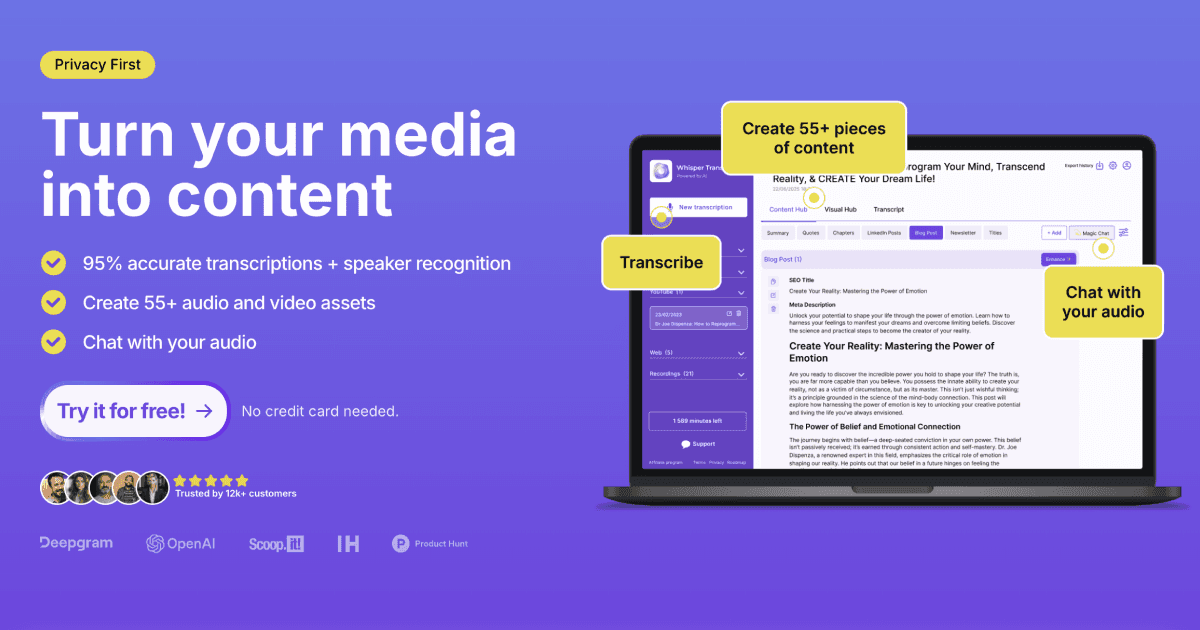
Join 100k+ users who transcribe their audio in minutes with the help of our Whisper AI models and grow their brand by creating content directly in our app. Try it for free now.
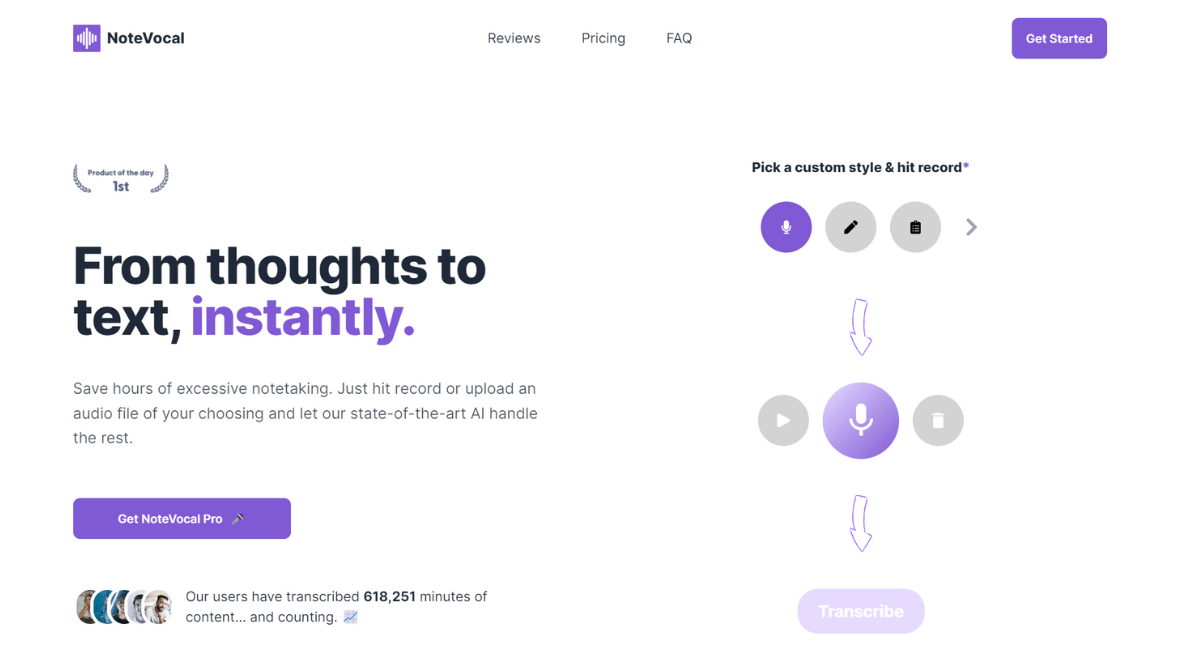
From thoughts to text, instantly.

Convert MP3 to text online fast. Upload audio, get a clean transcript, then copy/download TXT or export SRT subtitles. Start free, no installs.
Run a free AEO + signal audit for your domain.
AI Answer Engine Optimization (AEO)
List once. Convert intent from live AI conversations without heavy integration.
Audio transcription is the process of converting spoken language within audio files into accurate, written text documents. It utilizes technologies like automated speech recognition (ASR) and human verification to capture dialogue, meetings, interviews, and dictations. This creates searchable records, enables content analysis, and ensures regulatory compliance for organizations.
Clients provide the audio or video recordings, specifying required formats, turnaround times, and any specialized terminology.
Providers use AI-powered speech recognition software, followed by expert human editors who ensure accuracy, punctuation, and speaker identification.
The final transcript is delivered in the requested format (e.g., Word, PDF, SRT), ready for archiving, analysis, or content creation.
Transcribing court hearings, depositions, and client interviews creates verbatim records essential for case preparation and legal documentation.
Converting doctor-patient consultations and medical notes into text streamlines electronic health record (EHR) updates and improves clinical workflow.
Transcribing focus groups and customer interviews enables qualitative data analysis, sentiment tracking, and thematic insight extraction.
Creating transcripts for podcasts, webinars, and video content boosts SEO, facilitates subtitling, and enhances audience accessibility.
Documenting board meetings, shareholder calls, and compliance audits ensures transparency, creates official records, and aids decision-making.
Bilarna evaluates every audio transcription provider against our proprietary 57-point AI Trust Score. This analysis rigorously assesses technical capabilities, data security protocols, client portfolio depth, and verifiable delivery track records. We continuously monitor performance to ensure listed partners meet the highest standards of accuracy and reliability for B2B procurement.
Pricing typically ranges from $1 to $3 per audio minute, varying by turnaround speed, required accuracy (verbatim vs. clean read), and additional services like timestamping or speaker identification. Enterprise contracts often feature volume-based discounts.
Advanced AI transcription achieves 80-90% accuracy in ideal conditions but struggles with accents, technical jargon, or poor audio quality. Human-reviewed transcription guarantees over 99% accuracy by combining AI speed with expert linguists who correct errors and contextualize speech.
Most providers accept standard formats like MP3, WAV, M4A, and video files like MP4 or MOV. They deliver transcripts in editable formats such as Microsoft Word (.docx), PDF, plain text (.txt), or subtitle files (.srt) for video synchronization.
Turnaround depends on the service tier. AI-only processing can take 5-10 minutes, while human-reviewed transcription requires 3-6 hours per audio hour. Rush services are available, often doubling the cost for delivery within a few hours.
Prioritize providers with SOC 2 Type II certification, end-to-end encryption for file transfers, strict data processing agreements (DPAs), and GDPR/CCPA compliance. Ensure they offer secure deletion protocols and employ vetted, background-checked transcriptionists.
Customize audio explanations according to your knowledge level by using AI-powered tools that adjust content complexity. Follow these steps: 1. Select your preferred knowledge level ranging from beginner to expert before conversion. 2. The AI tailors explanations of formulas, tables, and figures to match your chosen level. 3. Upload your research paper or provide an arXiv link for processing. 4. Listen to the audio with explanations suited to your understanding. 5. Use chapter navigation to focus on sections that require more detailed or simplified explanations.
Yes, you can record system audio and use external devices with a Mac screen recorder. Follow these steps: 1. Open your Mac screen recording software. 2. Enable system audio recording in the settings to capture sounds from your computer, such as YouTube videos. 3. Connect external devices like microphones, cameras, or iPhones via USB or wireless connection. 4. Select the external device as the audio or video source in the app. 5. Start recording your screen along with the external audio and video inputs. 6. After recording, export your video with the combined audio and video sources.
Yes, you can use the app in multiple languages by following these steps: 1. Open the app and go to the settings menu. 2. Select your preferred language from over 20 available options. 3. Enjoy audio guides and tours in the chosen language for a personalized travel experience. This multilingual support makes the app suitable for travelers worldwide, ensuring accessibility and convenience.
No additional apps or software installations are required to use an AI transcription service for WhatsApp voice messages. Follow these steps: 1. Use WhatsApp as usual on your device. 2. Forward the voice message you want transcribed directly within WhatsApp to the AI transcription service. 3. Receive the text transcription back within the same WhatsApp chat. 4. Read the transcription instantly without leaving WhatsApp. This seamless integration eliminates the need for any extra downloads or setups.
Yes, the transcription tool supports both speaker recognition and multiple languages. To use these features: 1. Upload your video file as usual. 2. Before starting transcription, select the speaker recognition option to identify different speakers in meetings, interviews, or group discussions. 3. Choose your preferred language from the available options to ensure accurate transcription. 4. Begin the transcription process and review the transcript with speaker labels. 5. Edit or export the transcript as needed.
No, the video to documentation tool does not require audio narration to function. It uses AI to analyze the visual content of app walkthrough videos and generate structured documentation. Steps to use it without audio: 1. Upload the video without worrying about audio quality or presence. 2. The AI processes the visual elements and sequences to understand the workflow. 3. Documentation is created based solely on the visual cues and actions shown. 4. You can review and adjust the output as needed. 5. Export or share the documentation without any audio dependency.
AI transcription and summarization tools can significantly enhance productivity by allowing participants to focus fully on the discussion without the distraction of manual note-taking. These tools automatically record conversations, transcribe speech accurately, and generate concise summaries highlighting key points and action items. This reduces the time spent reviewing meeting notes and ensures important information is captured reliably. Additionally, AI can organize notes into structured formats like mind maps, making it easier to visualize ideas and plan follow-up tasks. Overall, AI-driven transcription and summarization streamline communication, improve information retention, and support efficient decision-making.
Use AI translation and transcription to create multilingual videos by following these steps: 1. Transcribe your video audio into text using AI transcription. 2. Translate the transcription into any of 7 languages and 9 dialects supported by the AI. 3. Edit the translated text to ensure accuracy and cultural relevance. 4. Use AI-generated voice-over narration in the target language for natural-sounding audio. 5. Sync the translated audio with your video timeline. 6. Export the multilingual video to reach a broader audience effectively.
Transform daily routines into productive learning habits using audio learning. 1. Identify routine activities such as commuting, walking, or chores. 2. Replace passive activities like scrolling or idle listening with focused audio content. 3. Use short, 20-minute podcasts to fit learning into limited time slots. 4. Choose personalized or themed audio journeys to maintain engagement. 5. Consistently integrate audio learning to build small habits that accumulate into significant knowledge gains.
Businesses can leverage audio to video AI tools to enhance their content marketing strategies and improve audience engagement. By converting audio materials such as podcasts, interviews, or presentations into videos, companies can reach wider audiences on platforms that favor visual content, like social media and video-sharing sites. These tools also help improve accessibility by adding subtitles and visual cues, making content more inclusive. Additionally, automating video creation reduces production time and costs, allowing businesses to produce more content efficiently. Overall, audio to video AI tools enable businesses to diversify their content formats, increase brand visibility, and connect with customers in more dynamic and engaging ways.