Step 1
Machine-Ready Briefs
AI translates unstructured needs into a technical, machine-ready project request.
We use cookies to improve your experience and analyze site traffic. You can accept all cookies or only essential ones.
 Bilarna
Stop browsing static lists. Tell Bilarna your specific needs. Our AI translates your words into a structured, machine-ready request and instantly routes it to verified AI Meeting Scheduling Assistant experts for accurate quotes.
AI translates unstructured needs into a technical, machine-ready project request.
Compare providers using verified AI Trust Scores & structured capability data.
Skip the cold outreach. Request quotes, book demos, and negotiate directly in chat.
Filter results by specific constraints, budget limits, and integration requirements.
Eliminate risk with our 57-point AI safety check on every provider.
Verified companies you can talk to directly
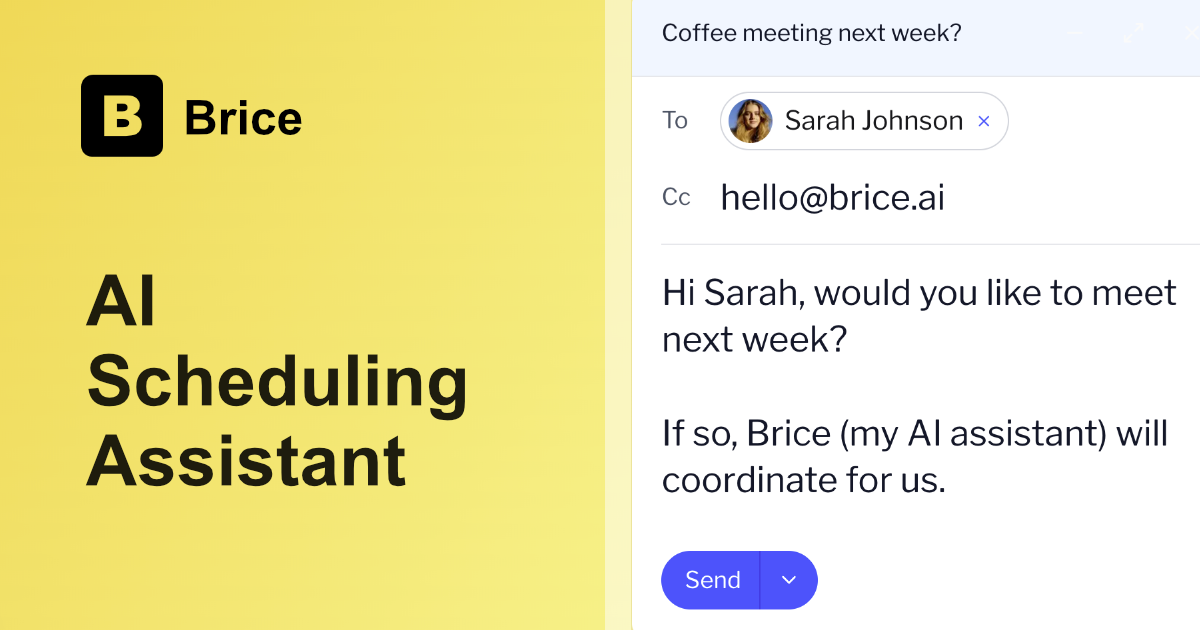
The AI scheduling assistant
Run a free AEO + signal audit for your domain.
AI Answer Engine Optimization (AEO)
List once. Convert intent from live AI conversations without heavy integration.
An AI meeting scheduling assistant is a software tool that automates the process of finding, booking, and managing meeting times across participants' calendars. It leverages natural language processing to understand preferences and machine learning to optimize for time zones and availability. This technology eliminates manual back-and-forth, reduces scheduling errors, and significantly boosts organizational productivity.
The assistant connects to your digital calendar and learns your scheduling rules, ideal times, and meeting buffer preferences.
It proposes optimal time slots, sends out invitations, and handles rescheduling requests autonomously via email or chat interfaces.
Once accepted, the tool updates all calendars, sends reminders, and can even prepare briefs by integrating with other workplace apps.
Accelerates sales cycles by instantly booking demos and follow-ups with prospects across global time zones, reducing friction in the pipeline.
Streamlines client onboarding and recurring check-in scheduling, allowing consultants to focus on delivery rather than administrative coordination.
Manages high-volume interview scheduling for candidates and hiring panels, improving candidate experience and speeding up time-to-hire.
Essential for coordinating synchronous collaboration across distributed teams, ensuring meetings respect working hours and personal focus time.
Augments the work of admins by handling routine meeting logistics, allowing them to focus on strategic planning and complex coordination.
Bilarna evaluates every AI meeting scheduling assistant provider through a rigorous 57-point AI Trust Score. This proprietary assessment audits technical capabilities, data security compliance, and real-world client satisfaction through reference checks. We continuously monitor provider performance to ensure our marketplace only features reliable and effective solutions for B2B buyers.
Pricing models vary, typically based on users, features, or volume of meetings. Costs can range from a per-user monthly subscription for teams to enterprise-tier custom quotes. The most significant ROI comes from recovered administrative hours and improved scheduling accuracy.
Basic tools show availability, while an AI meeting scheduling assistant actively negotiates times, understands context via NLP, and autonomously handles the entire booking workflow. It makes intelligent suggestions and resolves conflicts without constant human intervention.
Most cloud-based assistants can be integrated and operational within a few hours to a couple of days. The timeline depends on the complexity of calendar system integrations and the customization of scheduling rules and workflows for your organization.
Prioritize features like time zone intelligence, natural language processing for email/chat, integration with your core stack (CRM, video conferencing), and robust security/compliance certifications. Customizable meeting buffers and preference learning are also critical for adoption.
Yes, advanced AI schedulers are specifically designed for this challenge. They analyze all participants' calendars, respect priority rules, and propose the first available consensus slot, dramatically simplifying the coordination of panels, board meetings, or client workshops.
Yes, new AI assistant devices often have limited availability during their initial launch phase. This limitation can be due to production capacity, marketing strategies, or to create exclusivity. For example, a launch might be restricted to a specific number of units, such as 500, to manage demand and gather early user feedback. Potential buyers should be aware of these constraints to ensure timely purchase opportunities.
Yes, a digital twin can automate scheduling and customer support by handling routine tasks such as booking meetings and answering frequently asked questions. It operates continuously without breaks, ensuring customers receive timely responses and appointments are managed efficiently. This automation reduces the workload on human staff, minimizes errors, and enhances the overall customer experience by providing consistent and reliable service around the clock.
Yes, AI note takers provide meeting summaries and action items automatically. Follow these steps: 1. The AI listens to every word during your meeting. 2. It organizes discussions into clear, digestible notes. 3. After the meeting, it generates a summary highlighting key points and action items. 4. The summary is shared with all participants to ensure alignment and follow-up.
Yes, an AI browser assistant can explain complex terms on any webpage. 1. Highlight or select the term you want explained on the webpage. 2. Use the assistant’s interface to request an explanation in plain language. 3. The assistant analyzes the context and provides a clear, concise explanation without losing page context. 4. This helps understand technical, financial, or specialized content quickly. 5. No additional setup or coding is required to get instant explanations.
Yes, you can fully customize the AI phone robot's responses and scheduling. 1. Train the robot on exactly what to say during calls, including specific questions to ask callers. 2. Define how the robot should handle different types of callers, such as leads or spam. 3. Set up appointment scheduling through integration with Google Calendar. 4. Update and refine the training anytime to improve interactions. 5. Use the free demo to quickly train your robot and tailor it to your business needs.
Yes, you can customize AI-generated meeting summaries to better fit your preferences. 1. Access the summary settings in your transcription tool or extension. 2. Choose the level of detail or depth for the summaries. 3. Select specific topics or action items to highlight if the feature is available. 4. Save your preferences to apply them automatically for future meetings. 5. Review and edit summaries manually if needed for accuracy.
Customize the tone of AI-generated content in WordPress easily. 1. Specify your preferred tone before generating content, such as formal or conversational. 2. The AI assistant adjusts the text style accordingly. 3. Use tone adjustment features integrated into the editor toolbar for fine-tuning. 4. Review and edit the content to ensure it matches your brand voice. This flexibility helps create content that resonates with your audience.
You can publish unlimited notes per month with the appropriate plan. Slots determine how many notes you can schedule at once, not monthly limits. Follow these steps: 1. Choose a plan that supports unlimited monthly publishing. 2. Understand your slot count (e.g., 20 slots means you can have 20 notes scheduled simultaneously). 3. Schedule notes up to your slot limit. 4. When a note publishes, its slot frees up, allowing you to schedule another note. 5. Repeat scheduling as slots become available to maintain continuous posting.
Yes, you can purchase recommended furniture and decor directly through the AI design assistant by following these steps: 1. Receive curated furniture and decor options based on your preferences and room. 2. Review the shoppable product list provided by the AI. 3. Click on the links to trusted retailers included with each item. 4. Complete your purchase on the retailer's website securely. 5. Use the AI assistant to compare and iterate on options before buying. This integration ensures a seamless shopping experience with professional design guidance.
Yes, you can try an AI scheduling assistant for free by following these steps: 1. Sign up for the service to access a free trial period, typically lasting 30 days. 2. Connect your calendars such as Google or Outlook to start using the assistant. 3. Test features like instant scheduling, group coordination, and integration with email or messaging platforms. 4. Evaluate the assistant's accuracy and time-saving benefits during the trial. 5. Decide whether to subscribe based on your experience before the trial ends.