Step 1
Machine-Ready Briefs
AI translates unstructured needs into a technical, machine-ready project request.
We use cookies to improve your experience and analyze site traffic. You can accept all cookies or only essential ones.
 Bilarna
Stop browsing static lists. Tell Bilarna your specific needs. Our AI translates your words into a structured, machine-ready request and instantly routes it to verified AI Image Generator experts for accurate quotes.
AI translates unstructured needs into a technical, machine-ready project request.
Compare providers using verified AI Trust Scores & structured capability data.
Skip the cold outreach. Request quotes, book demos, and negotiate directly in chat.
Filter results by specific constraints, budget limits, and integration requirements.
Eliminate risk with our 57-point AI safety check on every provider.
Verified companies you can talk to directly
Sketch To Image transforms any sketches into stunning image using AI magic...
Create stunning visuals with ease using Drawing AI – a Free Unlimited AI Image generator that transforms your simple scribbles into detailed images effortlessly.
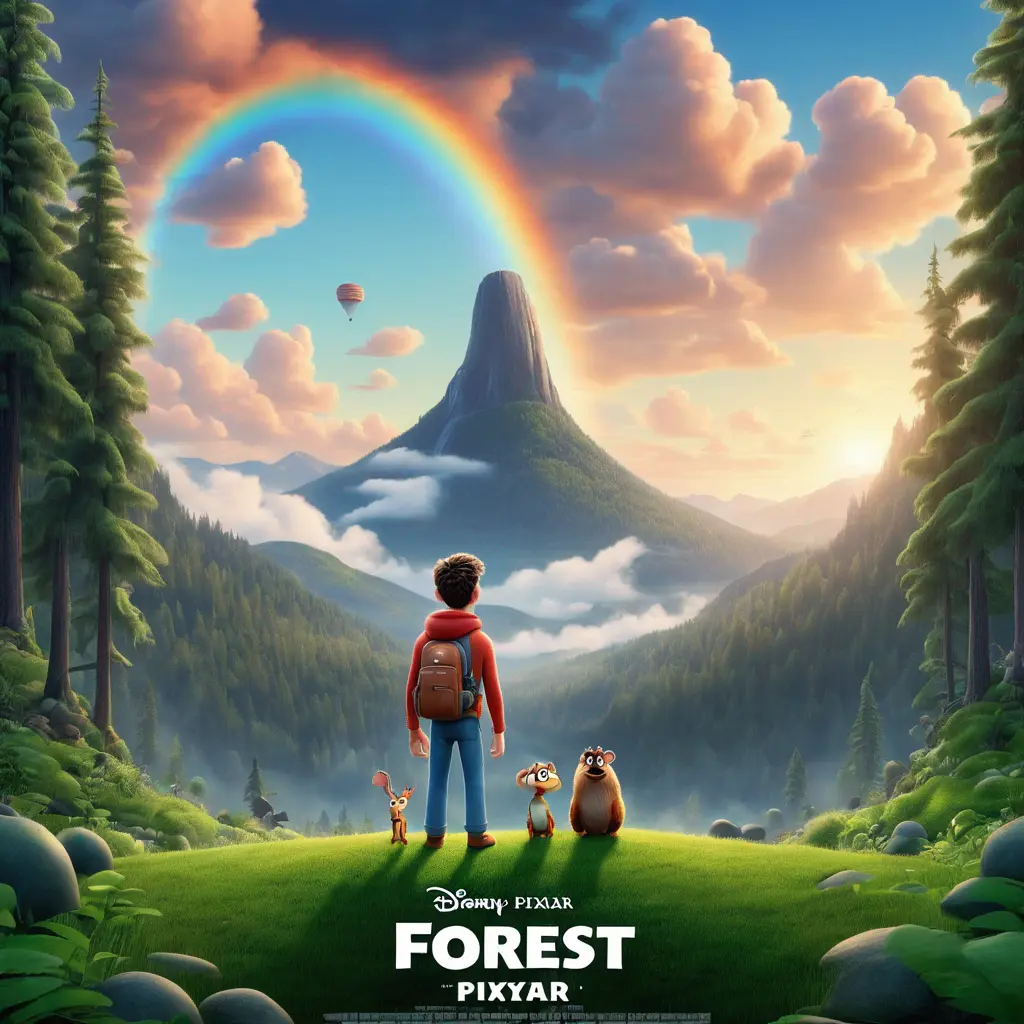
Disney Pixar AI Generator & Ghibli Style Image Converter allows you to effortlessly transform your images into stunning Disney Pixar and Ghibli-style creations. Create your own characters with our free AI generator.
Professional AI image generator supporting text-to-image and image-to-image conversion. Generate high-quality, watermark-free original images using advanced AI models. Perfect for design, marketing, content creation, and more. Try our free AI image generation tool today.
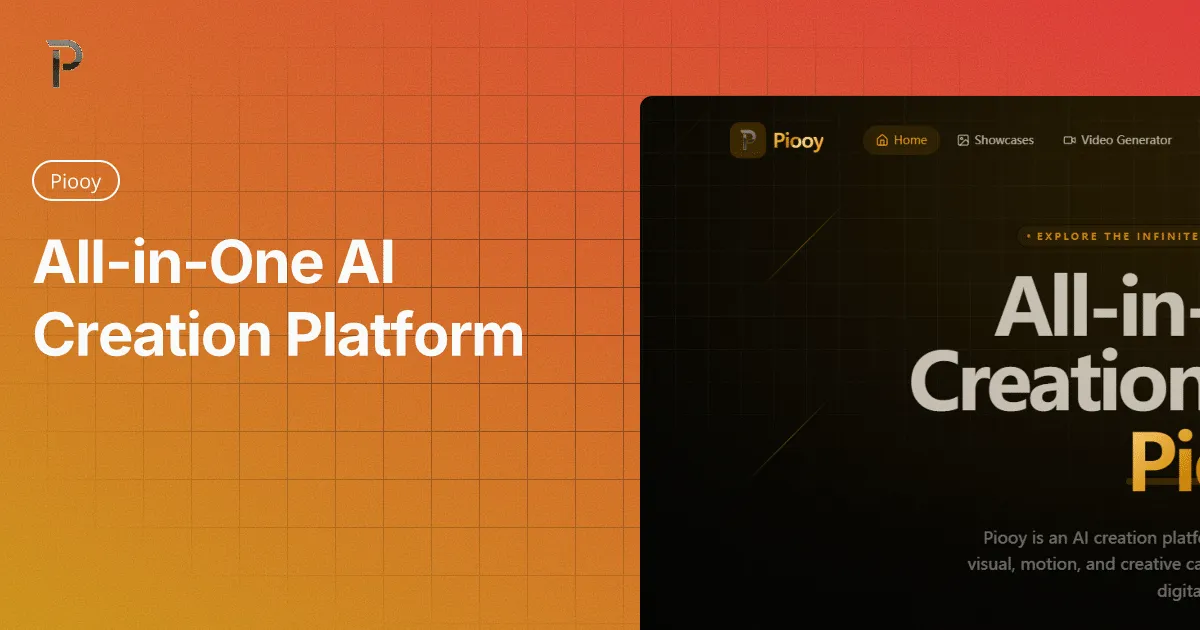
Use the AI image generator to create images from text prompts instantly. Powerful text to image AI art generator online on Piooy.
An all-in-one image to image AI generator (img2img). Upload a photo to edit, enhance, restyle, outpaint, and add one-click AI effects—no skills needed.
Run a free AEO + signal audit for your domain.
AI Answer Engine Optimization (AEO)
List once. Convert intent from live AI conversations without heavy integration.
An AI Image Generator is a software tool that uses artificial intelligence, typically deep learning models like GANs or diffusion models, to create original visual content from textual prompts or input parameters. These platforms leverage vast training datasets to produce photorealistic images, illustrations, or design assets based on descriptive instructions. For businesses, this technology accelerates content creation, reduces reliance on traditional graphic design resources, and enables scalable visual production for marketing, product design, and branding.
Users input a detailed text prompt describing the desired image, including subject, style, composition, and artistic parameters for the AI model to interpret.
The AI model processes the prompt through its neural network, synthesizes visual elements, and produces multiple image variations for user review and iterative refinement.
The final approved images are exported in required formats and resolutions, ready for integration into marketing campaigns, applications, or design projects.
Generate high-quality product photos, lifestyle imagery, and promotional banners at scale, reducing photoshoot costs and accelerating campaign launches.
Create concept art, character designs, textures, and environment assets rapidly to streamline pre-production and visualize game worlds.
Produce unique blog graphics, social media visuals, and ad creatives on-demand to maintain a consistent and engaging brand presence across channels.
Visualize architectural concepts, interior layouts, and material finishes through photorealistic renderings based on textual descriptions of spaces.
Iterate on product concepts, packaging designs, and UI mockups by generating numerous visual variations to inform decision-making and stakeholder presentations.
Bilarna evaluates every AI Image Generator provider against its proprietary 57-point AI Trust Score before they can join the marketplace. This assessment rigorously examines technical capabilities, model performance, output quality, and data security protocols. We continuously monitor client satisfaction and project delivery track records to ensure listed partners meet the highest standards of reliability and expertise.
Business pricing varies significantly based on features, volume of generations, and licensing. Costs can range from monthly subscriptions of $50-$500 for SaaS platforms to enterprise agreements exceeding $10,000 annually for custom solutions with advanced API access, dedicated support, and higher resolution outputs.
Open-source models offer greater customization and no licensing fees but require significant technical expertise for deployment, maintenance, and compliance. Commercial platforms provide user-friendly interfaces, reliable uptime, dedicated support, and often include legal indemnification for generated content, making them suitable for mainstream business adoption.
Implementation timelines range from immediate use for cloud-based SaaS platforms to several weeks for on-premise deployments. Factors include integration complexity with existing design systems, user training requirements, and customization needs for brand-specific style guides or proprietary data fine-tuning.
Critical specifications include output resolution (e.g., 1024x1024px or higher), generation speed, supported artistic styles, model architecture (e.g., Stable Diffusion, DALL-E), training data transparency, API reliability, and format export options. Also assess the tool's ability to handle complex prompts and maintain consistency across multiple image generations.
Key considerations include copyright ownership of generated images, licensing terms of the AI model's training data, potential trademark or likeness infringements, and platform-specific usage rights. Reputable commercial providers typically offer clear terms of service that grant users full commercial rights to their generated outputs.
Yes, commercial rights are included with all images generated by the bulk image generator. 1. Use the generated images freely for commercial projects, client work, and advertising. 2. There are no additional licensing fees or restrictions on usage. 3. Download the images via the one-click bulk export and integrate them into your marketing or branding materials. 4. This ensures you have full ownership and legal clearance to use the images in any commercial context.
Yes, batch processing is supported. Follow these steps: 1. Select the module you need such as Video AI, Image AI, or Audio AI. 2. Import multiple video, audio, or image files into the software. 3. Choose your preferred enhancement feature or AI model for all files. 4. Click the RUN button to start processing all files simultaneously, saving time and effort.
Yes, an AI business plan generator can be used for any industry. To tailor your plan: 1. Provide specific information about your business and industry when answering the initial questions. 2. The AI uses this data to generate industry-specific advice and structure your plan accordingly. 3. Review the plan to ensure it fits your unique business needs before finalizing.
Anyone can use a free AI story generator, not just writers. Follow these steps to get started: 1. Access the AI story generator platform. 2. Choose to create a new world or fanfiction or upload an image to inspire a story. 3. Use the AI tools to generate ideas and develop narratives regardless of your background. 4. Share or save your creations as desired. This tool supports students, hobbyists, and anyone interested in storytelling.
Yes, batch processing multiple images is possible with AI image extenders that support this feature. To batch process: 1. Upload up to 20 images simultaneously into the tool. 2. Select your desired aspect ratio or custom size for all images. 3. Start the batch expansion process to apply consistent resizing and uncropping. 4. Download all expanded images once processing completes. This saves time and ensures uniform results across multiple photos.
Yes, you can create your own characters using the AI generator by following these steps: 1. Open the AI generator tool on the platform. 2. Upload a base image or start from scratch if the option is available. 3. Customize features or select styles such as Disney Pixar or Ghibli. 4. Generate the character and save or download the final creation for personal use.
Yes, you can create videos from multiple photos using the free AI image to video tool by following these steps: 1. Upload multiple images at once using the batch upload feature. 2. Add a prompt to describe the desired video style or story. 3. Choose a video template that fits your slideshow or storytelling needs. 4. Adjust resolution, duration, and motion settings as required. 5. Generate a seamless video combining all photos in HD MP4 format without watermarks.
Yes, you can customize memes after generation. Follow these steps: 1. Generate memes by entering your text and letting the AI create options. 2. Select a meme you want to personalize. 3. Edit text elements including font style, size, and color. 4. Upload your own images if desired to enhance the meme. 5. Download the customized meme in high quality and share it on your preferred platforms.
Yes, you can customize voice and language settings in an AI voice generator by following these steps: 1. Access the AI voice generator interface. 2. Locate the voice selection menu and choose from available voice options. 3. Select the preferred language for the speech output. 4. Adjust additional settings such as speech speed, pitch, and tone if available. 5. Preview the voice to ensure it meets your requirements before generating the final audio.
Yes, you can specify cultural or linguistic preferences in the baby name generator to get meaningful and appropriate name suggestions. Follow these steps: 1. Enter your desired cultural origin or language in the attributes section of the form. 2. Include other criteria such as starting letter, name length, or meaning if desired. 3. Click generate to receive names that reflect your cultural or linguistic preferences. 4. Adjust the criteria as needed to refine the suggestions further.