Step 1
Machine-Ready Briefs
AI translates unstructured needs into a technical, machine-ready project request.
We use cookies to improve your experience and analyze site traffic. You can accept all cookies or only essential ones.
 Bilarna
Stop browsing static lists. Tell Bilarna your specific needs. Our AI translates your words into a structured, machine-ready request and instantly routes it to verified AI Content Creator experts for accurate quotes.
AI translates unstructured needs into a technical, machine-ready project request.
Compare providers using verified AI Trust Scores & structured capability data.
Skip the cold outreach. Request quotes, book demos, and negotiate directly in chat.
Filter results by specific constraints, budget limits, and integration requirements.
Eliminate risk with our 57-point AI safety check on every provider.
Verified companies you can talk to directly

A creative AI video generator leverages the potential of AI avatars and provides a smooth face swap.

Generate your next Twitter bio in seconds
Let your imagination run wild...
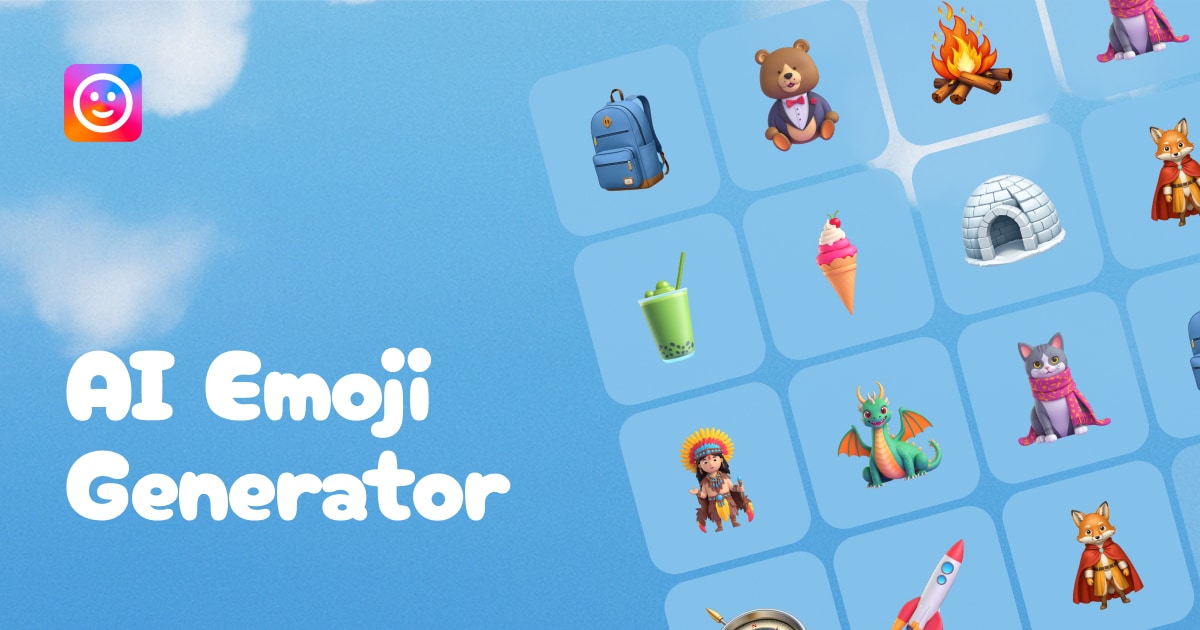
Turn your ideas into emojis with AI Emoji Generator. Generate your favorite Slack or Discord emojis with just one click.

Analyze multiple text files, PDFs, images and web pages with an AI-powered research assistant.
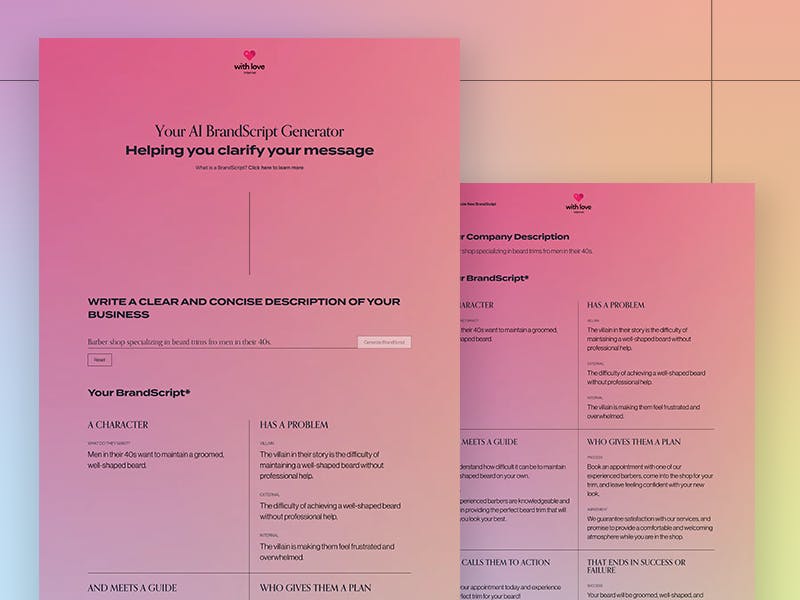
Explore our AI-powered HeroGuide Brand Story Generator. We use AI to help you craft a unique Brand Story. Start making your message clearer and connect better with your audience today.
Write a book using AI with Shakespeare AI - the best AI book writing tool. Create novels, stories, and books instantly with our free AI book generator. Perfect AI writing assistant for authors.
Generate a PowerPoint Presentation on any topic. Just type in a few words and our AI will generate it for you.
Code2Docs - Transform your codebase into comprehensive, beautiful documentation automatically. 100% open source and free to use.
Run a free AEO + signal audit for your domain.
AI Answer Engine Optimization (AEO)
List once. Convert intent from live AI conversations without heavy integration.
An AI Content Creator is a software solution that uses artificial intelligence to generate, optimize, and scale written or multimedia content. It leverages natural language processing and machine learning models to produce marketing copy, articles, product descriptions, and social media posts. This technology significantly reduces manual effort while maintaining brand voice and improving content output consistency.
Businesses first establish their content goals, target audience, brand voice guidelines, and required output formats for the AI system.
The AI tool is configured with specific parameters and often fine-tuned on a company's existing content to align with its unique style and terminology.
The system produces initial drafts, which human editors then review, refine, and approve to ensure quality and strategic alignment before publication.
Automate the creation of unique, SEO-friendly descriptions for thousands of products, saving time and ensuring consistency across vast online catalogs.
Scale content marketing efforts by generating foundational drafts for thought leadership articles, how-to guides, and industry reports to drive organic traffic.
Deliver high-volume content for multiple client campaigns efficiently, from ad copy and email sequences to social media captions and landing pages.
Produce standardized reports, client communications, and regulatory documentation with consistent messaging and reduced risk of human error.
Generate consistent internal updates, training materials, and policy documents at scale to keep large, distributed teams informed and aligned.
Bilarna verifies every AI Content Creator provider through a rigorous 57-point AI Trust Score, evaluating technical expertise, platform reliability, and client satisfaction. Our assessment includes a thorough review of the provider's technology stack, data security protocols, and a portfolio of delivered work. Bilarna continuously monitors performance to ensure listed providers maintain the highest standards of service and innovation.
Pricing varies widely based on features, usage volume, and support levels. Most B2B providers offer tiered subscription models, with enterprise plans for high-volume needs typically costing significantly more than basic packages. Implementation and training fees may also apply.
A basic AI writer primarily generates text, while a comprehensive AI content creator often includes workflow management, multi-format support, SEO optimization, brand voice calibration, and integration capabilities. The latter is a full-stack solution for end-to-end content operations.
Implementation can range from days to several weeks. The timeline depends on the platform's complexity, the required integrations with existing tech stacks, and the depth of training needed for teams to use the tool effectively and responsibly.
Critical features include robust brand voice customization, granular content governance controls, plagiarism detection, seamless CMS integrations, advanced analytics, and strong compliance with data privacy regulations like GDPR. Scalability and reliable customer support are also essential.
Yes, when properly guided and optimized, AI-generated content can rank effectively. Success depends on providing the AI with strategic keywords, clear topical authority signals, and human oversight to ensure content offers genuine value, originality, and satisfies search intent.
Yes, AI masks are legally safe and users retain ownership by following these steps: 1. Verify your real identity as required by the platform to comply with legal regulations. 2. Use AI masks ethically and avoid violating terms of service. 3. Understand that AI masks are generated and do not steal anyone's identity. 4. Create and publish content with AI masks knowing you have full commercial license and ownership over your masked videos and photos. 5. Avoid using AI masks for unethical purposes to maintain compliance and safety.
Many creator marketing platforms offer flexible subscription models without mandatory minimum periods or binding contracts. Users can often cancel their subscriptions at any time through their account settings. This flexibility allows brands to adapt their marketing strategies as needed without long-term commitments. It is important to review the specific platform's terms to understand cancellation policies and any potential fees, but generally, these platforms aim to provide user-friendly and commitment-free access.
Yes, AI email tools can be trained with your own documents or website content. 1. Access the AI tool's dashboard or training section. 2. Upload your documents, FAQs, or provide your website URL. 3. The AI will analyze the content to learn your specific information. 4. Use the trained AI to generate personalized and contextually relevant email replies. 5. Monitor character counts to stay within your plan's limits.
Yes, AI music generators are highly useful for content creators looking to produce royalty-free background music quickly and easily. These tools allow users to generate custom background tracks by inputting text prompts, uploading images, or providing reference audio. The AI then composes music tailored to the desired mood and style, covering a wide range of genres. The generated music is 100% royalty-free, enabling creators to use it in videos, podcasts, games, and other media without licensing concerns. Additionally, AI music generators often provide options to customize the sound and export high-quality audio files, streamlining the content creation process.
AI text generators can produce unique content by using language models and algorithms. To ensure uniqueness: 1. Generate text based on diverse and extensive training data. 2. Review and edit the AI-generated content to align with specific requirements. 3. Combine AI output with human creativity to enhance originality and relevance.
Yes, an AI-powered authoring platform can handle complex academic content effectively. To do so: 1. Use LaTeX or MathML support to create, edit, and validate complex STEM equations accurately. 2. Integrate with reference databases such as CrossRef, PubMed, and ORCID for real-time reference verification and linking. 3. Apply automatic formatting and style consistency to references and citations. 4. Edit text, tables, and figures with AI assistance to maintain accuracy. 5. Manage author queries and communication within the platform to resolve content issues. 6. Export structured, publication-ready outputs in XML and PDF formats. This ensures precise handling of technical academic content, improving quality and efficiency in scholarly publishing.
Yes, most AI content generation tools allow you to customize the output before downloading. You can usually adjust various settings such as style, color schemes, resolution, length (for videos), and other creative parameters. This customization helps tailor the generated content to better fit your specific needs or branding requirements. By modifying these options, you can influence the final look and feel of the video or image, ensuring it aligns with your vision. After making your adjustments, the AI reprocesses the input and updates the content accordingly, which you can then download.
Customize the tone of AI-generated content in WordPress easily. 1. Specify your preferred tone before generating content, such as formal or conversational. 2. The AI assistant adjusts the text style accordingly. 3. Use tone adjustment features integrated into the editor toolbar for fine-tuning. 4. Review and edit the content to ensure it matches your brand voice. This flexibility helps create content that resonates with your audience.
Yes, you can export the generated content in different formats by following these steps: 1. After generating your content, choose the export option. 2. Select the desired format such as web pages or markdown files. 3. For videos, you can also download SRT files for subtitles. 4. Download or share the exported files as needed for your project or platform.
Refunds are not available for AI-generated content due to the computational costs involved. 1. Understand that each AI content generation request consumes credits from your plan or purchased package immediately. 2. The platform incurs costs for processing these requests, making refunds unfeasible. 3. Review your credit usage carefully before generating content. 4. Contact support for any issues but note that refunds will not be issued. 5. Plan your projects accordingly to avoid unexpected credit consumption.