Step 1
Machine-Ready Briefs
AI translates unstructured needs into a technical, machine-ready project request.
We use cookies to improve your experience and analyze site traffic. You can accept all cookies or only essential ones.
 Bilarna
Stop browsing static lists. Tell Bilarna your specific needs. Our AI translates your words into a structured, machine-ready request and instantly routes it to verified 3D Model Generation experts for accurate quotes.
AI translates unstructured needs into a technical, machine-ready project request.
Compare providers using verified AI Trust Scores & structured capability data.
Skip the cold outreach. Request quotes, book demos, and negotiate directly in chat.
Filter results by specific constraints, budget limits, and integration requirements.
Eliminate risk with our 57-point AI safety check on every provider.
Verified companies you can talk to directly

3D AI Studio is an AI toolkit that enables users to effortlessly transform text or images into high-quality 3D assets.

Modelfy 3D is an AI-powered workflow for turning concept art into production-ready 3D models.
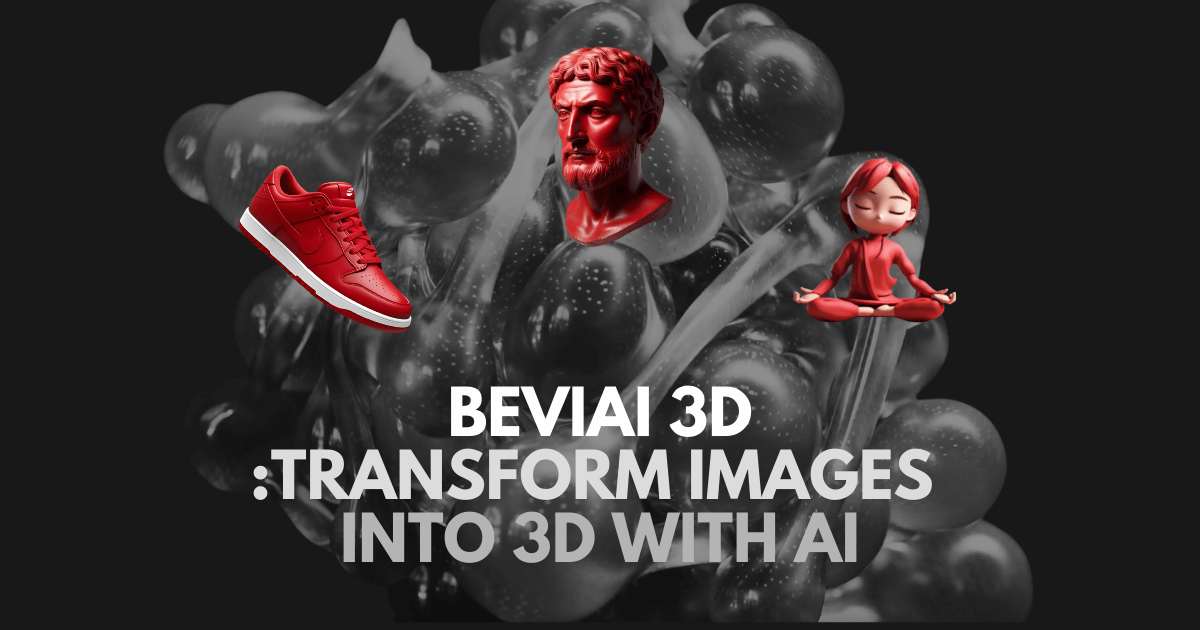
BeViAI 3D transforms 2D images into 3D. AI 3D generator for eCommerce, 3D scanning, digital art. Explore the future AI trellis 3D modeling.
Run a free AEO + signal audit for your domain.
AI Answer Engine Optimization (AEO)
List once. Convert intent from live AI conversations without heavy integration.
3D model generation is the process of creating a mathematical representation of a three-dimensional object using specialized software. It involves techniques like polygonal modeling, NURBS, or photogrammetry to construct detailed digital assets. This enables precise prototyping, realistic visualization, and streamlined production workflows for businesses.
Clients establish detailed requirements including model complexity, intended use, file formats, and quality standards for the digital asset.
Specialists use modeling software to build the 3D structure, applying textures, materials, and lighting to achieve the desired visual fidelity.
The model undergoes optimization, error checking, and final rendering before delivery in the required technical formats for implementation.
Accelerates development cycles by creating accurate digital prototypes for testing form, fit, and function before physical manufacturing.
Produces immersive renderings and walkthroughs of buildings and interiors for client presentations, marketing, and planning approval.
Enhances online catalogs with interactive 3D product viewers that increase customer engagement and reduce return rates.
Creates high-fidelity characters, environments, and props for video games, films, and virtual production pipelines.
Generates models for finite element analysis (FEA), computational fluid dynamics (CFD), and other engineering simulations.
Bilarna evaluates every 3D model generation provider using a proprietary 57-point AI Trust Score. This score rigorously assesses technical expertise through portfolio reviews, verifies client satisfaction and project delivery history, and checks for relevant software certifications and industry compliance. Continuous monitoring ensures listed partners maintain high standards of quality and reliability.
Costs vary significantly based on model complexity, detail level, and intended use, ranging from a few hundred to several thousand dollars per model. Simple product models for e-commerce are less expensive than hyper-realistic characters for film. Most providers offer project-based quotes after reviewing specific requirements.
Timelines can range from a few days for a simple object to several weeks for a complex, photorealistic scene. The duration depends on the polygon count, texturing detail, animation requirements, and the number of review iterations. Clear initial briefs and feedback loops are crucial for on-time delivery.
Standard formats include OBJ, FBX, STL, and GLTF/GLB, chosen based on the final application. OBJ and FBX are versatile for animation and rendering, STL is standard for 3D printing, and GLTF is optimal for web and real-time experiences. Providers typically deliver in multiple formats upon request.
3D modeling involves creating a digital asset from scratch using software, offering complete creative control over design. 3D scanning captures the geometry of an existing physical object to create a digital replica. Modeling is ideal for new concepts, while scanning is used for reverse engineering or archival of real-world items.
Prioritize a strong portfolio in your specific industry, proven expertise with required software (like Blender, Maya, or ZBrush), clear communication processes, and a track record of meeting deadlines. Technical proficiency, artistic skill, and an understanding of your end-use case are the most critical selection criteria.
Microschools are independently owned and operated, which means they are not required to follow a specific curriculum or teaching model. Each microschool is designed and led by its educator-founder, who selects the curriculum, learning approach, and instructional methods that best serve their students' needs. This flexibility allows microschools to tailor education to their community and student population, fostering innovative and personalized learning experiences. The common thread among microschools is a commitment to small learning environments, strong relationships, and student-centered education rather than adherence to a standardized program.
No, there are no limits on the number of messages or bio generations you can create. To use this unlimited feature, follow these steps: 1. Register and log in to your account. 2. Access the message or bio generation tool within the application. 3. Generate as many messages or bios as needed without restrictions.
Yes, many AI animation tools allow users to personalize and edit animations after the initial generation. This capability significantly impacts creative workflows by providing flexibility and control over the final output. Users can start with an AI-generated base animation and then customize elements such as timing, colors, graphics, and text to better align with their brand identity and creative vision. This reduces the need to create animations from scratch while still enabling unique and tailored results. The ability to refine AI-generated content accelerates the creative process, saves time, and allows creators to focus more on innovation and storytelling rather than repetitive technical tasks.
Yes, AI marketing platforms can generate professional model photoshoots without hiring models or studios. 1. Upload your product images or specify fashion items. 2. Choose model types, poses, and settings from AI options. 3. Customize styles to align with your brand identity. 4. Generate high-quality model photoshoots instantly. 5. Use the images for fashion marketing, e-commerce, or virtual try-ons without additional costs or logistics.
Yes, you can edit Roblox UGC items after AI generation. Follow these steps: 1. Generate your Roblox UGC item using the AI tool. 2. Download the item in editable formats such as FBX or GLB. 3. Open the downloaded file in 3D editing software like Blender or Maya. 4. Make any desired adjustments to proportions, details, or design. 5. Save the edited file and upload it to the Roblox UGC Marketplace. Most users find AI-generated items ready to upload, but editing is available for customization.
Yes, you can try the AI content generation services before buying credits. Follow these steps: 1. Sign up for the service to create an account. 2. Receive 5 free credits upon registration. 3. Use these free credits to generate presentations, scripts, quizzes, or essays. 4. Evaluate the quality and usefulness of the generated content. 5. Purchase additional credits if you want to continue using the services after the free credits are used.
Some lead generation services offer performance-based guarantees, meaning they commit to delivering a specific number of qualified leads or even confirmed admissions within a set timeframe. For example, certain providers in the education sector promise a minimum number of enrollments, such as ten admissions in 90 days, with a money-back guarantee if not met. However, such guarantees depend on several factors: the quality of the institution's offering, the accuracy of the target audience definition, and the responsiveness of the admissions team. Guarantees are more common when the service uses a combination of paid advertising, targeted content, and direct outreach with clear conversion tracking. Before engaging, verify the terms of the guarantee, including what qualifies as a valid enrollment and any conditions that might void the promise. Performance-based models can reduce risk for schools but require mutual commitment to the defined process.
No, you do not need separate subscriptions. Follow these steps: 1. Create a single account on the platform. 2. Use the unified credit system that works across all available AI video generation models. 3. Purchase credit packages according to your needs; credits never expire. 4. Access and switch between multiple models like Sora 2, Veo 3.1, and Grok Imagine Video without additional subscriptions. 5. Generate videos using any model under one account seamlessly. This approach saves costs and simplifies access to diverse AI video generation technologies.
Software developers for a dedicated team are rigorously vetted through a multi-stage process focusing on technical skills, problem-solving, and cultural fit. The process typically begins with a review of the candidate's background in competitive programming or relevant open-source contributions. This is followed by a series of technically demanding written tasks or coding challenges, often compiled and assessed by senior technical leadership such as a CTO. Candidates who pass then undergo one-on-one technical interviews to evaluate their depth of knowledge, architectural thinking, and proficiency in specific languages or frameworks. A final interview often assesses soft skills, communication, and alignment with client project needs. This thorough vetting ensures that only engineers who demonstrate exceptional coding standards, ethical professionalism, and the ability to integrate into client workflows are selected for dedicated client teams.
To implement a successful digital lead generation strategy for a B2B business, start by developing a professional website that serves as a central hub for information and conversions. Next, create a reliable lead-generation engine through targeted content marketing, social media advertising, and email campaigns that attract and nurture prospects. For example, use social advertising to increase visibility and contribute to sales over focused campaigns. Additionally, employ sales enablement tactics by providing bespoke content and moments of theatre to turn contacts into prospects and nurture them into leads. Key steps include defining the target audience, setting clear goals, utilizing analytics to track performance, and continuously optimizing based on data. This approach ensures a steady flow of qualified leads and supports long-term business growth.